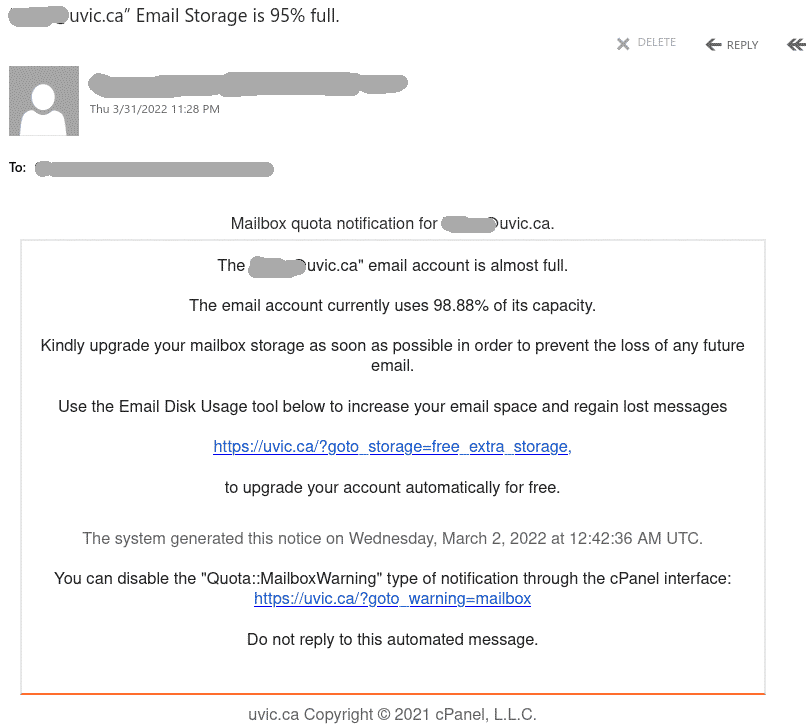
Email Storage is 95% full

This phish is circulating today.

Same old tactics – scary the user there is something wrong to deal with fast, navigate to a fake page, steal your UVic credentials.

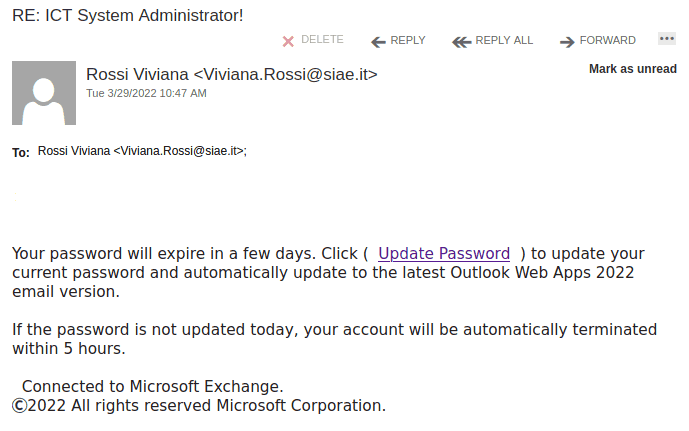
A screenshot of the phish message is shown below. The email of the recipient is included in the message. The links pretend to be internal but in fact point to an external site (that can be seen when hovering with the cursor above the link, without clicking).


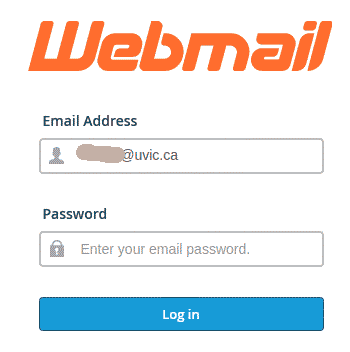
This is how the fake page looks like:
 

RE: ICT System Administrator!

This phish is circulating today. Nothing really innovative – if you don’t update your password , allegedly your account will be deleted withing 5 hours. Same old scary tactics – act fast, think less.
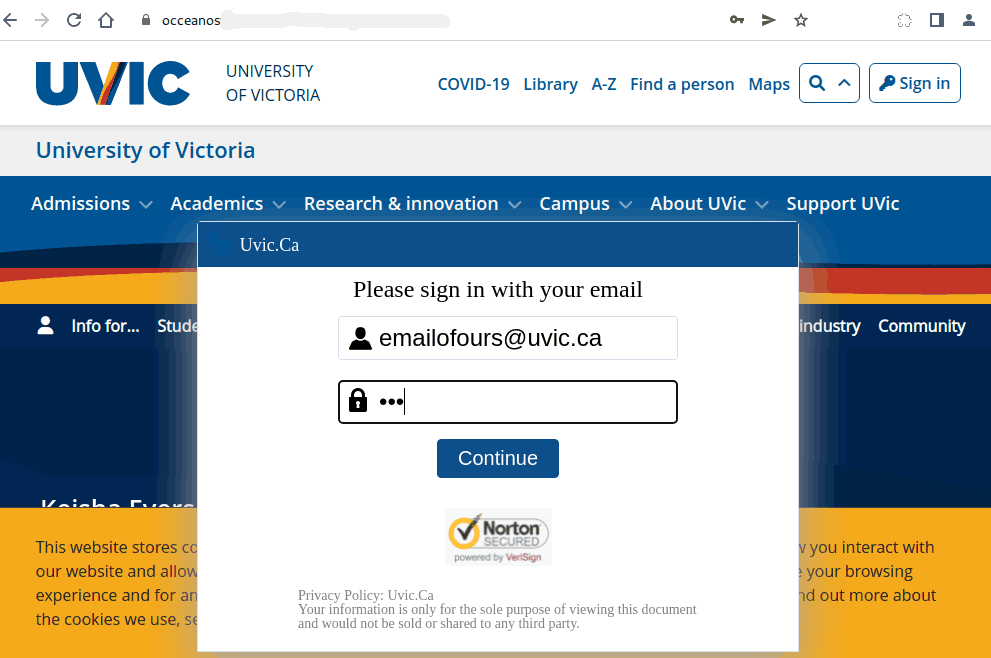
As usual a fake UVic-like page is designed with the single purpose to steal our credentials. In fact this time it is not quite UVic-like (shown at the bottom)
Please never click on suspicious links, don’t be curious. Sometimes these pages may contain malware to infect your machine instantly. Our experts open these in a dedicated isolated environment.

A screenshot of the phish is shown below. The sender is clearly external and the link is external too (the safe way to see it is to hover on it with the cursor without clicking).


————————-

The fake credentials page:

ACTION REQUIRED

As the subject suggests this malicious actor employs the trivial scary tactics. You have to act fast or allegedly you will lose emails. As usual a fake UVIc-like page is
designed with the single purpose to steal our credentials.

The sender is clearly external and the link is external too (the save way to see it is to hover on it with the cursor without clicking.

Below you can see the email that many UVic users received today. Please never click on suspicious links, don’t be curious. Sometimes these pages may contain malware to infect your machine instantly. Our experts open these in a dedicated isolated environment.


The fake page looks like this:

“Invoices” and other infected Excel attachments

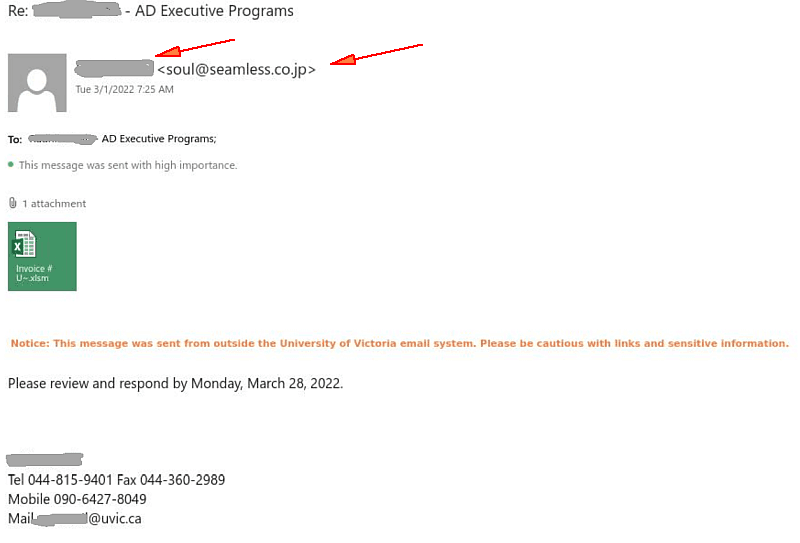
Today UVic users are attacked by emails containing infected Excel attachments. In some cases those impersonate UVic people and send to their colleagues (names redacted). In some cases the display name of the sender is just “uvic”. The sender address is clearly external. Note also their 044 phone numbers.
It can pretend to be an invoice or anything else as well.
Do not open these attachments!
Report by the phish button or call your desktop support for assistance.


You have pending incoming messages.

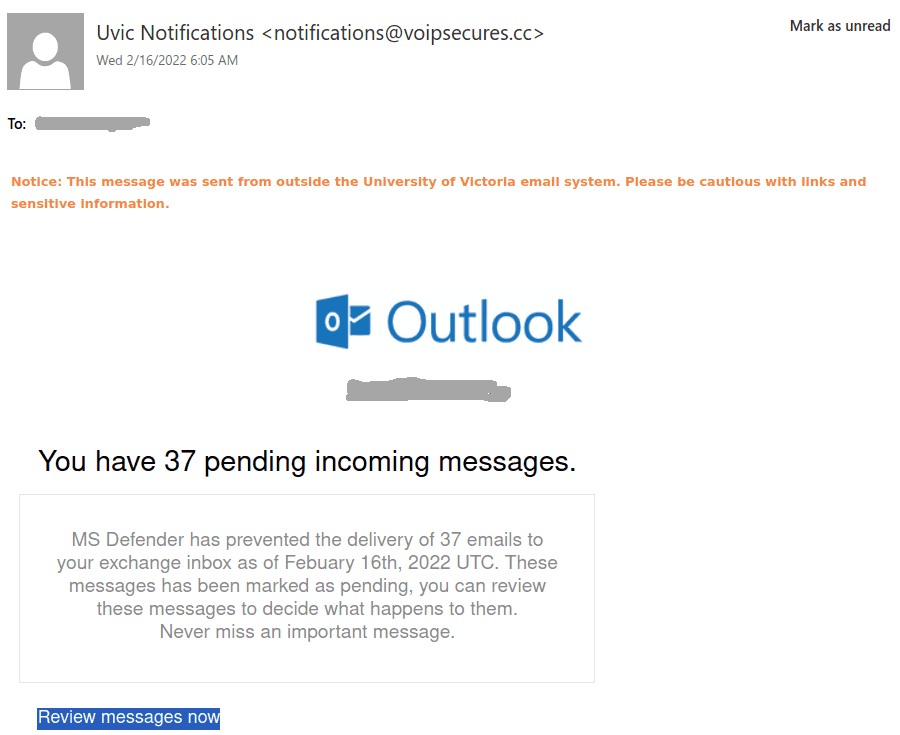
We see a  novel idea in the phish area today. This time they are trying to persuade you that MS Defender prevented delivery of email messages.
The sender is clearly external. The link to “review messages” is also external,
you can see it by hovering over it with the mouse cursor, without clicking.

Please do not click on such links out of curiosity, they may contain malware to infect your machine instantaneously. Our experts open those in a dedicated isolated environment.
The fake login page is pretty much like our regular Outlook Web Access page (aka OWA).

Final Important Notice !!

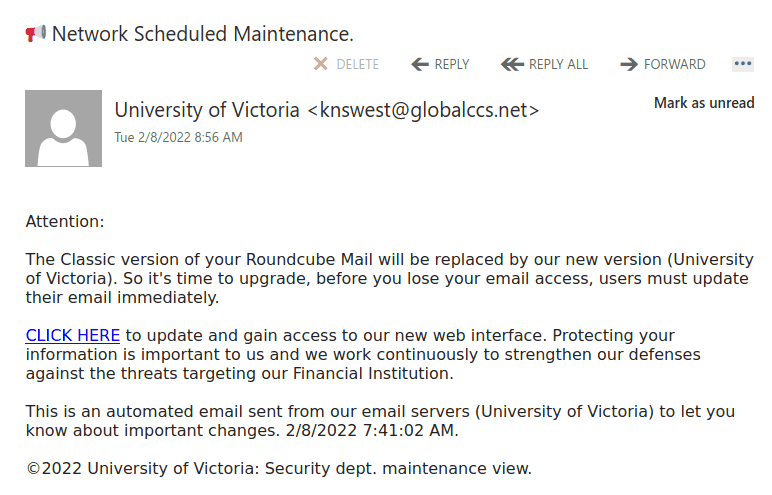
This phish claims roundcube mail was to be upgraded and asks you to click on a link that has nothing to do with UVic.  The sender is clearly external and if you hover over the link with the mouse cursor you will notice it is external too. Please do not click on such links out of curiosity, they may contain malware to infect your machine instantaneously. Our experts open those in a dedicated isolated environment.
The fake login page is shown at the bottom.


——————————————————————————–

Apparently the same actors sent the same link in a different phish, which has a different subject line but the same text in the body of the message. It looks like this:
———————————————

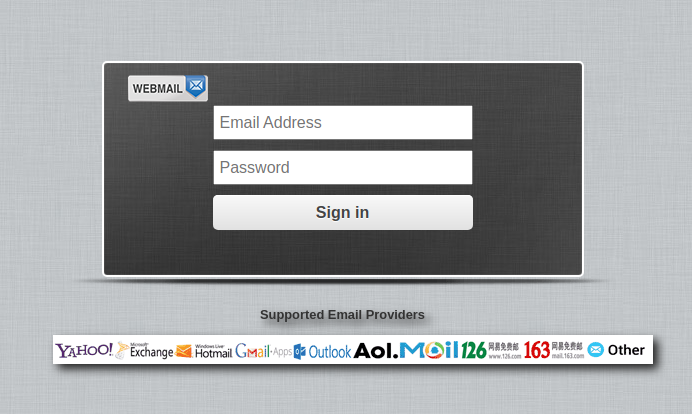
Below is the fake login page:

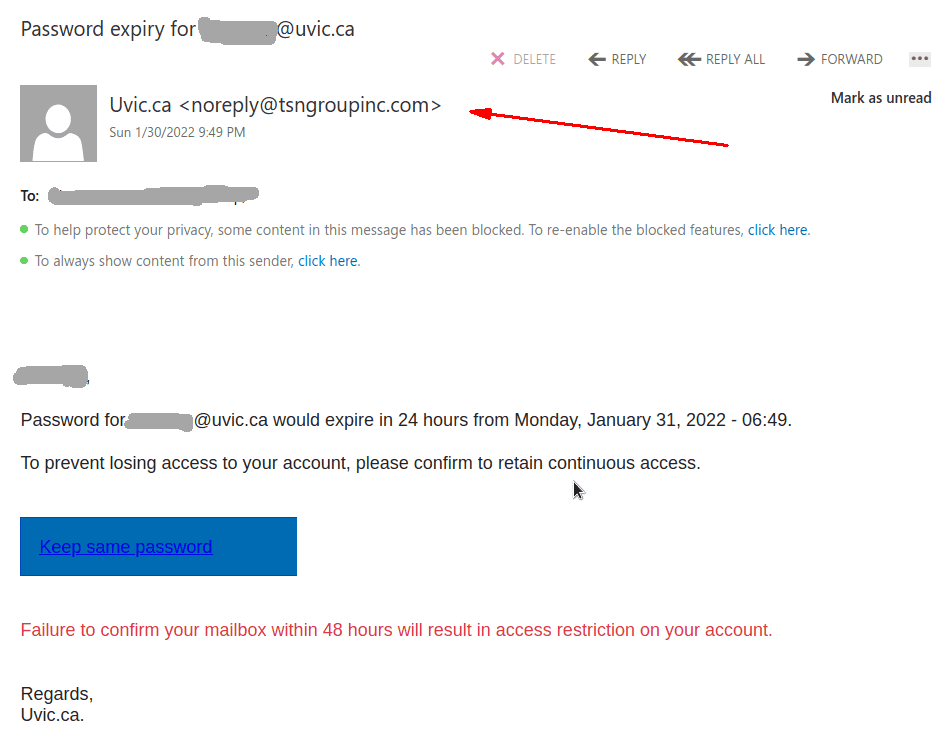
Password expiry for …

This phish was received by many UVic recipients today.  The usual tactic is employed – to scary the recipient to act fast, otherwise their password (allegedly) would expire. We don’t send such emails.
Note also the sender address — clearly external.
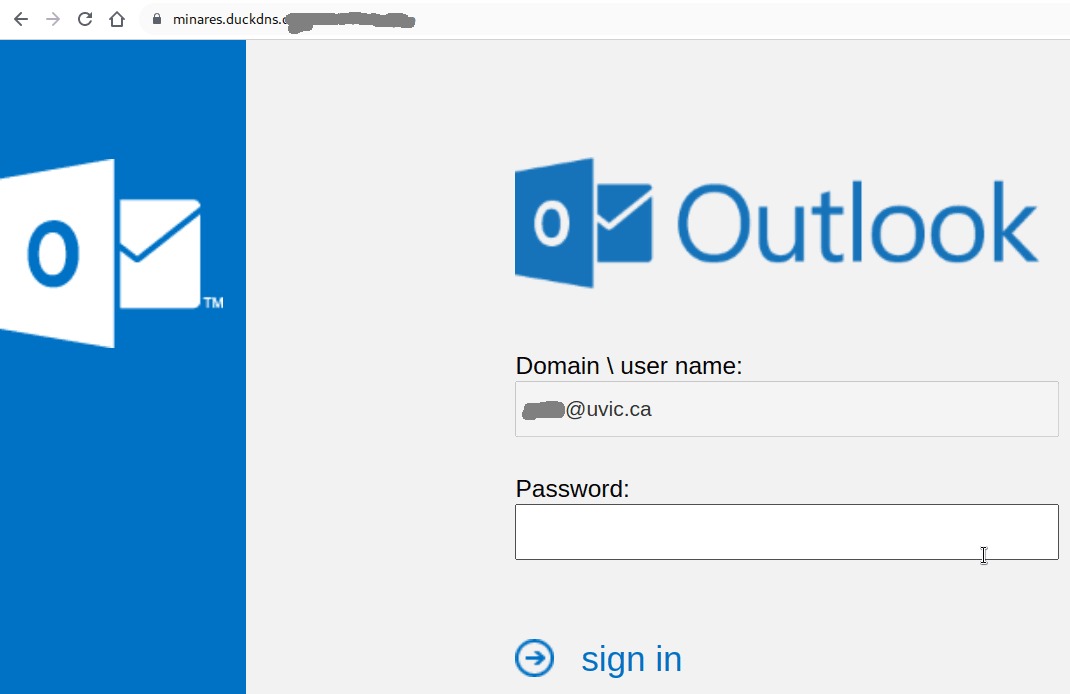
If you hover the mouse over the link (without clicking!) you will notice it is not a UVic address there. That link redirects to another which contains a CAPTCHA, to imply legitimacy, and after that you end up with the usual login page designed to steal your UVic credentials. The page contains your UVic email address thus implying you are at the right place. You are not.

=================================================================


This is how the fake page looks like:
It is important to remember that in some cases just loading the web page may get your workstation infected. This is why we always suggest not to be curious and not to click on such links even for a quick look. Our experts open those in dedicated isolated environments.

Hello

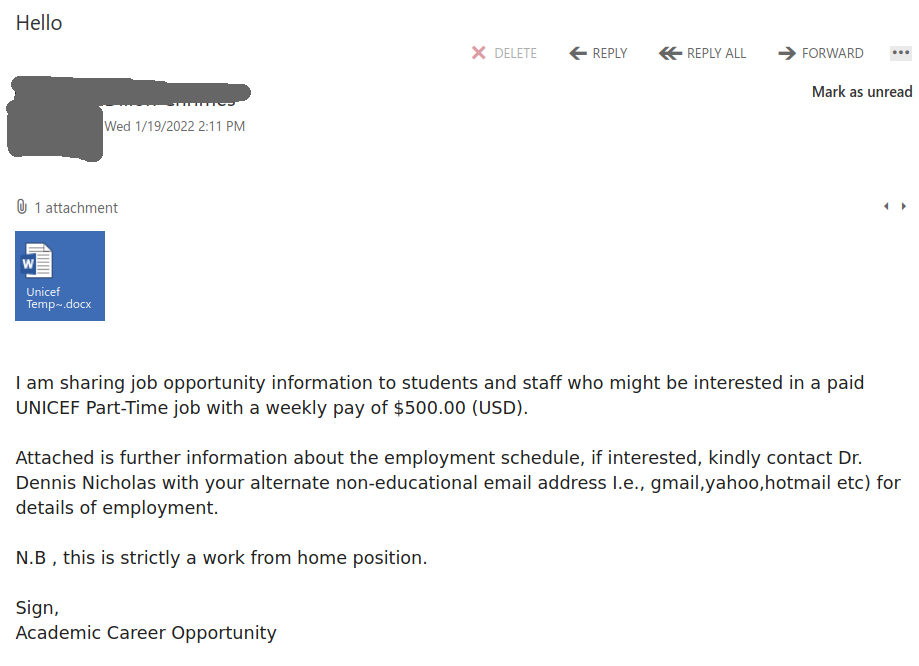
Similarly to our previous post, this phish was received by many UVic users today.
Such attachments may contain malicious scripts and macro’s. They may come from external senders but they may come also from internal compromised accounts. If unsure, ask your desktop support person for help, don’t be curious and don’t rush to open the attachments.

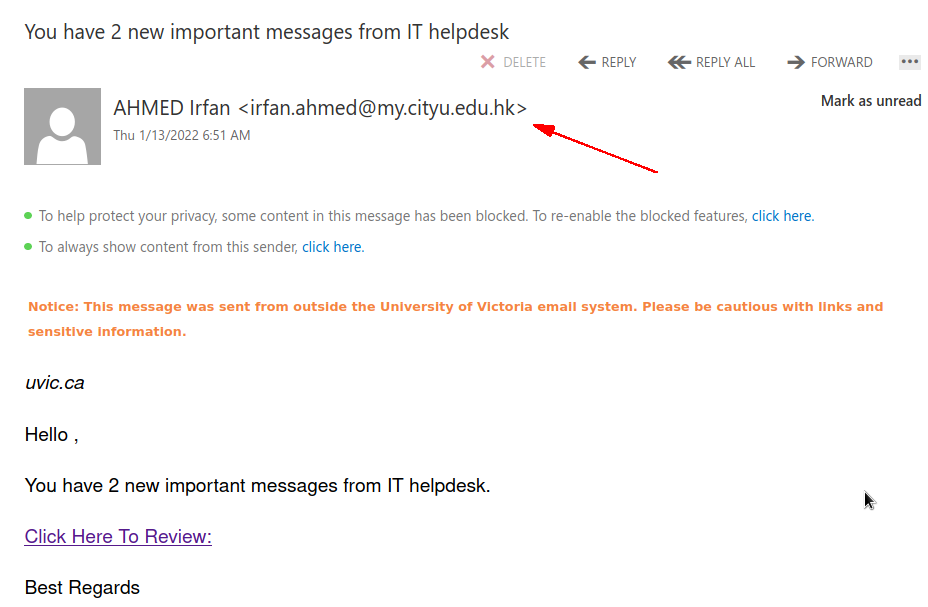
You have 2 new important messages from IT helpdesk.

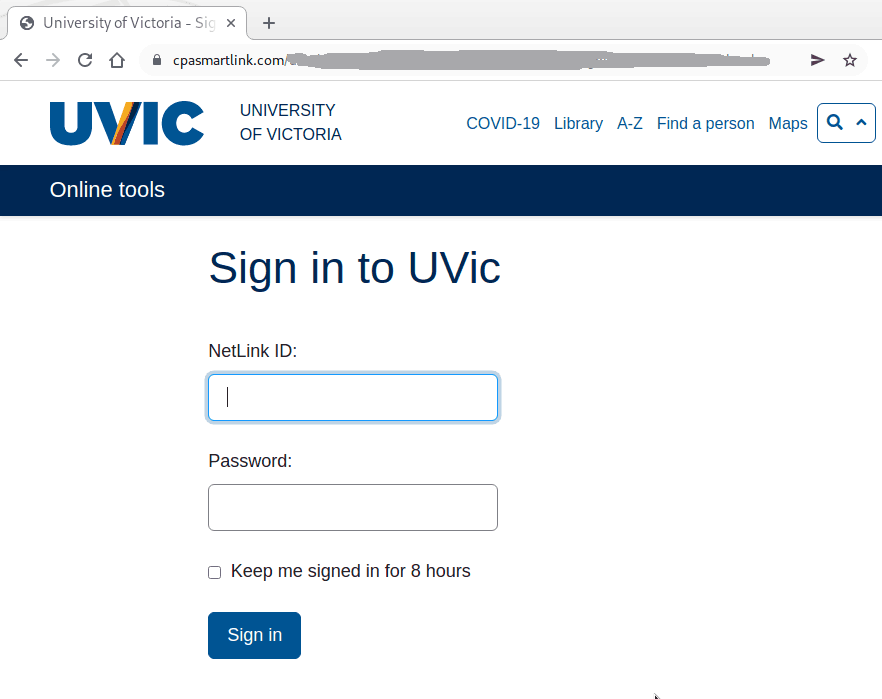
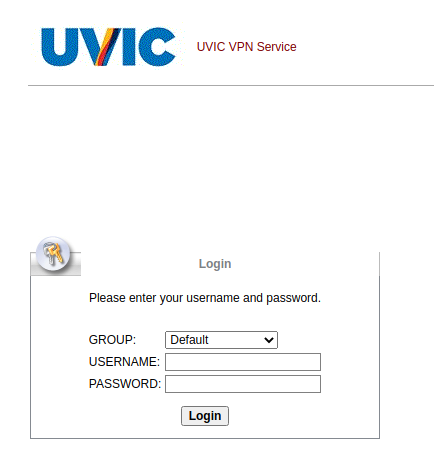
Many UVic users received a phish with this subject today. The text of the email looks quite trivial (see a screenshot below) but it leads to a very well copied fake UVic login page (also shown below). Another variation leads to a fake VPN login page. Note the address of the sender is external. Also it is easy to spot the links are external if you hover with the mouse cursor on those.  Please do not click on them, do not be curious. Your computer may get malware even just by visiting such pages. Our experts investigate them by using specially  isolated computers.

The email:


The fake login page:

The fake VPN login page:

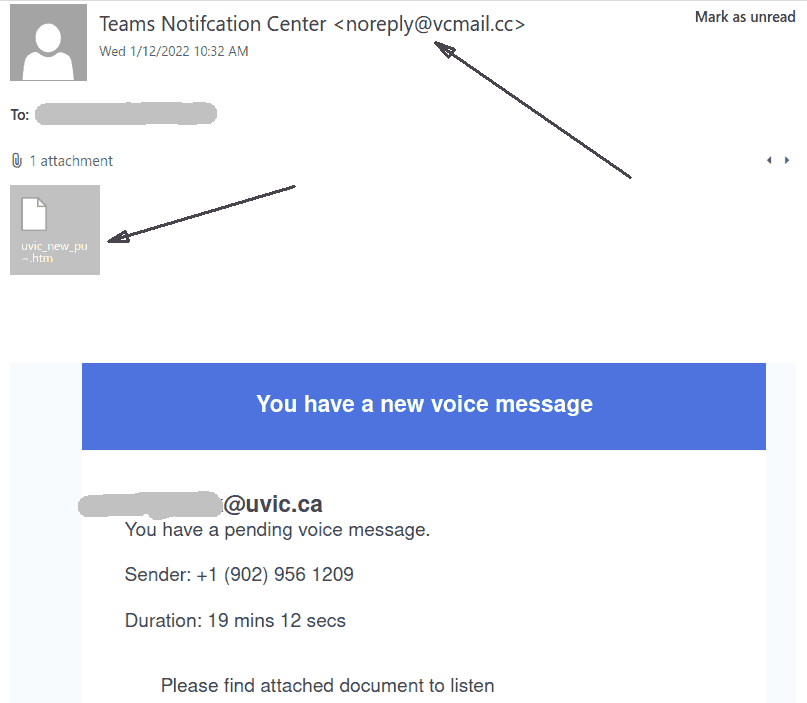
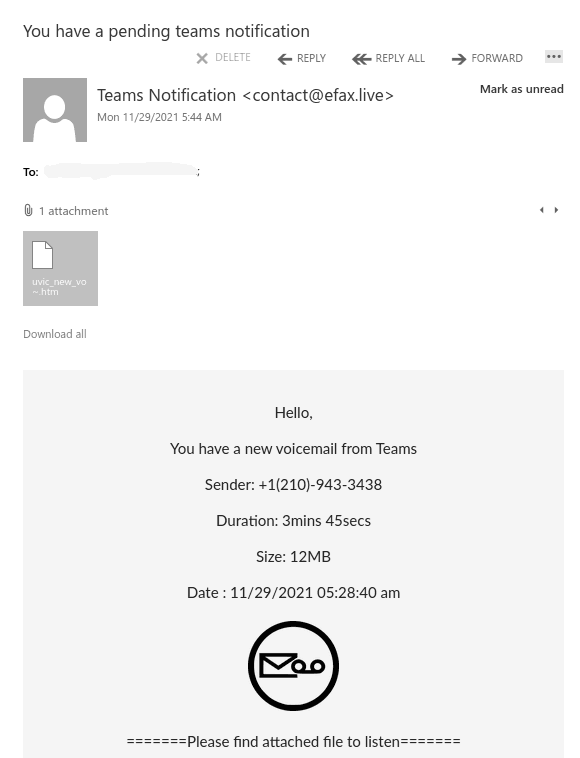
You have a new voice message

Voice mail” phish has been around for years.
Yet some people see it for the first time and may fall victims. Generally it claims you have a voice message to hear. You click on the attachment but rather than a voice recording it is a html file which contains malware, or in more sophisticated cases – it redirects you to an external web page where you are supposed to hear the promised recording. That page may or may not require credentials – if you put your UVic credentials they get stolen and the attacker has access to all UVic resources that you have access to. The “recording” may in fact be malware which will take control of your workstation the moment you load it.  Moreover in some cases just loading the web page may get your workstation infected.

This is why we always suggest not to be curious and not to click on such links even for a quick look. Our experts open those in dedicated isolated environments.

Same trick is applied with all kinds of  alleged “documents”, for example the subject “Scanned documents” is heavily used by scammers.


Note the sender’s address and the .htm attachment.


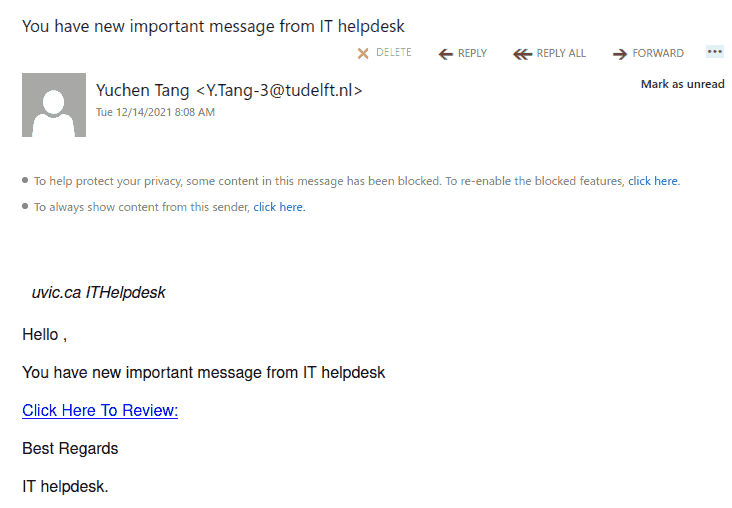
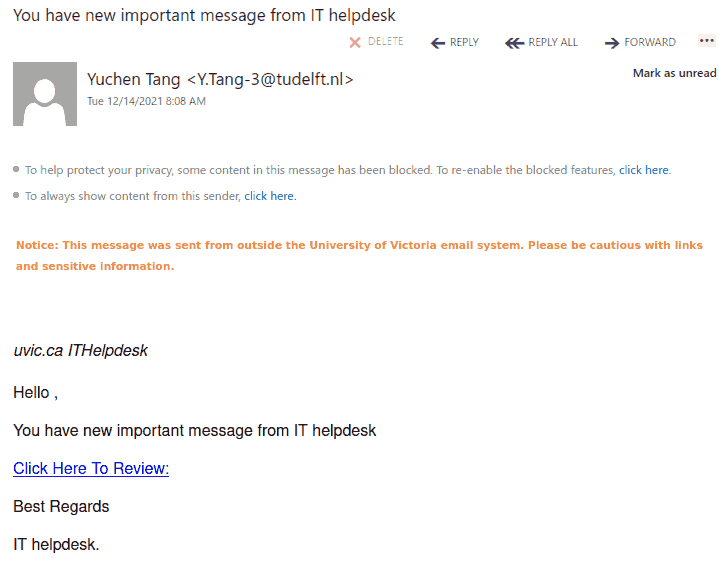
You have new important message from IT helpdesk

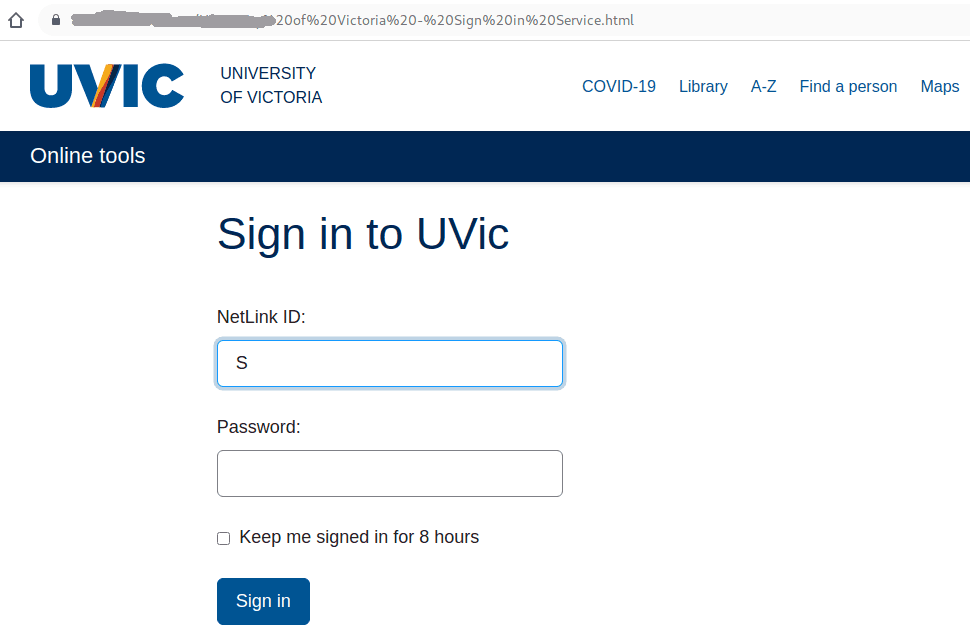
This phish is circulating today. The link leads to a very precise copy of the real UVic login page, stored by malicious actors on some external server. As usual the goal is to steal your UVic credentials.

If you hover with the mouse cursor over the link without clicking you can clearly see the address of the fake page is not on uvic.ca.

We are showing below two examples of the same phish from two different recipients. The first did not subscribe to get the “External sender” banner, while the second did.  You can subscribe to flag external emails on this page (the bottom):
https://web.uvic.ca/sysprog/cgi-bin/spamhater.pl


Please don’t be curious and don’t click on such links because sometimes they may contain malware which can infect your computer in an instant.
The fake page is shown below:

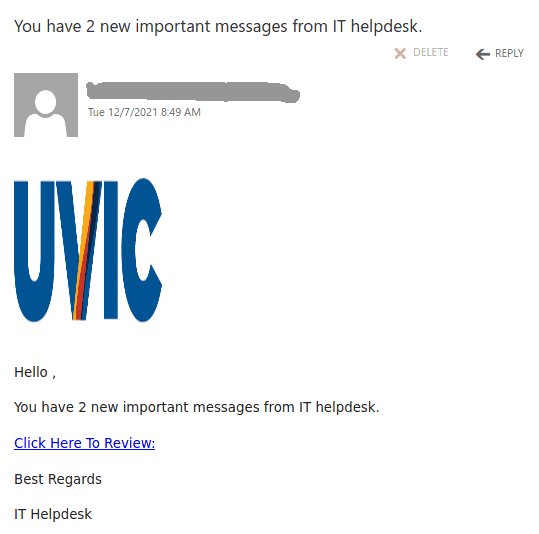
You have 2 new important messages from IT helpdesk

This phish is circulating today. It uses the UVic logo and the link leads to a very precise copy of the real UVic login page, stored by malicious actors on some external server. As usual the goal is to steal your UVic credentials.

If you hover with the mouse cursor over the link without clicking you can clearly see the address of the fake page is not on uvic.ca.

Please don’t be curious and don’t click on such links because sometimes they may contain malware which can infect your computer in an instant.

You have a pending teams notification

This phish is circulating today, but we have seen similar in the past and perhaps there will be more in the future. What is common — they contain a malicious .htm or .html  attachment.

The one from today (see a screenshot below) raises too many red flags:

  • It comes from some external sender.
  • Voicemail from Teams???
  • Claims the size to be 12Mb but it is actually very tiny.
  • A voice recording wouldn’t come in a html file

Please ask the Helpdesk or your dedicated Desktop support person but never open these attachments if not sure about their legitimacy.

This one in paricular contains a link which loads up automatically in the browser when you open the attachment.  That page contains scripts that start downloading malicious content onto your computer.

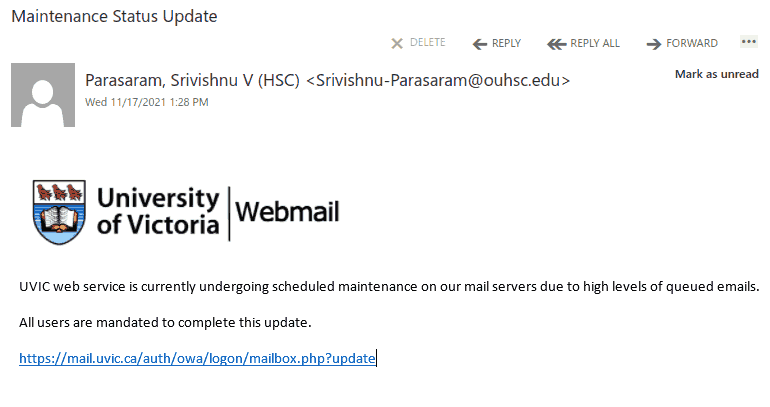
UVic web service is currently undergoing scheduled maintenance.

Many UVic users received this phish today. It uses the UVic logo and a malicious link is disguised to look like belonging to UVic. In fact it points to an external address which you can see by hovering the mouse pointer over the link.
Obviously the sender is also external.


As always – we suggest not to be curious and not to click on such links even for a quick look. Some of them may contain malware and infect your machine almost instantly. Our experts open those in dedicated isolated environments.

Your email deactivation will complete in less than 48 hours.

This phish was received by numerous  UVic recipients this morning. The malicious actors used the usual tactics – to scare the recipient to act fast in order to prevent their account from deactivation.
The link points to a webpage in the .hu domain which belongs to Hungary.
The senders addresses are different but most appear to be in the gov.jm  and go.ug domains.