THANKS
for the
MEME-ories!
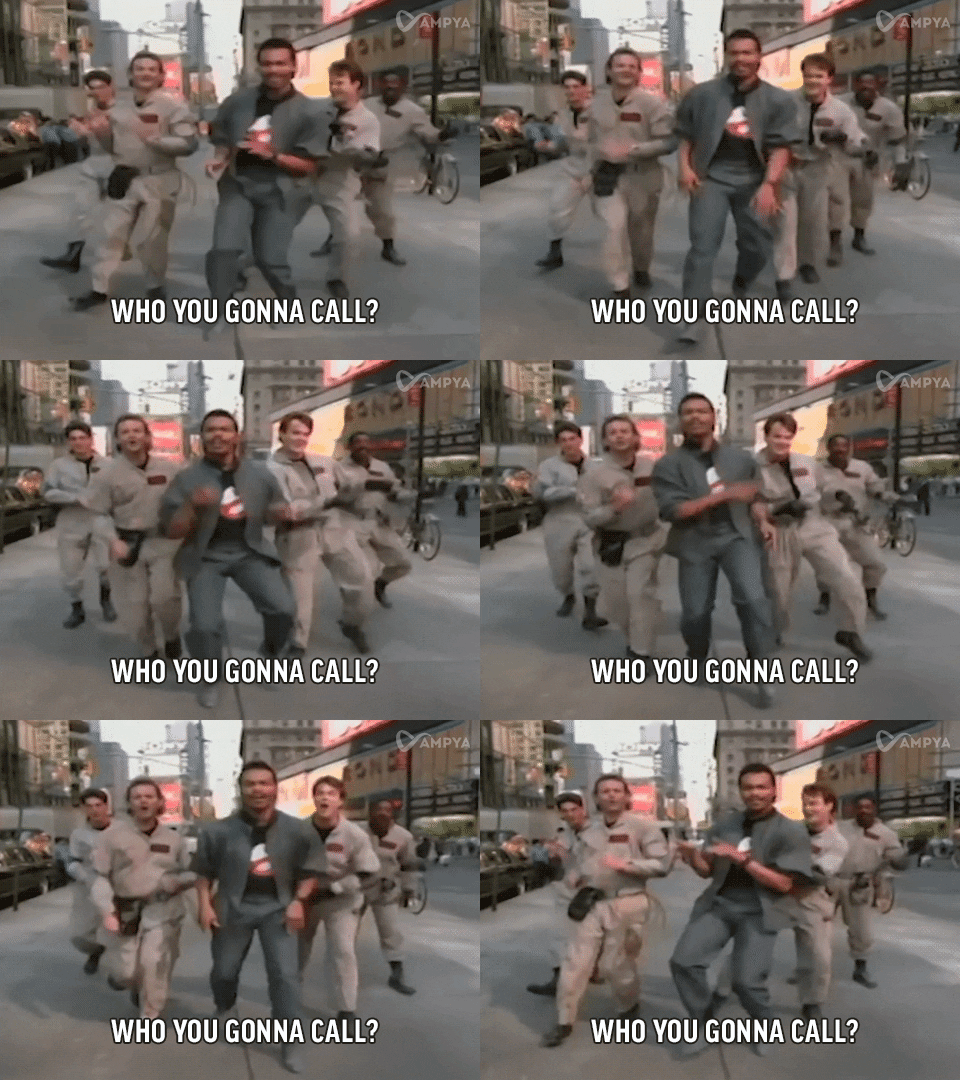
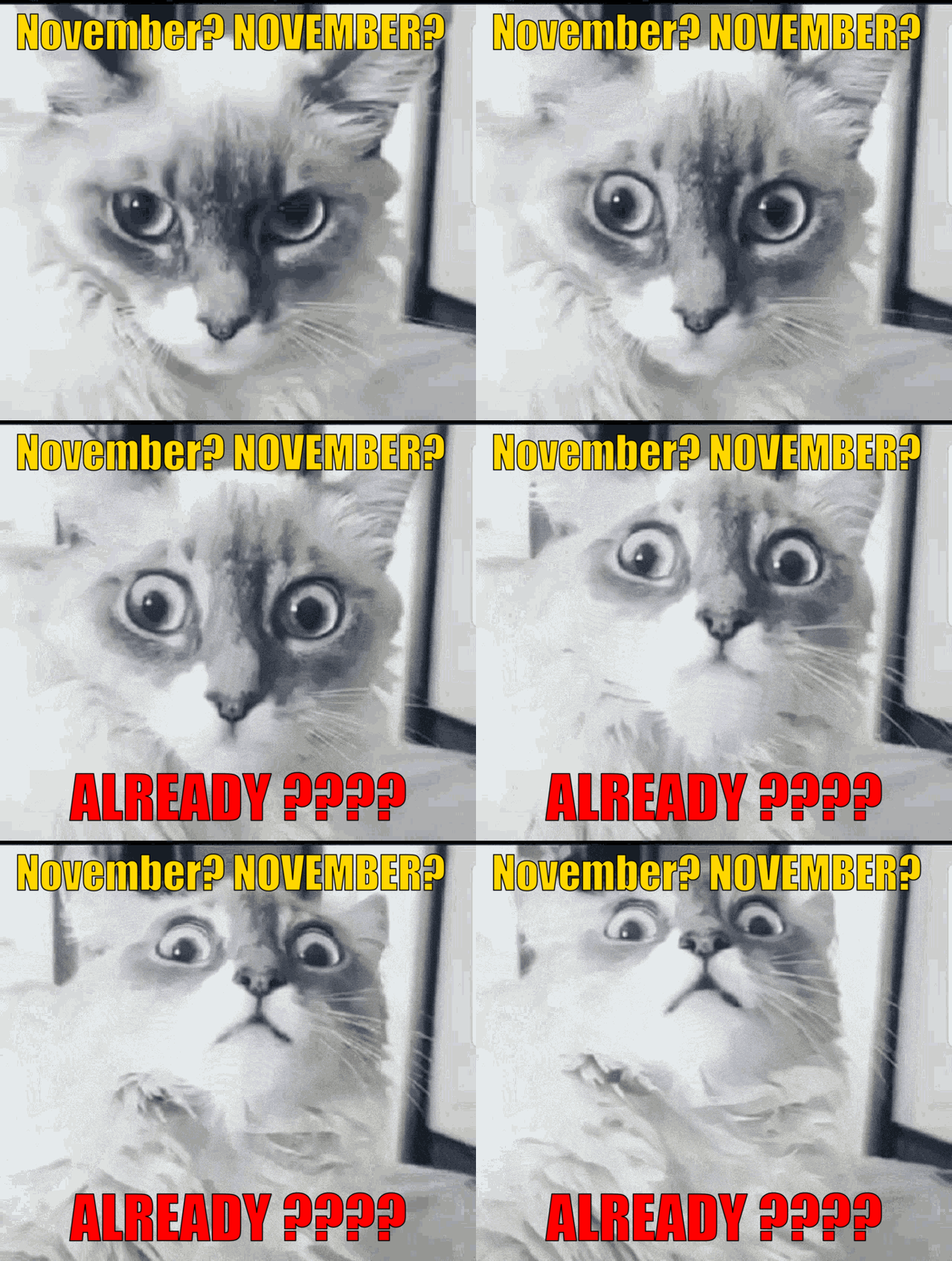
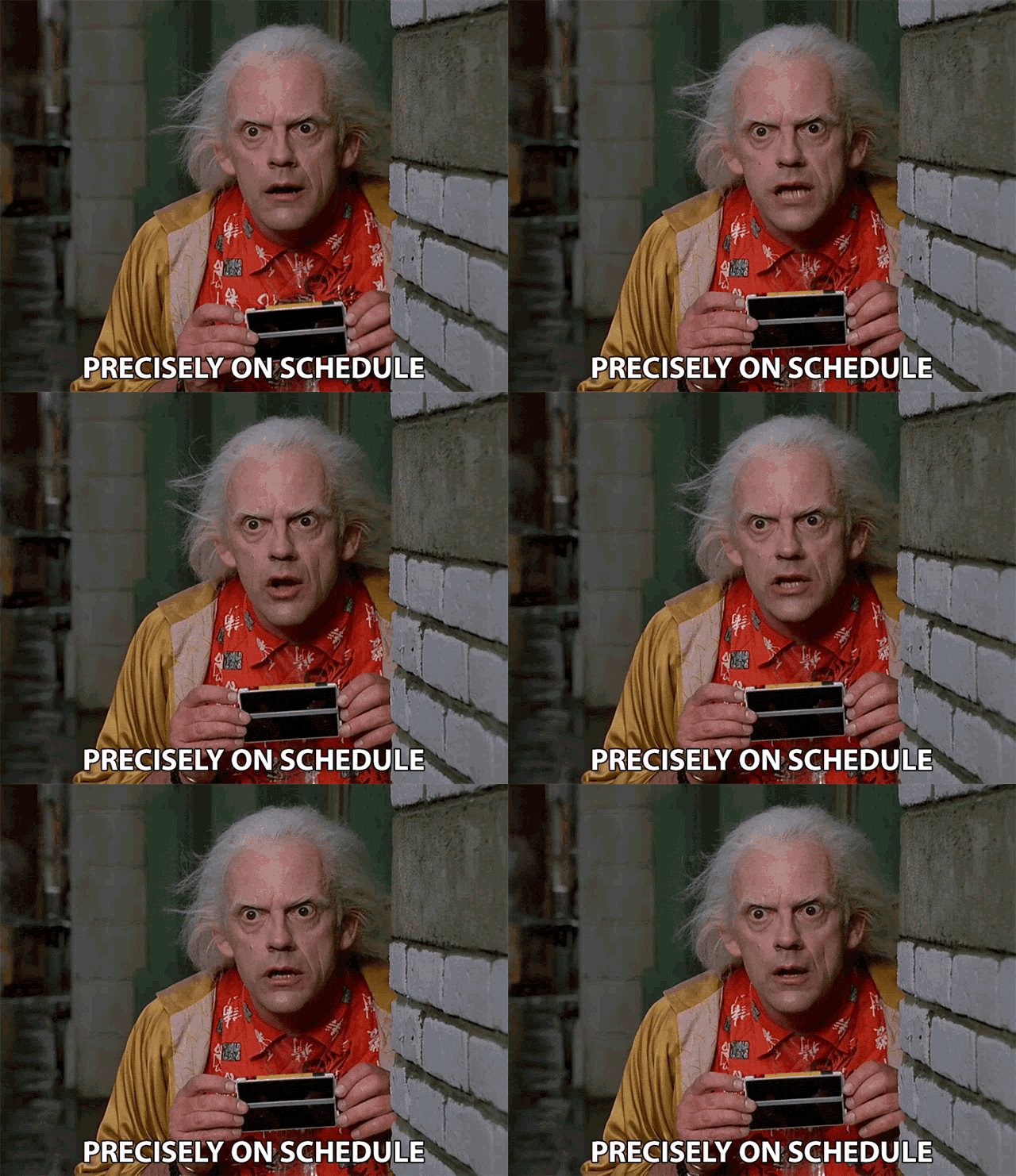
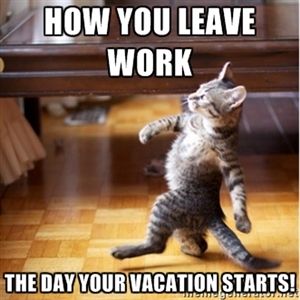
A constant mainstay of most of my posts are … MEMES! Yeah, yeah, yeah ….  everybody does Memes! And … that is a good thing! See, just added one there of Martha Stewart! And probably all you youngsters out there won’t know who she is or her catch phrase! That is okay and that too is … A Good Thing! I guess that makes this a Meta-Meme! LOL!
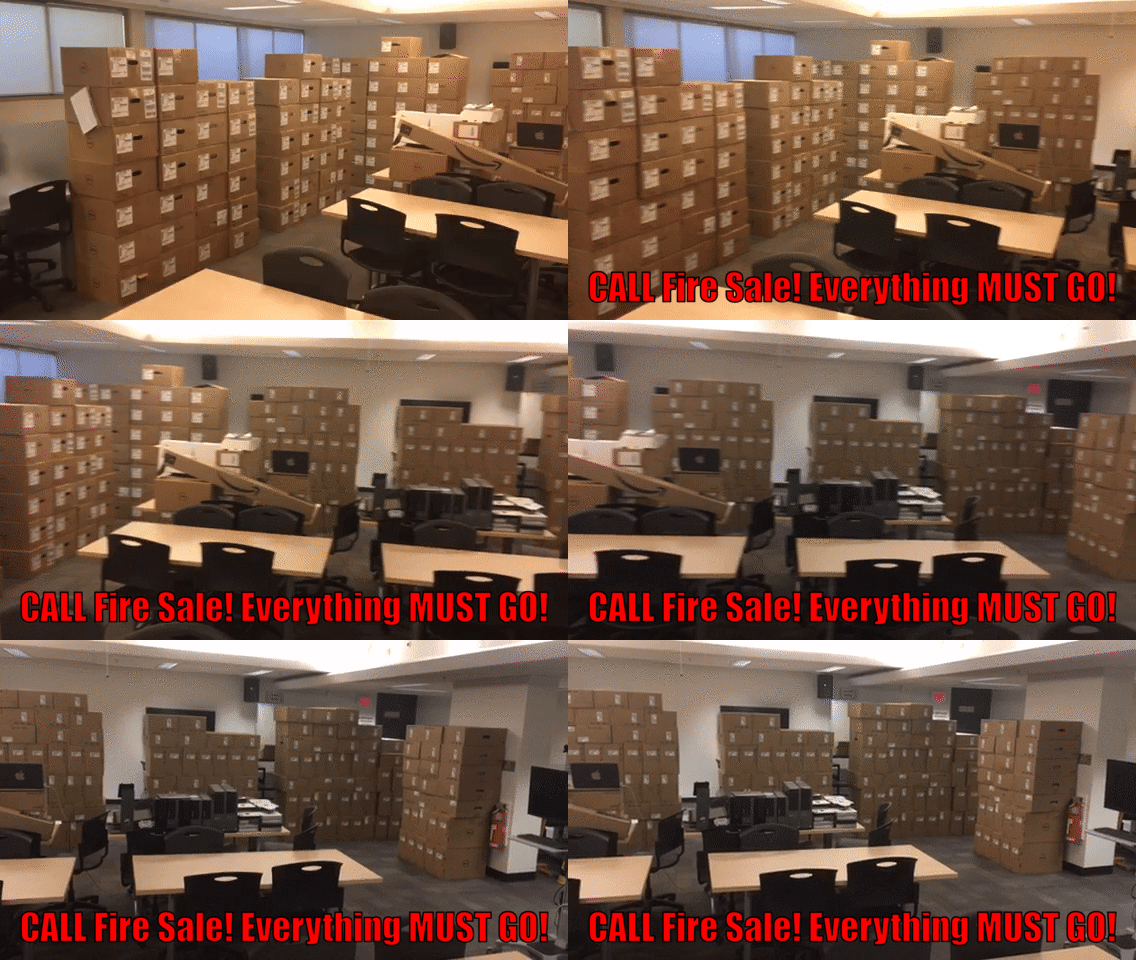
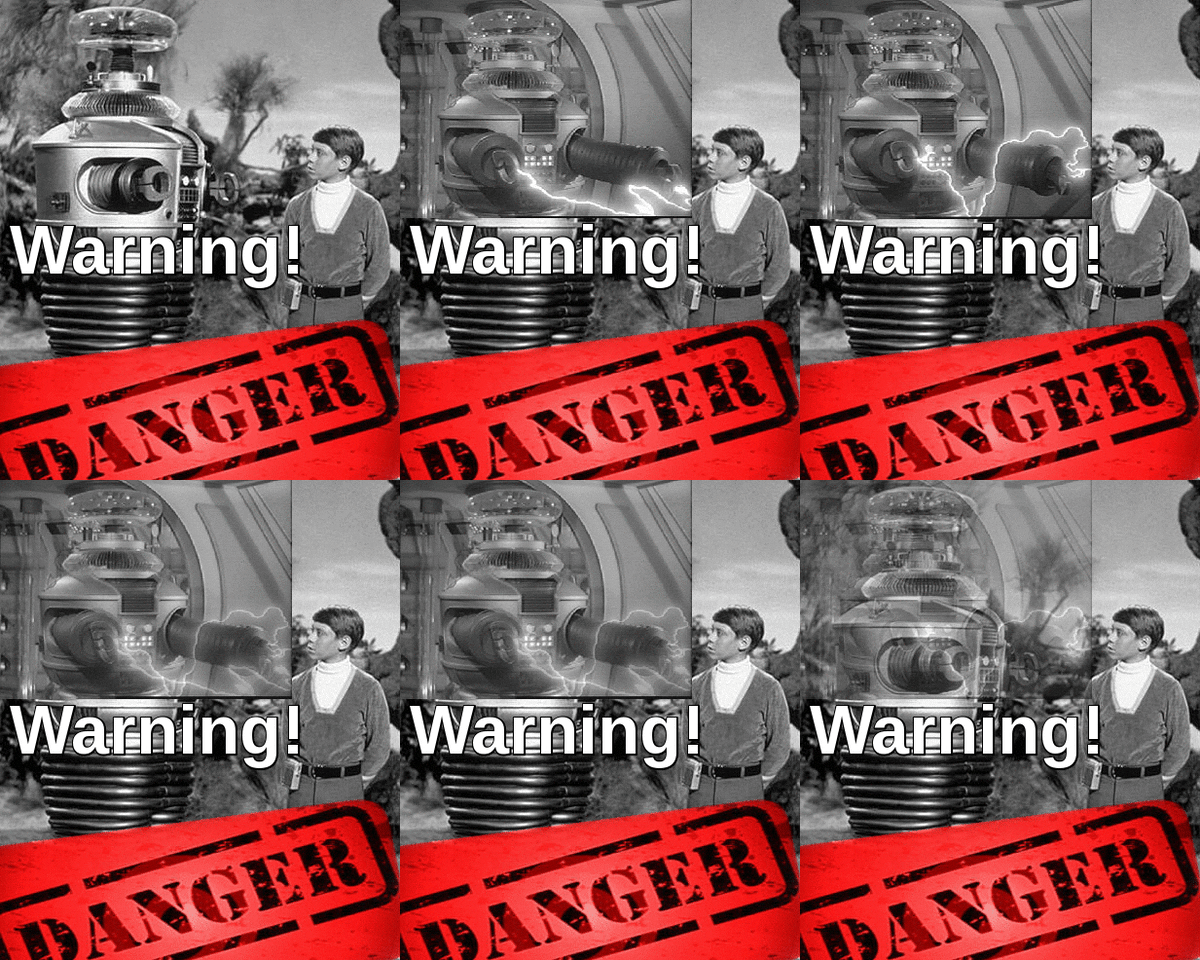
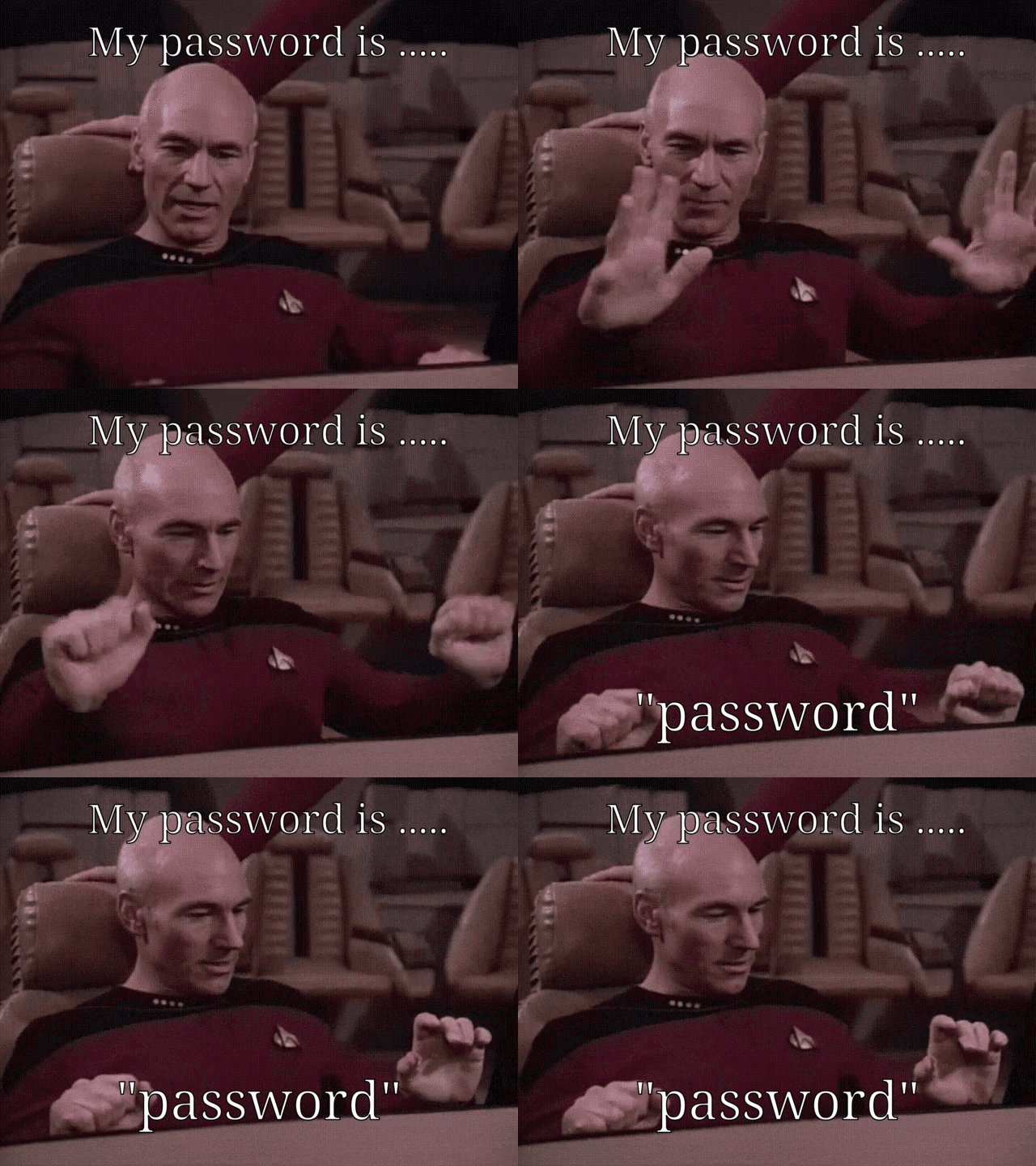
I generously populate my posts with home grown memes and gifs! Some might argue that a meme should NOT be a GIF. That would NOT be … ME! A picture might be worth 1000 words (+GST/PST), so why not animate it, and add a few more to the mix! The more the meme-ier! LOL!
I use an online site called ezgif.com to do most of my editing. All you need it  an original image or gif and you can quickly and easily make it into anything you want! And if you can’t find the exact meme or animated gif …. you can import your own VIDEO clip! I use handbrake to ‘harvest’ a few seconds of movies or YouTube clips. Then it only takes a few minutes to really figure out how add text to your new GIF! I even wrote a post about it called ‘Adding Text to GIFs … Jeopardy GIF/MEME Version!‘ way back in May of 2021! I have a mini lesson there but oodles of links for you to explore as well! I think it is one of my better posts as I use GIFs every day and try to think of new ones or new techniques too! Hardly a CHD meeting goes by without SOMEONE including a relevant and hilarious GIF … you know who you are!
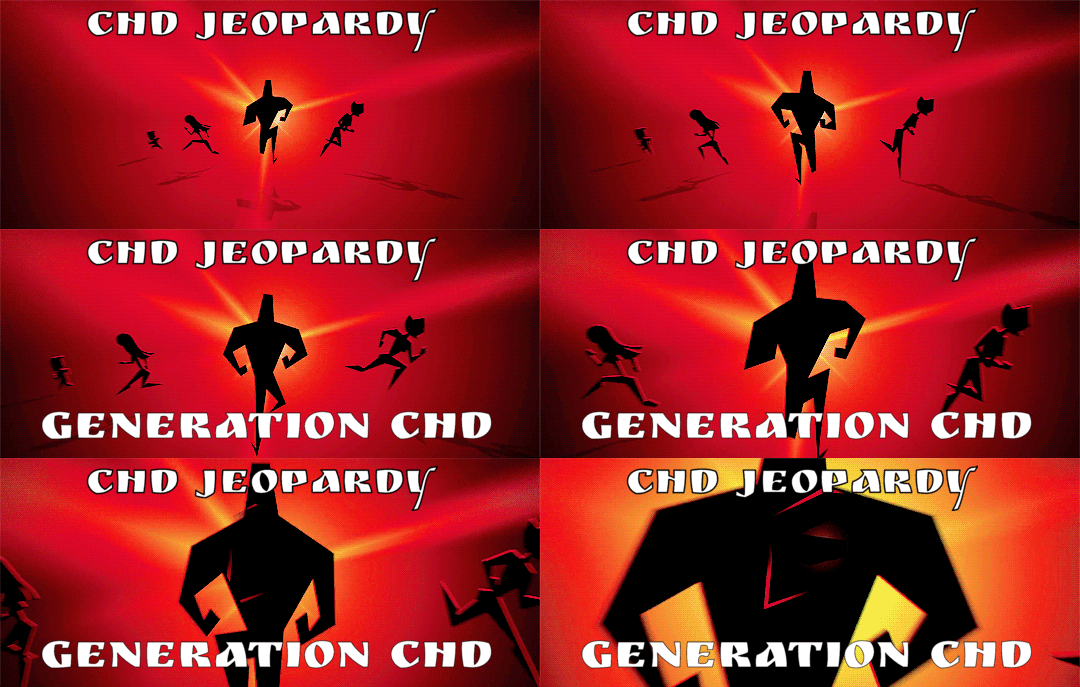
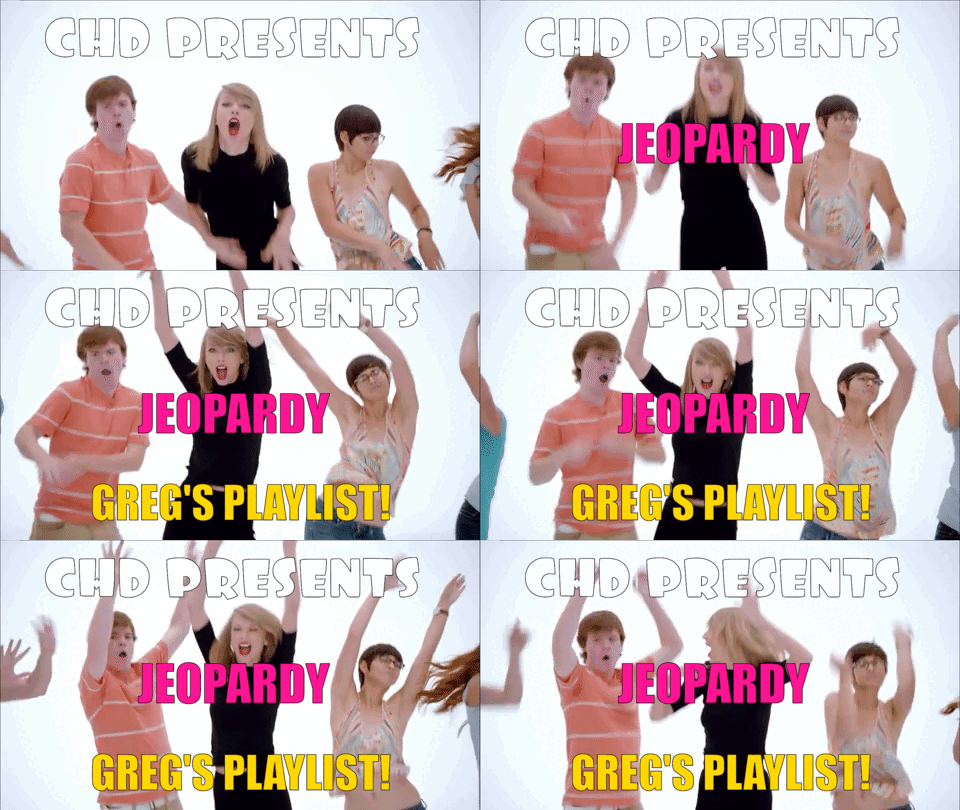
But I also like to be creative in PowerPoint too, for all the CHD Jeopardy training sessions each semester! GIFs created at ezgif are standalone and great!
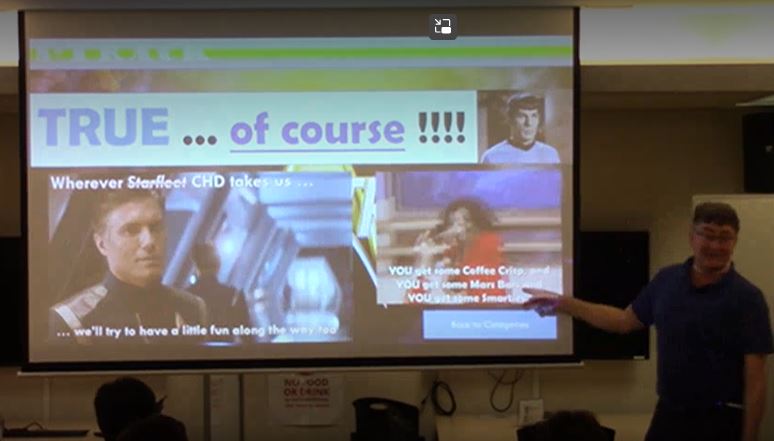
But in PowerPoint, you can place a ‘clean’ or ‘untexted’ file and then use PowerPoint to add animated text AFTER the image shows up, or WITH IT too! So, the GIF can ‘fly in’ from the left side and then the text can ‘fly in’ (or anything!) from the right side! So, it adds another level of animation to the GIF! I use both!
 There are probably an infinite number of bloggers, making an infinite number of GIFs on the internet! So, give it a try and see what you can make on your own! Start easy with a simple favourite GIF of anything! Add a few lines of text, change the font
 , the colour, the timing! And then try it in PowerPoint too! Be creative! Take chances! Make mistakes! Get messy! AND HAVE FUN! That might be a more ‘timely’ or ‘generational’ GIF for all of the younger bloggers!
I am guilty on all those counts …. sentenced to lifetime imprisonment for flagrant and repetitive bad graphic design work! My daughter is a professional Graphic Designer and … you guessed it … rolls her eyes every time I talk about what I did for the most recent Jeopardy! LOL!
I am also adding a post called ‘GIFs‘ with JUST FAVOURITE CALL MEMES IN IT HERE! Some with text and some without! And below will be many of my most recent memes from here at Bog Blog! Enjoy! And although OAC does not like putting up PowerPoint files, all the CHD Jeopardy training sessions are in PDF format and the GIFS, although not animated, are there! Just click on my Page for CALL Jeopardy Opus! Need any, let me know!





TTFN!

























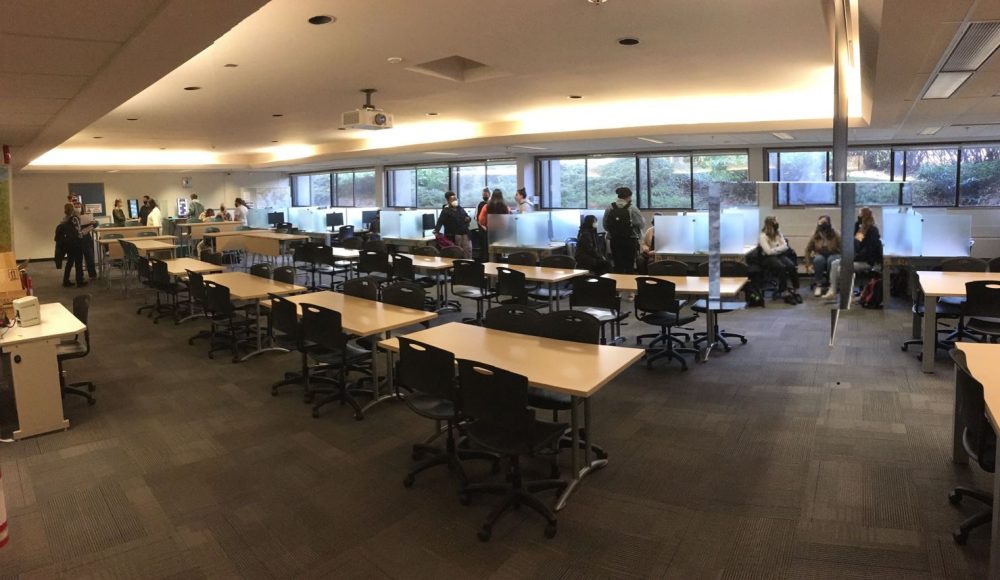


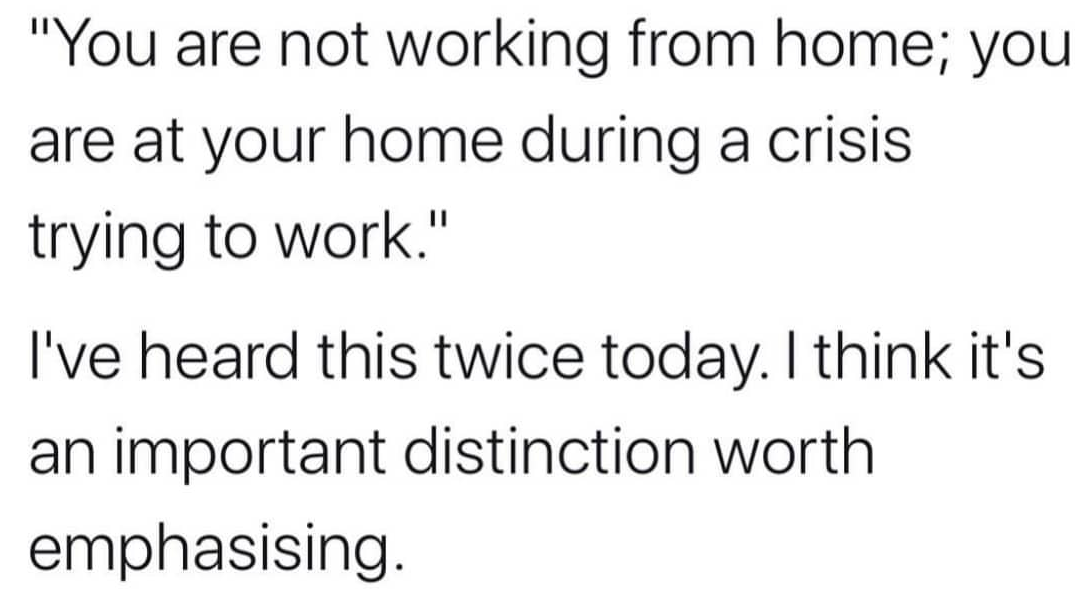
 with such amazing and incredible colleagues at The Computer Help Desk over the past … 500+ DAYS! Yes, it has been that long since we started working remotely, late in March of 2020!





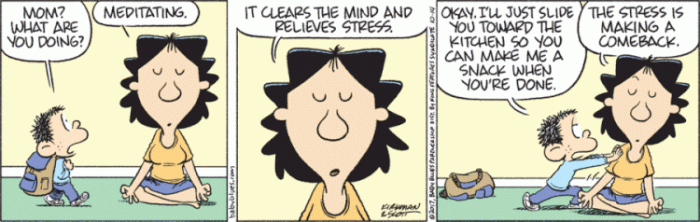
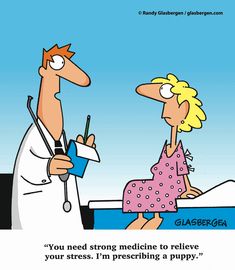
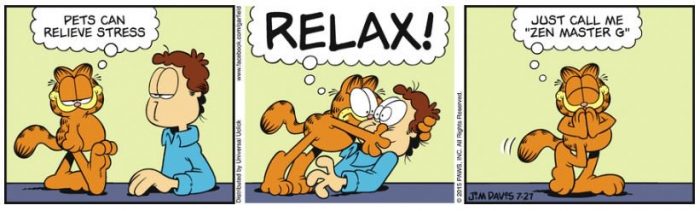
 In hindsight,it was not as stressful as at the moment! But … I decided to …. just keep mowing, just keep mowing and it relieved my stress! Thanks Dori!
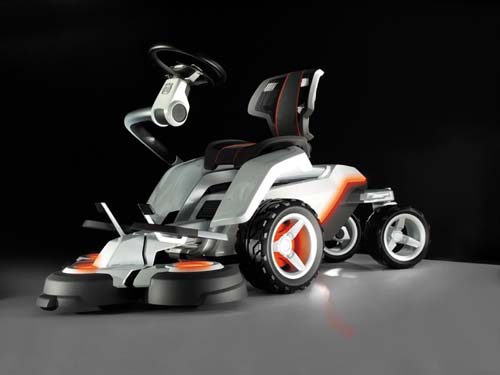



 Full Disclosure

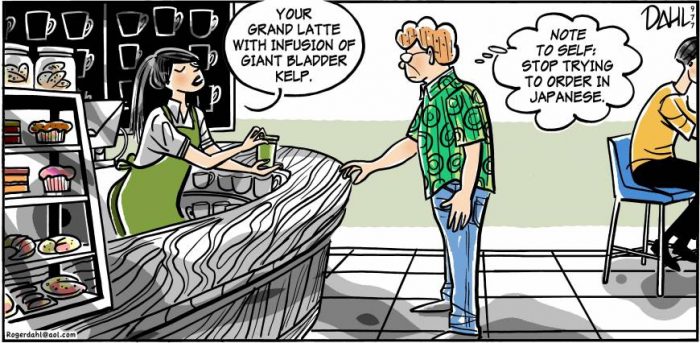
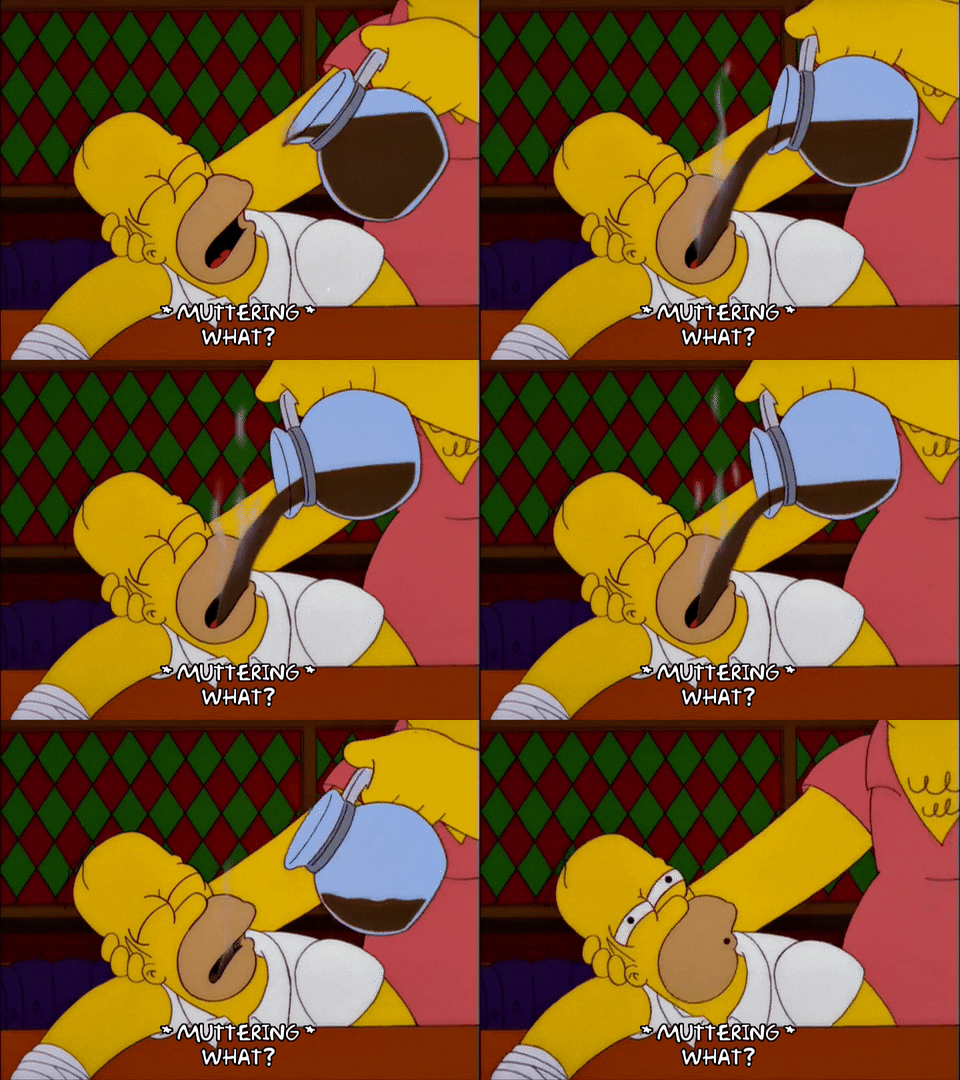
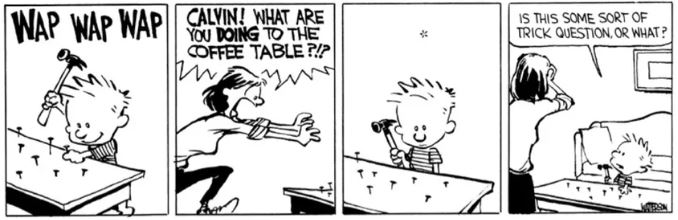
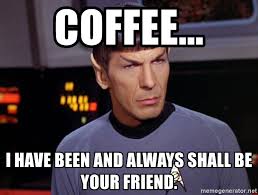
 Did you know that coffee dates back to 800 A.D.? And that in Arabic, it literally translates into ‘wine’! Cool! There are multiple links below, as always, and you can try a few out and find out even MORE interesting facts about the World’s Most Popular Beverage, by far –
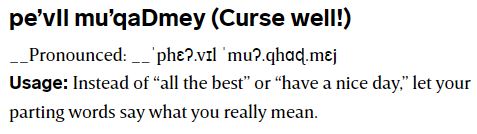
 As long as there are words out there, there will be interesting topics!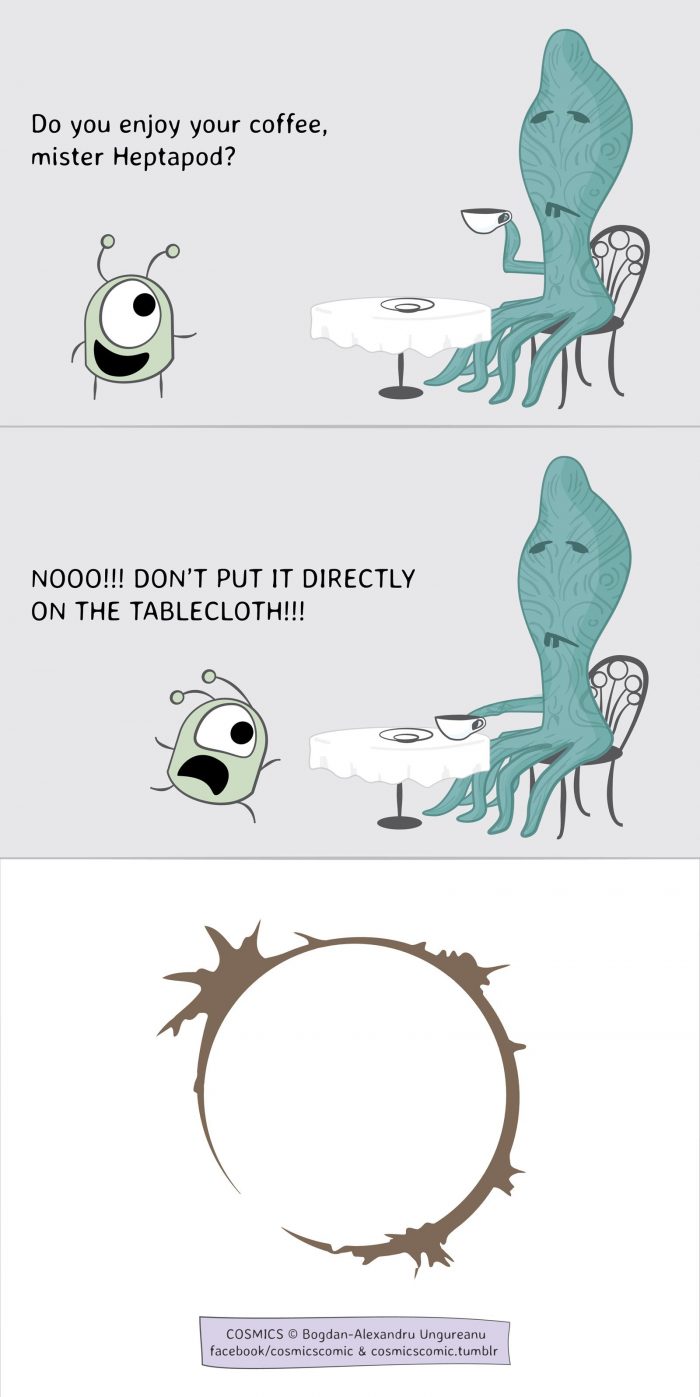



 Full Disclosure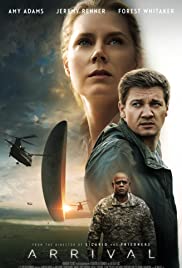

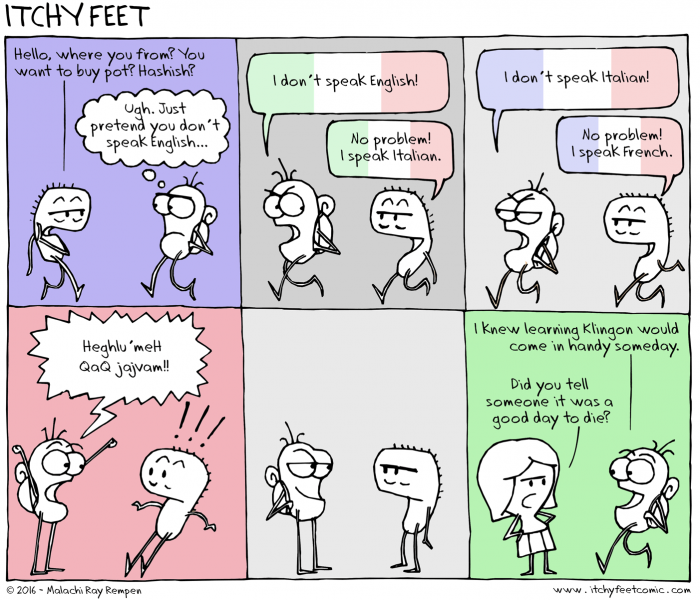
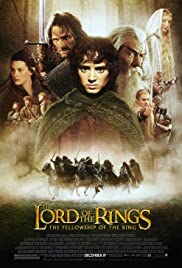 And of course, one of the biggest blockbusters of all time, Tolkien’s Lord of the Rings and prequel The Hobbit, contain MANY made up languages by J.R.R. Tolkien! And another


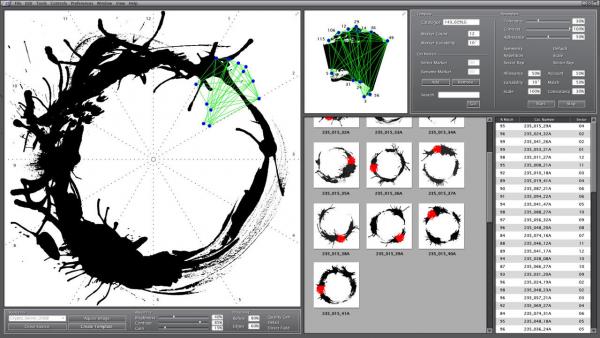


 WAY back when, I took a computer science course at the University of Calgary. One ‘advanced’ assignment was to read in a random paragraph, generated by the Prof, then scan the paragraph and change some words to … OTHER words! They weren’t misspelled, but it was the pre-cursor to spellcheckers, grammar checkers and word processing! Oh, did I mention … we had to program in
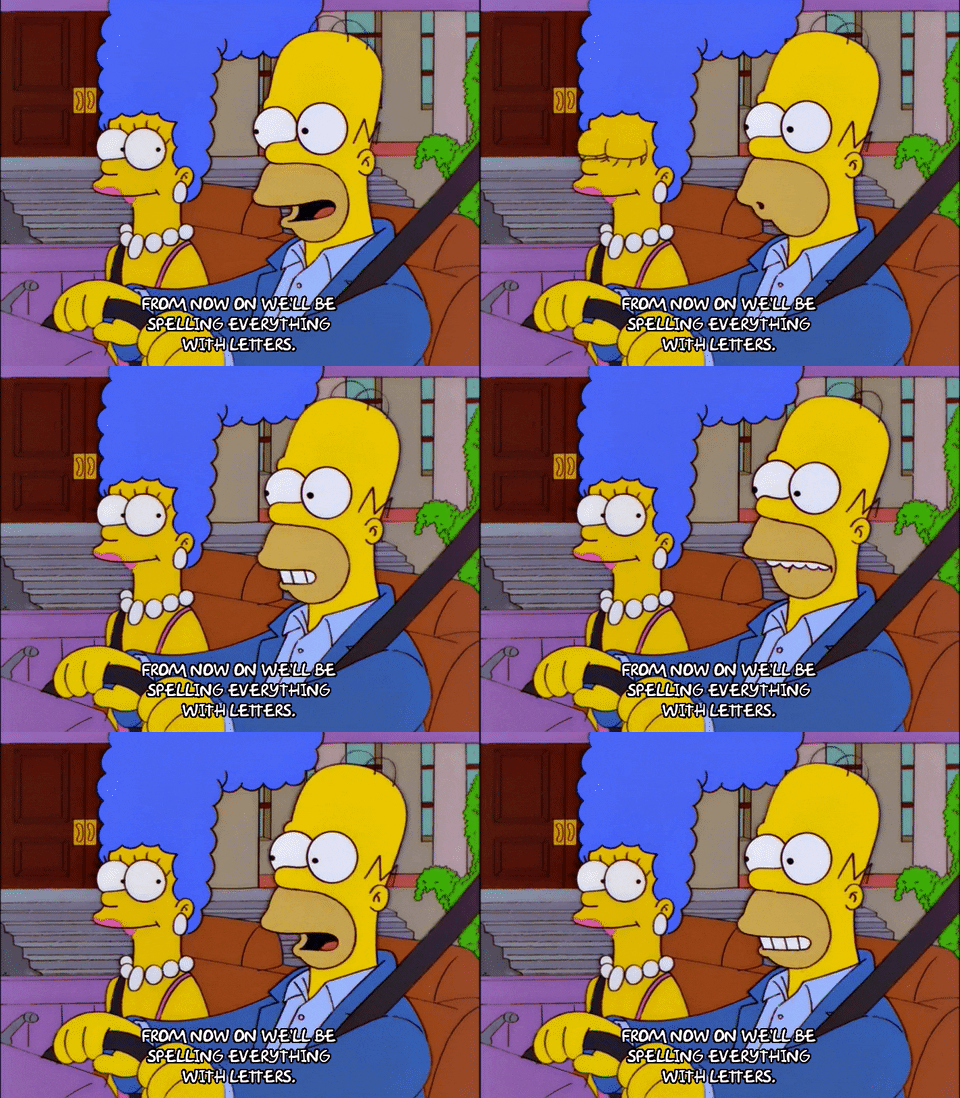 Personally, I just crank out the text, I try and catch my spelling mistakes, but I know that upon another read through, I will let Bill Gates decide what word I want to use. OOPS, forgot about that US vs Canadian spelling! And that might also be a future post too – different spellings for common words in US, Canada, UK, Australia, etc. and more