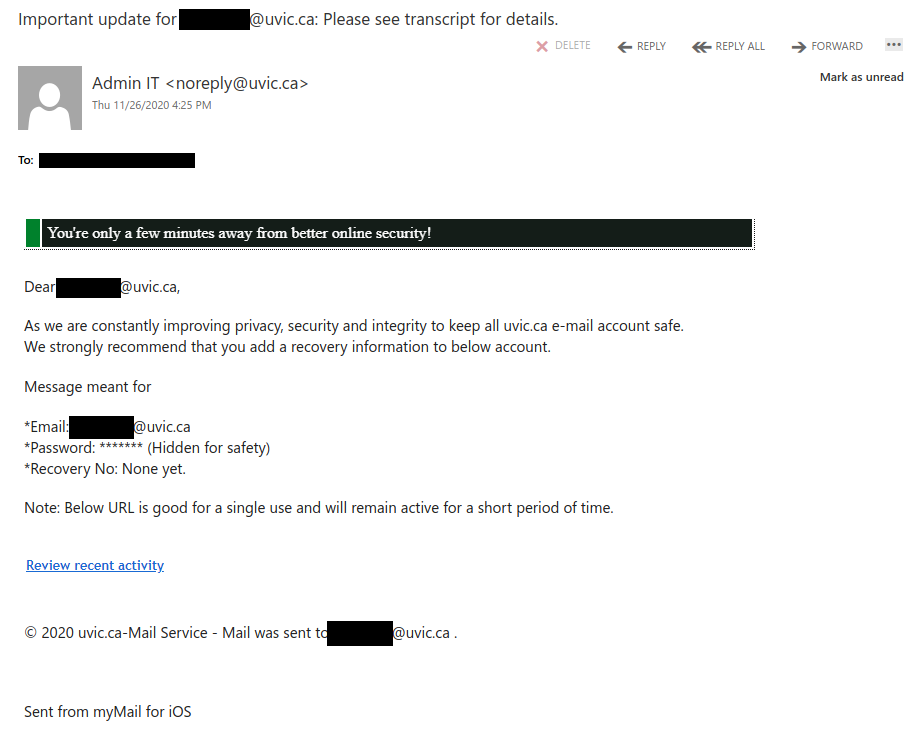
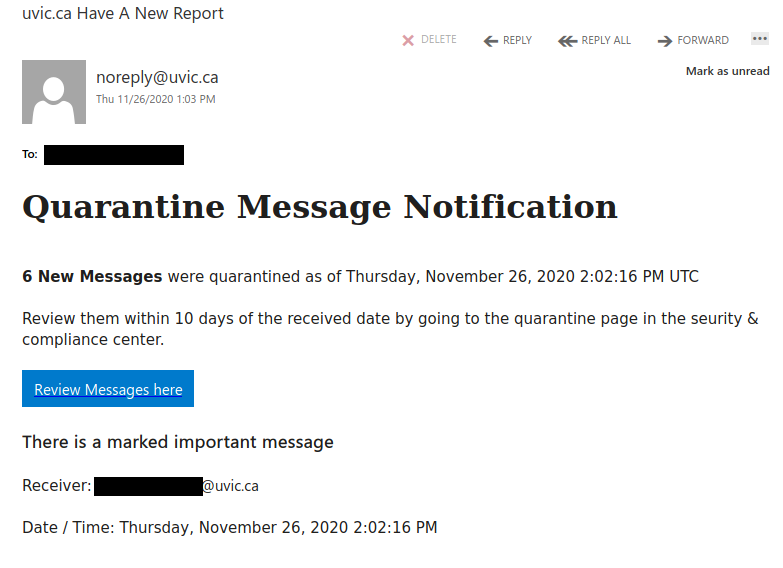
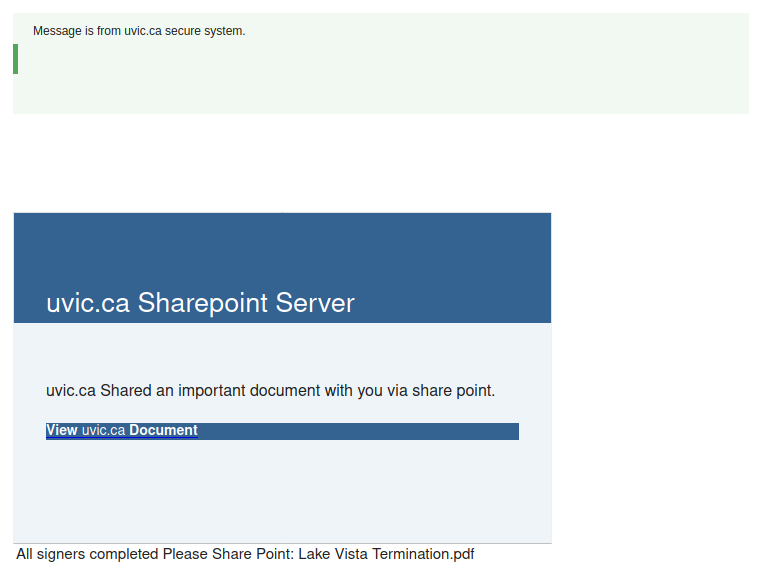
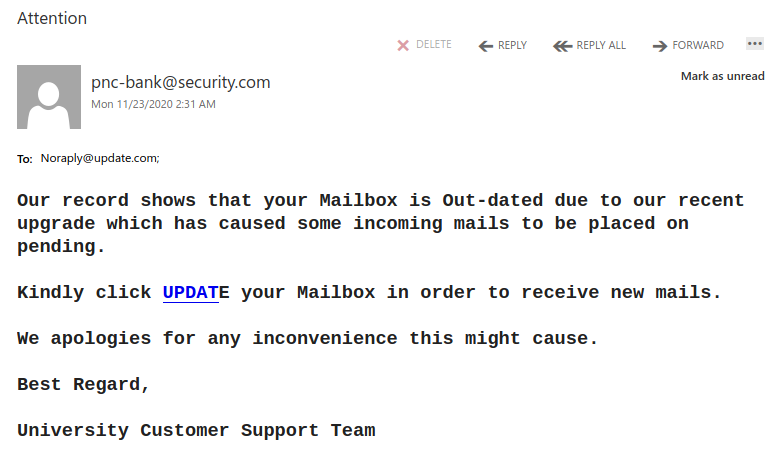
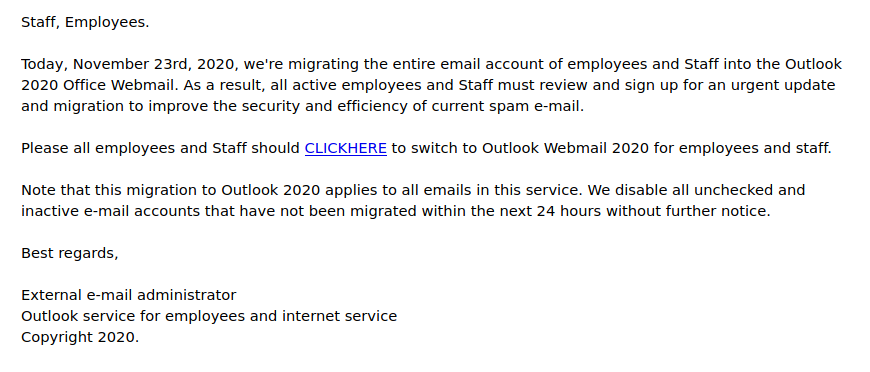
This email tries to look legitimate by posing as a UVic SharePoint notification and by adding a fake “secure” banner. However, the sender is not from UVic, nor is the link, so don’t click on it.

This email tries to look legitimate by posing as a UVic SharePoint notification and by adding a fake “secure” banner. However, the sender is not from UVic, nor is the link, so don’t click on it.

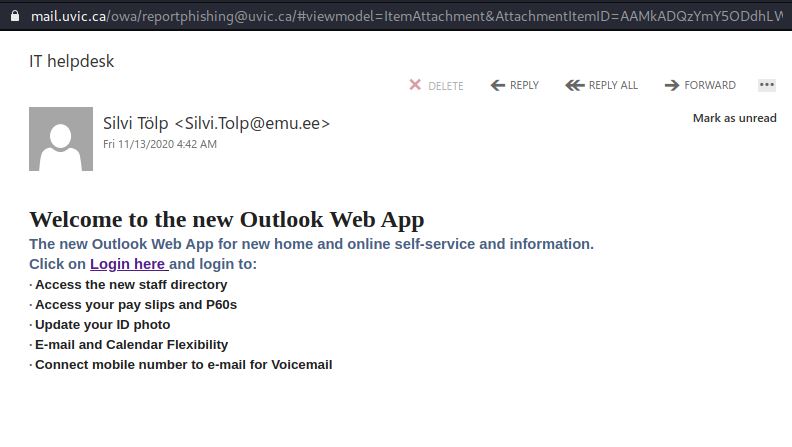
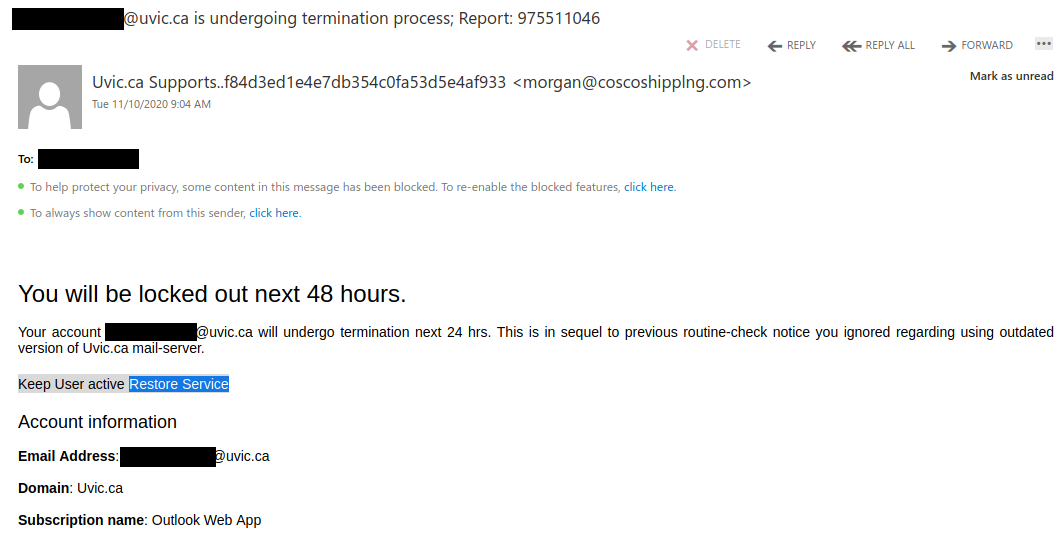
A very generic, poorly-targeted phish targeting higher education in general. The sender is probably spoofed.

Yet another fake Outlook notice.

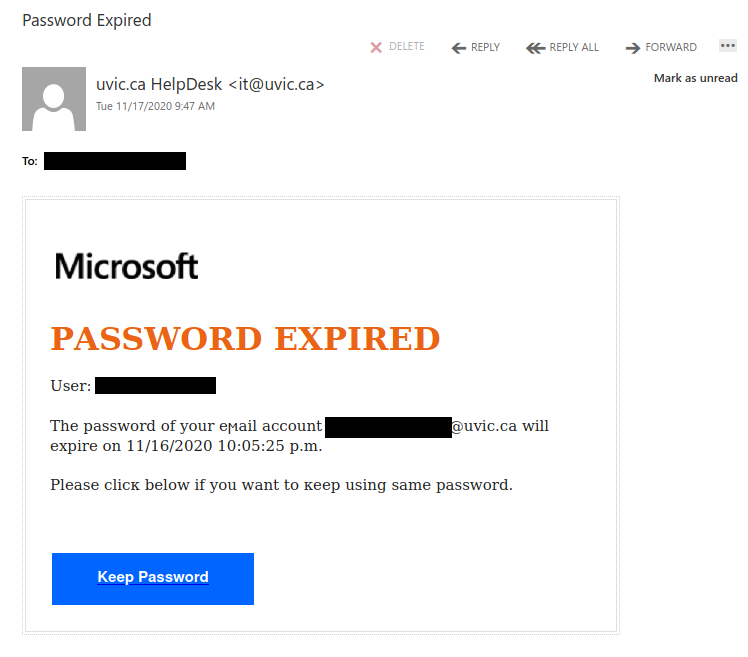
This phish also spoofs a UVic sender address, but also did not come from UVic and actually goes to a fake OWA login page. Remember that the real Computer Help Desk will never send you an unsolicited email telling you to click on a link to do something about your password.

This is yet another spear phish that spoofs a UVic sender but did not come from UVic. It actually goes to a fake OWA login page.
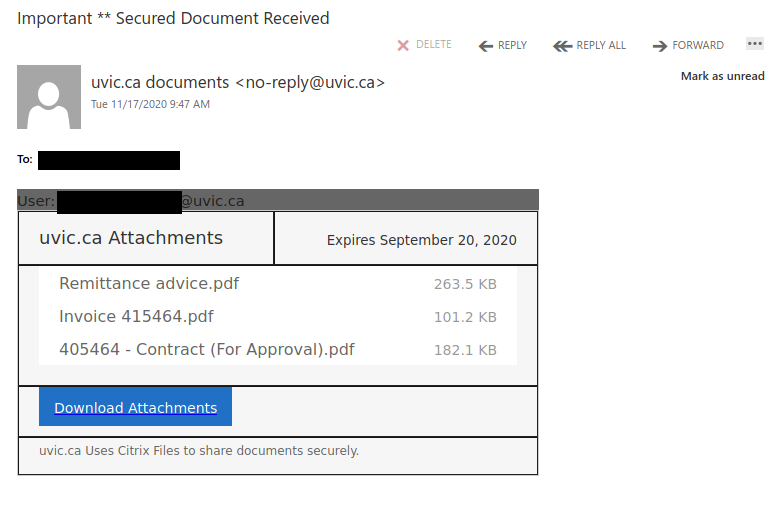
Remember: treat any files that are not from UVic-managed file sharing services with caution, especially if you were not expecting them.

This one emphasizes the need to consider where you are accessing files from and how you expect them to be shared with you. UVic managed services are the only recommended way to share UVic work related documents.
This one is tricky. You cannot rely on the visible senders here so much and of course there is some comfort in seeing they are using your legitimate name and email address. The supposed download also has Uvic in the name. NOT LEGIT.
The caution here is, now that many of us are working from home and with the growth of cloud service use, specifically Microsoft and other big name products, we are becoming more comfortable with the idea that we may receive something legit from those sources. If you look at the body of this message, it does look phishy but it also looks as if it is coming from a known good Microsoft domain.
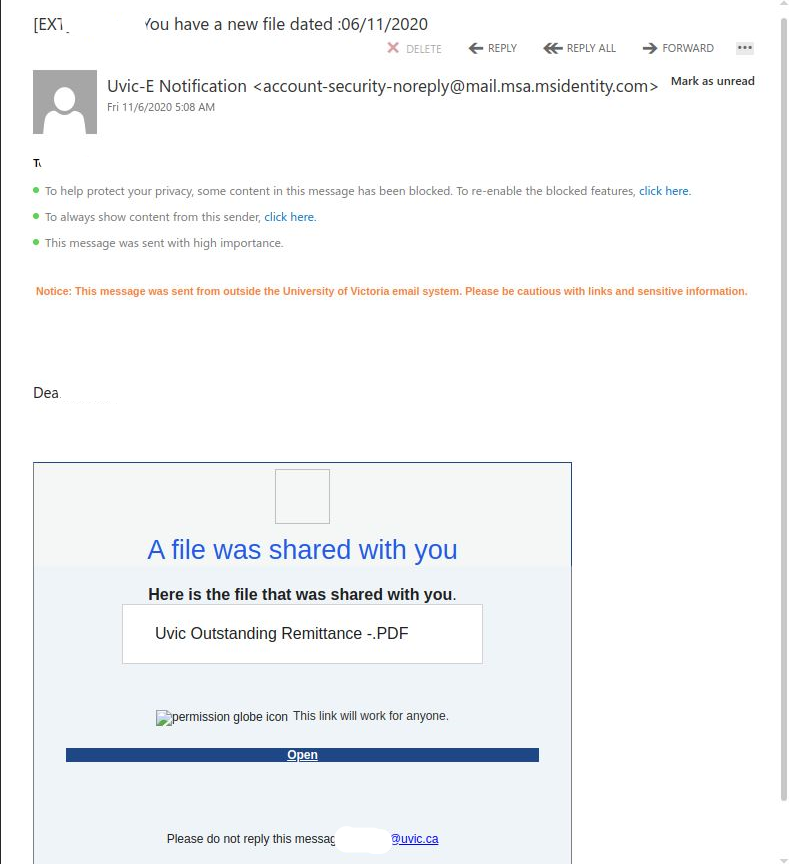
What you don’t see is a bad sender used/abused the Microsoft service to add a bit of authenticity to the message. This one was actually sent from a likely compromised .jp email address.
Question to ask yourself:
PAUSE.
Follow your gut.
There is no rush.
This one doesn’t include a known contact but oftentimes, you can call your colleague or contact them via a different known good method. eg. phone, and verify whether or not they have sent you something.
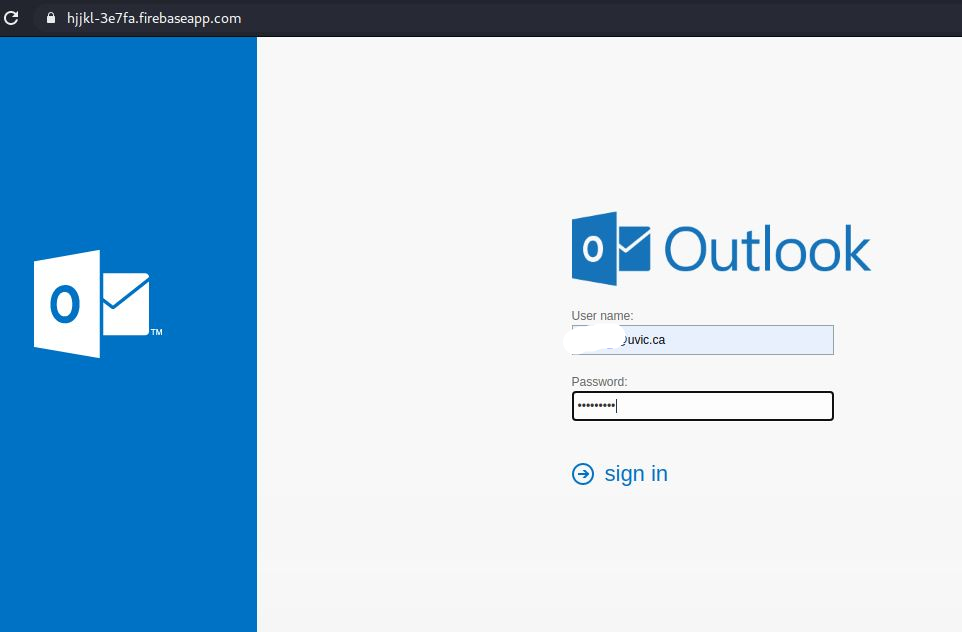
In addition to Microsoft service being abused here, if you hold your mouse over the PDF or the Open link, you’ll see they are also abusing a legit Google hosting service called firebase. The Firebaseapp is the legitimate Google service, the trailing link off the end goes to a website, that again, is NOT LEGIT.
If you proceed to view the PDF or click on the Open Link you will land on a fake Outlook Web App page that you are used to seeing. Yes, it does not have the UVic logo in this case, but we often see that level of duplication. The key in this case again is to look at the Internet Address.
In my sample, I am not revealing the email address but these are also customized with your personal work email in the URL and already populated in the User name text box. If you provide your legitimate password, they will capture it for later use and then conveniently, will just sent you back to the main UVic logon page.

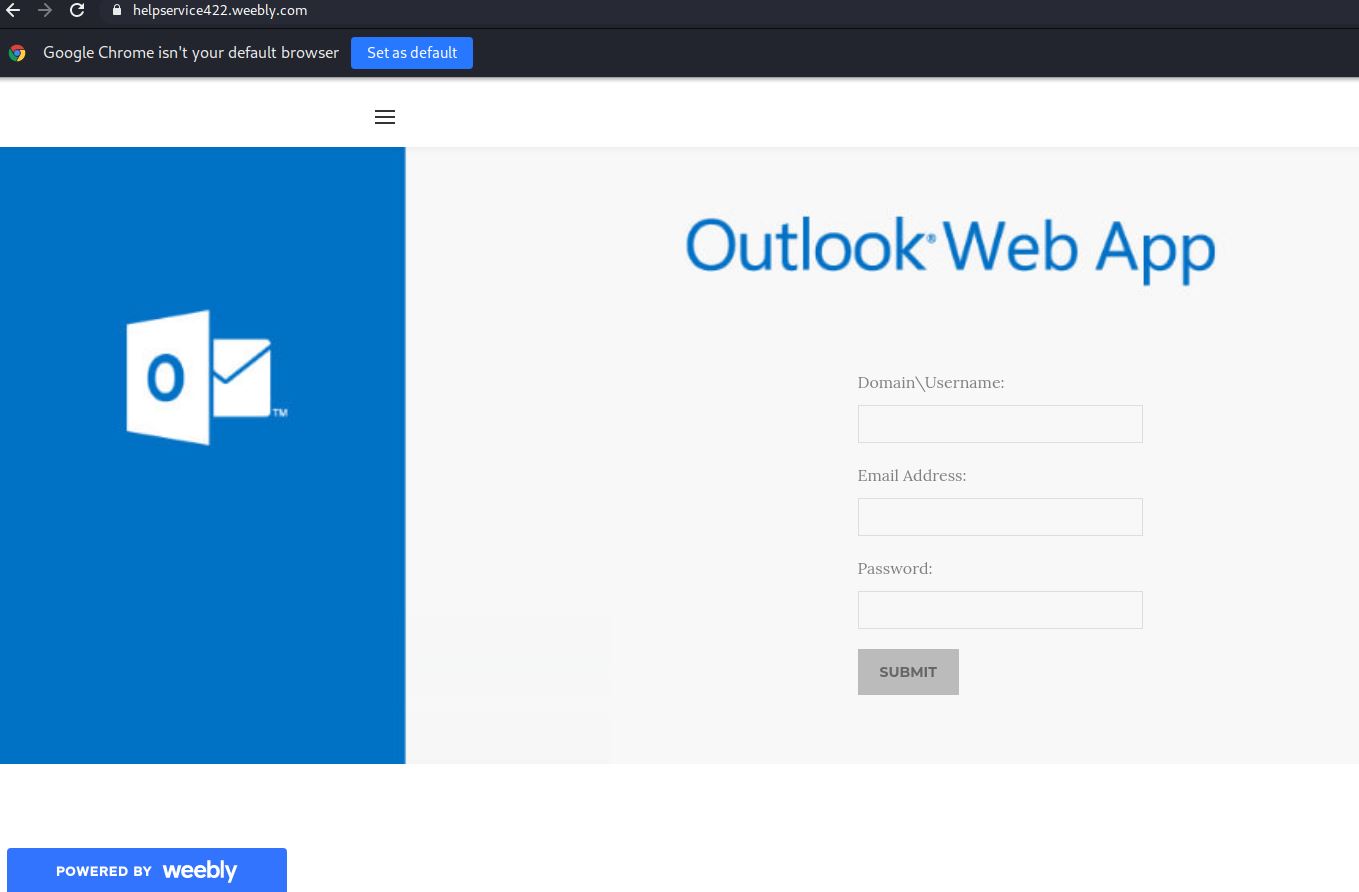
We are continuing to see abuse of the Weebly hosting service with varied “helpdesk” or “IT Support” like names and notifications.
If you make it this far, ALWAYS look at the Internet address. UVic is not hosting official UVic services on weebly.
Further deception here, they have also stolen the official Weebly 404 (page not found) page and are using it to make you think the page is down. They’ve simply assigned it to a new fake Internet Address. Check it out.
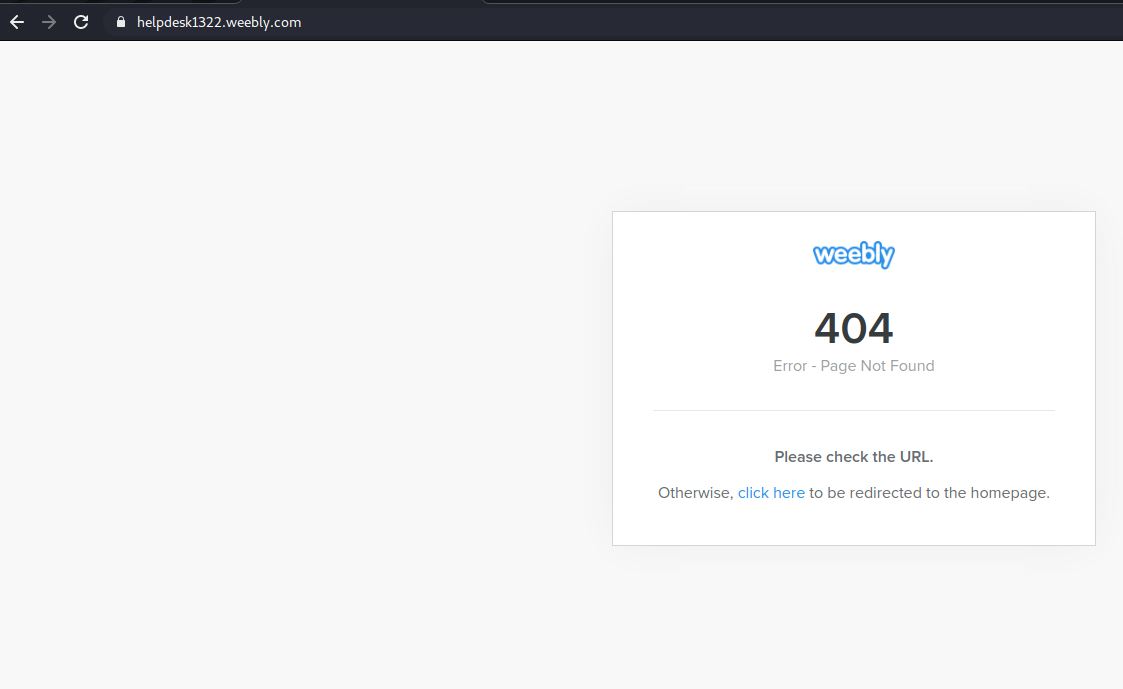
The click here link will send you back to the original fake url. An endless loop.
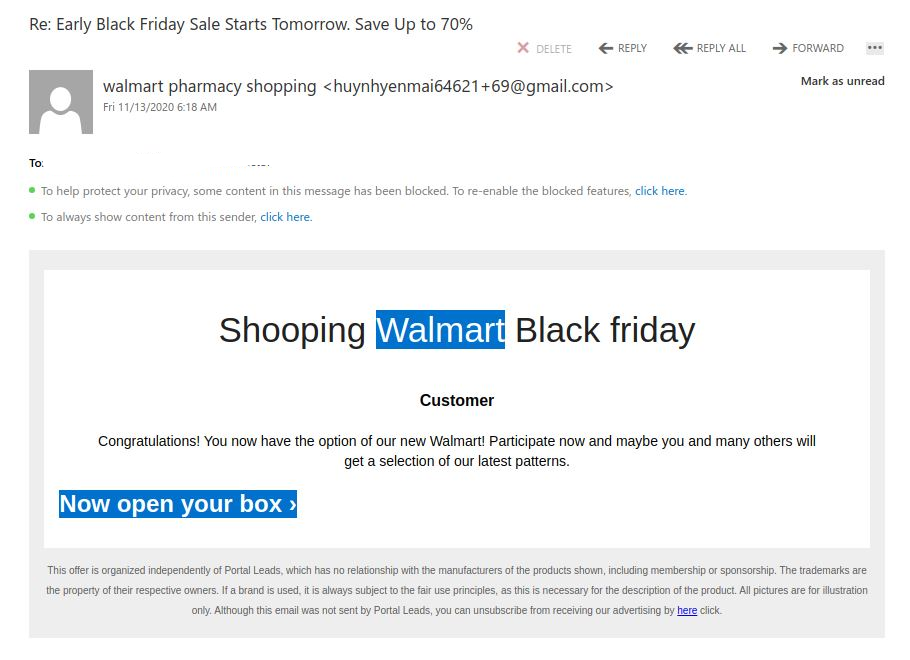
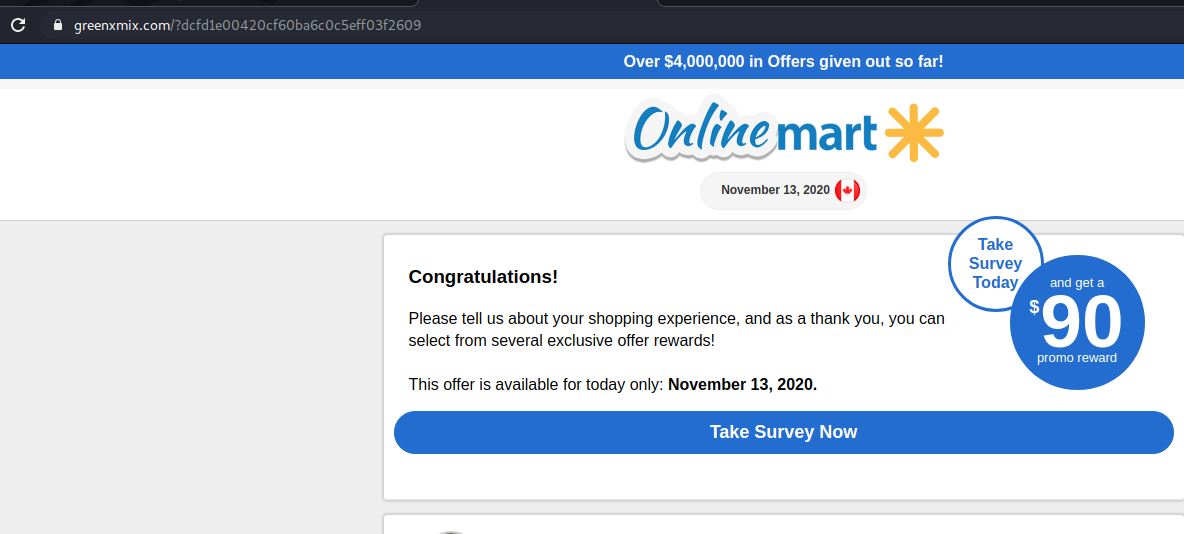
Over the last couple of days we are seeing fake Walmart Surveys linked to Black Friday campaigns. There are notable signs that this is not a legit mailing from the spelling of shopping to the gmail account linked to a Walmart username.
While this email is not well prepared, we provide this sample to remind you that large phishing campaigns typically pick up for such events like Black Friday and associated shopping sites leading up to the holiday season.

If you click the link you’ll land on this fake Walmart Survey page. Note the Internet address.

Instead of relying on marketing links and notifications, always best to login to your accounts directly by a known good Internet address to check for updates on any orders.
This phish tries to create a sense of urgency to get you to click on the link, which goes to a phishing site that resembles a UVic Microsoft 365 login page. Don’t click on the link–if you did, contact your department’s IT support staff or the Computer Help Desk immediately, and indicate whether you submitted credentials as this site might also be using tactics to trick you into granting ongoing access to your Microsoft 365 account.

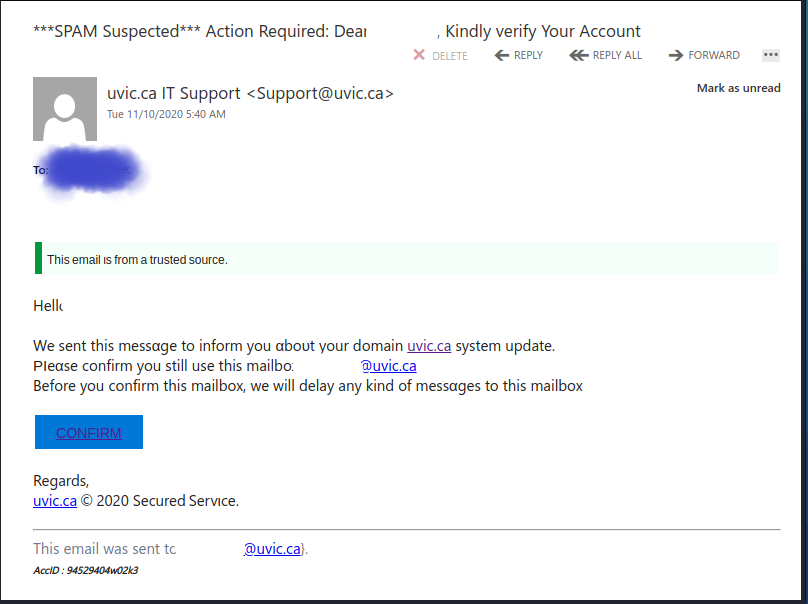
Another attempt to trick you into validating your credentials in order to perform a system update. It is customized to your specific accounts, leading to you to believe this must actually be intended for you.
It also leads you to believe that if you don’t action it, you may have delayed messages. They are attempting you to rush you into making a quick decision about proceeding.
Visual of the email:
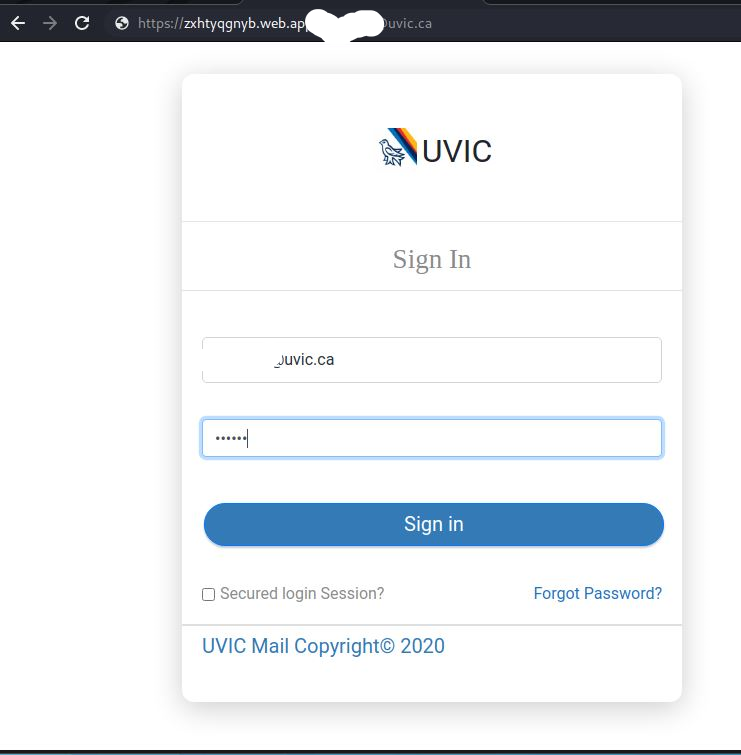
If you click on the Confirm option, you will be provided with a UVic logon expecting you to give away your credentials.
Fake UVic Logon:

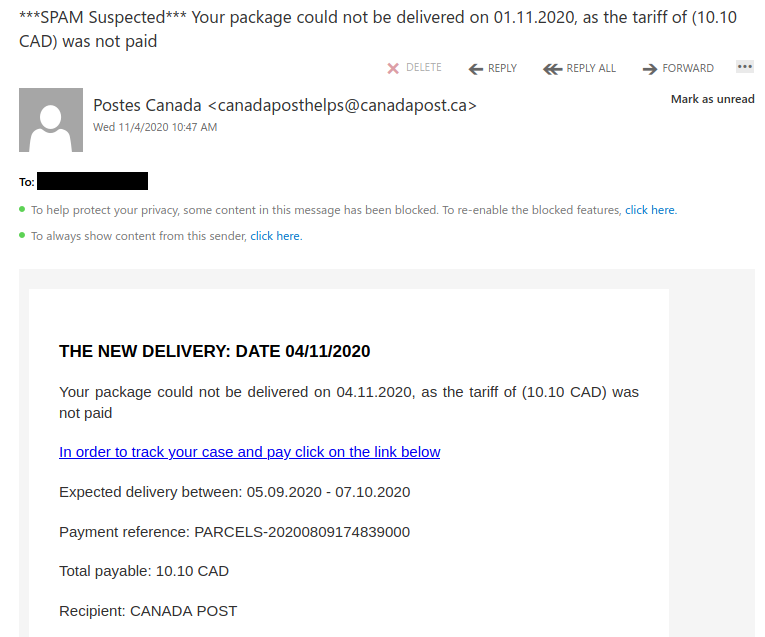
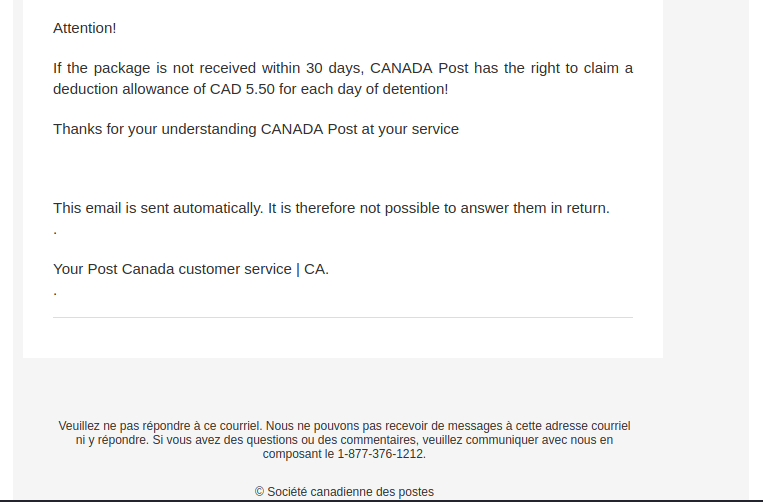
This is a particularly deceptive Canada Post phish. As you can see, the phisher spoofed a canadapost.ca sender address. But in addition to that, hovering over the link revealed a destination that looked extremely similar to the real Canada Post site.


This spear phish used the recipient’s UVic email address as the spoofed sender. While the link looks like it goes to a page on www.uvic.ca, if you were to hover over it you would see that it actually goes to a phishing site on a third-party hosting provider.
Update: security scanners indicate this link may trigger a malware download. Definitely do not click on it; if you did, contact your department’s IT staff or the Computer Help Desk immediately.

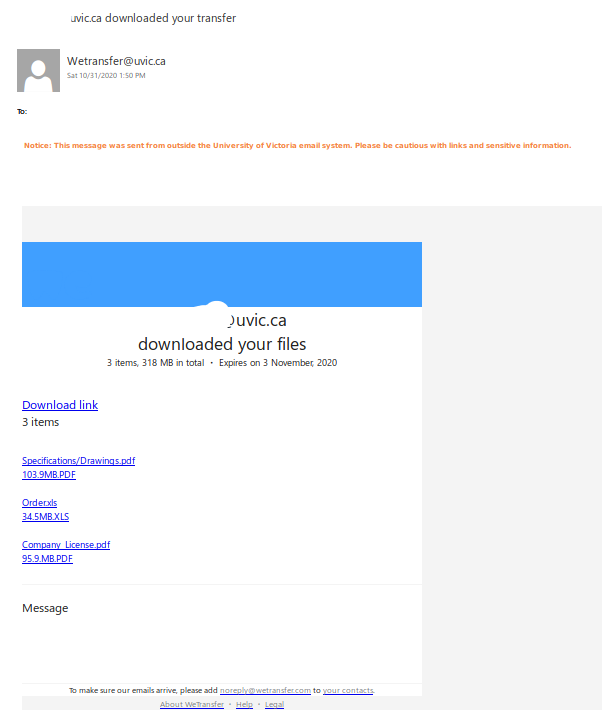
Original email suggests a colleague has downloaded your files
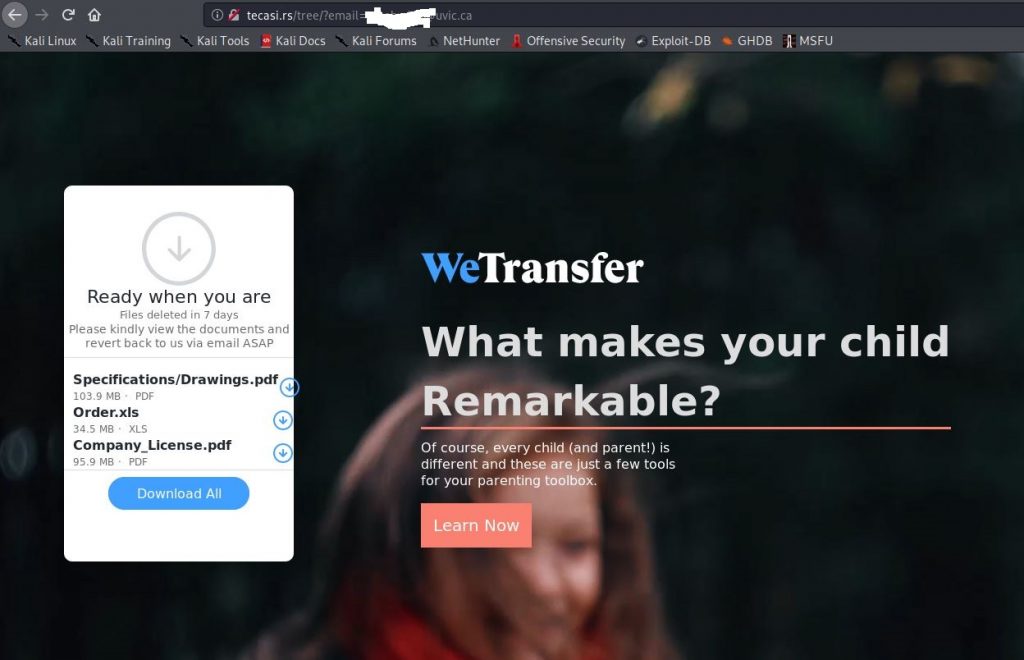
If you select to download them you are redirected to the fake WeTransfer page. It’s been customized for unique recipients:
If you choose to select Download All, you will be prompted to login to do so:
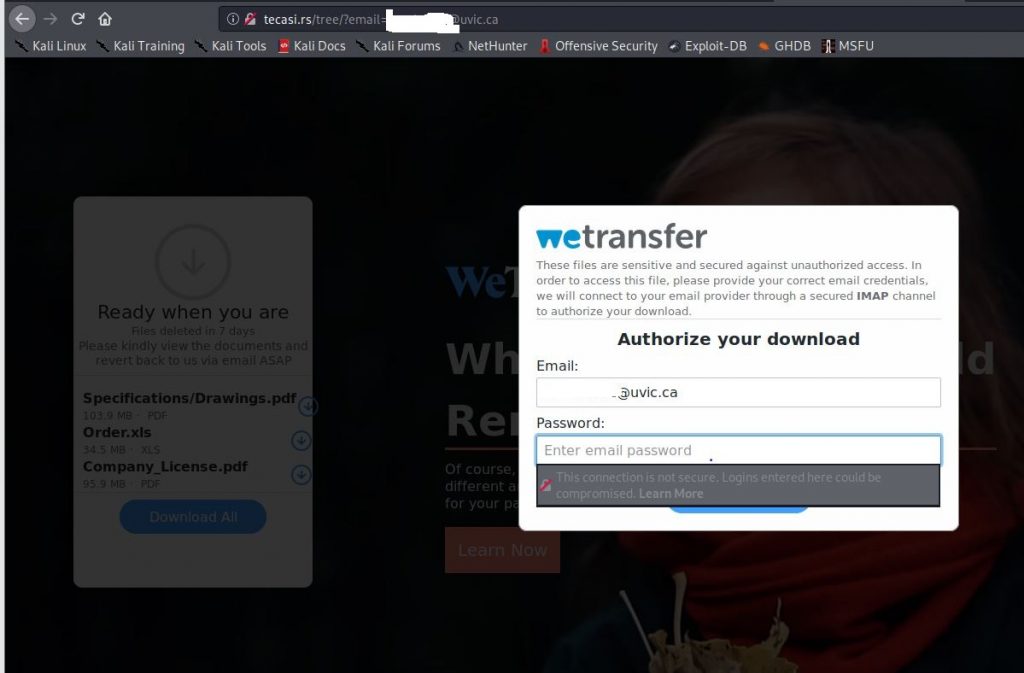
At which point, they will capture you username and password.
In this case, the phisher used admin@uvic.ca as the display name to make this message look legitimate. However, the sender address clearly shows that the message did not actually come from UVic.

This email claims to come from the UVic no reply address but that has been spoofed. The password expiry notification is fake and did not originate from either Microsoft or UVic. Do not click on that link–if you did, please contact your department’s IT support staff or the Computer Help Desk immediately.