We’ve suspended your account

Don’t trust the link text that you see in an email. While that link claims to be from amazon.com, if you were to hover over it you’d find it’s actually a shortened URL from bit.ly. Be wary of shortened URL in emails; while the shortening service might be legitimate, phishers often use them to obscure the true destination of the link.

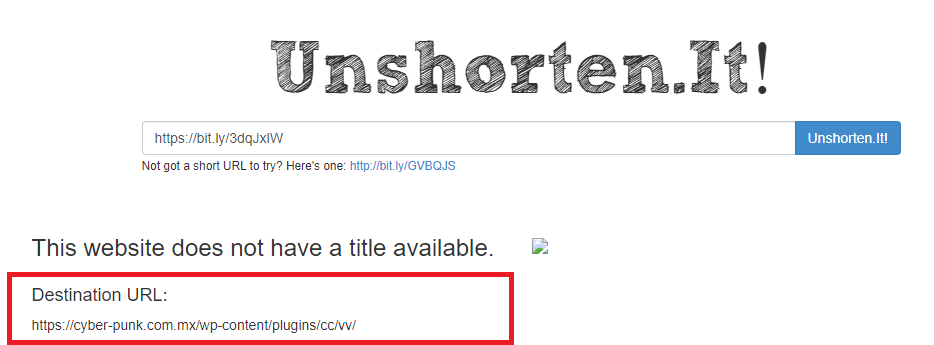
You can try using a URL unshortener like Unshorten.it to see if it can obtain the true destination. Here’s a screenshot of the results I got from running it on the URL from that phish–you can see that bit.ly link definitely doesn’t go to Amazon and shouldn’t be clicked!

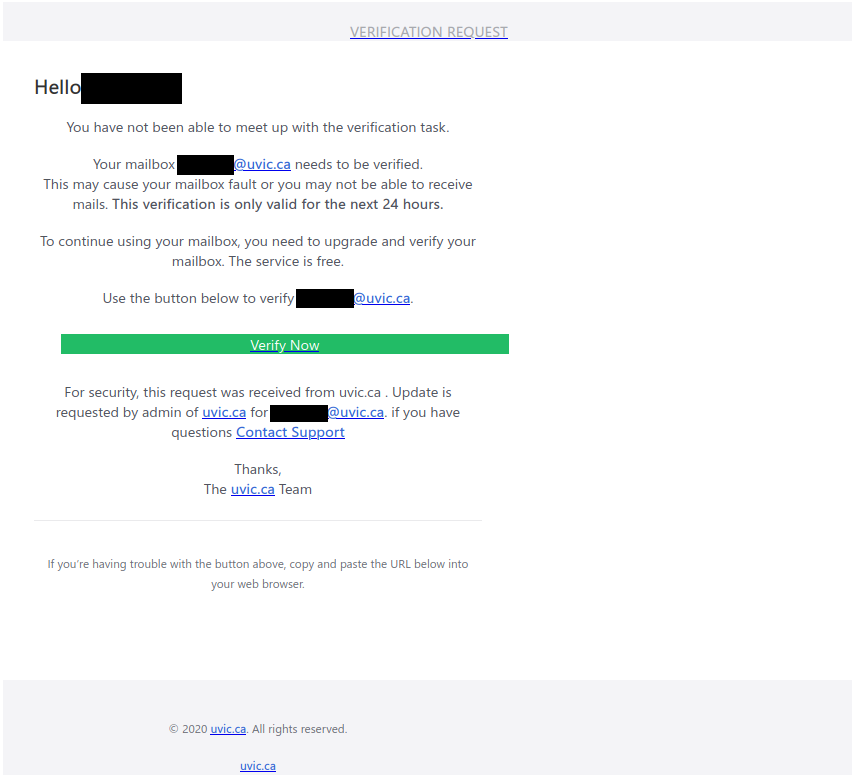
Verify your account

This is a spoof phish; while it looks like it came from administrator@uvic.ca, it actually came from a non-UVic sender. The green “trusted source” banner is not something that was added by the UVic mail system either; that was added by the phisher in an attempt to make the message look legitimate.

The link goes to a phishing site that made some effort to copy the appearance of the UVic homepage. If you clicked on that link, reach out to the Computer Help Desk or your department’s IT support staff immediately.

Message To All Uvic Staff

This is another phish that uses COVID-19 as a lure. It claims to be a UVic internal communications email, but the non-UVic sender email is an obvious giveaway.

The email tries to convince you to click on the link for important information about COVID-19 protocols, but that link actually goes to a fake M365 page, so don’t click on it. The UVic homepage has a link to the genuine official COVID-19 communications (or you can click here to go there directly).

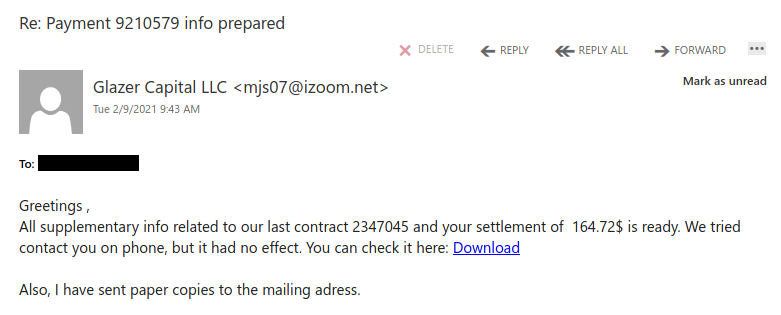
Re: Payment 9210579 info prepared

The number and exact wording used in the subject line will vary between messages but follow the same general pattern. For example, “documents” or “generated” might be used instead of “info” and “prepared”. The sender information will also vary per message as well.

The link goes to Google Docs, but don’t click on it; this is an example of a phisher abusing a legitimate service to host malicious content.

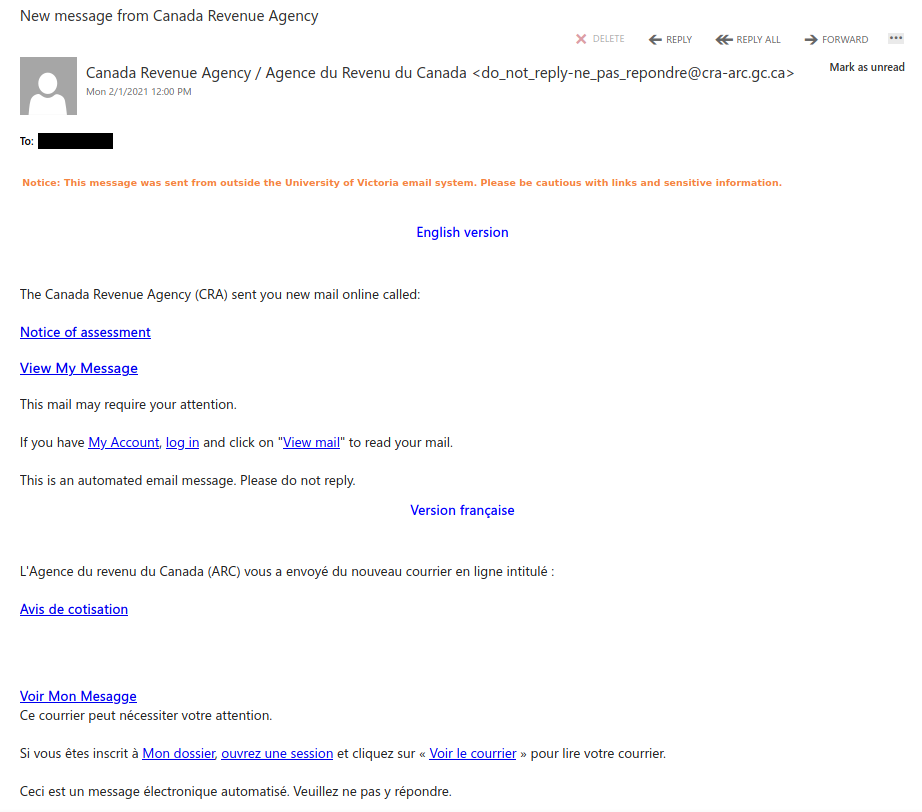
New message from Canada Revenue Agency

This phish may look like it came from the CRA, but don’t trust that sender information–in this email, it is spoofed!

If you were to hover over any of the links, you would see that it although they contain “cra-grc”, the site is not canada.ca or cra-arc.gc.ca, so it is dangerous to click on those links. The destination is actually a very realistic copy of the CRA login page designed to steal your login credentials.

The CRA has some tips on how to recognize scams here: https://www.canada.ca/en/revenue-agency/corporate/security/protect-yourself-against-fraud.html

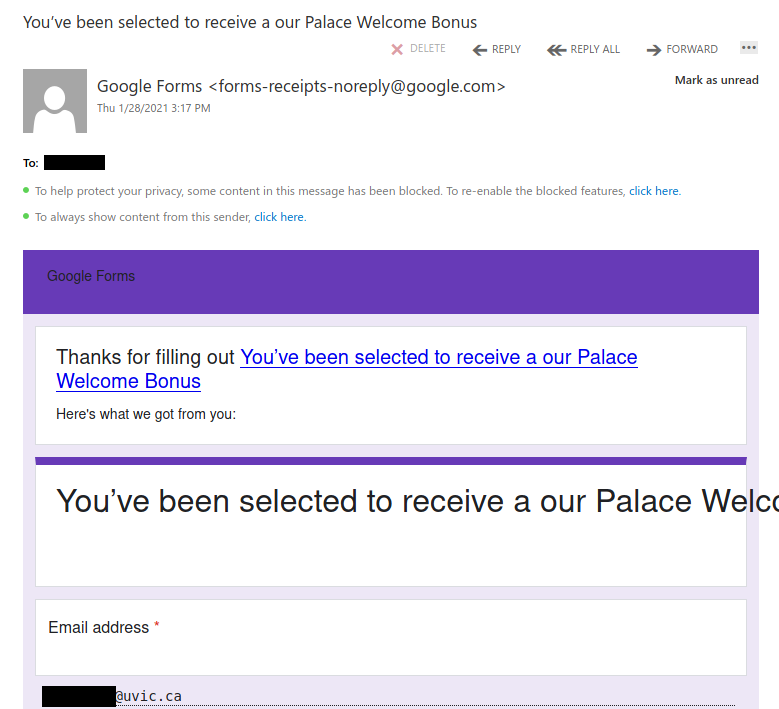
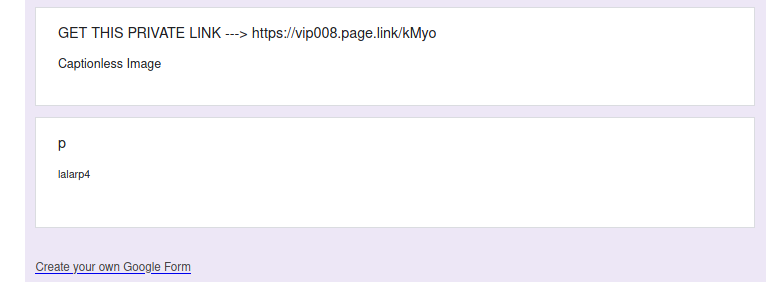
Phish sent through Google Forms submission receipts

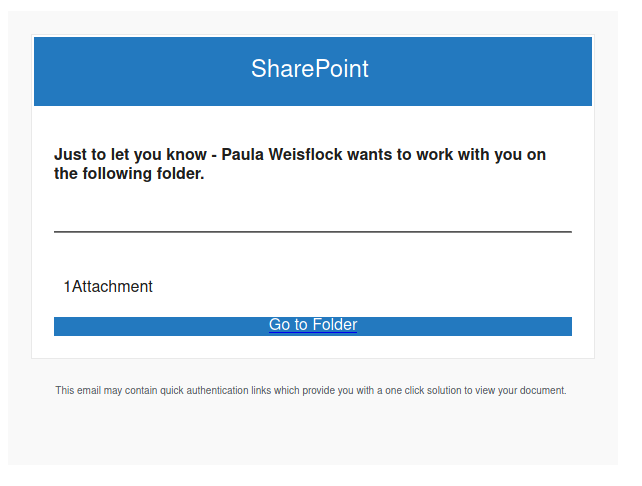
What appears to be happening here is a phisher created a Google Form and then made a bogus submission where they entered someone else’s email address. The result: that other person is emailed a genuine Google Forms submission receipt  but the content of that email is actually phish.

Phishers often abuse legitimate services like Google Docs or Forms to send and/or host phishy content. If you receive an email notification from a service like that, think about whether it’s related to an action you remember doing or if it’s something you were expecting from someone you know. If not, it’s probably phish, so don’t click on any links.

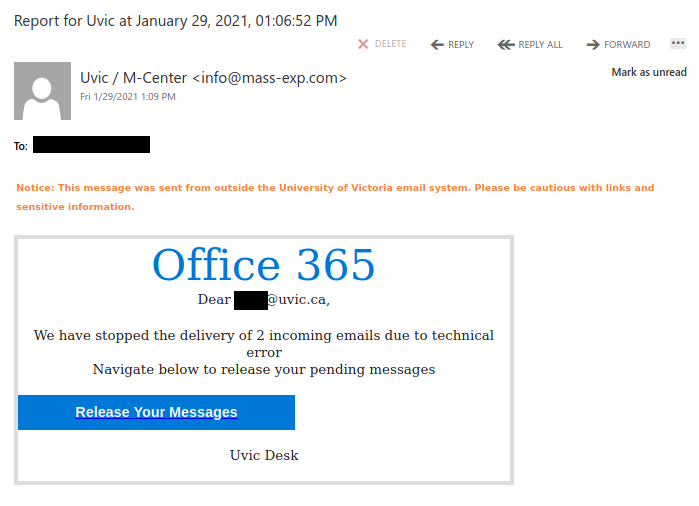
“Mailbox Quota Warning” phish

Another phish was received by a number of UVic recipients today. It uses the usual tactics – to scary the recipient that something is wrong and the victim needs to fix it. In this case the subject is “UVic Mailbox Quota Warning” and the email claims several messages were pending because the mailbox was full. (see the screenshot below). When the victim clicks on the link a fake Outlook Web Access (OWA) page opens. All designed to steal your UVic credentials.
As we always remind you – please do not be curious and do not click on such links – they may contain other malicious content so that just opening them “for a quick glimpse”  may be dangerous.
Note that they added their own message (the green bar) to fool you that the email originated from UVic.

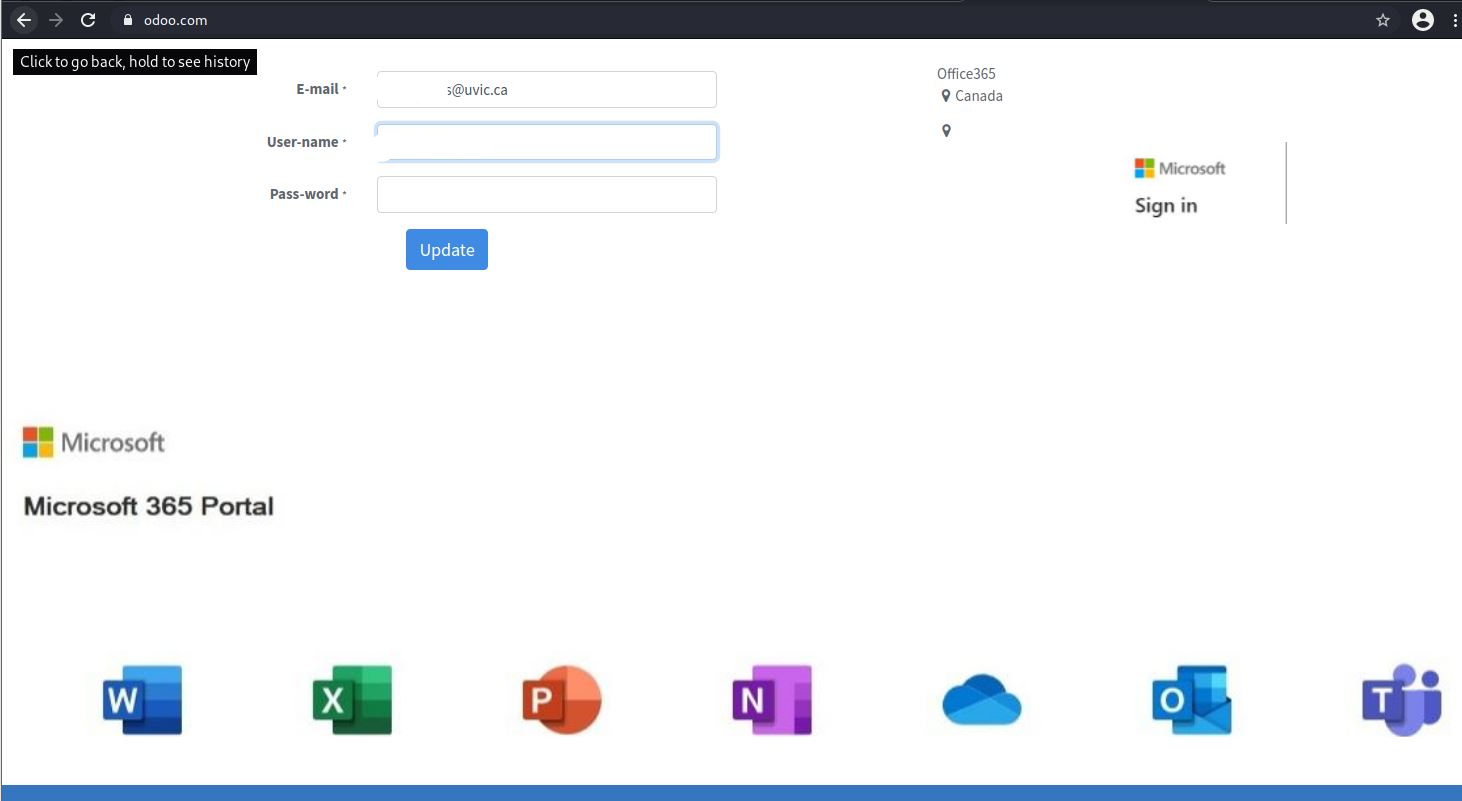
Fake M365 Logon page

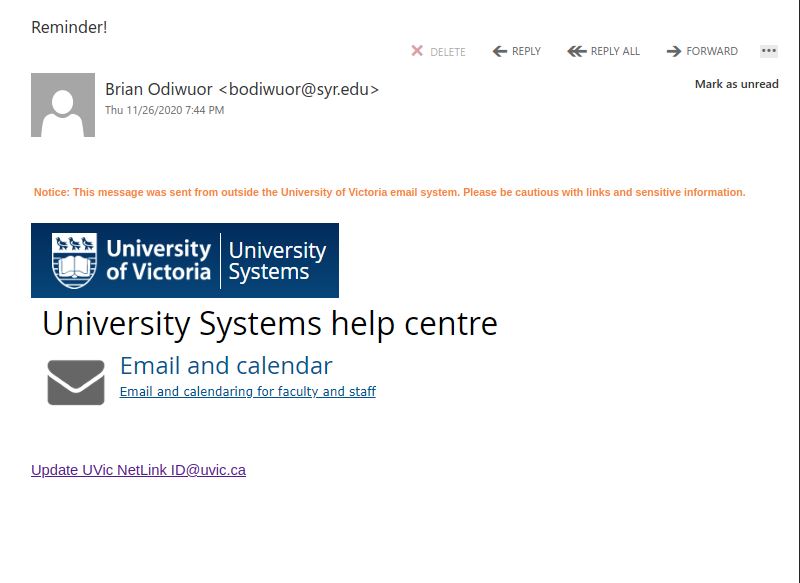
Phishing email using our University of Victoria Logo. Note the sender email and the external email banner.

M365 Email

Visiting link will bring you to Fake M365 logon page which has nothing to do with UVic:

With the overall increased usage of M365 by many, it is important to be careful as criminals will attempt to deceive you with the “newness” of various products.

Check for valid senders and review the Internet Address/URL closely.

Whenever in doubt, go directly to known good logon windows and refrain from using links in email.


A fake call to improve privacy and security

This phish with a spoofed UVic sender address tries to convince you that you need to click on the link to help improve your privacy and security. But hovering over that link shows that it actually leads to a non-UVic site, so of course, clicking it would achieve the opposite outcome.

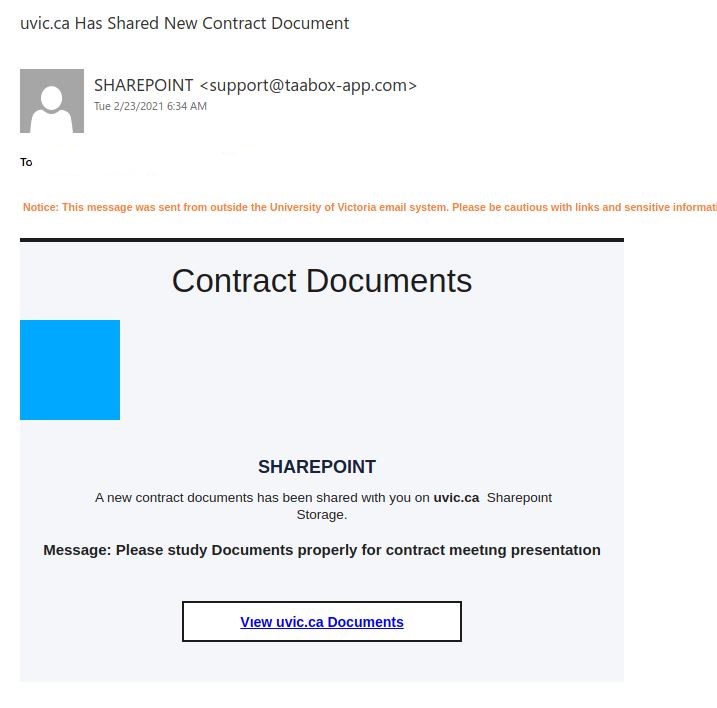
uvic.ca Have a New Report

While this message claims to be from noreply@uvic.ca, that is fraudulent (spoofed sender again). This phish also uses individualized click-tracking links, so don’t click on them–the phisher is probably watching to see who clicked.