A letter from the president

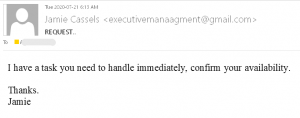
Today a number of UVic recipients received an impersonation email supposedly from the president Jamie Cassels.
The email looked like this:
This is a typical start of a gift card scam. We wrote about those back in November:
https://www.uvic.ca/systems/status/notices/current/gift-card-scam_nov2019.php

and later on the topic was covered with more detail by our Chief Information Security Officer:

From the archives: An email exchange with the President (not really)

Please do not respond to impersonating emails (even for fun) and report them by using the “phish” button.

Financial statement

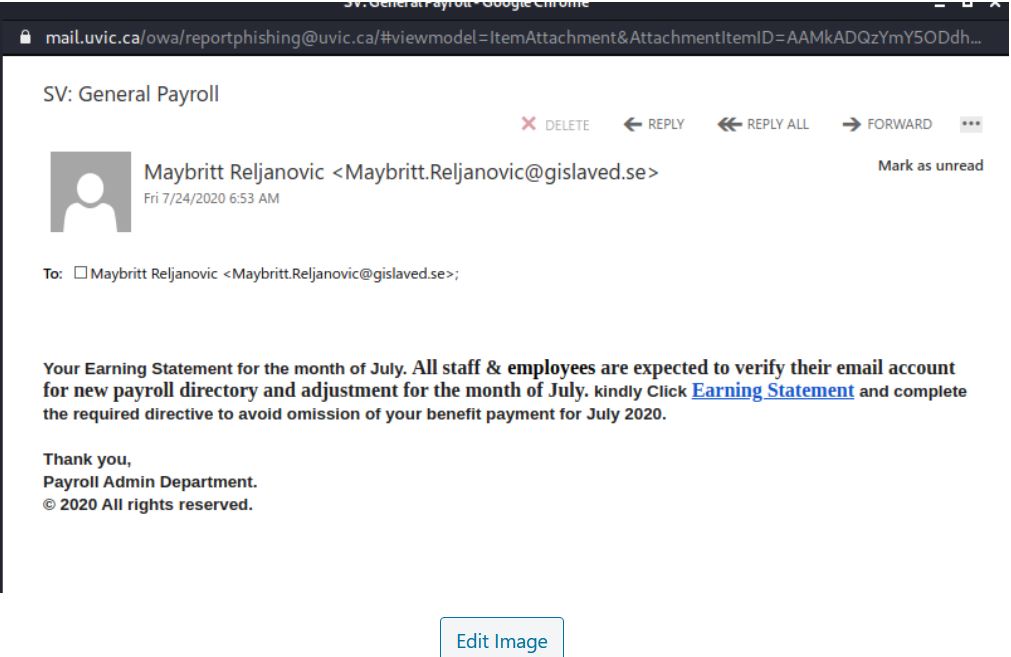
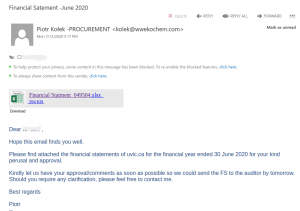
This phish pretends to be sending financial statements for 2020 (misspelled in the subject as “satement”). The email body looks like this:
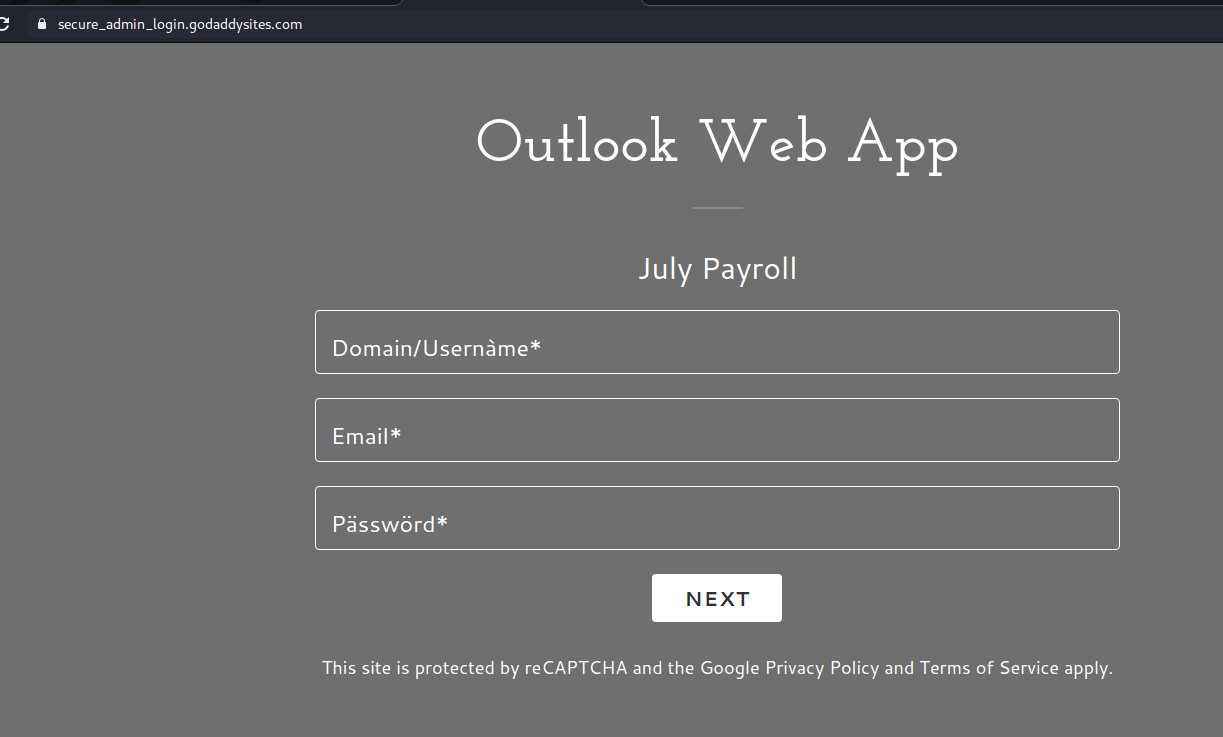
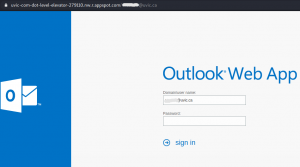
The actual attachment is a html file which redirects the victim to a UVic like OWA page:
with the intention to steal your credentials. That page is clearly external – look at the address bar in the screenshot.

Invoice Payment Redirection

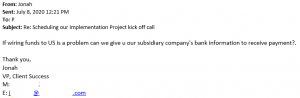
An email account at one of UVic’s suppliers was compromised.  The attacker accessed the email account at the supplier and attempted to have staff at UVic send payment to a bank account owned by the attacker via wire transfer.

While the staff person in this particular department did not immediately suspect a fraud attempt, they eventually called the supplier contact and confirmed with the supplier that they did not send those emails.  No payment was sent.

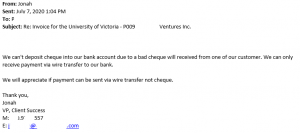
Below are redacted screenshots of emails sent by the attacker.  If you receive similar emails, contact your supplier using a phone number you already have on file, inform UVic Accounting, and contact the Information Security Office.

This is the initial contact from the attacker:
The attacker starts to get demanding here:
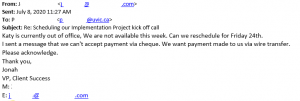
And finally, the attacker forgets that improper spelling and grammar is a strong indicator that something is wrong:

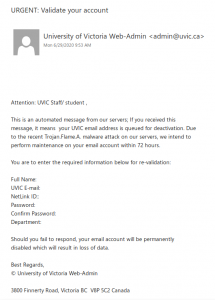
URGENT: Validate your account

This is not a legitimate UVic email; it is yet another phish that spoofs a UVic email address. Replies actually go to a Hotmail address.

Reminder: legitimate UVic communications will never ask you to send your login information via email.

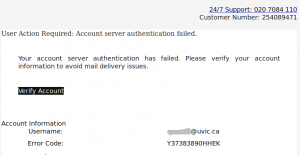
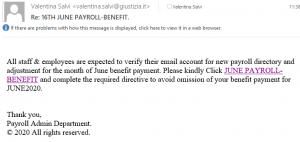
Fake “verify your account” phish

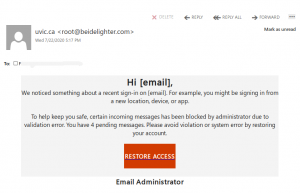
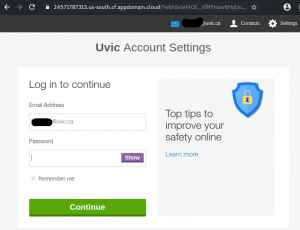
This phish tries to persuade the victim that they need to click a link to verify their account.  It opens a page that pretends to belong to UVic and steals the credentials of the victim. Do not click on that link!
The email looks like this:


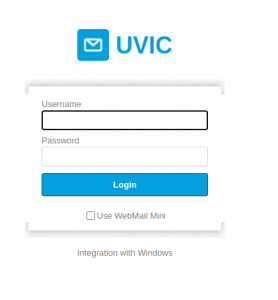
The page pretends to be UVic, but clearly is external (see the address bar)

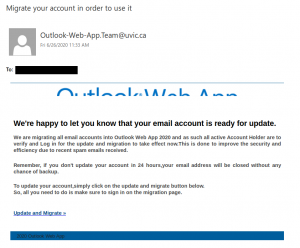
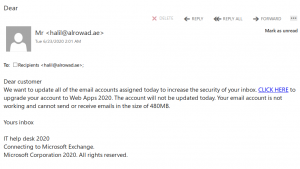
Account migration spear phish from various spoofed uvic.ca addresses

This email was not sent by UVic; do not click on the link. The sender addresses of Outlook.Team@uvic.ca, Outlook-Web-App.Team@uvic.ca and Outlook.Web.App@uvic.ca have all been spoofed by the phisher to make the email look legitimate.

This is a spear phishing email pretending to be a notification related to UVic OWA. Subject lines are variable but all of them mention account migration. If you clicked on the link or entered your credentials, contact your department’s IT staff or the Computer Help Desk immediately.

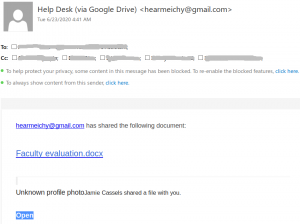
Fake Helpdesk message with a link to google drive

This message pretends to be coming from the helpdesk, while clearly it comes from a random gmail address. Apparently it was designed  to target the UVic audience because it mentions the name of the UVic president. Do not click on the link.
Neither the Helpdesk, nor the president will send a document by using google drive.

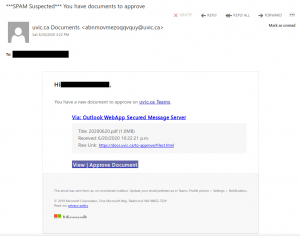
Fake Microsoft Teams notification: You have documents to approve

This phish tries to imitate the appearance of a Microsoft Teams notification and uses a randomly-generated spoofed UVic sender address. But if you hover over the links for “uvic.ca Teams”, “docs.uvic.ca” and “View | Approve Document”, you will find that those links go to suspicious URLs that are not associated with UVic’s Microsoft Teams service.

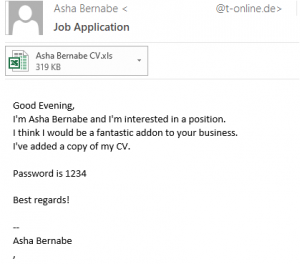
Job Application

These emails often have varying subject lines ( for example, “Job Application”, “Regading position”, “Regarding job”, “Job Posting”).  The also use random names in the body and attached filename.  Do not open the attached Excel spreadsheet file, as it is malicious, and definitely is not related to any job posting or application.

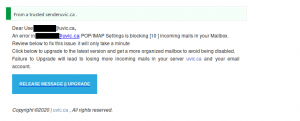
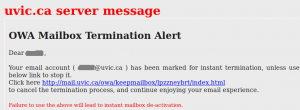
Mailbox termination Alert

This one tries to fool recipients by saying “Message from Trusted server”.  It also tries to appear legitimate by making the URL displayed look like a valid UVic Outook Web Access URL (mail.uvic.ca), but the real link goes to a malicious web page sporting a fake OWA login page.1