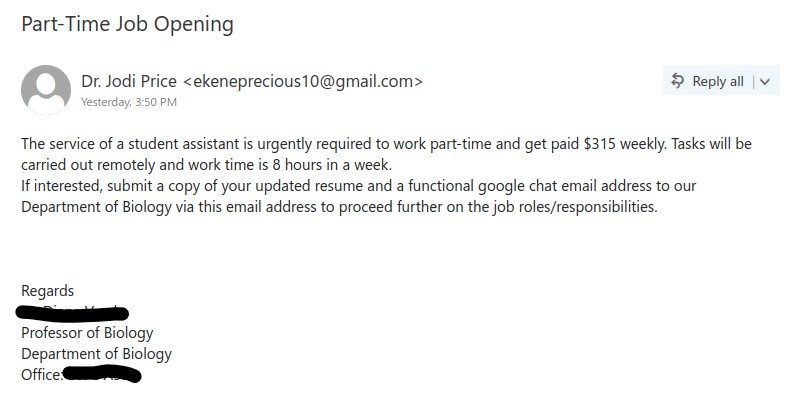
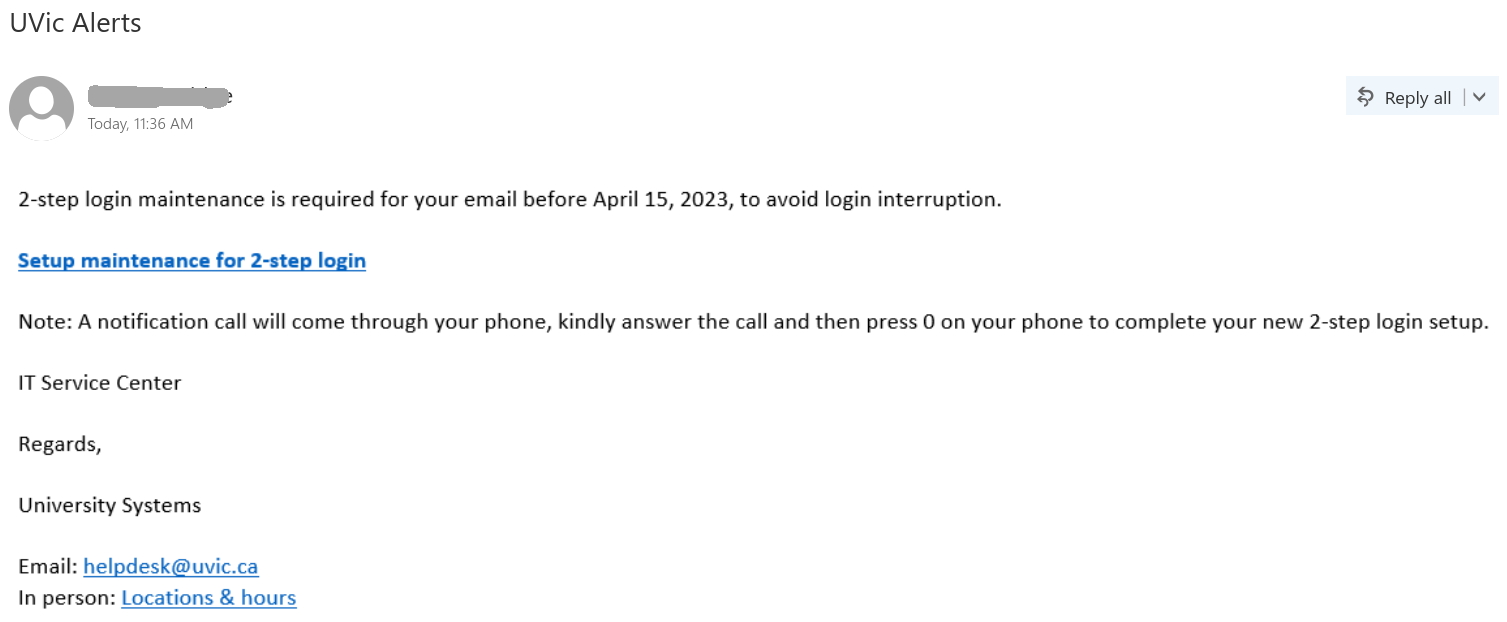
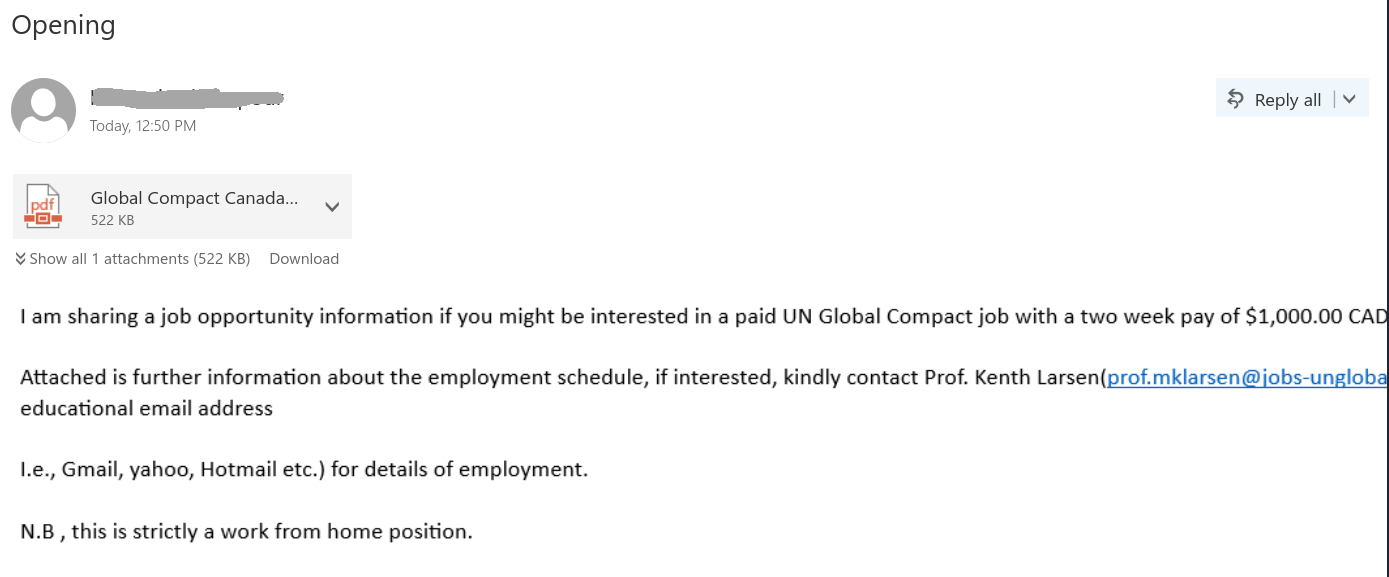
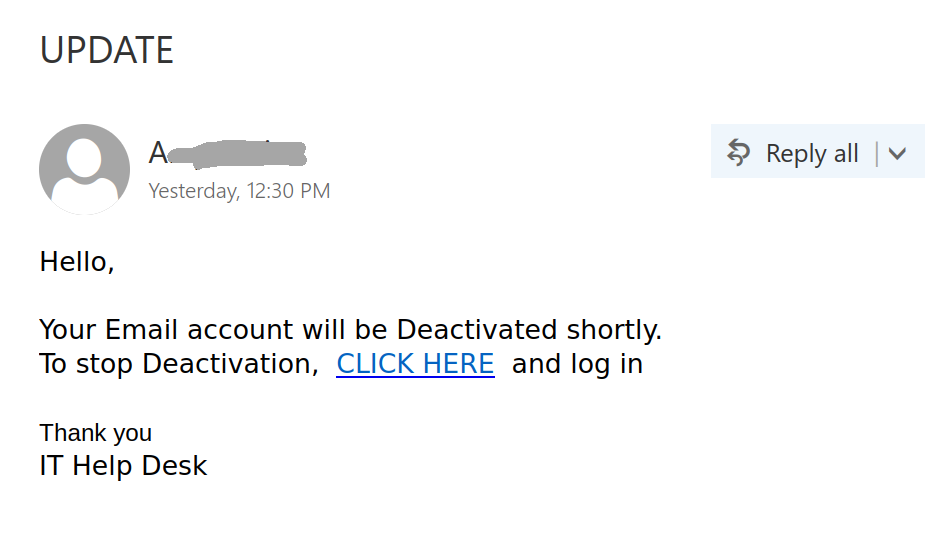
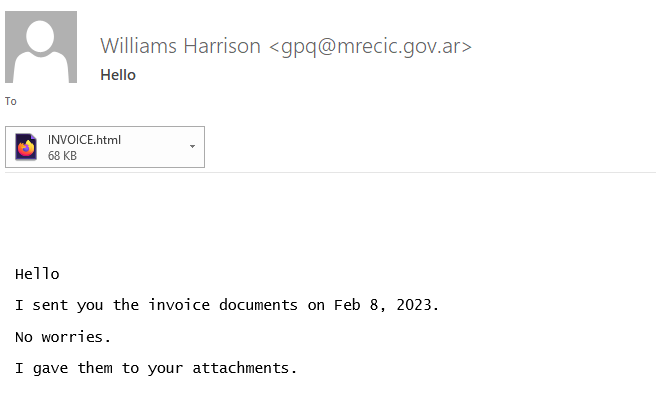
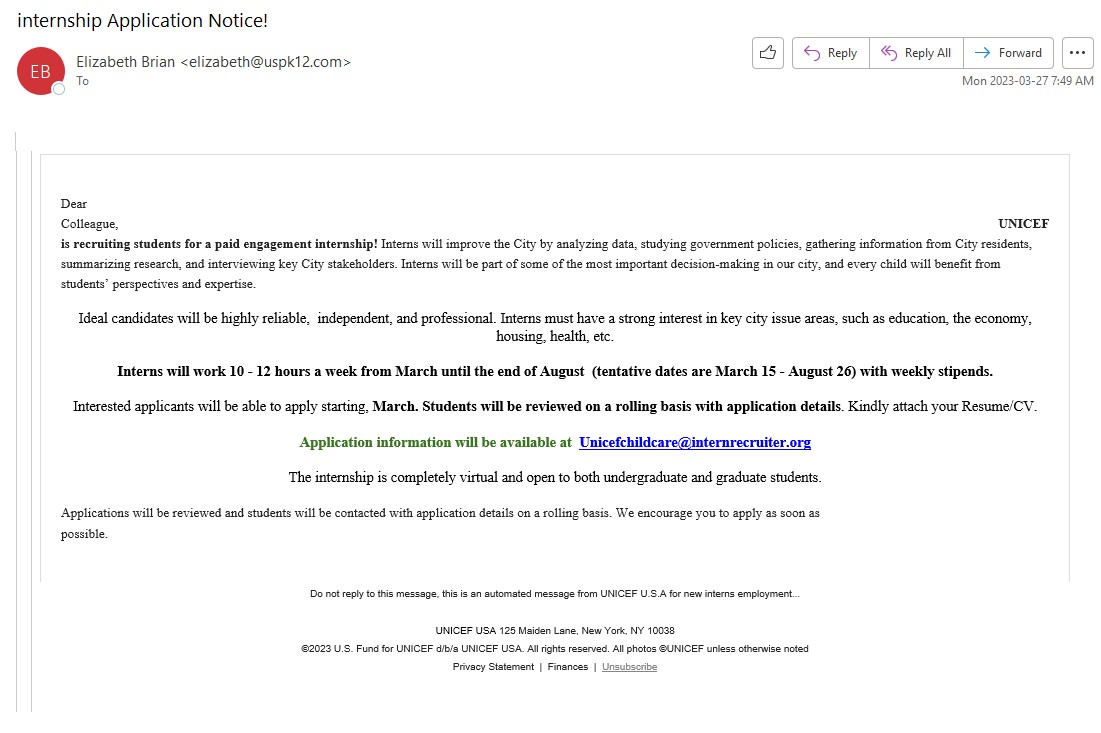
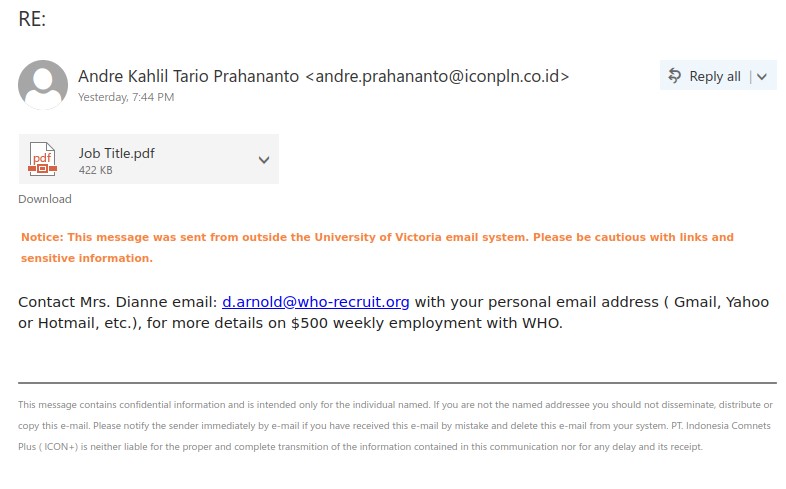
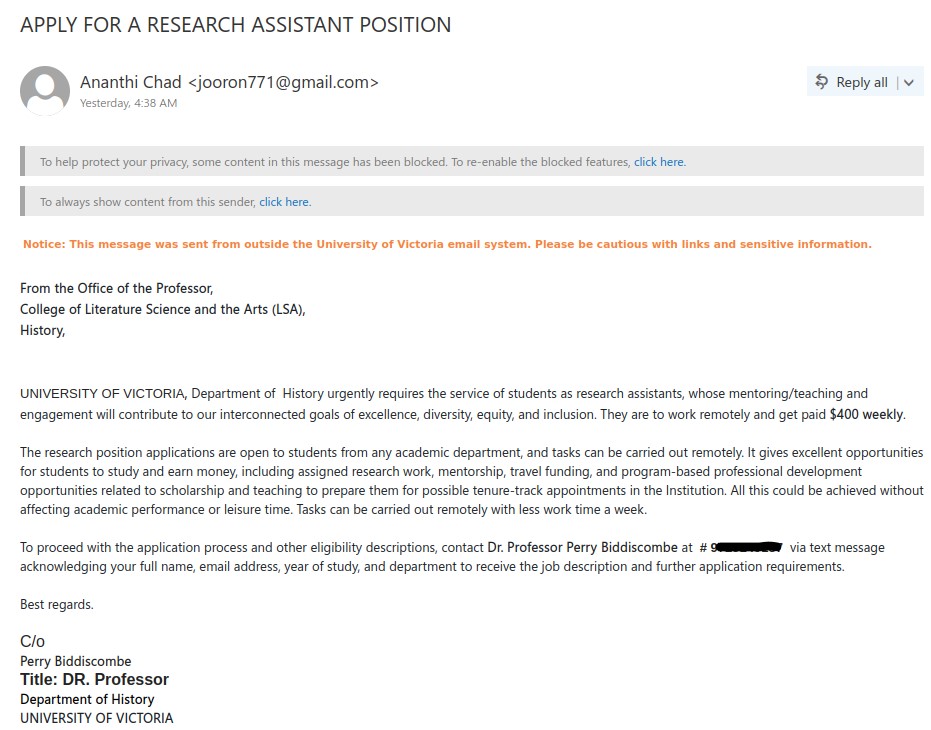
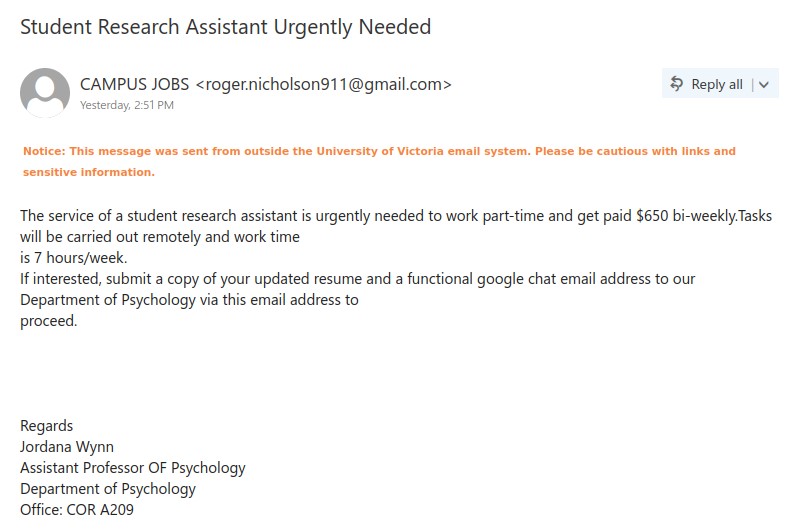
We’ve been seeing several variations of these fake research assistant job offers, each one impersonating a real UVic faculty member to make the opportunity look legitimate. However, there are several red flags that indicate these are scams:
- The emails come from Gmail addresses, not from the faculty members’ UVic email addresses.
- The scammer asks you to respond using a different communication method (SMS or Google chat). This is an attempt to evade our monitoring systems by moving the conversation away from UVic email.
- The versions that request responses via SMS don’t provide a local phone number; the 323 area code corresponds to Los Angeles, California.
- The pay offered is several times higher than the minimum wage in BC and therefore too good to be true, especially for part-time/casual work.
- The messages contain errors in grammar, spacing and/or punctuation.
- The name of the sender of the email may differ from the professor mentioned in the message.
If you replied to one of these emails, contact the Computer Help Desk immediately for assistance, especially if you sent money or personal information.
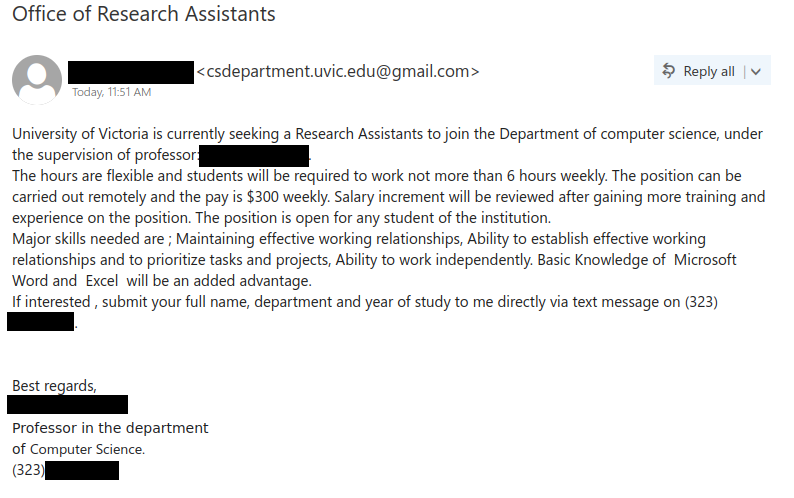
Subject: Office of Research Assistants
From: [name redacted] <csdepartment.uvic.***@gmail.com>University of Victoria is currently seeking a Research Assistants to join the Department of computer science, under the supervision of professor: [name redacted].
The hours are flexible and students will be required to work not more than 6 hours weekly. The position can be carried out remotely and the pay is $300 weekly. Salary increment will be reviewed after gaining more training and experience on the position. The position is open for any student of the institution.
Major skills needed are ; Maintaining effective working relationships, Ability to establish effective working relationships and to prioritize tasks and projects, Ability to work independently. Basic Knowledge of Microsoft Word and Excel will be an added advantage.
If interested , submit your full name, department and year of study to me directly via text message on (323) [scammer’s phone number redacted].Best regards,
[name redacted]
Professor in the department
of Computer Science.
(323) [scammer’s phone number redacted].
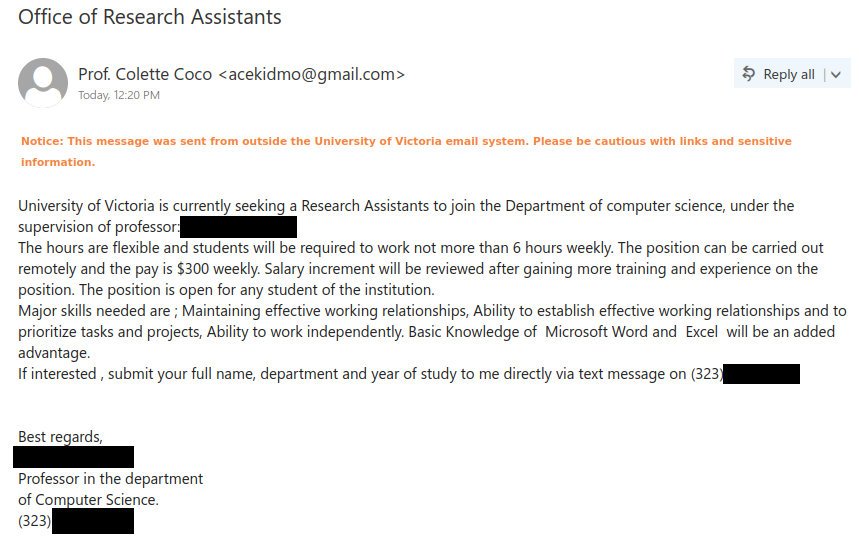
Subject: Office of Research Assistants
From: Prof. Colette Coco <ac****mo@gmail.com>Notice: This message was sent from outside the University of Victoria email system. Please be cautious with links and sensitive information.
University of Victoria is currently seeking a Research Assistants to join the Department of computer science, under the supervision of professor: [name redacted].
The hours are flexible and students will be required to work not more than 6 hours weekly. The position can be carried out remotely and the pay is $300 weekly. Salary increment will be reviewed after gaining more training and experience on the position. The position is open for any student of the institution.
Major skills needed are ; Maintaining effective working relationships, Ability to establish effective working relationships and to prioritize tasks and projects, Ability to work independently. Basic Knowledge of Microsoft Word and Excel will be an added advantage.
If interested , submit your full name, department and year of study to me directly via text message on (323) [scammer’s phone number redacted].Best regards,
[name redacted]
Professor in the department
of Computer Science.
(323) [scammer’s phone number redacted].
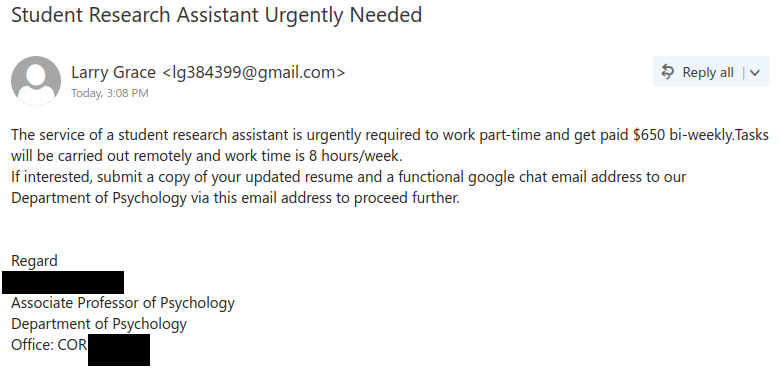
Subject: Student Research Assistant Urgently Needed
From: Larry Grace <lg3****9@gmail.com>The service of a student research assistant is urgently required to work part-time and get paid $650 bi-weekly.Tasks will be carried out remotely and work time is 8 hours/week.
If interested, submit a copy of your updated resume and a functional google chat email address to our Department of Psychology via this email address to proceed further.Regard
[name redacted]
Associate Professor of Psychology
Department of Psychology
Office: COR [room redacted]