A UVic-targeted variant of the usual advance fee scam

No doubt you’ve all seen a classic advance fee scam. A stranger emails you asking for assistance in transferring a large amount of wealth that they say they own but can’t access, offering you a cut of it in return. Most of the time, these scams are sent en masse and not targeted to the recipient.

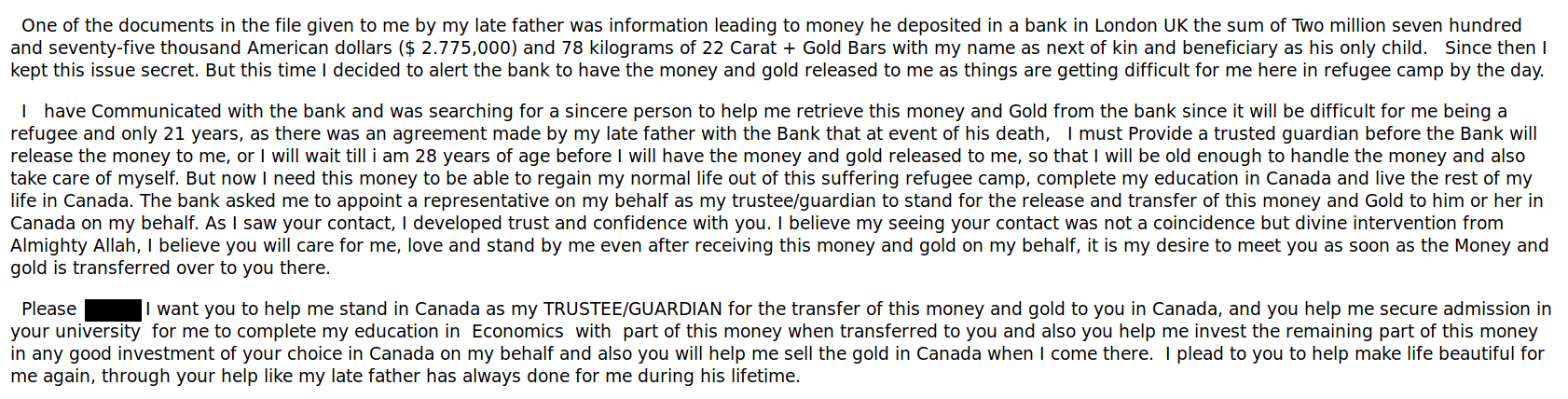
However, a bunch of UVic employees recently received a more targeted variant of this scam where the writer poses as someone wanting to come to UVic:
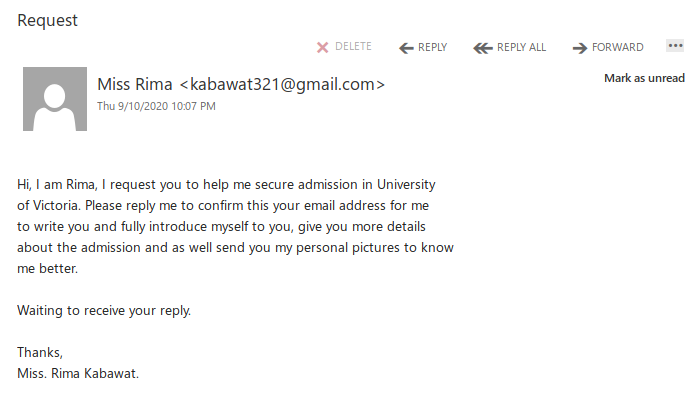
Those who reply will receive a lengthy letter back. For brevity’s sake I won’t post the whole thing, but here’s the part that makes it clear that this is just another advance fee scam. Note: you can right-click on the image and choose to open it in a new tab or window to view it at full size if the font is too small for your liking.
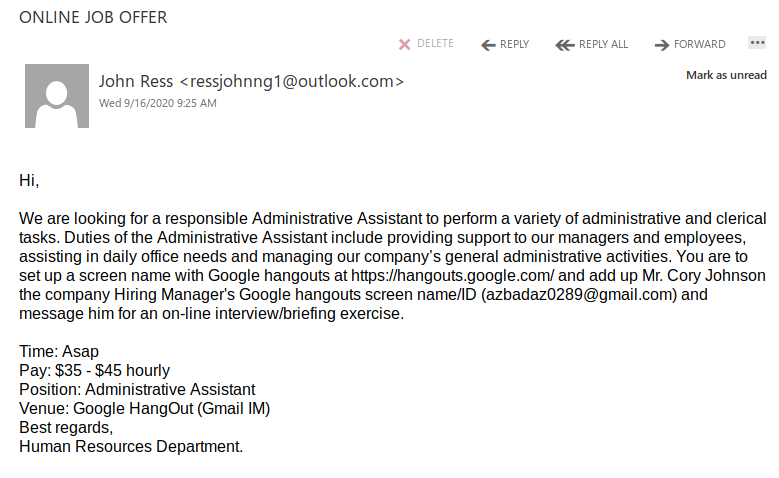
Phish from a compromised vendor email address

An employee of a local vendor had their email address compromised and used to send phishing emails. Notice the part that looks like a file attachment–it actually is a link to a malicious file on OneDrive.

If you receive emails that appear to come from someone you know but don’t quite look right, don’t reply and don’t click on the links. Instead, contact them via a phone number that you already have and know is safe. Also inform your department’s IT support staff and report the phish to the Information Security Office so that we can follow up as necessary.

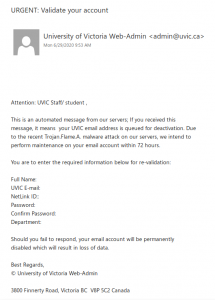
URGENT: Validate your account

This is not a legitimate UVic email; it is yet another phish that spoofs a UVic email address. Replies actually go to a Hotmail address.

Reminder: legitimate UVic communications will never ask you to send your login information via email.

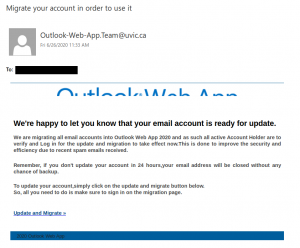
Account migration spear phish from various spoofed uvic.ca addresses

This email was not sent by UVic; do not click on the link. The sender addresses of Outlook.Team@uvic.ca, Outlook-Web-App.Team@uvic.ca and Outlook.Web.App@uvic.ca have all been spoofed by the phisher to make the email look legitimate.

This is a spear phishing email pretending to be a notification related to UVic OWA. Subject lines are variable but all of them mention account migration. If you clicked on the link or entered your credentials, contact your department’s IT staff or the Computer Help Desk immediately.

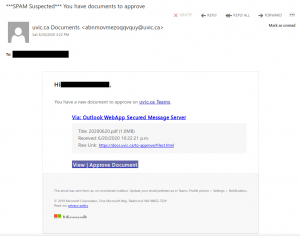
Fake Microsoft Teams notification: You have documents to approve

This phish tries to imitate the appearance of a Microsoft Teams notification and uses a randomly-generated spoofed UVic sender address. But if you hover over the links for “uvic.ca Teams”, “docs.uvic.ca” and “View | Approve Document”, you will find that those links go to suspicious URLs that are not associated with UVic’s Microsoft Teams service.

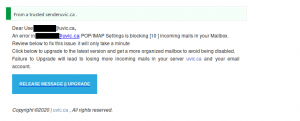
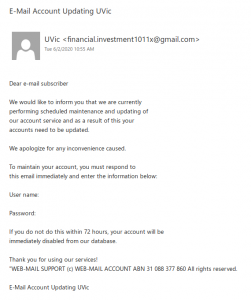
E-Mail Account Updating UVic

This phish tries to get the recipient to send their credentials by email rather than using a link to a phishing website.

Remember: legitimate UVic communications will never ask you to email your password. Passwords should never be sent via email since it is not a secure method of communicating or storing them.

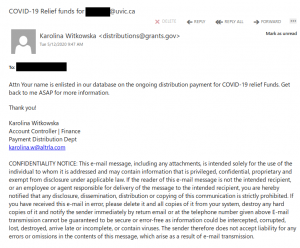
An example of email spoofing in a COVID-19 phish

Sometimes an email will look like it came from a legitimate sender, but in reality the sender email was faked. This is called email spoofing, and the phish below gives a good example of that. Here, the phisher spoofed distributions@grants.gov, but a close look at the mail headers revealed that it did not come from grants.gov and replies to the message would actually be sent to a different, very suspicious-looking address.

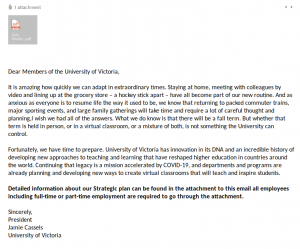
Covid 19 Message From President Cassels

This carefully-crafted spear phish for the most part looks like it could have been written by Jamie Cassels–but of course it wasn’t. One of my colleagues found that the phisher actually copied much of the wording from an April 22 open letter from the president of McMaster University.

If you recall opening the attached PDF, please contact your departmental support staff or the Computer Help Desk as soon as possible.