“Social Media” – absolutely …. everywhere! And that includes UVic!
SPOILER ALERT #1 – I personally am not that much into “Social Media“. Go ahead and use Google to search for me, but .. not much there! Besides this post is about UVic social media!
OAC or Online Academic Community (WordPress) is the most visible and most used by yours truly, so it is #1 on my list of UVic social media!
If you are reading this … YOU ARE AT OAC! Valid UVic NetLink credentials gives you not just a free site, but FREE SITESPLURAL! Make one for courses, for photos, for recipes or for … anything you want! In fact, some courses might even allow for it to be a project or an actual assignment!
And of course, Facebook. EVERYONE has a Facebook account! Spoiler Alert #2 – I DO have a Facebook account … but good luck finding it!
One of the BEST UVic OAC sites is My UVic Life! Written by and for students at UVic always has a timely, informative and FUN perspective on life at UVic!
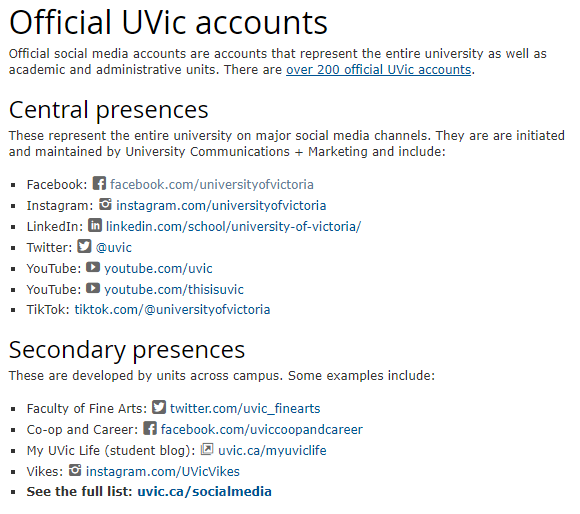
When I went to find a list OF all the social media at UVIC, I found the following site of all the Official UVic Accounts … to the right …
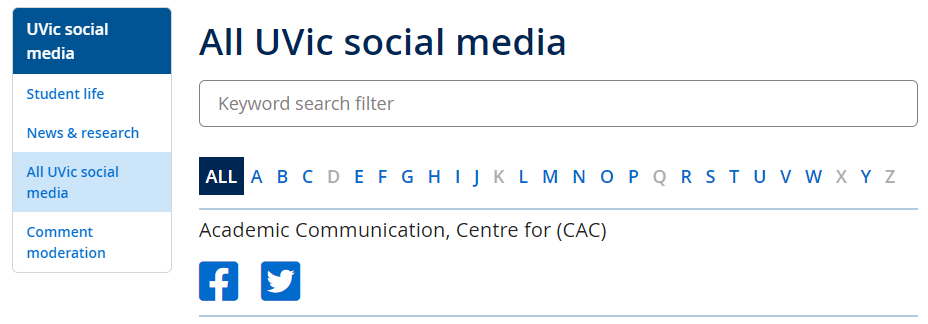
A great list of sites! But then ….. right at the bottom, there is a line that says ‘See the full list: uvic.ca/socialmedia‘ and it takes you to THIS BELOW! The treasure chest of ALL UVic social media sites! WOW AND WOW!
It is truly amazing how many Departments, Programs, Services, Galleries and … YOU NAME IT … have a social media account of some kind! Everything from “Academic Communication, Centre for (CAC)” to “Youth and Society, Centre for” … JUSTshy of a ‘Z’ category … and missing ‘X’ too!
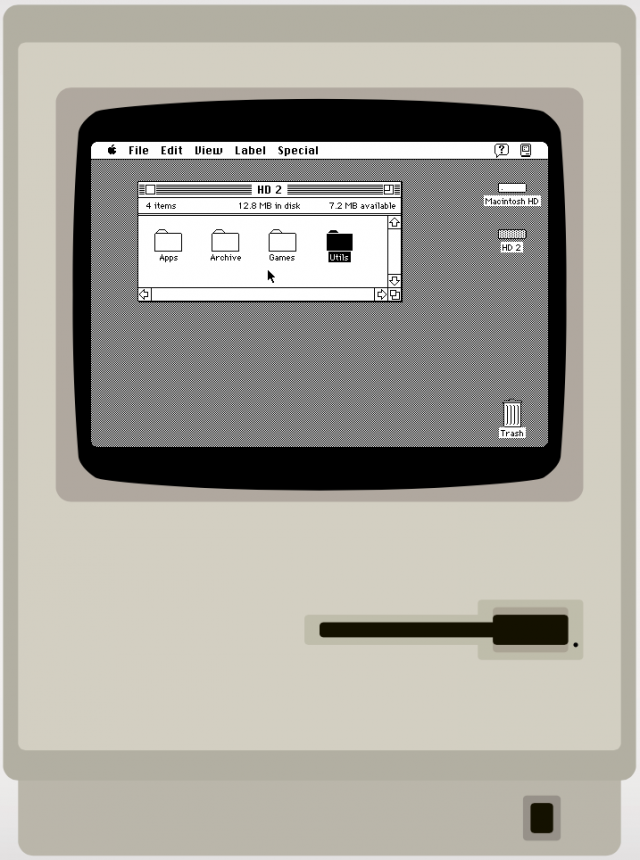
Did YouKnow … You might be able to experience . . . macOS on a WINcomputer? . . . OR other neat EMULATORS too?
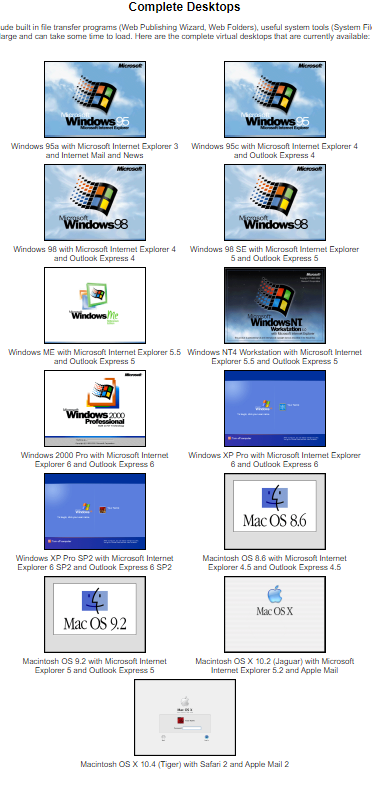
You can actually try legacy operating systems … on a browser! And it does not matter if you have WIN or macOS either! There are websites that … almost … let you Time Travel to see what earlier version of (then) current Operating Systems were like! They are not intended to be functional, only descriptive and .. kinda fun, most of them! And no implied guarantee of success here! Just some emulator sites I found out there!
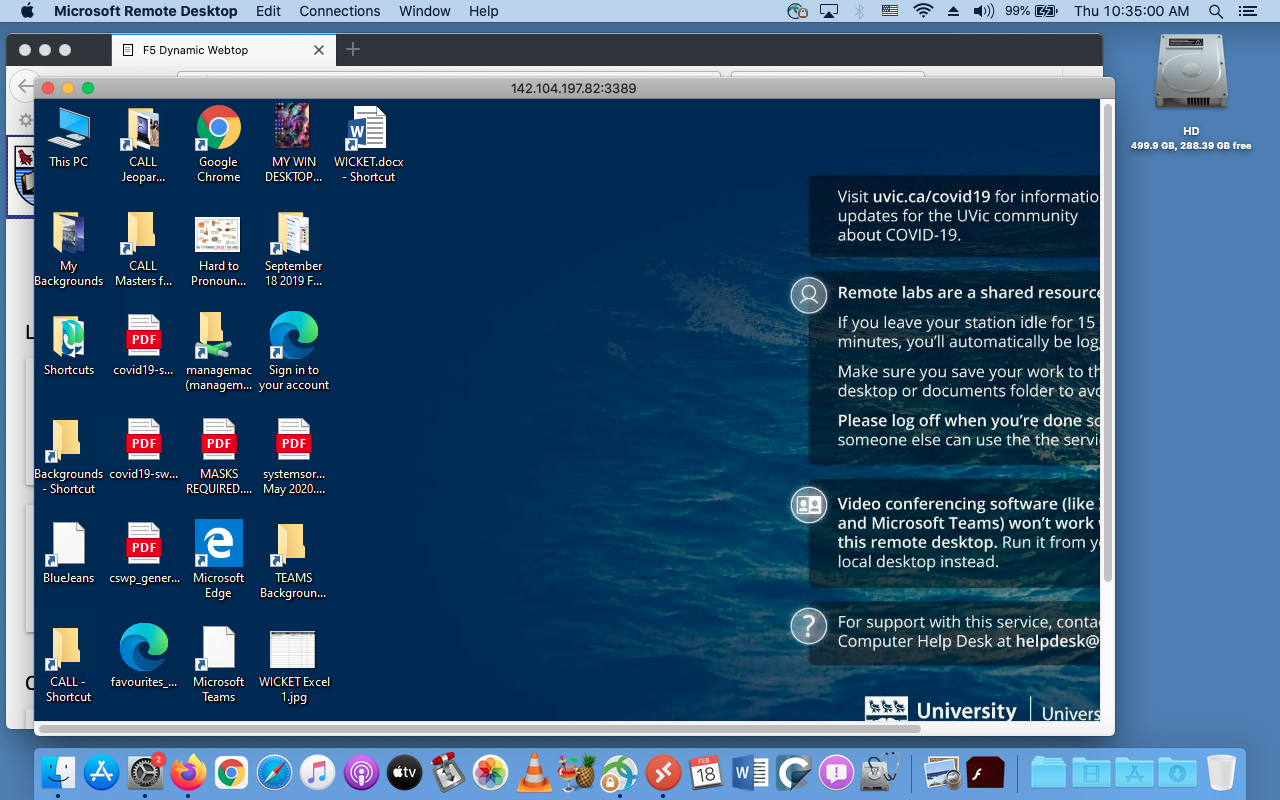
And a HUGE distinction between an emulator of an OS, running on a browser and … actually remote access TO a real computer on campus. That is through a real service at: remotelab.uvic.ca and is EVEN COOLER! The screen grab below is of my old MacBook Pro, accessing a WIN computer in Clearihue! A rather existential question arises … is this Windows IN a Mac, or Windows ON a Mac! 🙂 This will be a future post, just to whet your whistle!
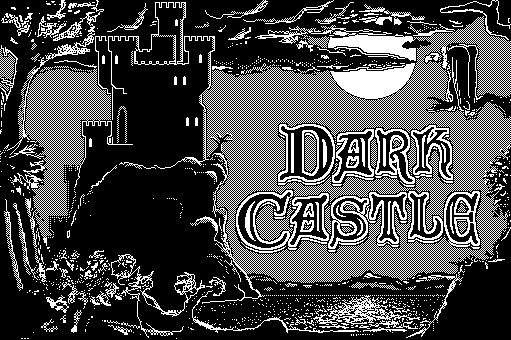
And what is regarded as the single greatest Macintosh game of all time is … DARK CASTLE! And you can try it out at the same Mac System 7 site! A bit more on games later ….
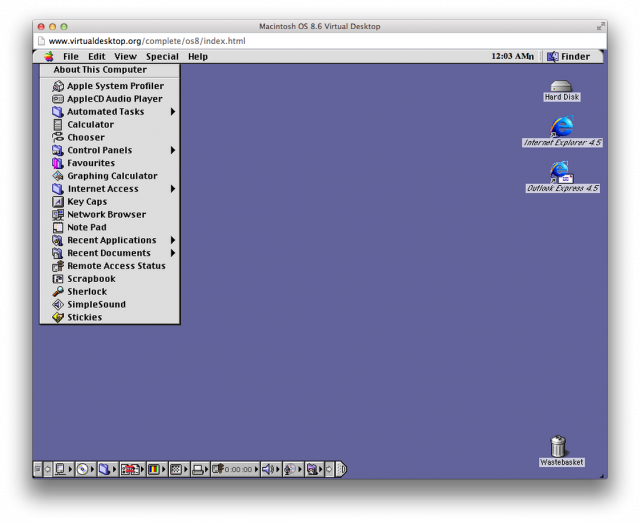
Inevitable updates to all operating systems are … inevitable! And one of the next ones was Mac OS 8.6: The classic Mac OS nears the end of its life and this was a HUGE upgrade from System 7 – the number alone is … 1+! You can go directly there from here or click the Mac desktop to the left.
The one that started them all .. well, at least in 1995 .. WINDOWS 95! And again, these are all from VirtualDesktop.org, amongst many others! Considering The CALL Facility started out with DOS based machines, running McMaster French, more closely resembling a text adventure game … WINDOWS 95 WAS CONSIDERED SLICED BREAD at the time!
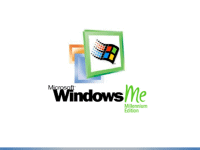
And a final pairing of WINDOWS ME and WINDOWS NT! Microsoft sure like using lots of letters of the alphabet! But, to be fair … Apple liked using cats before Roman Numerals and then portable devices started to show up and now all kinds of … flavours … just like an ice cream shop!
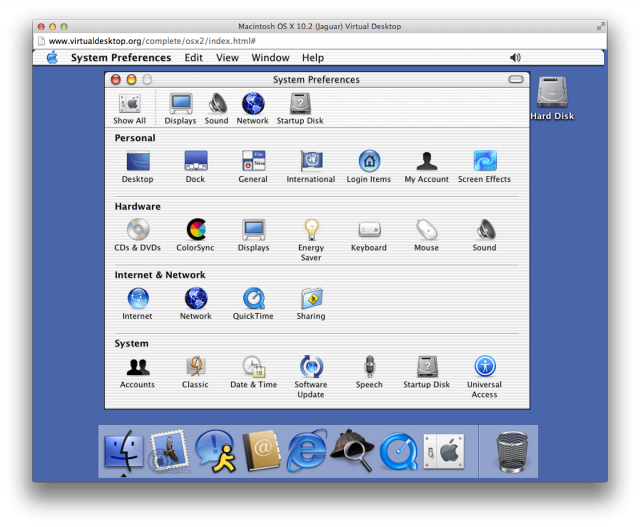
For more Virtual Experiences, I will list a few sites below, but the best to see the most, is at VirtualDesktop.org. Not all there, but .. enough to do a decent days work of Time Travel and see how Operating Systems have changed considerably over the years!
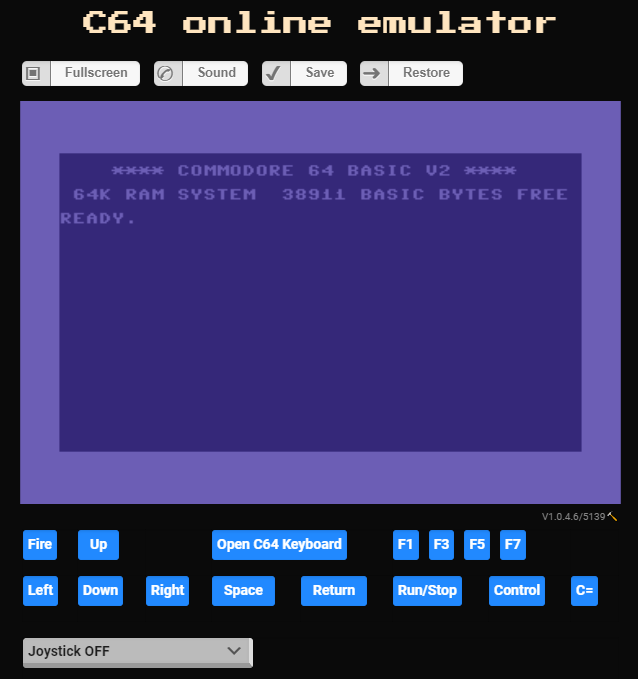
And one last emulator, from my first ever computer that I bought … COMMODORE – C64 Online Emulator! The drawback here is that you need to upload some kind of file FROM an original C64, then it works. So, not much to try here. But I am going to find out HOW to do it though! And even more Online Emulators from the same place too!
I mentioned games earlier, but will have another post in the future about games. Spoile – I am NOT a Gamer!
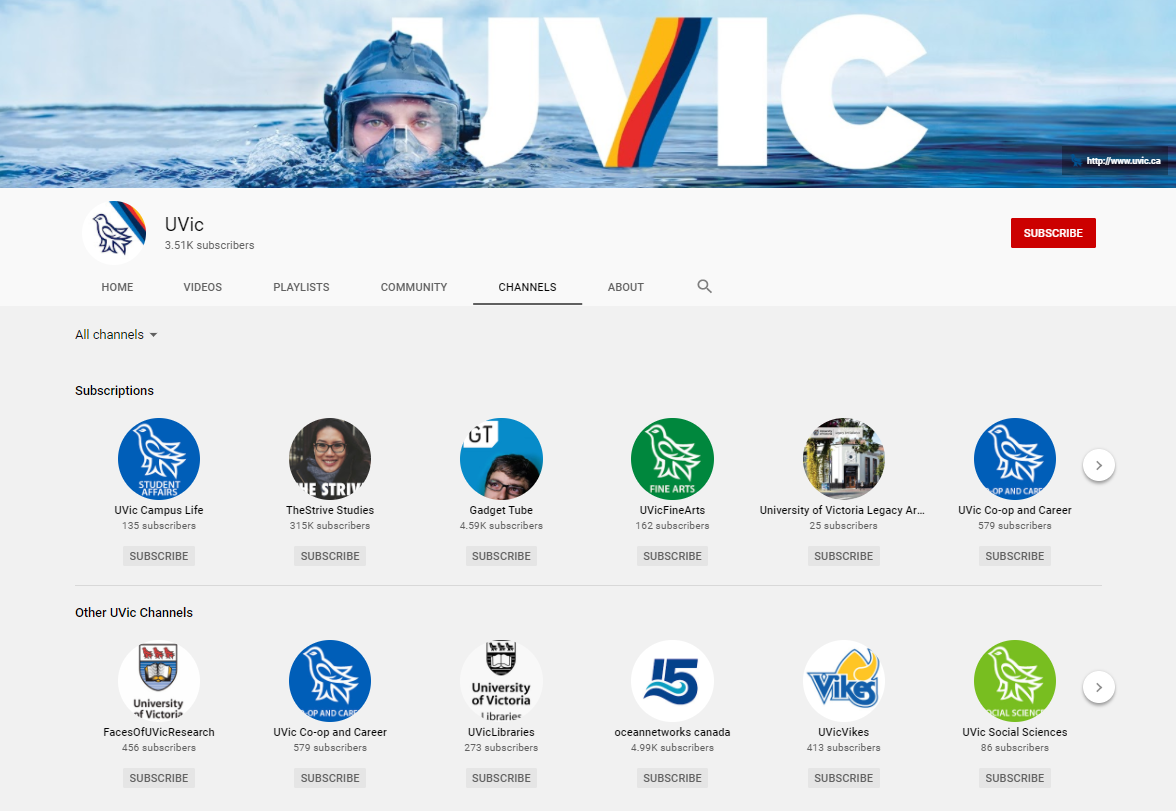
UVic’s YouTube channel has some amazing videos for learning about UVic, Departments, Airiel views by Drone, National and International stories about UVic and many Hints, How-To’s and just plain FUN VIDEOS!
In no particular order, sort of, are some of my Favourite UVic YouTube videos. There are so many …. and I am sure you will find many of them fun, useful and informative! And many student bloggers are posting about their experiences at UVic throughout the semester at another OAC site, My UVic Life (another shameless promotion of UVic here at Bog Blog!)
And you can also find my video, from a PowerPoint at YouTube too! Just go to my Page, “The CALL Facility … and other Mysteries of UVIC” or just find the link to ALL my Pages, on the right-hand side of each post.
You can click on the text link, or the thumbnail of the UVic video below to go to a new tab with that video.
NOTE: Unfortunately, I recently discovered that ZOHO is no longer free, at least for the purposes that The CALL Facility used it for. I still have access as an Admin, but I am researching how I might be able to continue to provide the same resources in perhaps a slightly different format. Options such as a website, pdf, Word, Excel or other kind of document, but so far, they are not as easy to use, create, support and maintain. But I am hopeful and optimistic!
MANY THANKS to everyone who supported The CALL Facility (& me!) in offering this very unique resource over the past many years, probably dating back about 15 years or more! ZOHO came about as a response to needing a quick way to access Language bookmarks in CALL! Way back when, and this is BEFORE GOOGLE, I would email an attached bookmark file for specific browsers such as Explorer (Mac!), Safari and even Netscape Navigator! Good times, good times!
ALL the bookmarks are still ‘at’ ZOHO, and I can access them, and export them into a simple .pdf document if anyone wants them. I can subsort, or include them all in one document. Please let me know! But for now, I won’t be updating ZOHO on a regular basis while I research other, if any, similar resources for Instructors and students.
In the meantime, probably the best strategy, for Instructors, would be to Copy/Paste website inks directly into Brightspace for students. Yeah, cludgy and inelegant, but … sometimes old school works! The first shift I had in the CALL Facility – was bulk erasing and then making copies of Spanish lessons .. on cassette tapes! Good times, good times!
And many thanks to Mark vH who helped me set it up so very long ago!
Zoho CALL Facility Bookmarks, is an on-line database of over 1100+ useful Language sites as well as utilities, orientations, copyright information, digital media access and world news sites. Yes, you could look some things up at Google, but … I (& many others too!) have done that already and you might just find some very interesting sites and information, based on what students and Instructors think is helpful. In fact, most of the links have been suggested by students and Instructors and might not show up high on a Google search! Diamonds in the rough!
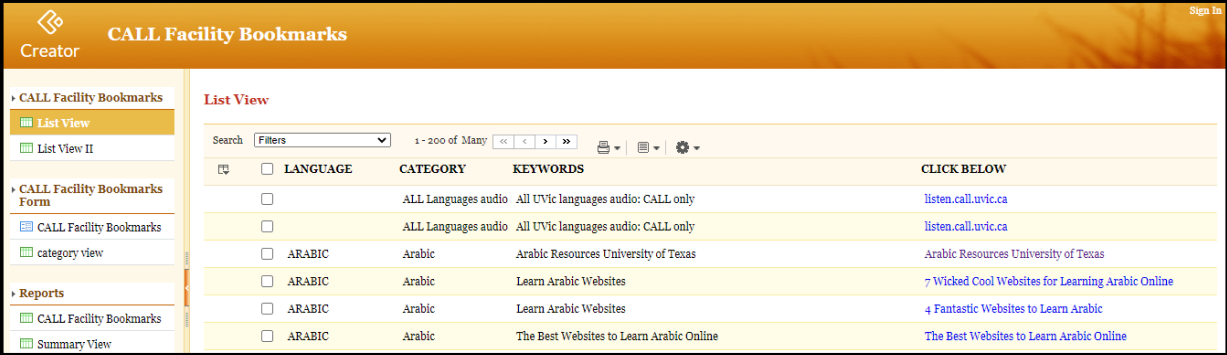
But there have been some changes to ZOHO over the holidays. Their default template seems to have changed from what once looked like below:
ZOHO CALL Facility Bookmarks – Old Interface
To what it now looks like today:
ZOHO CALL Facility Bookmarks – New Interface
So I will point out some important features that still work, but are now in different locations or use a different button or icon. You can still search, sort and resize columns, all of which are very handy at any time.
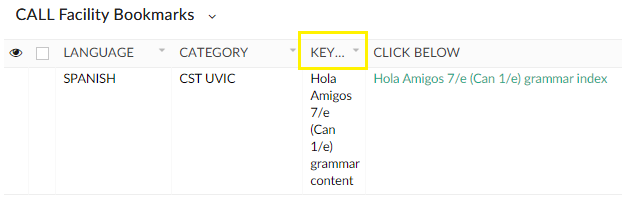
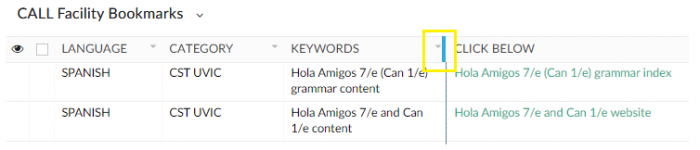
First, resizing columns. ZOHO will sometimes minimize the width of a column such as KEYWORDS. To widen any column, just position the cursor to the RIGHT of the Name of the narrow column (KEYWORDS) and your cursor will change into a small I-beam with left<-> right arrows. Click, hold and drag to the right to widen, or to the left to narrow the column too. Just like adjusting the size in a spreadsheet like Excel! The two images below show what a narrow column looks like and where to widenit with your mouse.
ZOHO Narrow Column ZOHO Wider Column
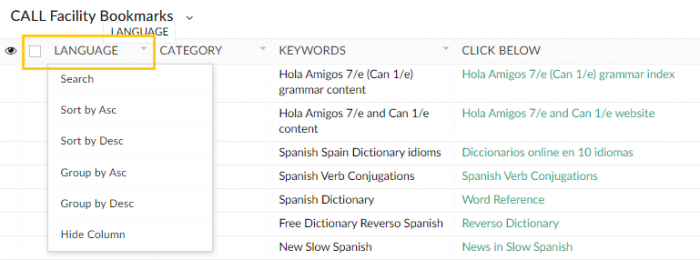
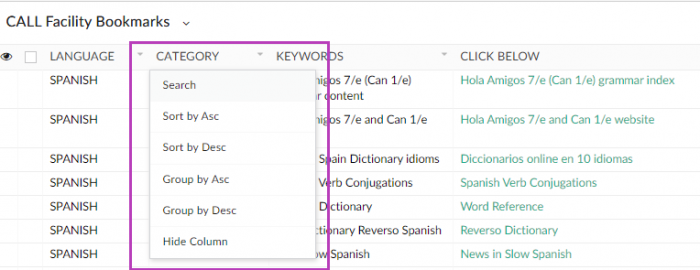
And Searching AND Sorting a category, is now just one-click away! Just position your cursor over the category you want to SorUnder LANGUAGE, CATEGORY, KEYWORDS and CLICK BELOW is built into each Topic. Just click on the title above each Column and you will get a drop-down menu to choose how you want to sort. Below are LANGUAGE and CATEGORY. If you look closely, there is a small inverted triangle, a visual clue that there is a feature there. You do not have to click ON the triangle, just anywhere in the name of the column and you get the drop down menu that includes Search, Sortby Ascending, Sort by Descending and other options.
NEW ZOHO LANGUAGE SortNEW ZOHO CATEGORY Sort
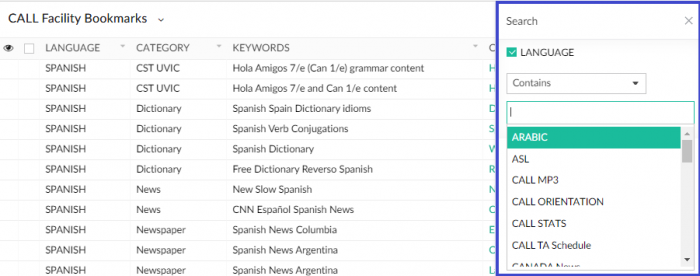
When you select Search from the drop down menu, another menu box will open on the right hand side where you can set the criteria to search for, even if it is not in the LANGUAGE column! One stop searching is just one-click away! And if you ever need to close any popup window or menu, there is usually an ‘X’ in the top right-hand corner, to close that menu. You can also just click into an ’empty’ spot somewhere else in the ZOHO screen.
NEW ZOHO Search
AND BONUS! There are more ‘Hidden in Plain Sight’ menu options as well. On the far right hand side, are 3 small icons. The first is a magnifying glass which will bring up the Search box. The second looks like a … coffee filter to me and .. that is what it is! You can filter multiple searches through this option, such as “Spanish Utilities Copyright” or other combinations. ZOHO will find them and present the filter criteria as well, and you can close them anytime. The final choice of 3 horizontal bars changes the view of ZOHO, with some additional functions, but nothing permanent and can be re-selected at anytime, and the original ZOHO link will always work too.
NEW ZOHO Menu
And you might ask …. why does ZOHO default to Spanish with this link? Two reasons! First .. I am still learning how to set up Reports, Views and default and/or customizable access in ZOHO since their … update over the holidays!
And secondly … SPANISHInstructors have been enthusiastic supporters of ZOHO as a resource for their students for YEARS now! And so, yeah, it is … who you know! 🙂 Thanks to RS for your support and patience!
I do want to learn how to set up specific Reports, Views and other customizable aspects of ZOHO to make it even better than ever!
Thanks to everyone for their patience and support of The CALL Facility! And I can hardly wait to get back to being on campus …. but nobody knows when just yet!
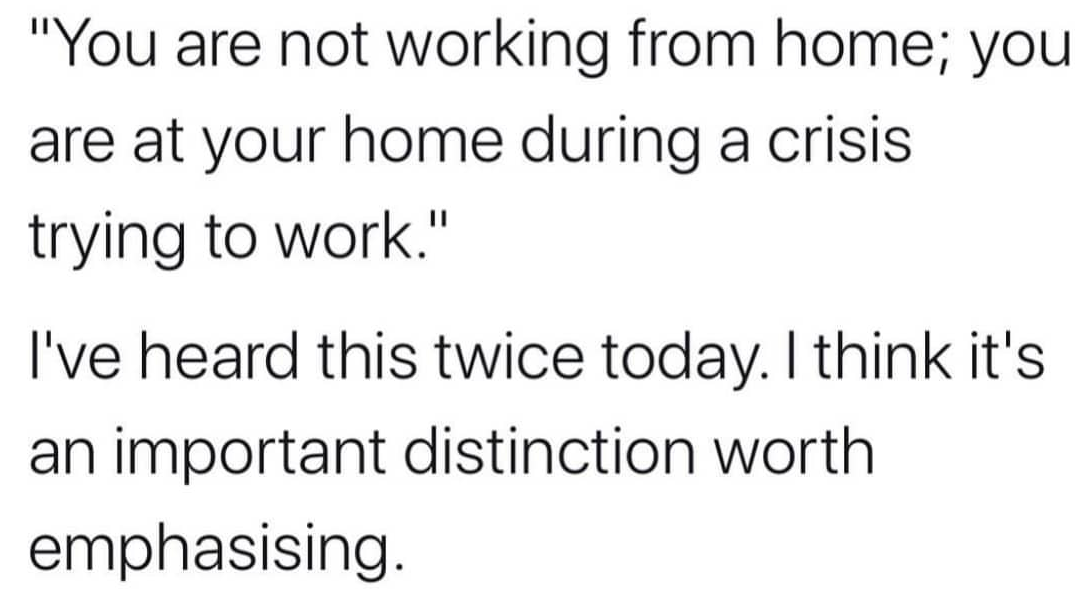
I have been taking combinations of Thursdays/Fridays/Mondays to have a bit of a break, some breathing room and to relieve a bit of stress. August is my traditional full vacation time!
A personal challenge (since we started working remotely), was to contribute a daily OAC post, relating to languages, computers, graphics, words, culture, UVic, technology (old and new!), puns, The CALL Facility or anything informative, educational and perhaps even funny!
I have been learning more and more about WordPress and have found some neat tricks that have helped me out – teaser – that will be a future post!
I will scale back my ‘Daily’ posts in September as the Fall semester will be unlike ANY OTHER SEMESTER, anytime in the past 30+ years that I have experienced at UVic. I still plan on posting once a week, but that will depend on so many things! Let me correct that – it will depend on … EVERYTHINGthat is going on at UVic in September …. and probably until next year!
Full Disclosure: Sometimes I had 3 or 4 posts all whirling around madly in my mind at the same time … and other times … I had NO idea what I would be writing about, even as I turned my computer on! Blogging by the seat of my pants! Fun Fact – that is basically how I got through U of Calgary too! It’s true … REALLY TRUE! 🙂
Today, July 31/2020, is actually Day 134 since March 19th, my last full on-campus day at The Computer Help Desk / The CALL Facility. I am hoping we can all return to UVic relatively soon, under safe conditions and help students, staff and faculty with their work!
Not to worry . . .
August 31st to prep for
. . . Septem . . . PURR !!!!
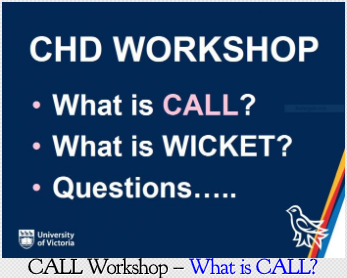
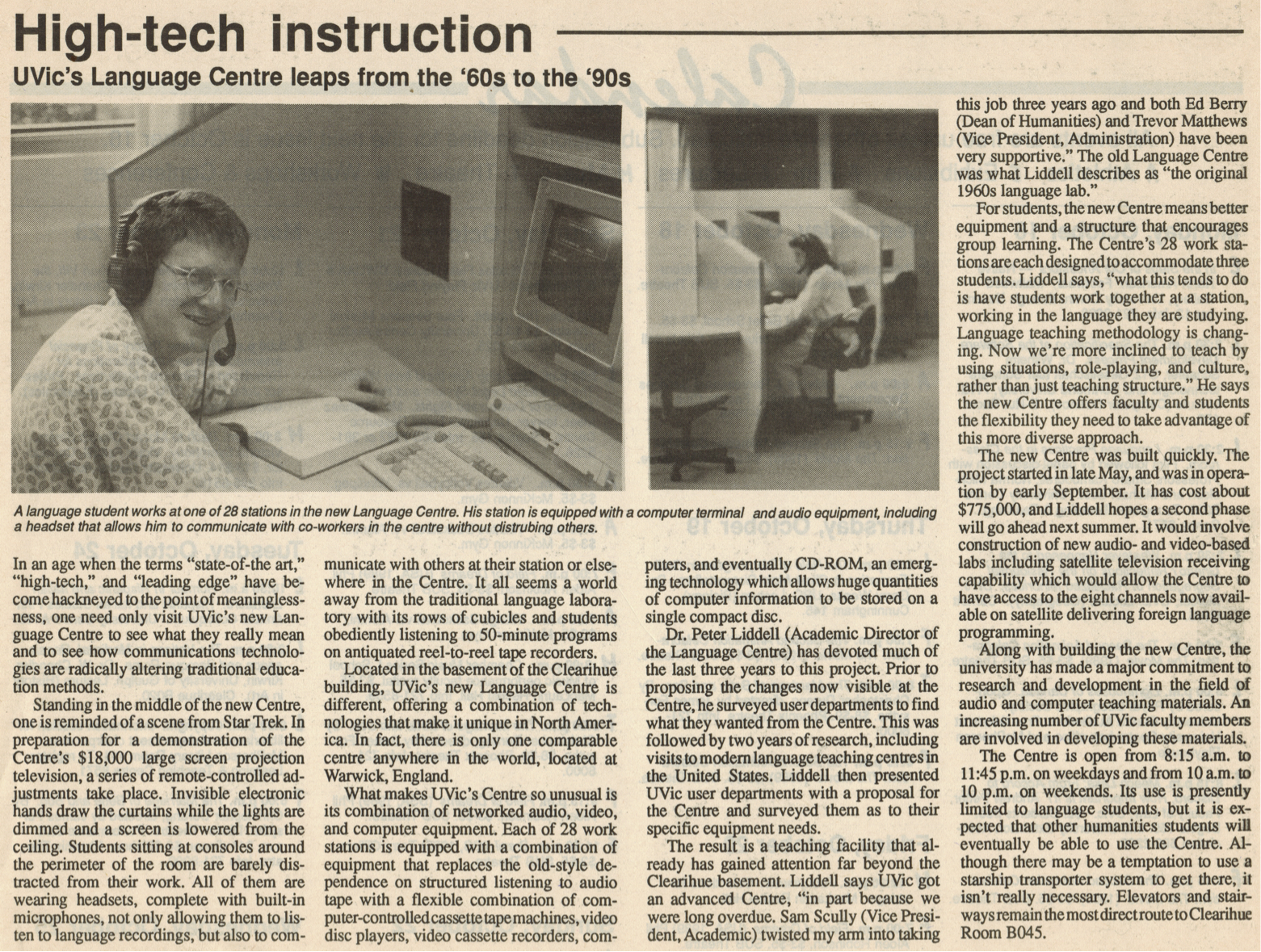
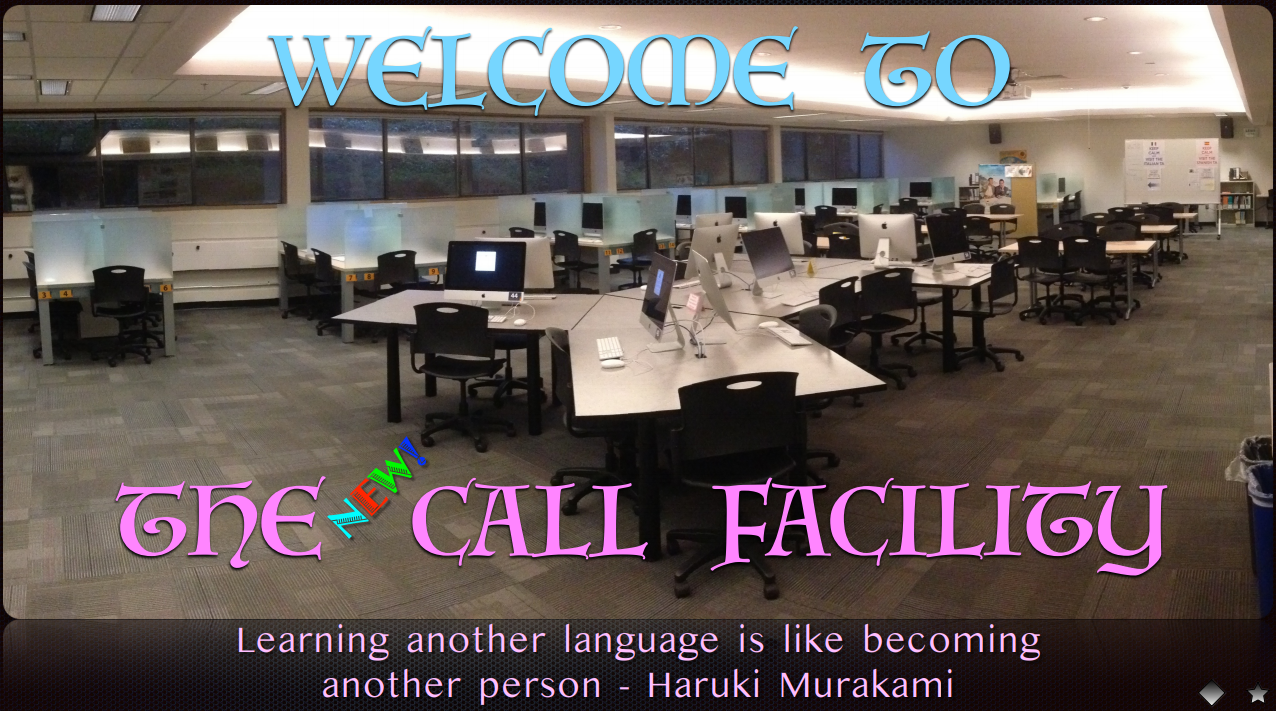
I have been around for a few days … since October of 1989! Whoa, that seems like yesterday to me! A future post will have some slightly grainy images of what CALL once looked like … well before numerous renovations (scheduled and unscheduled!) and before The Great Flood of 2015! That was some kind of day! There are a few images in a previous post, which includes a pdf of exactly what CALL is!
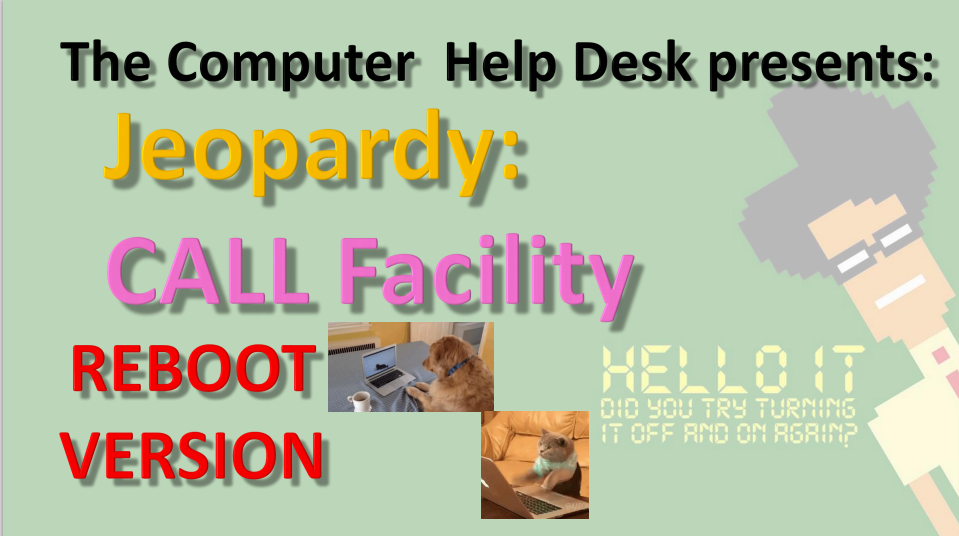
CALL Jeopardy: REBOOT VERSION
And the most recent version of my CALL Jeopardy file is here. ALL of the files are there too, including old photos of CALL, the Great Flood and the rebooted CALL!
I was VERY BRIEFLY back at CHD earlier this month, to upgrade my remote laptop, and went in to look at the new furniture … AND IT LOOKS FANTASTIC! I sure hope we can get back to using our facilities, classrooms and ALL OF UVic soon, but in a safe, VERY SAFE manner!
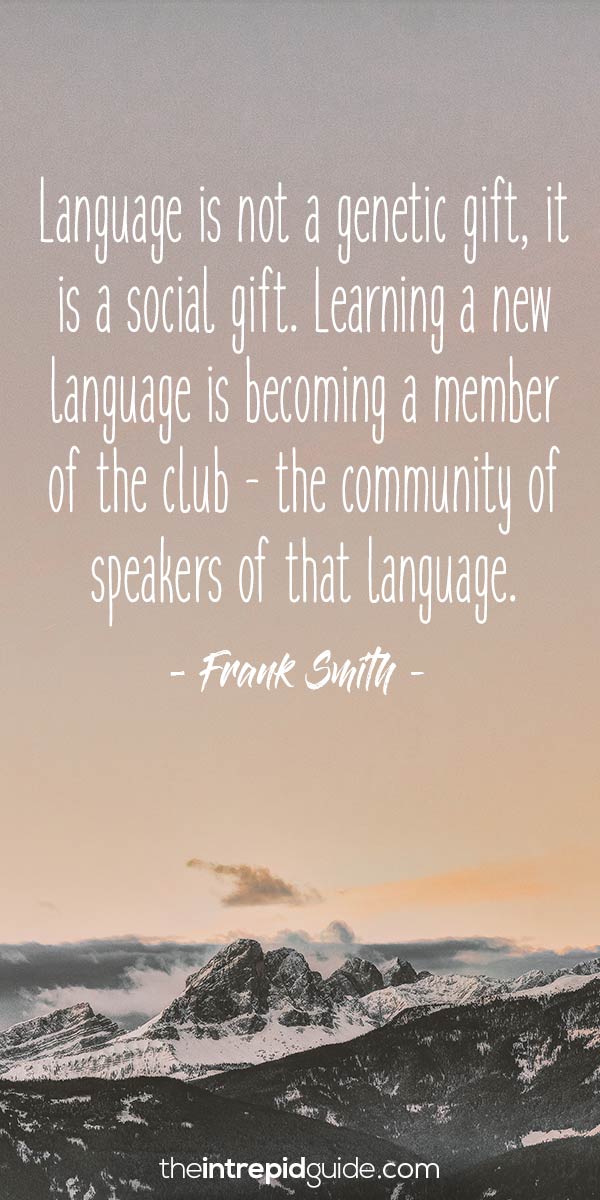
A fairly busy day today, so some quick quotes about learning languages. I also include quotes in each slide when I give my CALL Facility orientation, so you can click HERE to see those too! They are current to January 2020!
Mostly, these are new, but there are a few favourites in here too!
And some Albert Einstein quotes too! After all … on the Quantum Level … everyone speaks the same language … and other magical things like that! Yeah, too many Marvel movies clunking around my head! But that is a GOOD THING!
All the usual Daily Links and YouTube videos are after the language quotes below!
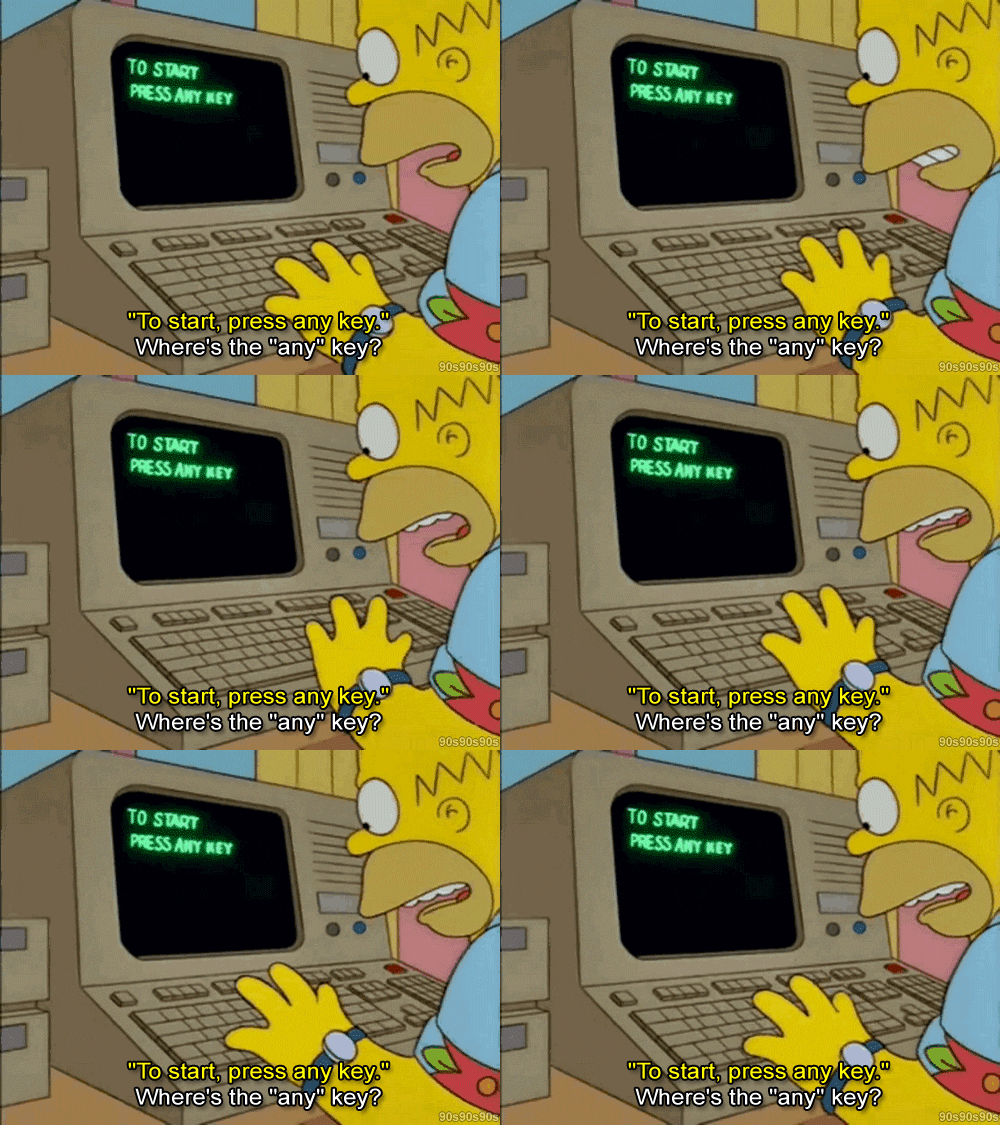
Where Are My Keys . . . or . . . Forgotten Computers and Software
Where are my car keys? I can just ping them, right? Ah, if Life were that easy. Wait a minute, some car keys DO have bluetooth and only need to be close to the car to open and start it! Remember when car keys were actually … KEYS! LOL!
Full Disclosure – I still have car keys that look, act and FEEL like car keys! Most now have bluetooth and all you have to do is be NEAR the door, NEAR the car and the keys open and start the car! Ah, the good old days of fiddling with multiple keys … good times, good times.
So how many computers have YOU worked on and have … forgotten about! I had a post awhile ago about just that topic, ‘Open the Pod Bay Doors, HAL“.
Whether you bought them or used them at school or work, there are probably a dozen or more … Forgotten Computers and Software over the years. Me? Maybe a couple of dozen computers and many, many more software programs or applications!
ENIAC
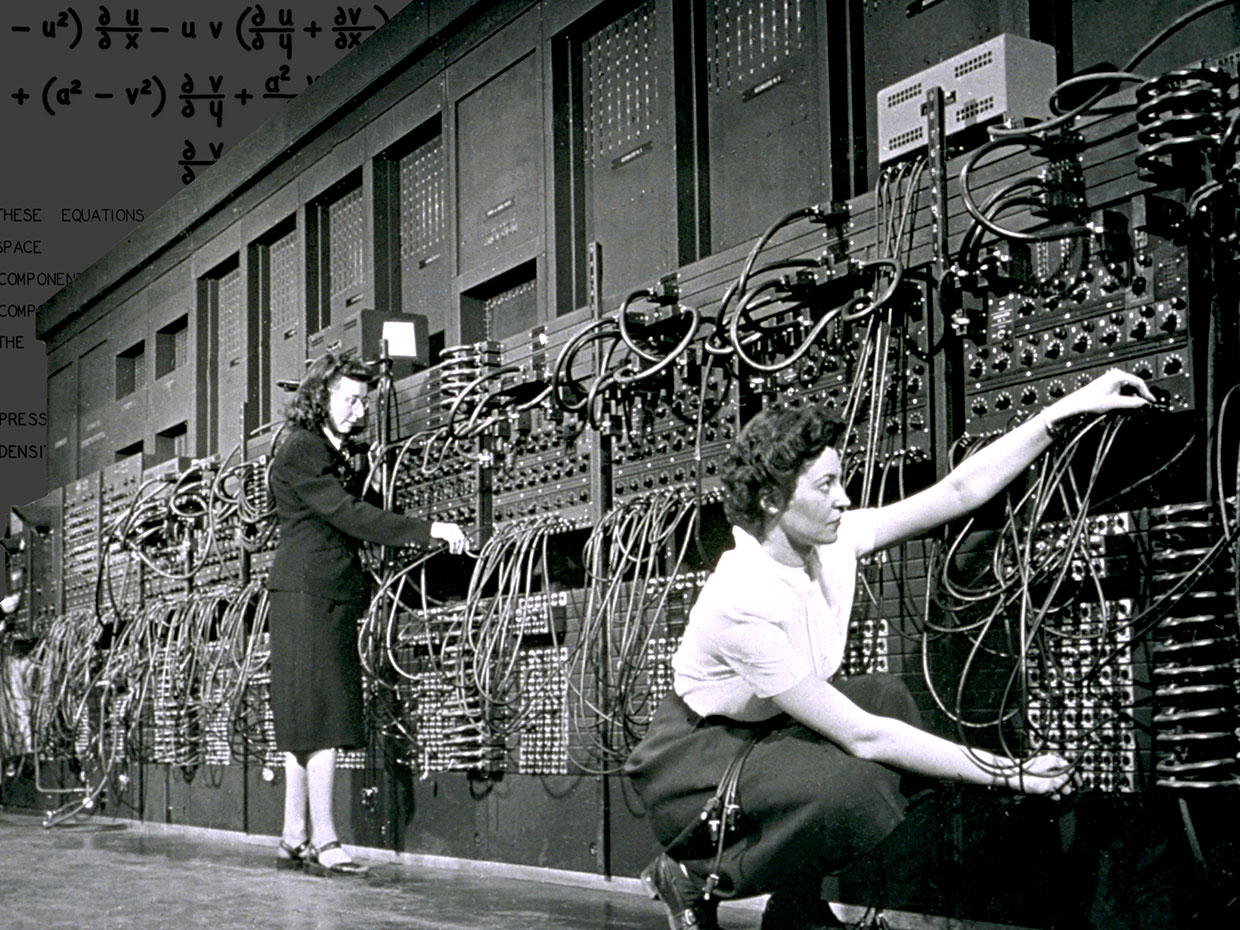
Remember when the ENTIRE COMPUTER was one huge modular unit! And the very first computers I worked on at U of Calgary, were either hidden from site and you presented your punched cards (FORTRAN!) and waited for the output!
Then when I started taking ‘Computers in Education’ courses, I was handed the keys to The Vault! I had access to the ‘teletype’ room where I could code in BASIC and run the output on rolls of newsprint! Good times, good times!
ENIAC
The first program I worked on was for Probablity with a simulation of pulling coloured balls out of a ‘Greecian Urn’. And it even printed out an ASCII Greecian Urn! Yeah, I have a printout, somewhere in ‘The Garage’ and will look for it one day! LOL!
I was fortunate enough to be invited to a lecture given by Grace Hopper. And you might rightly say … WHO? Well, she was a TITAN OF COMPUTER SCIENCE! And she gave us all a … NANOSECOND at the end of her lecture! Wait, what?
She concluded her lecture (best lecture of all time!) with how she explained to her Non-Techie Supervisor, how fast light travels and how that impacts any lag or delay with satellite communications! She brought out lengths of ROPE to demonstrate how far light travels in a second and working her way down to a NANOSECOND or a BILLIONTH OF A SECOND! Turns out, it is about a foot!
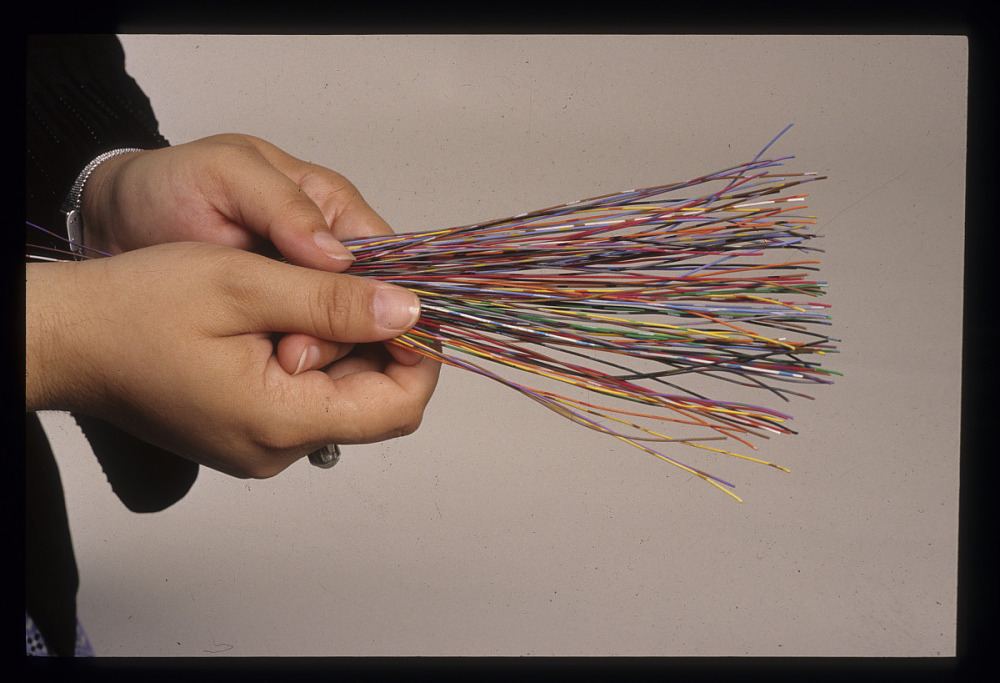
Grace Hopper Nanosecond
And she pulled out about 100 small lengths of multi-coloured wire and spread them on the desk for us to take as we walked out. Well, I have never seen such a rush of people to get their ‘Grace Hopper Nanosecond‘! Fortunately I was able to get one for myself! Unfortunately, it has disappeared in my many moves over the years! But what a memory for me!
And I bet I can name a MASSIVE computer related piece of ‘software’ that almost everyone will have forgotten about … Y2K! And if you have NEVER heard of that term … then you are probably not much older than 20 years old!
Y2K refers to a software ‘glitch’ that did not take into account the calendar year 2000 in most computer code developed between 1980-1999. Basically, EVERYTHING!
Typically, amongst other problems, only 2 digits were used to indicate the calendar year, thus ’89’ and ’99’ were used for ‘1989’ and ‘1999’ in databases, calculations, spreadsheets, banks .. YOU NAME IT! So when the decade ended and we entered the year 2000 … uh-oh! Right back to the year 1900!!!!
I remember staying up, hoisting a glass of champagne and welcoming … ‘The End of the World’!!! But, or more punny, ‘Byte‘ nothing happened! LOL!
So that brings up … Y3K! LOL! I sure hope I am still around to toast 3000!
Grace Hooper Bug
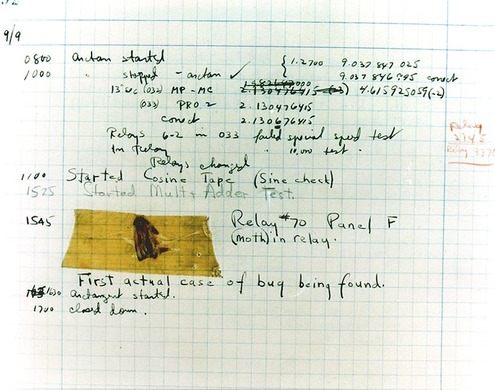
And this post quickly turned to Grace Hopper, didn’t it! I love telling people this story AND most people have never heard of Grace Hopper! AND an even BETTER Grace Hopper story! She is credited with the first EVER case of ‘debugging’ a computer …. LITERALLY!
She crawled into a computer … it was that big! And she found a relay switch, an actual MOVING PART INSIDE A COMPUTER and a moth had become ‘trapped’ beneath the lever! She then proceeded to ….’debug’ the computer and documented it! That document, moth and all, are in the Smithsonian now!
I found SO many articles, images, cartoons and resources while doing my usual bit of research for my post, I have more links below than ever before!
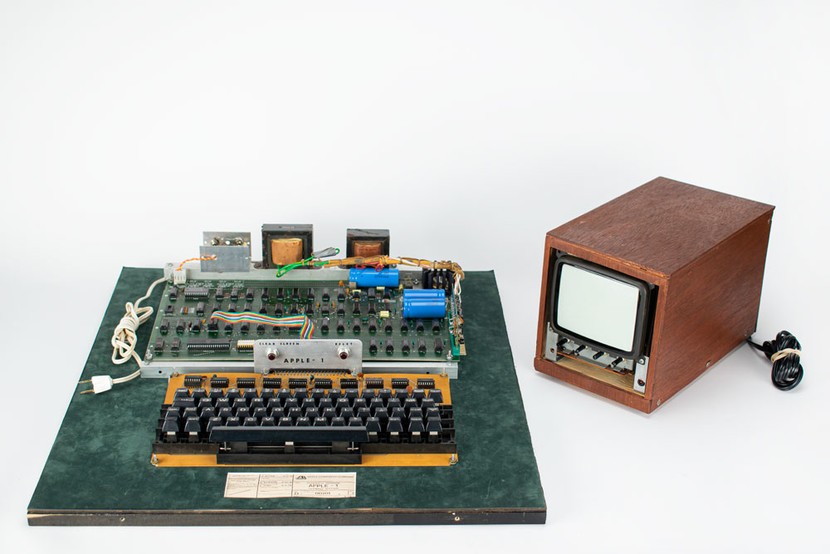
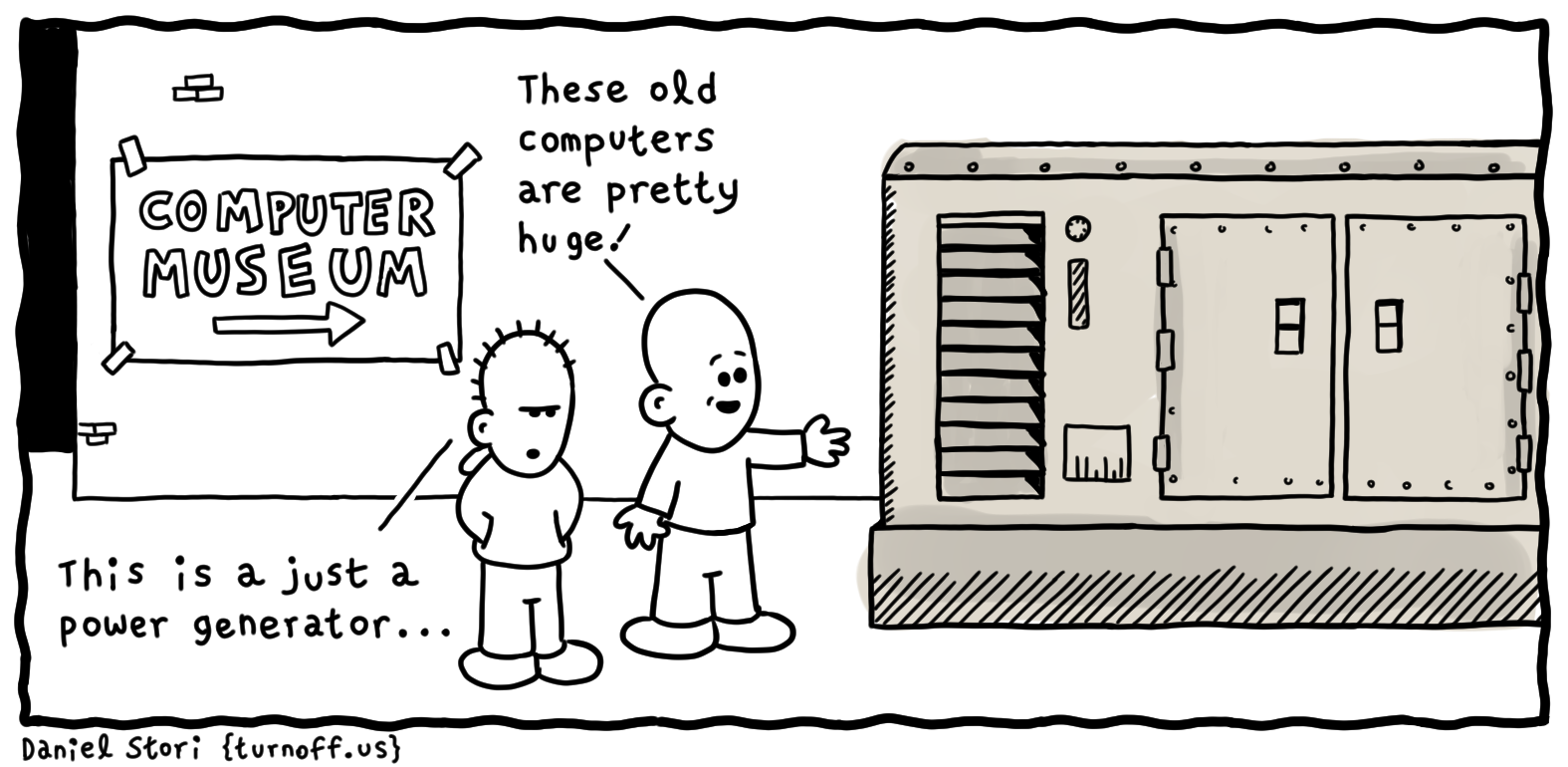
Articles on ENIAC, UNIVAC, Personal Computers, COBOL and most especially, Grace Hopper. Take a trip through time, wax nostalgic, and think back to when a computer took up an entire room, if not an entire building!
What you hold in your hands now is not just a phone – it is the FUTURE that visionaries like Grace Hopper could only DREAM of would eventually be possible!
When a distinguished but elderly scientist states that something is possible, he is almost certainly right. When he states that something is impossible, he is very probably wrong.
The only way of discovering the limits of the possible is to venture a little way past them into the impossible.
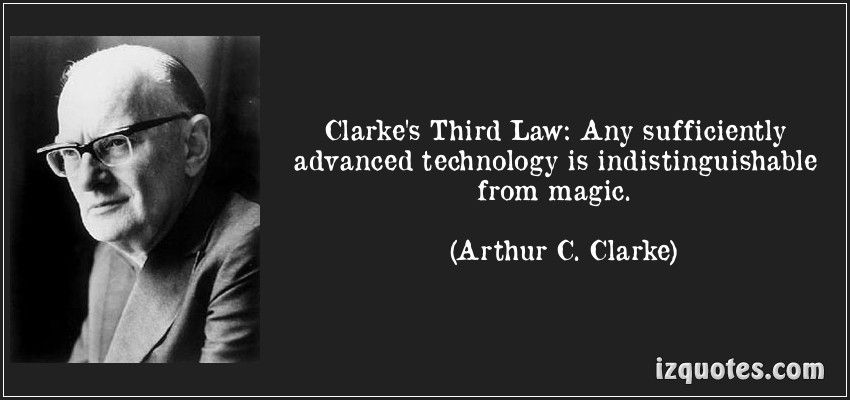
Any sufficiently advanced technology is indistinguishable from magic.
Daisy Daisy . . . or . . . Songs About Computers . . . kinda . . .
Daisy Daisy … on a bicycle built for DU – PLEX? Well, the HAL 9000 never could carry a tune! This might technically be cheating, as HAL is singing a song, but I prefer to think that this was part of his diagnostics and it truly is a song about a computer. A very lethal computer! LOL!
Full Disclosure – I have never taken ANY music lessons and … it shows! And on my iPhone, I don’t have a single track of music. Not one. I have some movies, but not a single song!
So why songs about computers? Why not! It is my OAC blog and I try to combine computers, languages, words, programming, learning, pop culture and legacy technology …. all in one place! Hit and miss, sometimes you win, sometimes you lose and sometimes …. it rains! Can you name the movie line came from? No computer songs, but a great movie and soundtrack!
Surprisingly, there were not too many actual songs ABOUT computers ‘out there’. Lots of soundtracks geared towards the computer content of a movie, but a little digging and found a few things.
I consider the soundtrack to ANY movie, more like a character IN THE MOVIE! I bet that if I just mention movies with famous soundtracks, you can instantly bring to mind, some of the tunes that are part of that movie – The Hobbit, Pirates of the Caribbean, Pulp Fiction, 2001: A Space Odyssey, Apocalypse Now, Guardians of the Galaxy … you get the idea! At least, that works for me! LOL!
So, after this, I just might put some tracks onto my iPhone! I will probably start with the soundtrack from … Guardians of the Galaxy – Volume I! LOL! Yeah, probably bent my rules a bit to include songs sung by computers, songs written by computers and just plain old … favourite songs and soundtracks! Thus and hence and therefore …. KINDA!!!!! All those data bits gotta end up somewhere!
And the usual YouTube videos to follow with some BRILLIANT and HILARIOUS computer parodies of popular music videos! I was … amused by them!
And especially weird and wonderful – how to make a huge array of floppy disk drives actually perform in concert …. POP MUSIC! Definitely Weird and Wonderful today!
Throwback Thursday . . . or . . . Laughter and Chuckles!
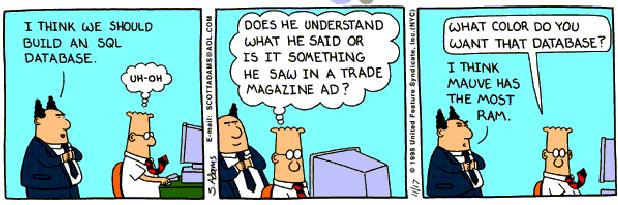
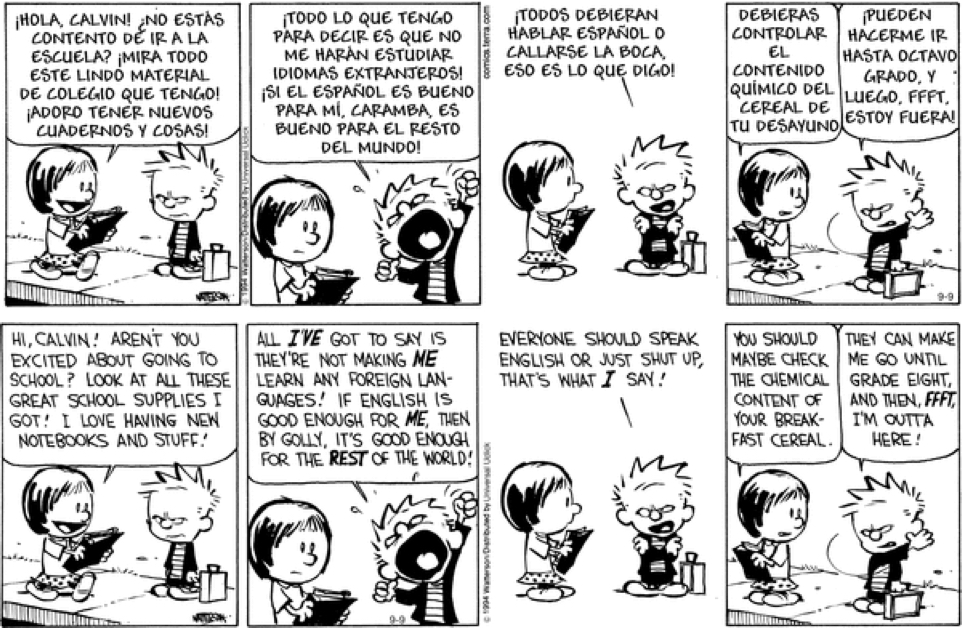
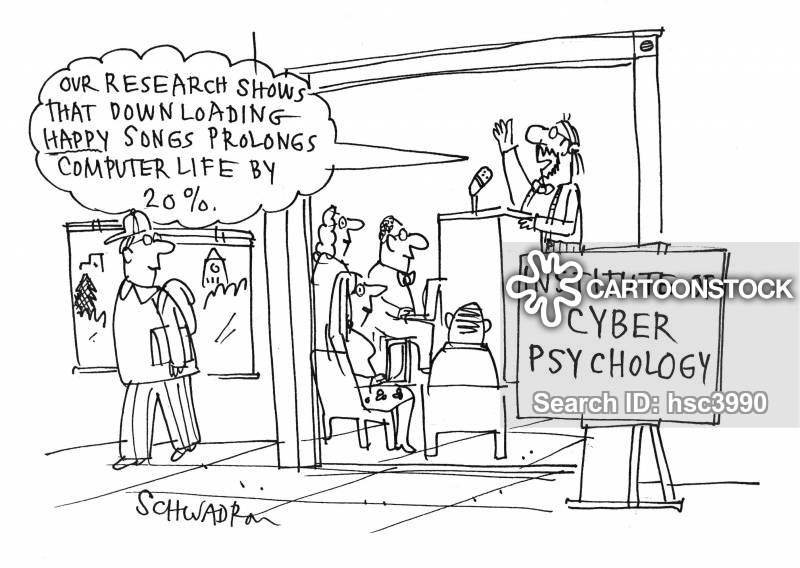
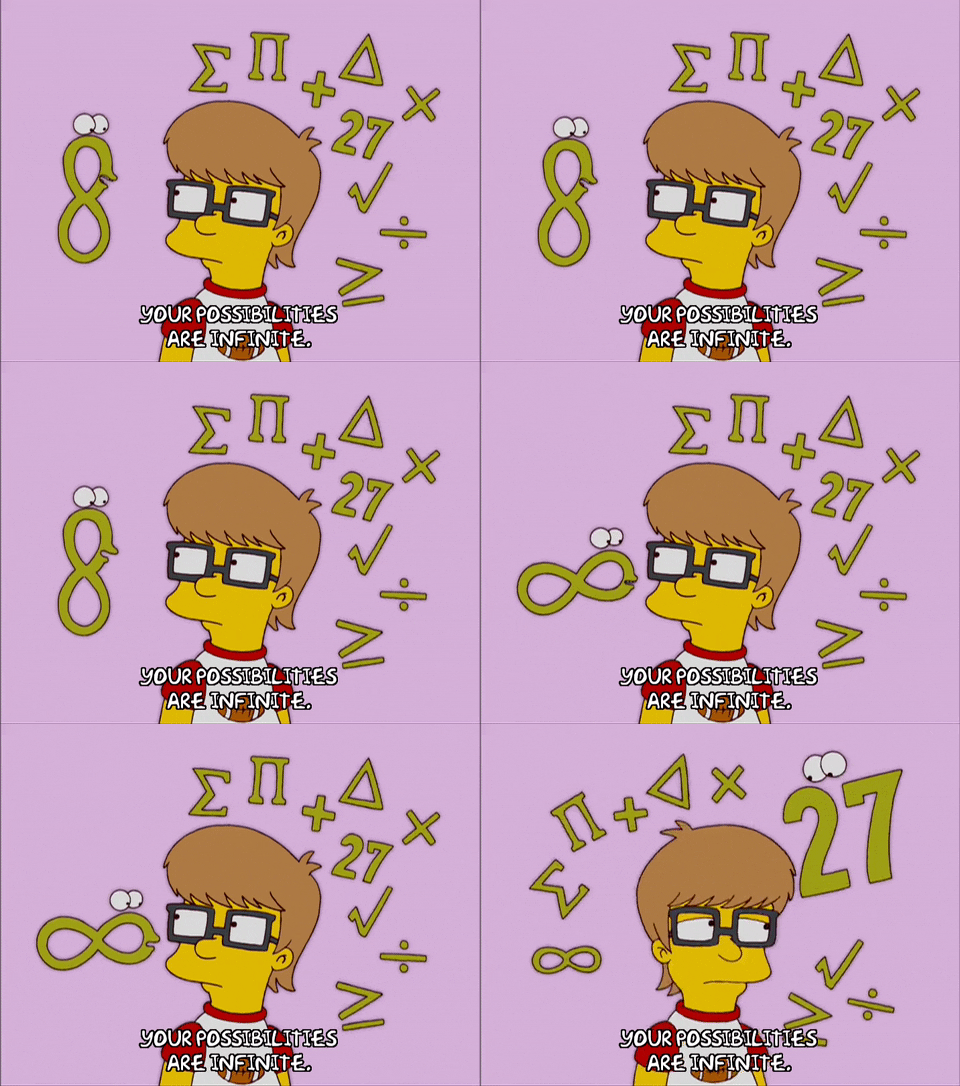
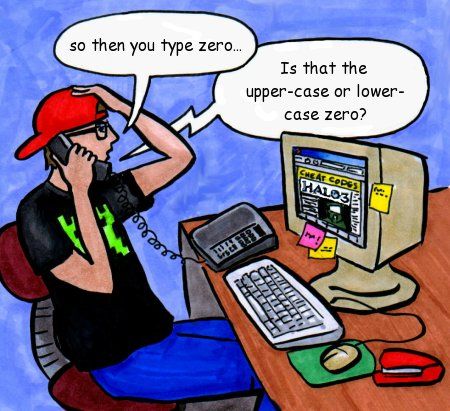
Why did the chicken cross the road? Error 404. Road can not be found. ALMOST a … Dad Joke! Years ago, I once ‘collected’ cartoons from the comic section of newspapers or editorial pages, specifically looking for Math, Statistics or Numbers in general – for use as motivation in my classes! I probably still have them somewhere in ‘The Garage’ and will look for them one day and have a post dedicated to really old math cartoons!
Once, I included a funny math cartoon at the very END of a printed math test for my Grade 12 Math 31 (Advanced) class. This was during my Student Teaching year at U of Calgary.
I had the opportunity to teach ‘Probability’ to my highly motivated International Baccalaureat program at the school I was assigned! Well, this threw them for a loop! “Is this a question?“, “Is this for marks?“, “How do I answer this question?” and ‘What is this for?”
And to his credit, my Supporting Teacher let me do all kinds of crazy things in all my classes! This will be a theme for another OAC post one day!
One small amazing Fun Fact: I ended up being paired with not one, but TWO of my OWN High School Math teachers from my high school years … just by chance! What are the odds on that !!! Well, that is what statistics are for! LOL!
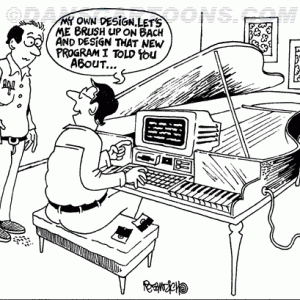
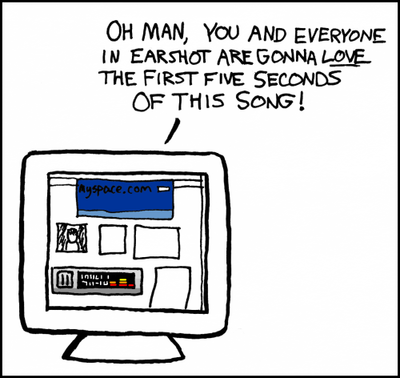
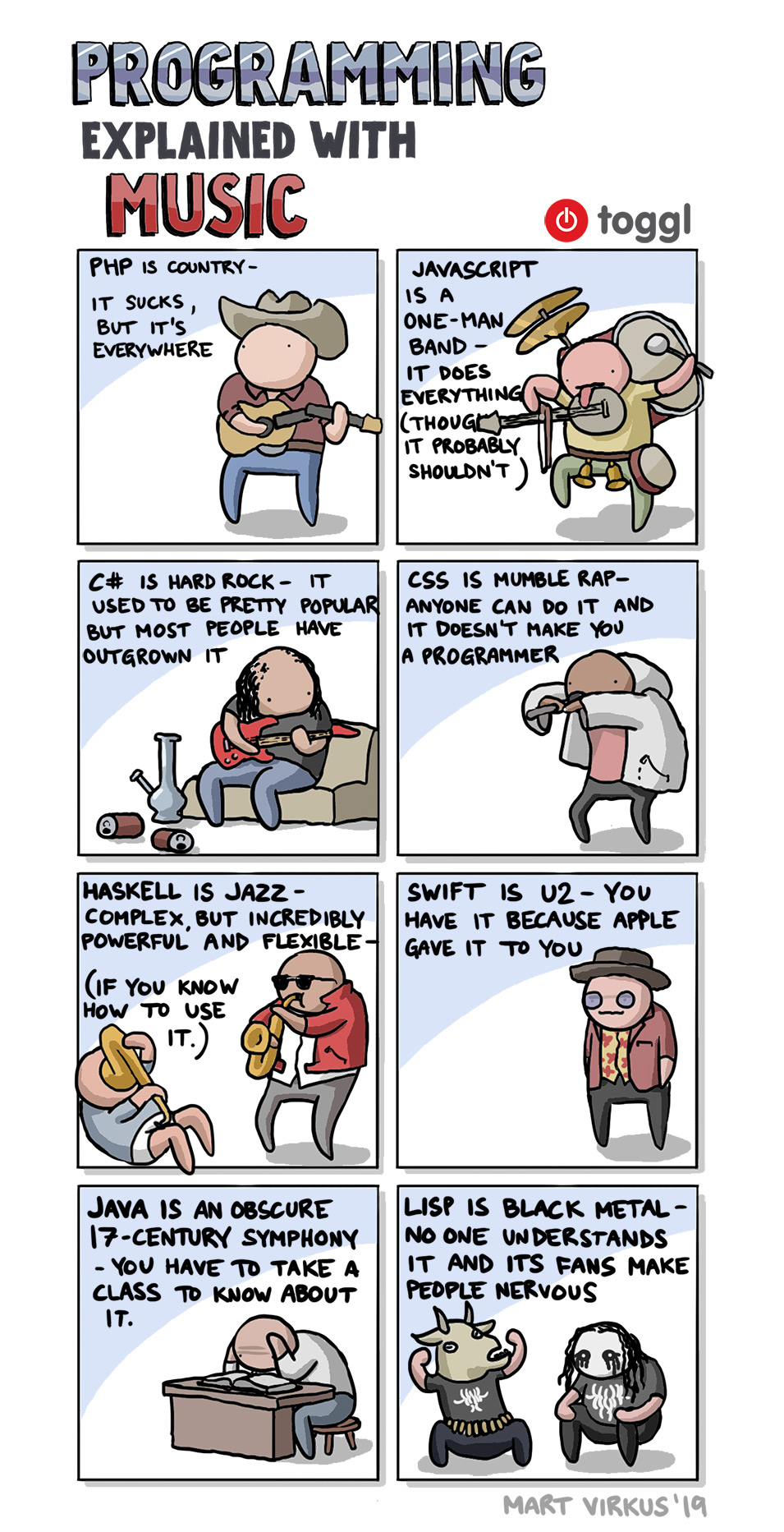
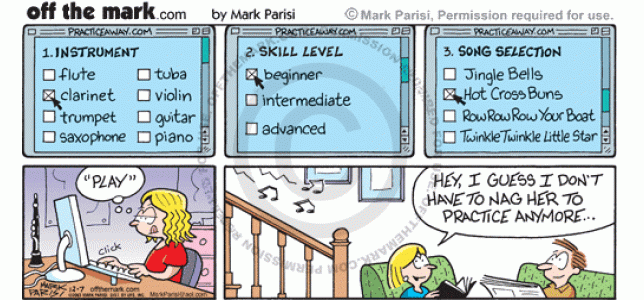
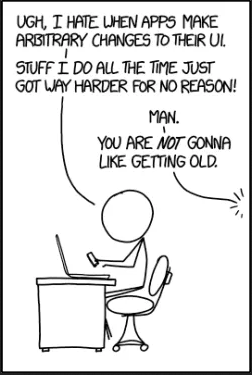
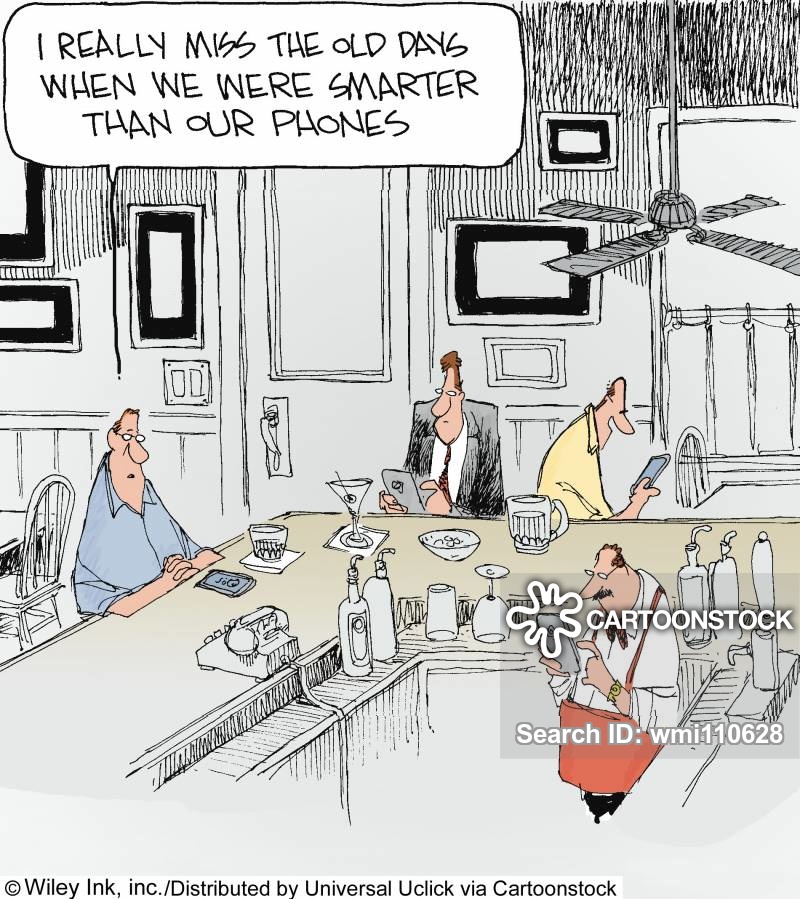
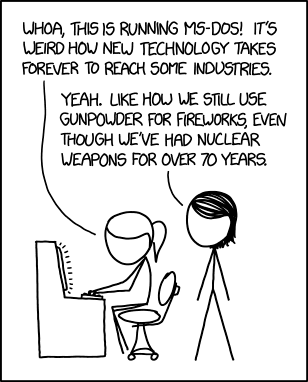
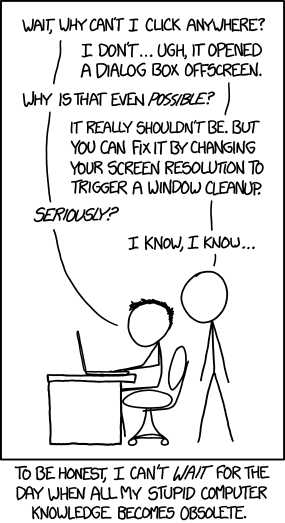
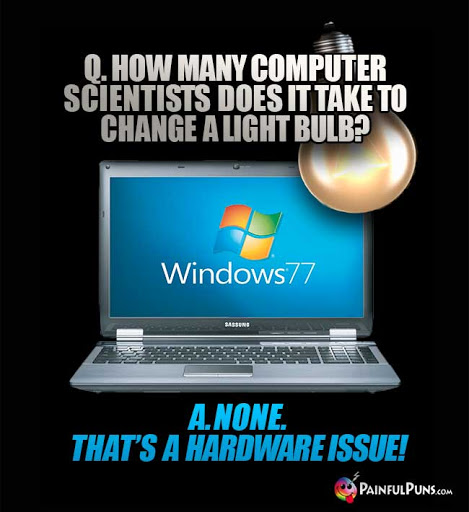
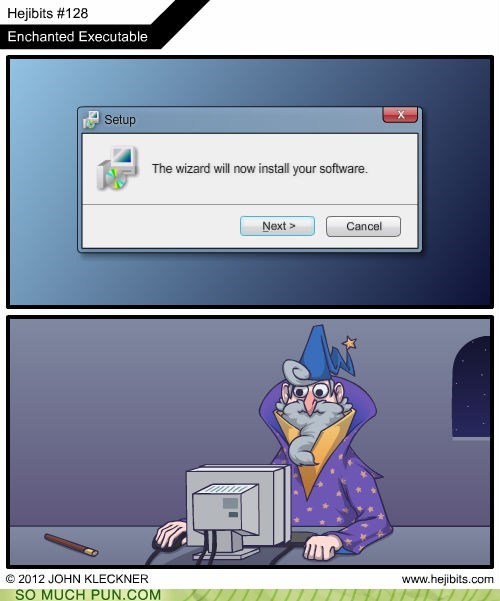
So, some Throwback Thursday humour and random images, YouTube videos and cartoons to maybe provide a chuckle or two!
And that is about it for today! A busy day with some meetings, documents and workshops at the speed of Self Pace too! I might throw new stuff in later! You just never know!
I’ve Got a Problem with My Apple
The One Ronnie – BBC
One Day, A Computer Will Fit …
… On A Desk – Arthur C. Clarke (1974)
Computer Joke of the Day
May 1, 2020
Modern Upgrades
for Classic Computers
15+ Funny MS Windows Jokes
That Will Make You Laugh
10 Funniest TED Talks
Compilation
Computer Predicts the End of Civilization (1973)
Arthur C. Clark
Predicts the Internet (1964)
A Funny Look at the Unintended Consequences
of Technology (TED)
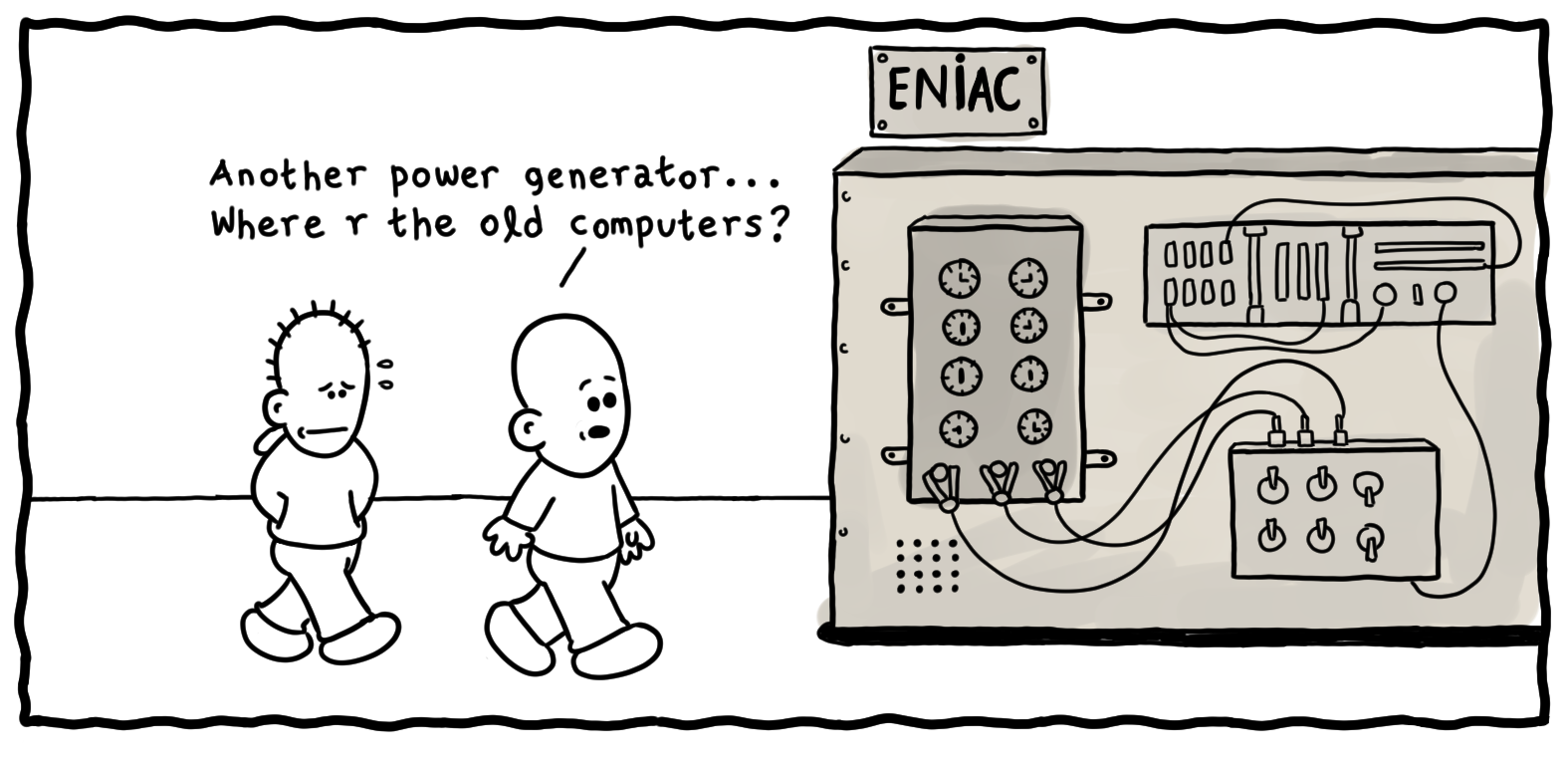
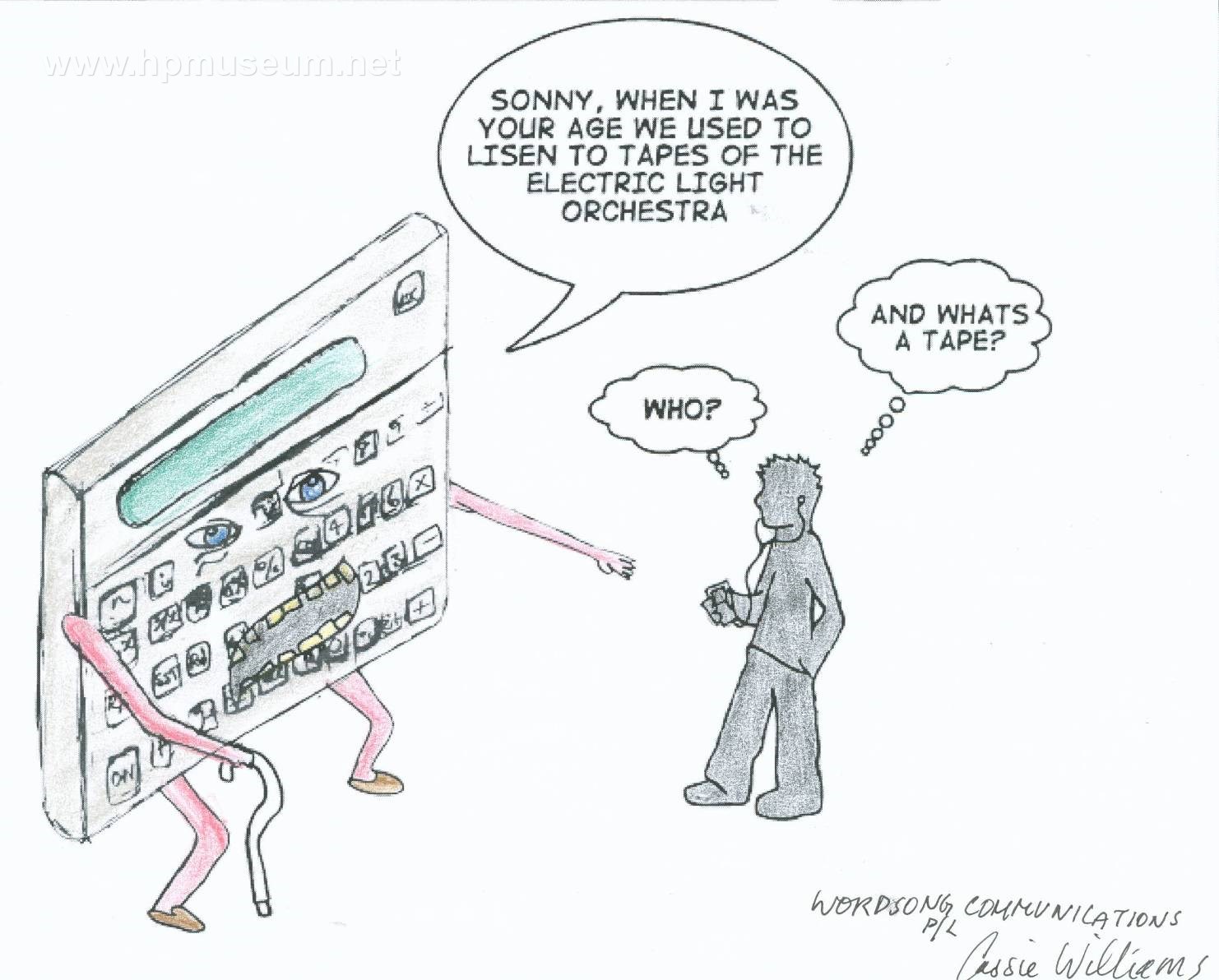
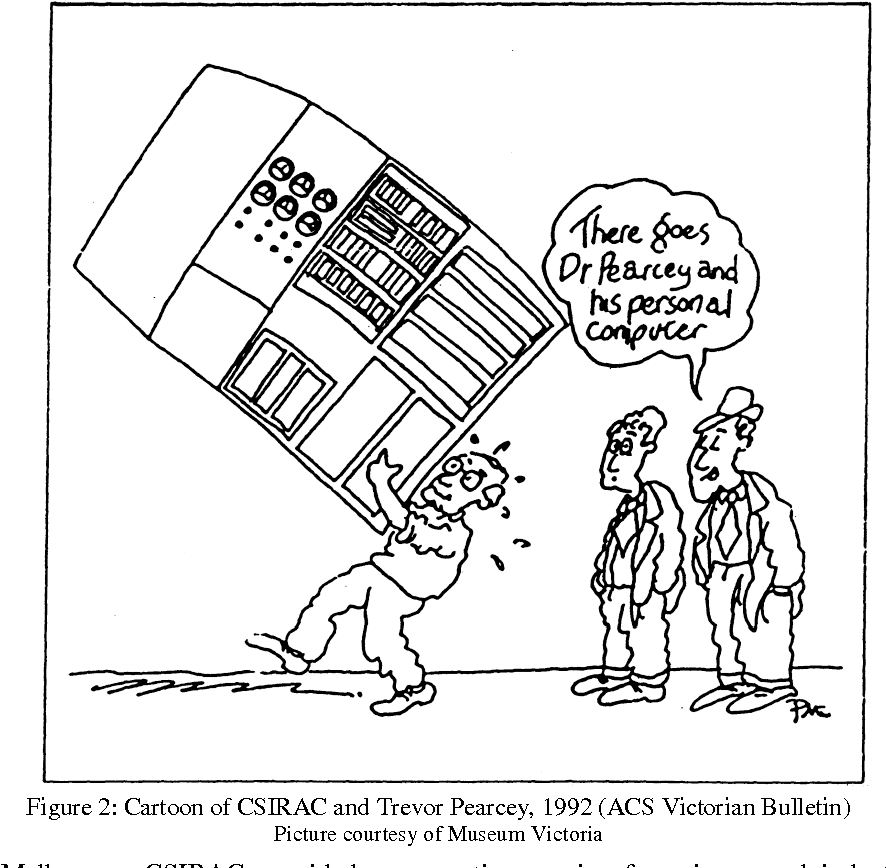
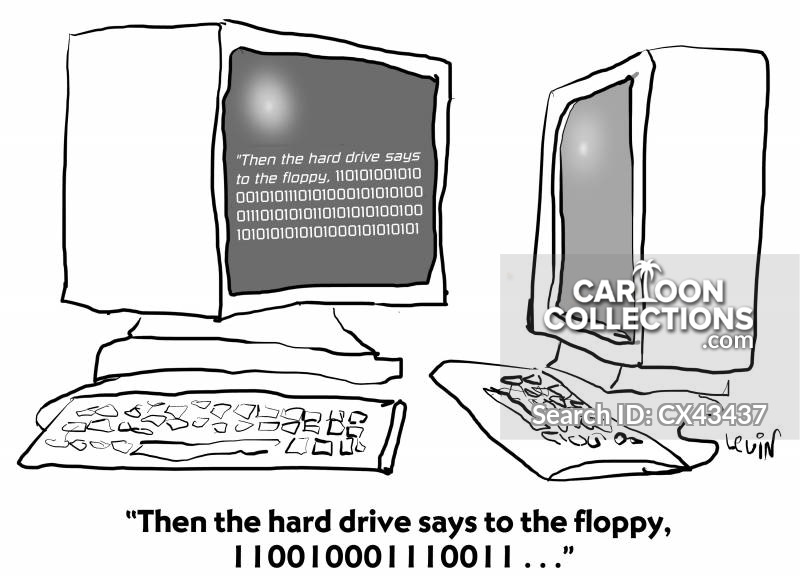
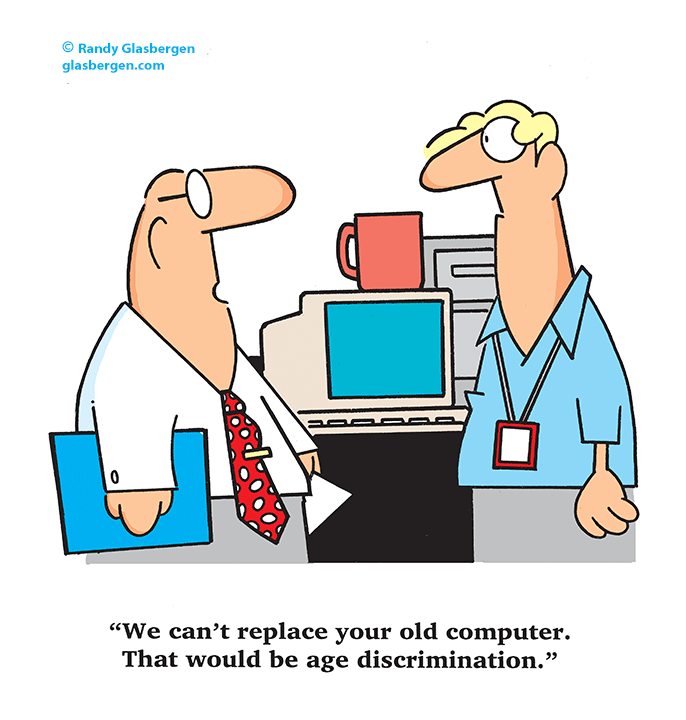
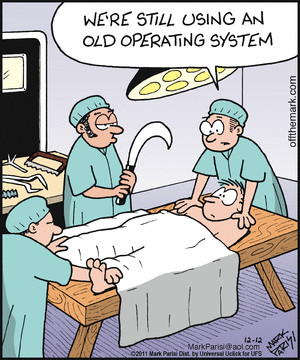
BYOD issues were an even bigger problem in the 1950s.BYOD was not as much of a concern in the office as BYOG.
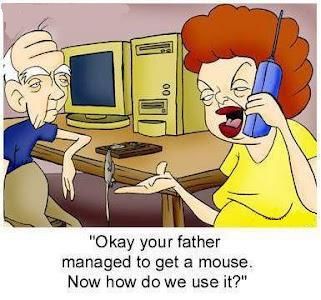
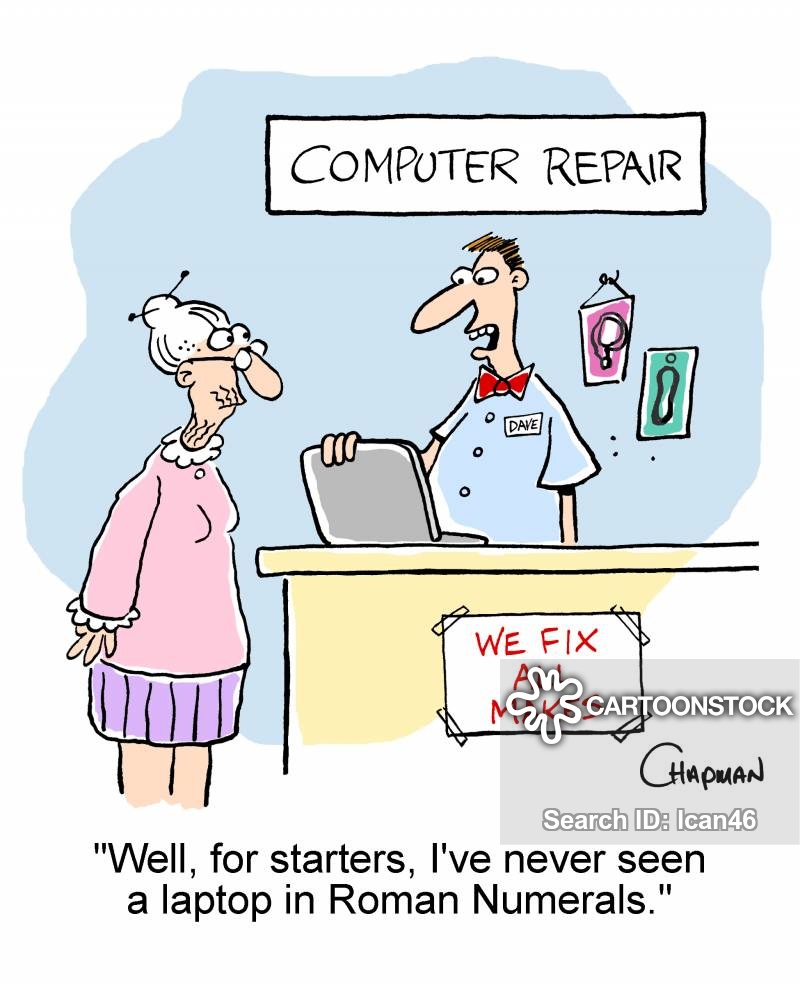
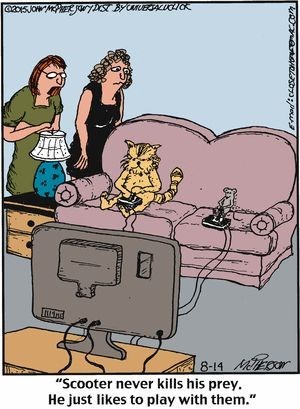
‘Well, for starters, I’ve never seen a laptop in Roman Numerals.’“It’s a fantastic computer! It’s so old that none of today’s hackers know how to hack it!”“That old computer we recycled in 1989 is now worth a fortune.”
Old-fashioned computer
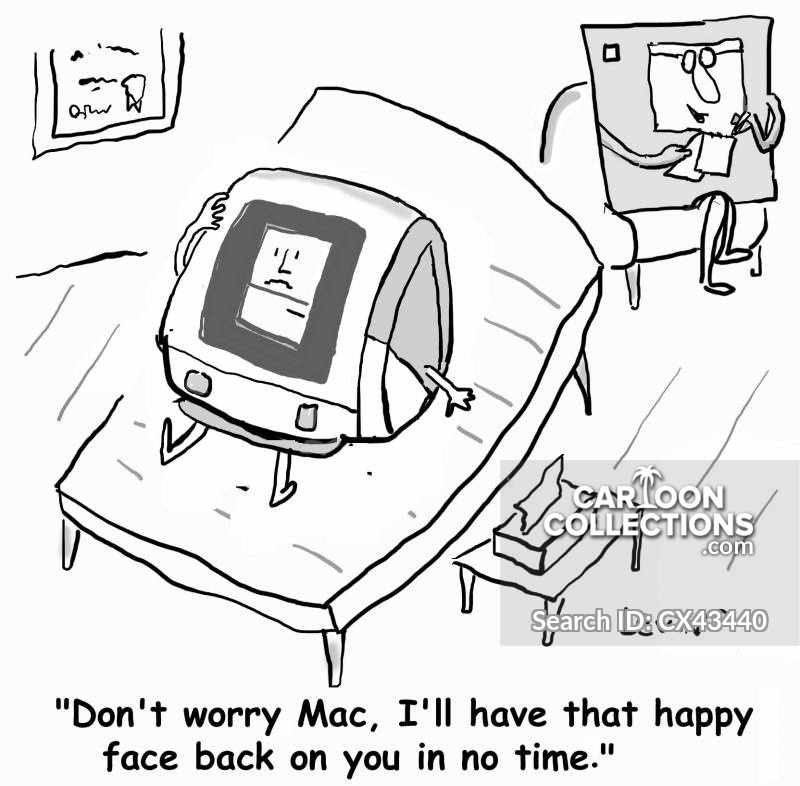
“Don’t worry Mac, I’ll have that happy face back in no time.”
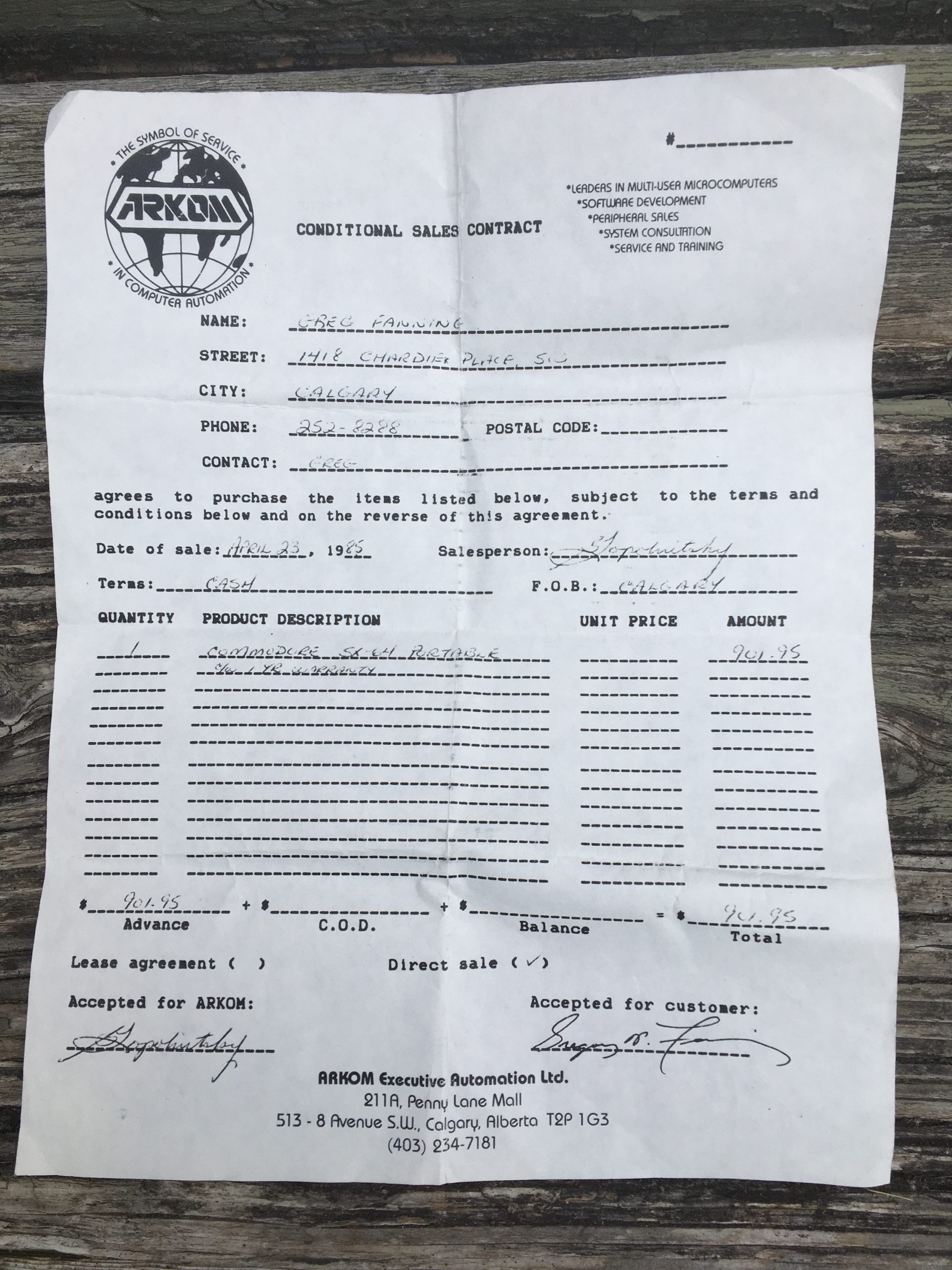
My first computer I EVER purchased! I think I might even have my original receipt! I will have to dig around my own computer archives aka ‘The Garage’ and see if I can come up with that papyrus document! And … drum roll …. I FOUND IT! Click on the image to see it in a bigger tab!
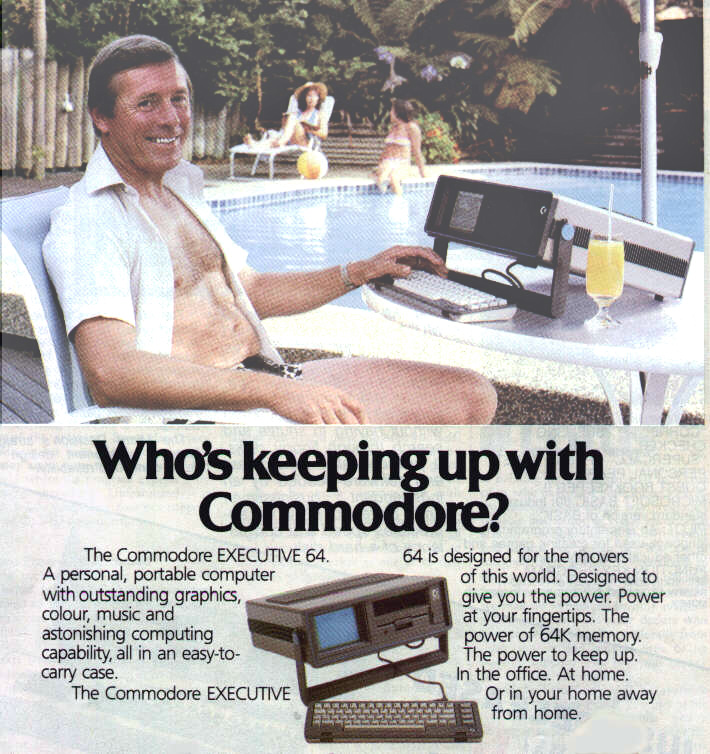
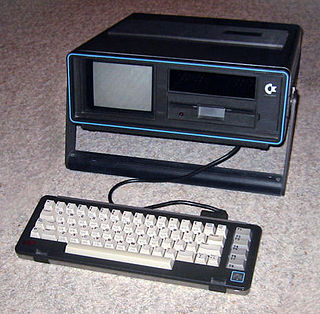
And why did I buy a C-64, specifically, the SX-64, the World’s First Luggable Computer? It cost me $901.95 (note there was no tax!) and that was a huge amount, in today’s dollars! Actually, it works out to be …. $1,962.18 in ‘today’s’ money! I used the Bank of Canada Inflation Calculator, which I did not know existed until this morning!
SX-64
There were a few reasons – I had just started to work in a classroom that was FILLED with Commodore-64 computers, I was taking a graduate course at the U of C about Technology/Computers in Education and … a buddy of mine could buy it through his company AT A DISCOUNT! But none of those beat out … THIS IS SUCH A COOL COMPUTER! So had to buy the Commodore SX-64, which was also known as the Executive 64 or VIP-64 in Europe!
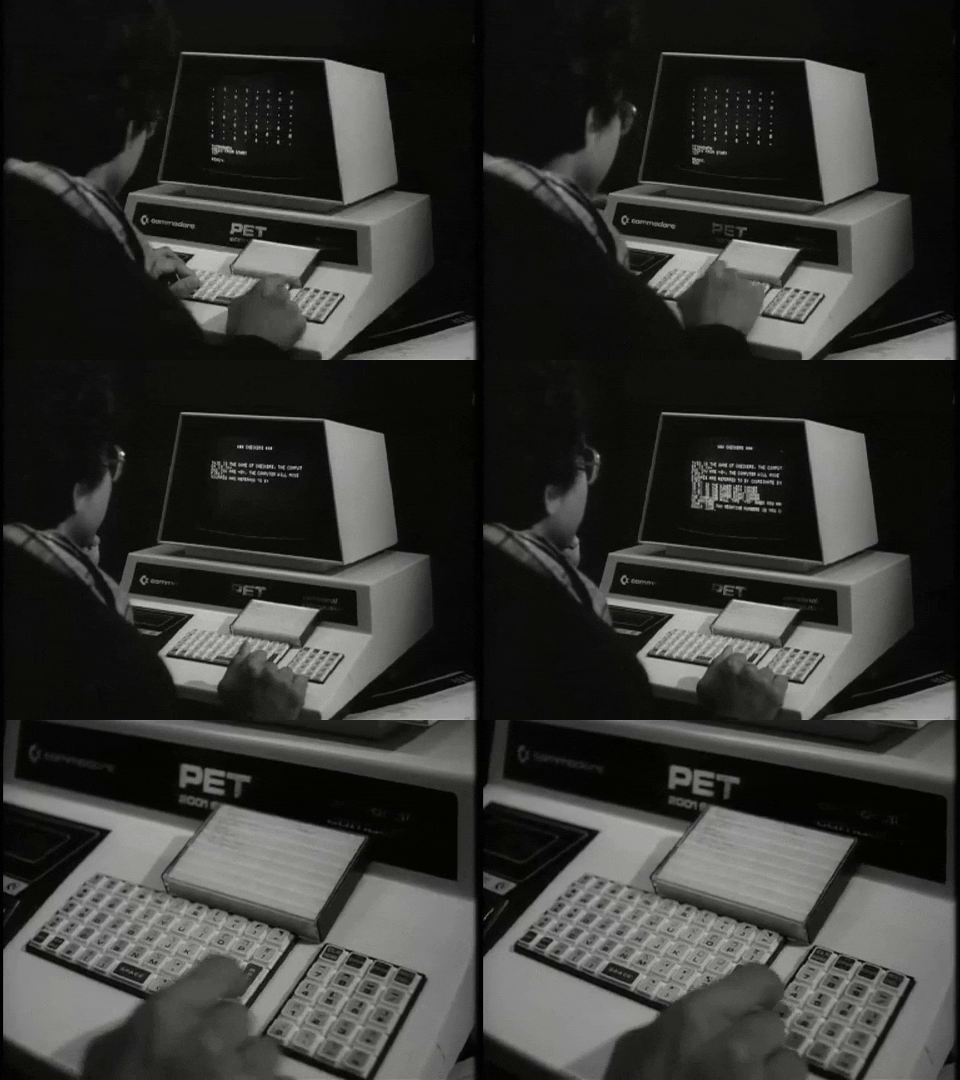
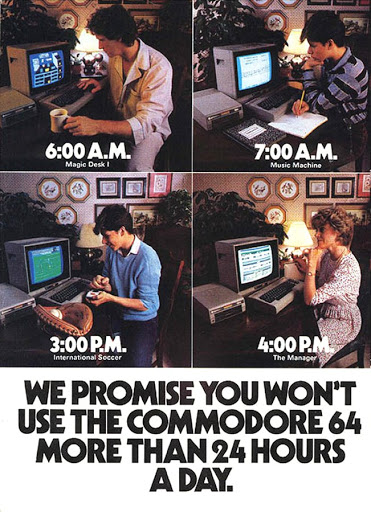
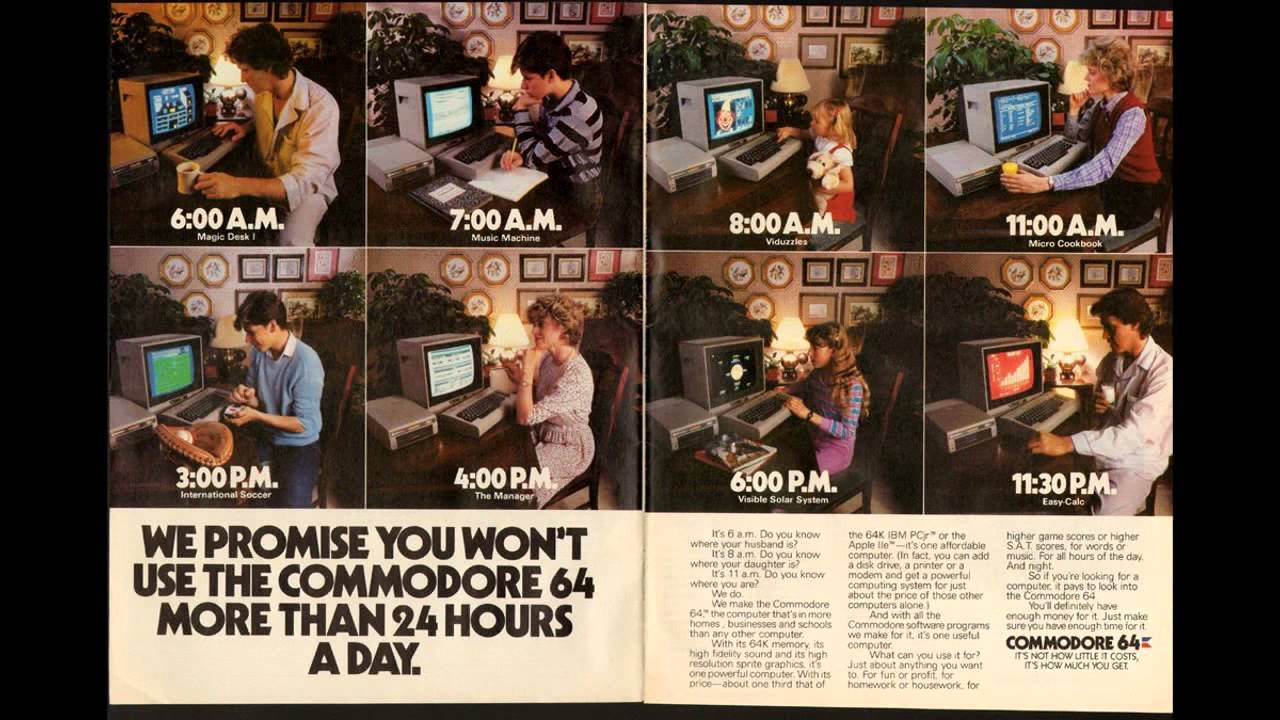
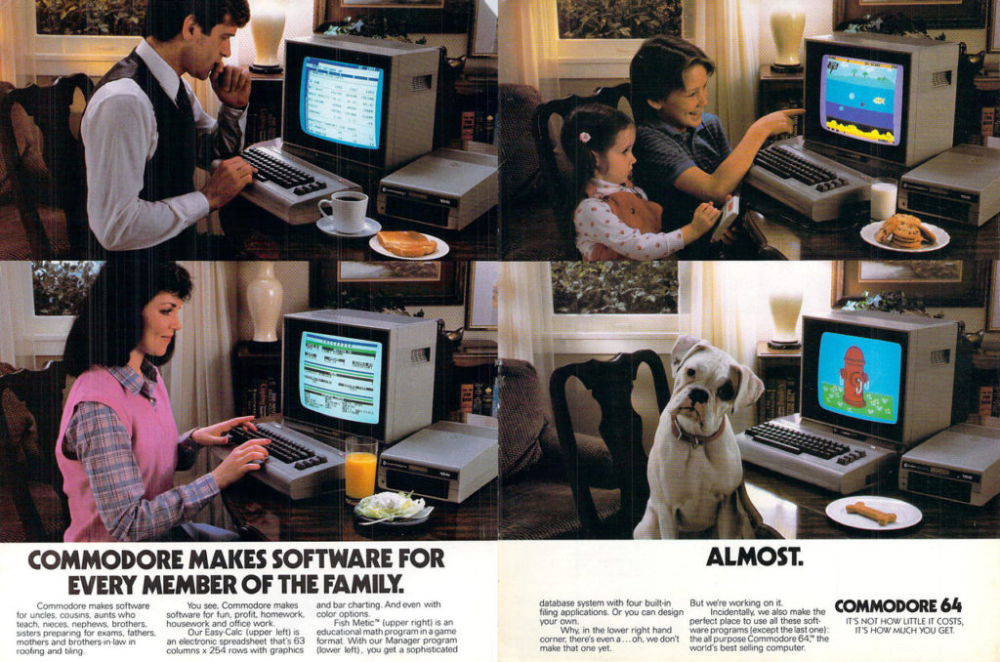
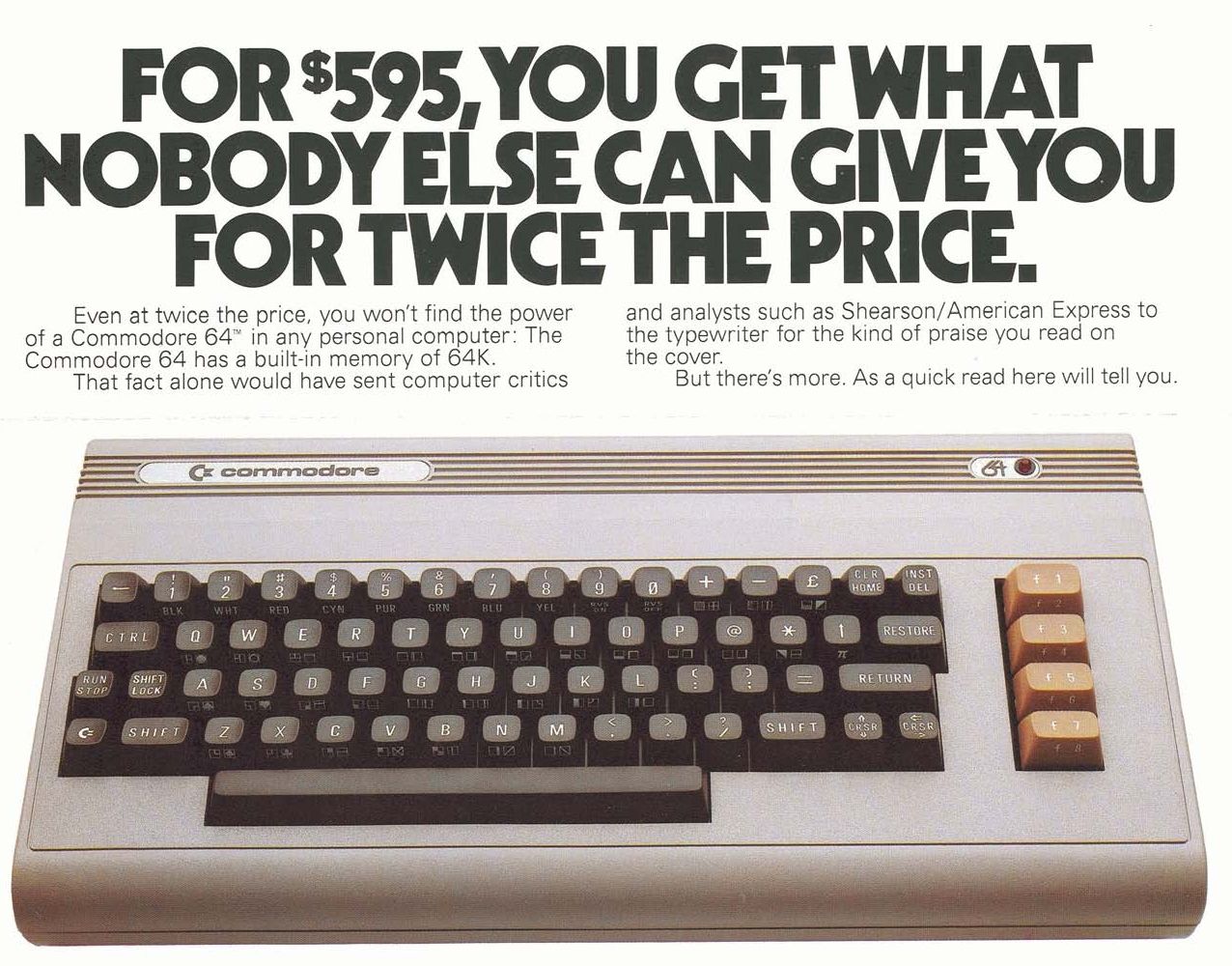
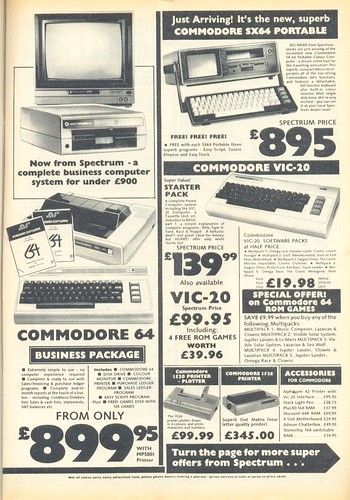
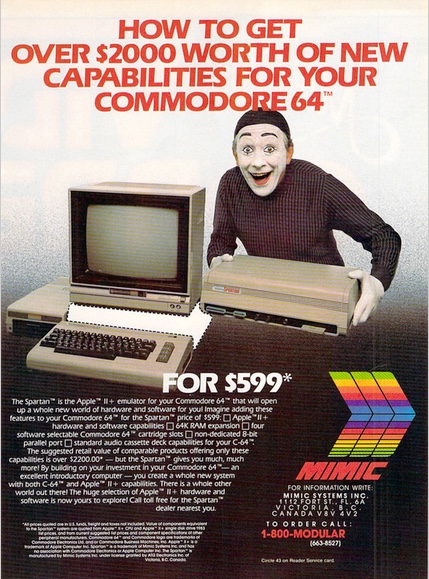
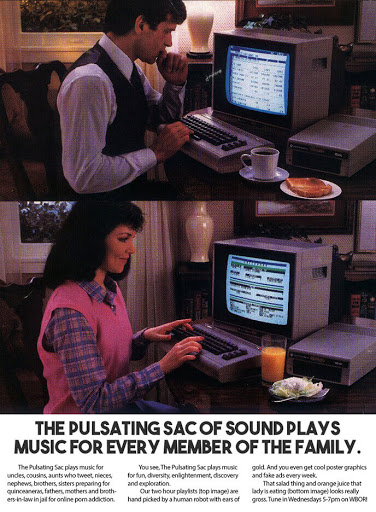
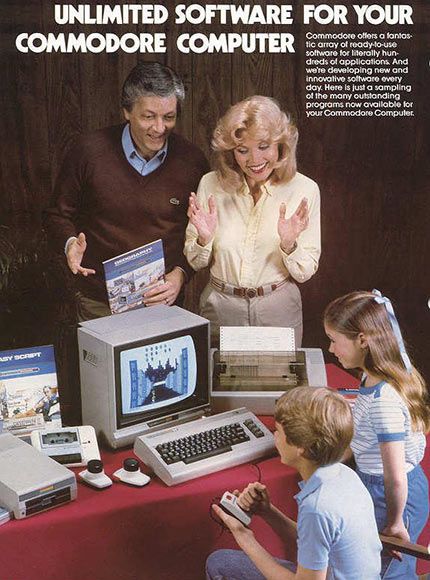
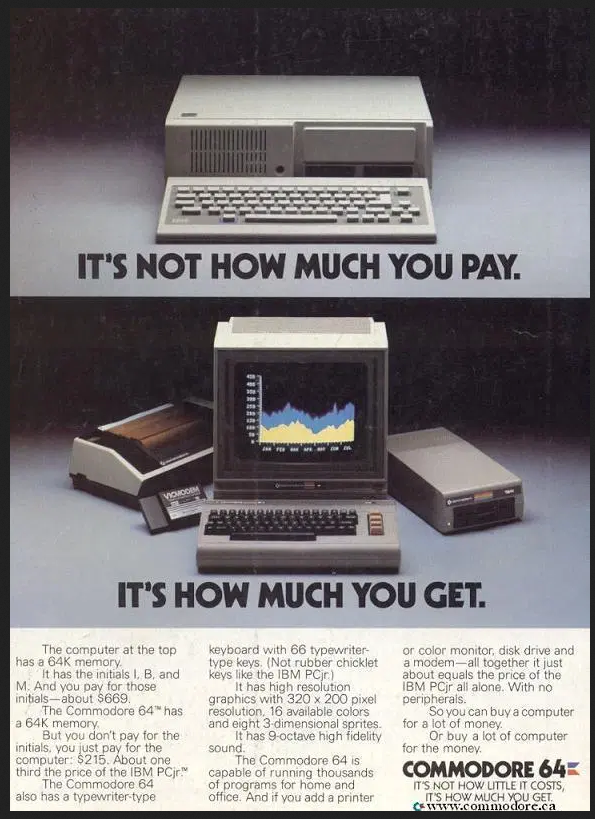
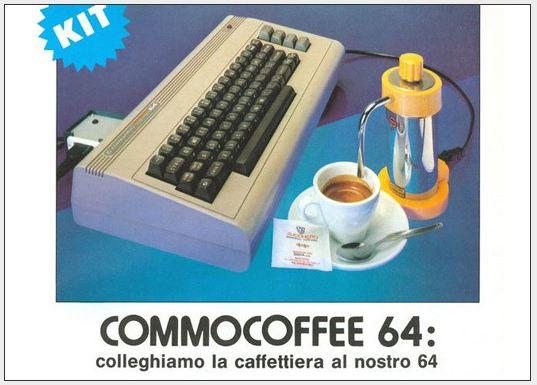
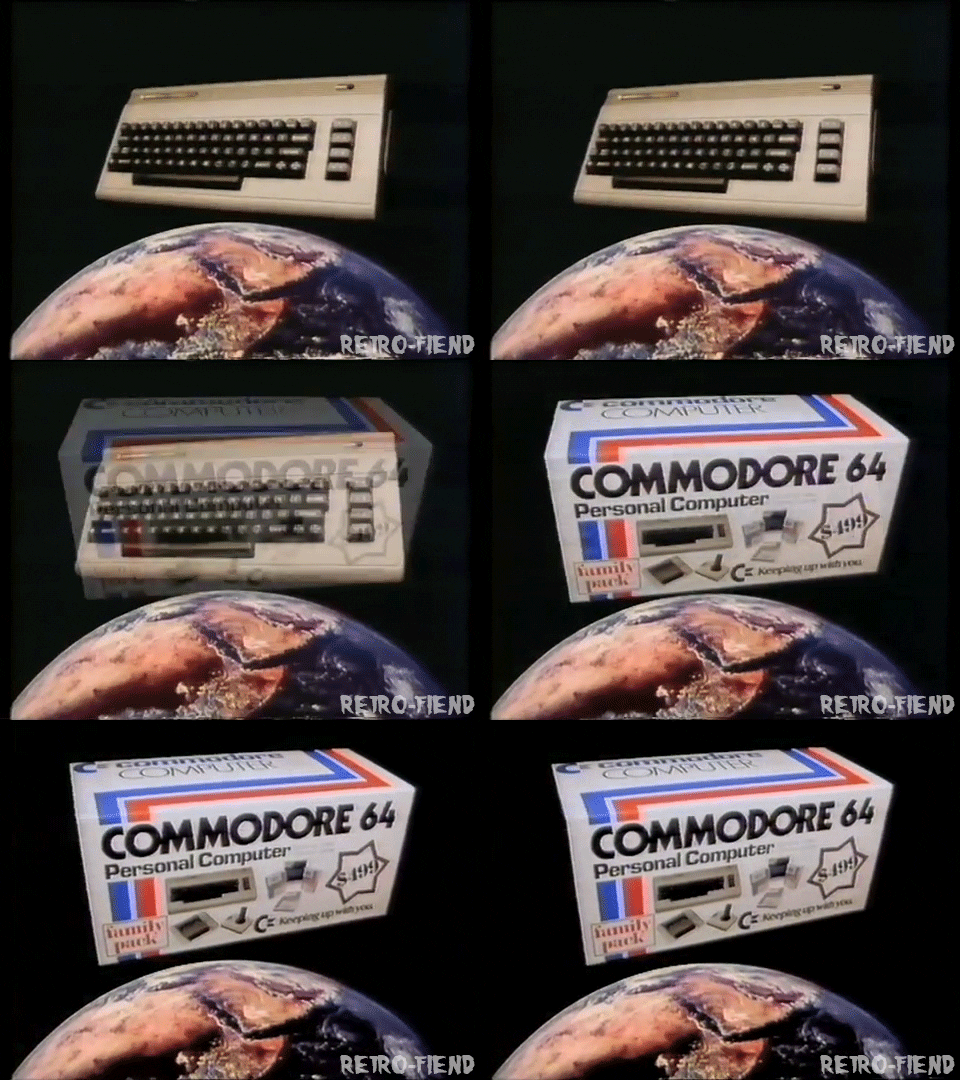
So it got me to wondering about how the Commodore became, at the time, the single best home computer EVER SOLD! And I came to the conclusion that … I don’t know why! LOL! Oh, well, maybe marketing has alot to do with it! Just look at Apple! I have posted about how Apple have made such fantastic ads before! (Yup, product placement!)
My ultimate, non-academic conclusion is that …. EVERYONE COULD OWN A HOME COMPUTER!!! And if Commodore could make it cheap, easy, small, available and FUN – then they found the magic recipe to sell MILLIONS OF THEIR COMPUTERS! And, literally:
The Commodore 64, also known as the C64 or the CBM 64, is an 8-bit home computer introduced in January 1982 byCommodore International (first shown at the Consumer Electronics Show, in Las Vegas, January 7–10, 1982). It has been listed in theGuinness World Records as the highest-selling single computer model of all time, with independent estimates placing the number sold between 10 and 17 million units. (From Wikipedia)
And it is a bit unknown as to how many SX-64 computers were sold. There was a rumoured DX-64 with dual floppy drives, but that never appeared.
The exact number of SX-64 sold from 1984 to 1986, when it was discontinued, is unknown. The serial numbers of over 130 SX-64s from series GA1, GA2, GA4, GA5 and GA6, with serial numbers ranging over 49,000 for series GA1, 1,000 for GA2, 17,000 for GA4, 11,000 for GA5, and 7,000 for GA6 have been reported. (From Wikipedia)
I will have an SX-64 dedicated post in the future, showing how fast it booted, cartridges that I have and how I can connect it to my Toshiba large screen tv too!
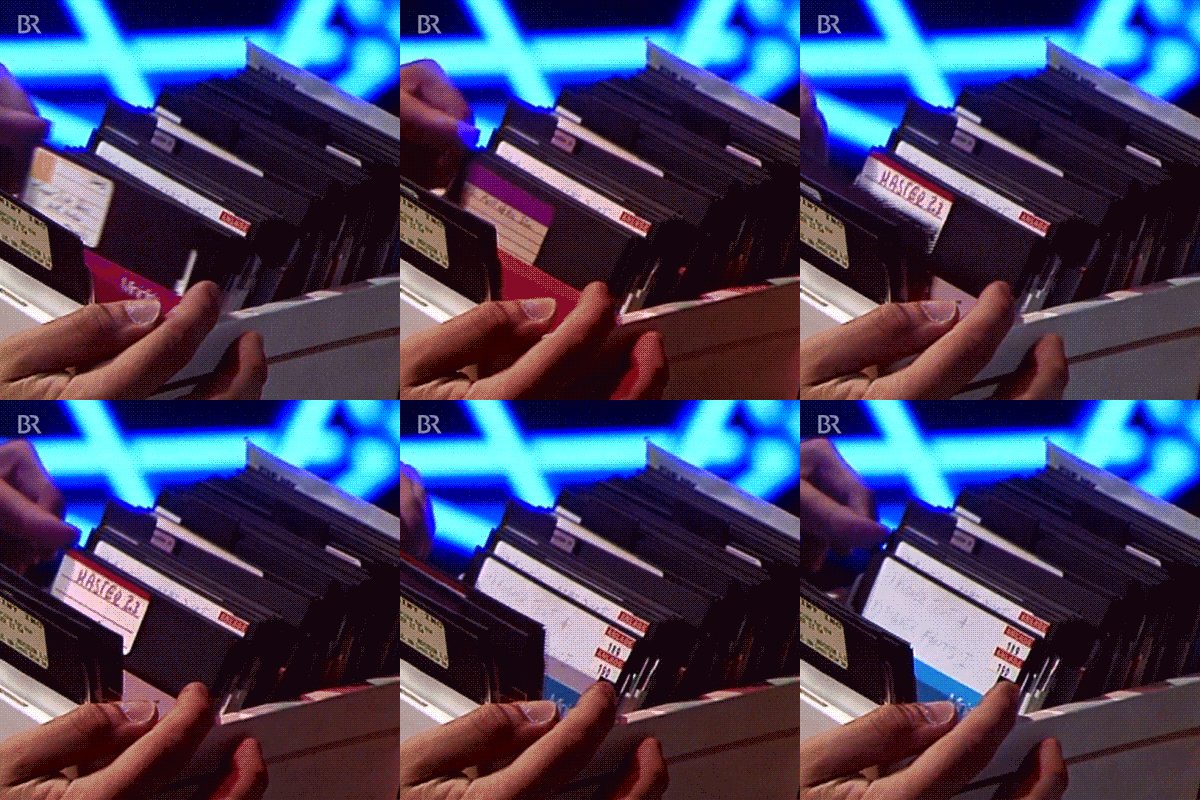
It really was an amazing computer! And speed – it boots up in about 5 seconds! And it only had the one floppy drive! Remember sorting through floppy disk banks! Good times, good times!
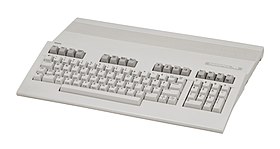
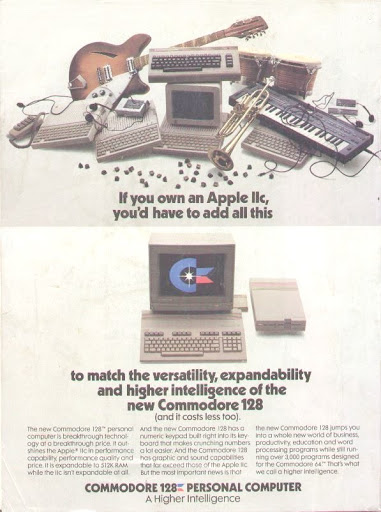
Commodore 128
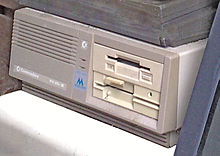
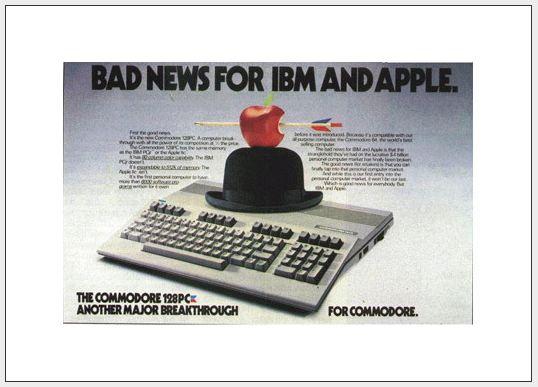
Fun Fact – did you know that Commodore actually made other computers, including a Commodore PC compatible and another one called the Commodore 128? Fun Fact!
Commodore PC Compatible
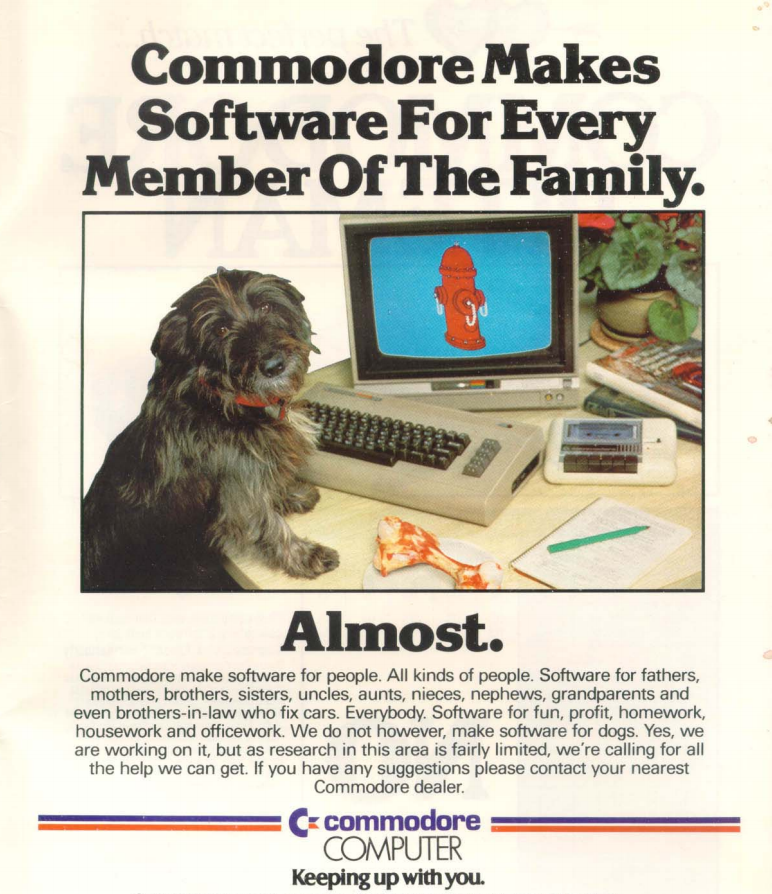
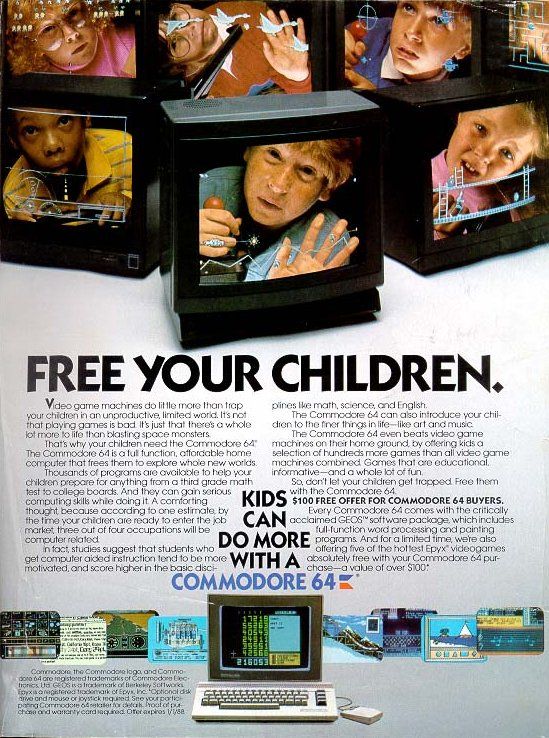
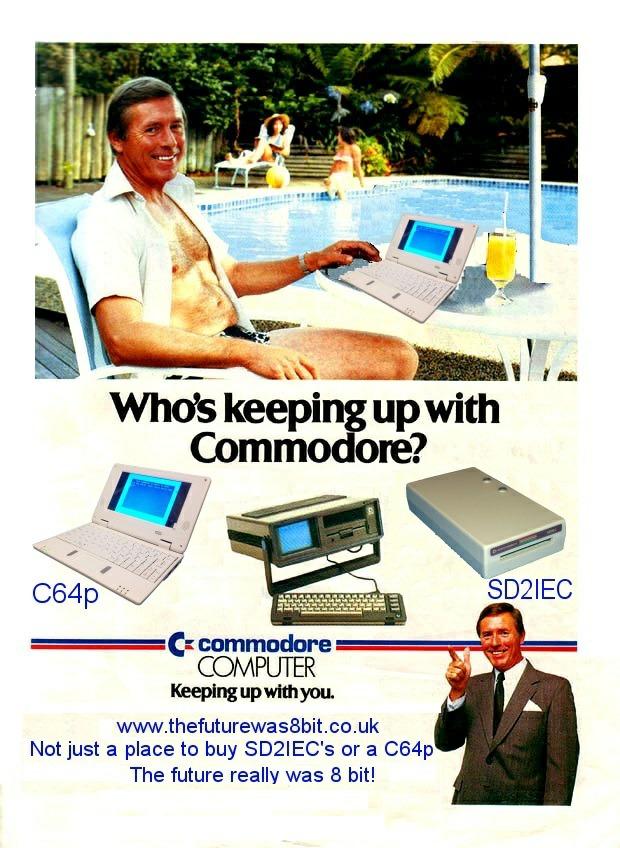
Be sure to look closely at some of the vintage print ads I included after all of this! William Shatner HIMSELF – CAPTAIN KIRK – was a spokesman for the Commodore VIC-20 – the computer that came out BEFORE the C-64!! I can legitimately say – I own an Official Star Fleet Computer!
And that is about it for today! Lots of meetings and workshops! I might throw new stuff in later! You just never know!






 This is UVic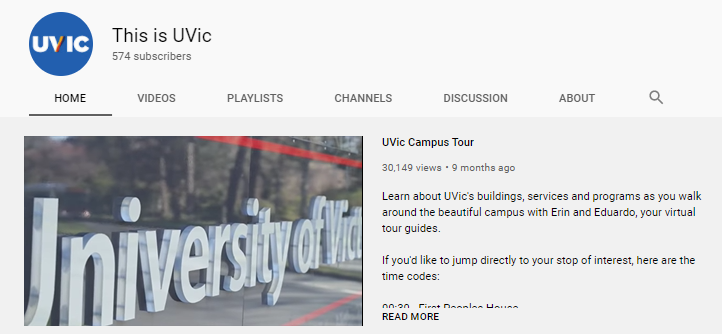

 The one that started them all .. well, at least in 1995 ..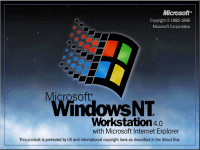

 Did
Did  but have you BEEN THERE? Probably not! But it is worth your while! So,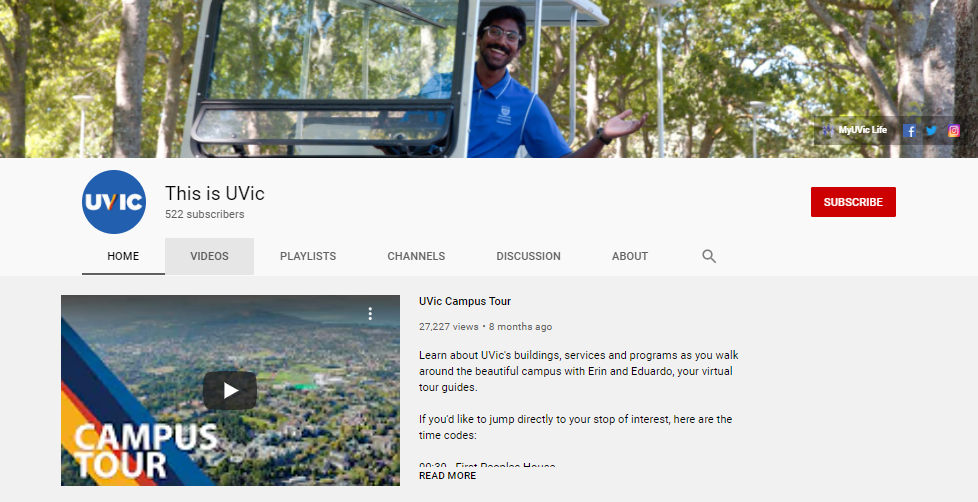






 ZOHO …
 In the meantime, probably the best strategy, for Instructors, would be to Copy/Paste website inks directly into Brightspace for students. Yeah, cludgy and inelegant, but … sometimes old school works! The first shift I had in the CALL Facility – was bulk erasing and then making copies of Spanish lessons .. on cassette tapes! Good times, good times!





 I will scale back my ‘Daily’ posts in September as the Fall semester will be unlike































 Full Disclosure
 So how many computers have YOU worked on and have … forgotten about! I had a post awhile ago about just that topic, ‘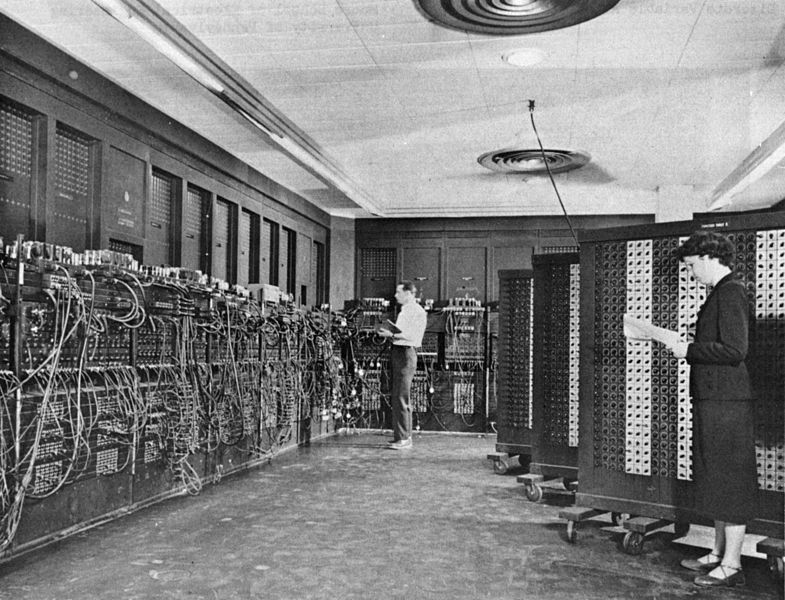
 And I bet I can name a MASSIVE computer related piece of ‘software’ that almost everyone will have forgotten about … Y2K! And if you have NEVER heard of that term … then you are probably not much older than 20 years old!










 Full Disclosure
 So why songs about computers? Why not! It is my OAC blog and I try to combine computers, languages, words, programming, learning, pop culture and legacy technology …. all in one place! Hit and miss, sometimes you win, sometimes you lose and sometimes …. it rains! Can you name the movie line came from? No computer songs, but a great movie and soundtrack!
 I consider the soundtrack to ANY movie, more like a character IN THE MOVIE! I bet that if I just mention movies with famous soundtracks, you can instantly bring to mind, some of the tunes that are part of that movie – The Hobbit, Pirates of the Caribbean, Pulp Fiction, 2001: A Space Odyssey, Apocalypse Now, Guardians of the Galaxy … you get the idea! At least, that works for me! LOL!
 So, after this, I just might put some tracks onto my iPhone! I will probably start with the soundtrack from … Guardians of the Galaxy – Volume I! LOL! Yeah, probably bent my rules a bit to include songs sung by computers, songs written by computers and just plain old … favourite songs and soundtracks! Thus and hence and therefore …. KINDA!!!!! All those data bits gotta end up somewhere!
 And the usual YouTube videos to follow with some BRILLIANT and HILARIOUS computer parodies of popular music videos! I was … amused by them!





 Once, I included a funny math cartoon at the very END of a printed math test for my Grade 12 Math 31 (Advanced) class. This was during my Student Teaching year at U of Calgary.
 Math teachers from my high school years
 And that is about it for today! A busy day with some meetings, documents and workshops at the speed of Self Pace too! I might throw new stuff in later! You just never know!















 So it got me to wondering about how the Commodore became, at the time, the single best home computer EVER SOLD! And I came to the conclusion that … I don’t know why! LOL! Oh, well, maybe marketing has alot to do with it! Just look at
  The
The