OS Emulators on WIN and macOS

 Did You Know
You might be able to experience . . .
macOS on a WIN computer?
. . . OR other neat EMULATORS too?

You can actually try legacy operating systems … on a browser! And it does not matter if you have WIN or macOS either! There are websites that … almost … let you Time Travel to see what earlier version of (then) current Operating Systems were like! They are not intended to be functional, only descriptive and ..  kinda fun, most of them! And no implied guarantee of success here! Just some emulator sites I found out there! 

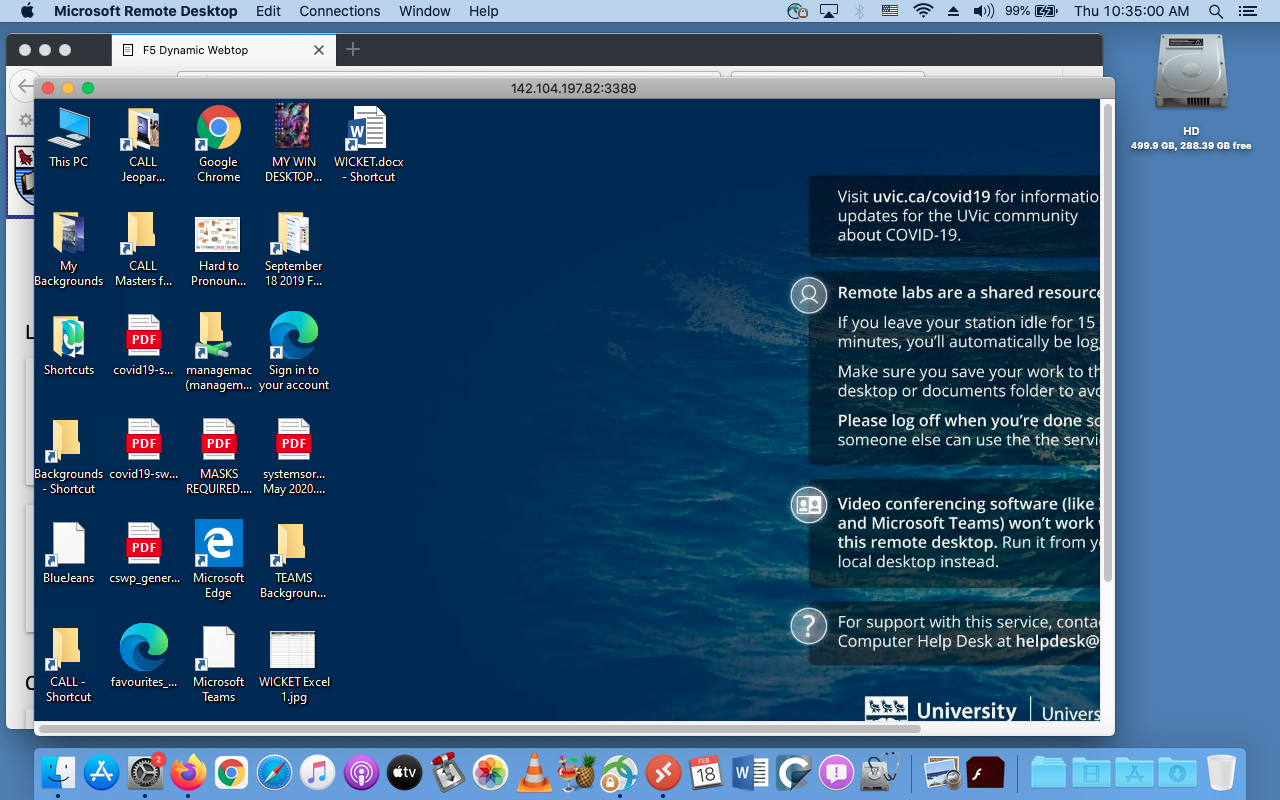
And a HUGE distinction between an emulator of an OS, running on a browser and … actually remote access TO a real computer on campus. That is through  a real service at: remotelab.uvic.ca and is EVEN COOLER! The screen grab below is of my old  MacBook Pro, accessing a WIN computer in Clearihue! A rather existential question arises … is this Windows IN a Mac, or Windows ON a Mac! 🙂 This will be a future post, just to whet your whistle!
remote.uvic.ca
                                                                               remote.uvic.ca

Emulators! According to Wikipedia an emulator is:

In computing, an emulator is hardware or software that enables one computer system (called the host) to behave like another computer system (called the guest). 

There are many, many, MANY browser based emulators out there! So I will show a few of them, and then put a list below to try out.

Let’s try Mac emulators first!

Quite a few of these sites have both operating systems listed, so … a Treasure Trove of Emulators!
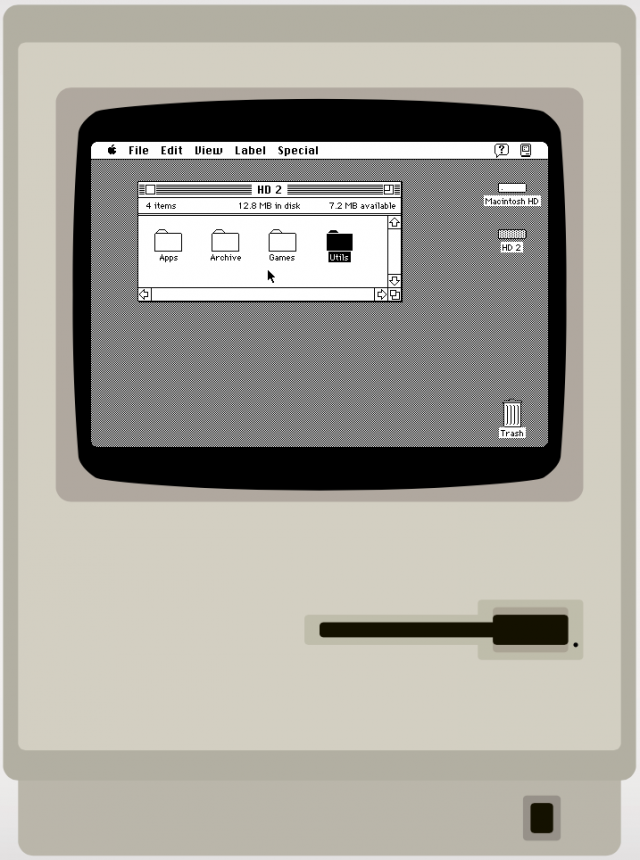
7 classic versions of Windows and Mac OS you can run in a browser lets you try Mac System 7! This is even before the Cats took over the Mac! Fun Fact – I still own a functioning Mac SE, bought way back in … 1989!!! Such a cool computer!
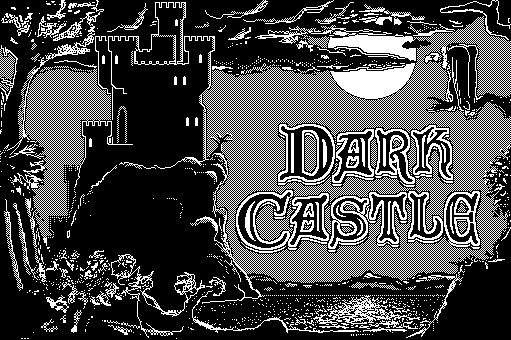
And what is regarded as the single greatest Macintosh game of all time is … DARK CASTLE! And you can try it out at the same Mac System 7 site! A bit more on games later ….
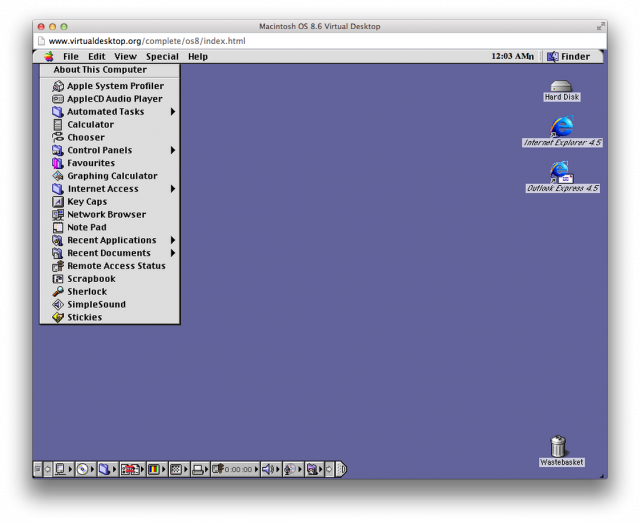
MAC 8.6
                MAC 8.6

Inevitable updates to all operating  systems are … inevitable! And one of the next ones was Mac OS 8.6: The classic Mac OS nears the end of its life and this was a HUGE upgrade from System 7 – the number alone is … 1+! You can go directly there from here or click the Mac desktop to the left.
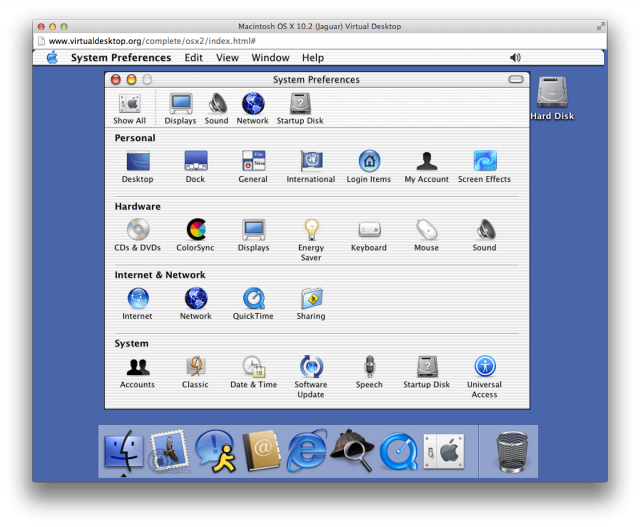
OSX 10.2 Jaguar
           OSX 10.2 Jaguar

And one final Macintosh emulator OS X 10.2: The classic Mac OS is retired …ah, good times, good times …. A HUGE selection of MANY emulators is at VirtualDesktop.org, including OS X 10.2.


And now WINDOWS
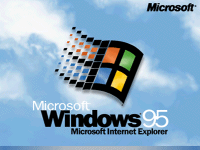
The one that started them all .. well, at least in 1995 .. WINDOWS 95! And again, these are all from VirtualDesktop.org, amongst many others! Considering The CALL Facility started out with DOS based machines, running McMaster French, more closely resembling a text adventure game … WINDOWS 95 WAS CONSIDERED SLICED BREAD at the time!
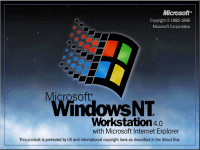
WINDOWS NT
           WINDOWS NT
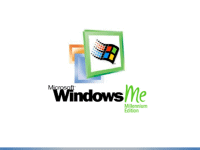
WINDOWS ME
       WINDOWS ME

And a final pairing of WINDOWS ME and WINDOWS NT! Microsoft sure like using lots of letters of the alphabet! But, to be fair … Apple liked using cats before Roman Numerals and then portable devices started to show up and now all kinds of … flavours …  just like an ice cream shop!

For more Virtual Experiences, I will list a few sites below, but the best to see the most, is at VirtualDesktop.org. Not all there, but .. enough to do a decent days work of Time Travel and see how Operating Systems have changed considerably over the years!
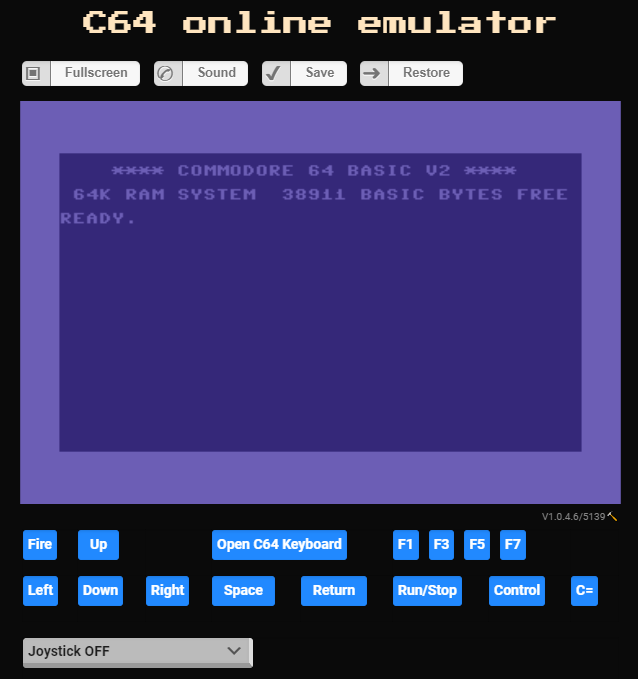
C64 Emulator
              C64 Emulator

And one last emulator, from my first ever computer that I bought … COMMODORE – C64 Online Emulator! The drawback here is that you need to upload some kind of file FROM an original C64, then it works. So, not much to try here. But I am going to find out HOW to do it though! And even more Online Emulators from the same place too!

I mentioned games earlier, but will have another post in the future about games. Spoile – I am NOT a Gamer!

Emulator Sites to Surf Towards …..
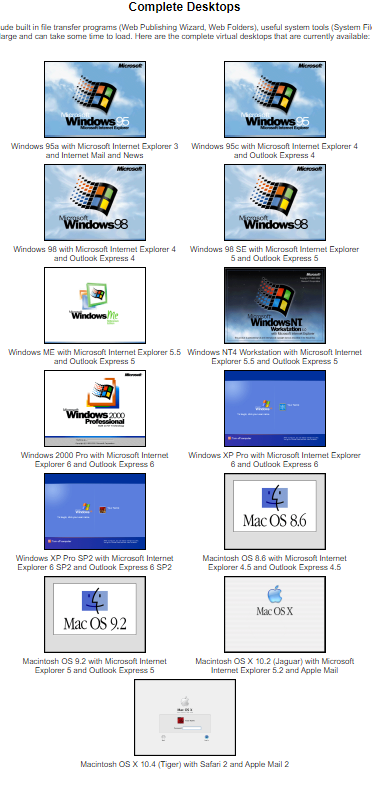
Virtual Desktops
                              Virtual Desktops
  1. List of Emulators (Wikipedia)
  2. List of Computer System Emulators (Wikipedia)
  3. Commodore 64 emulators (Wikipedia Category)
  4. 7 classic versions of Windows and Mac OS you can run in a browser
  5. Mac OS 8 emulator lets you relive the past for the first time
  6. 5 best PC emulation software for Mac [2021 Guide]
  7. Emulators can turn your PC into a Mac, let you play games from any era, and more — here’s what you should know about the potential benefits and risks of using one
    VICE – the Versatile Commodore Emulator
  8. Commodore 64 emulators (Wikipedia)
  9. Commodore 64 emulators for Windows 10
  10. C64 Forever 8 “R3”: Create & Play
  11. C64 online emulator
  12. CCS64 – A Commodore 64 Emulator – By Per HÃ¥kan Sundell
  13. On-line Emulators
  14. Virtual (Complete) Desktops – SAVED THE BEST FOR LAST!

ENJOY!

How to Play Commodore 64 Games on PC!
Commodore 64 emulator! Vice Emulator Setup!

Kim Justice’s Top 50 Commodore 64 Games
of All-Time (YouTube)

Pawn Stars:
A Working Commodore 64
(Season 14) | History


Throwback Thursday . . . Language Quotes!

Throwback Thursday
. . . or . . .
Language Quotes!
(and a bit of nostalgia!)

Learning another language is like becoming another person. One of my favourite quotes, ever!

Haruki Murakami
Haruki Murakami

You can take the boy out of The CALL Facility, but you can’t take The CALL Facility out of the boy!

I have been around for a few days … since October of 1989! Whoa, that seems like yesterday to me! A future post will have some slightly grainy images of what CALL once looked like  … well before numerous renovations (scheduled and unscheduled!) and before The Great Flood of 2015! That was some kind of day! There are a few images in a previous post, which includes a pdf of exactly what CALL is!

CALL Jeopardy: REBOOT VERSION

And the most recent version of my CALL Jeopardy file is here. ALL of the files are there too, including old photos of CALL, the Great Flood and the rebooted CALL!

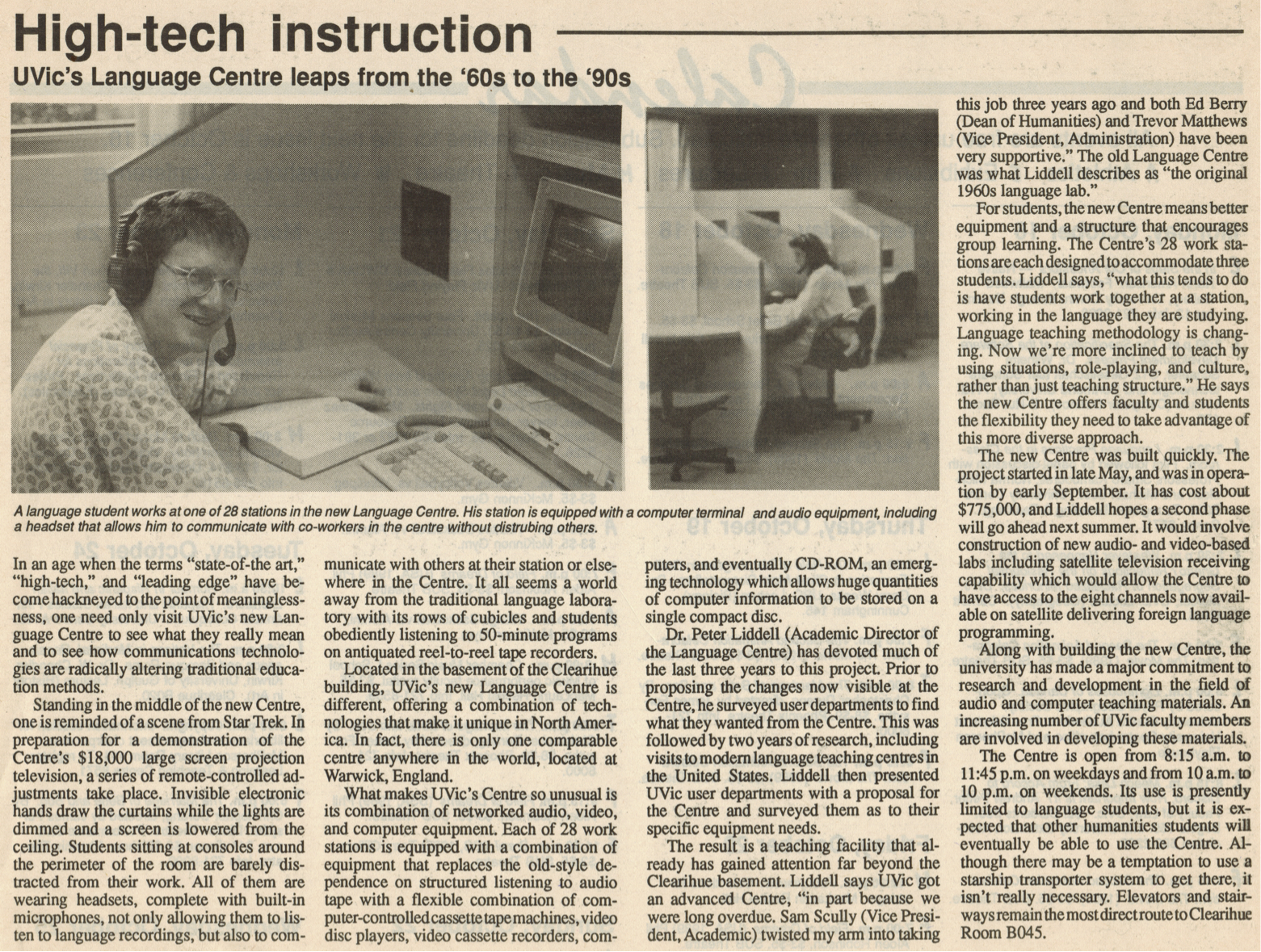
 ‘State of the Art’ in 1989!

An earlier post mentioned the 30th Anniversary of The CALL Facility! Technology certainly has changed!

And changes are still coming! Just AFTER we started working remotely from home, NEW FURNITURE ARRIVED FOR THE CALL FACILITY!

I was VERY BRIEFLY back at CHD earlier this month, to upgrade my remote laptop, and went in to look at the new furniture … AND IT LOOKS FANTASTIC! I sure hope we can get back to using our facilities, classrooms and ALL OF UVic soon, but in a safe, VERY SAFE manner!

A fairly busy day today, so some quick quotes about learning languages. I also include quotes in each slide when I give my CALL Facility orientation, so you can click HERE to see those too! They are current to January 2020!

Mostly, these are new, but there are a few favourites in here too!

And some Albert Einstein quotes too! After all … on the Quantum Level … everyone speaks the same language … and other magical things like that! Yeah, too many Marvel movies clunking around my head! But that is a GOOD THING!

All the usual  Daily Links and YouTube videos are after the language quotes below!

Enjoy!

  1. Language Learning Quotes – GoodReads
  2. 50 of the Best Quotes to Learn a Foreign Language
  3. 25+ Inspirational Quotes About Language
  4. The 5 Best Inspirational Language Quotes
  5. 10 Inspirational Quotes for Language Learners
  6. Light Up Your Brain with 10 Quotes About Language Learning
  7. Inspirational Quotes for Language Learners
  8. 42 Awesome Inspirational Quotes for Language Learners
  9. Language Learning Quotes

As long as I have words at my disposal … … and Google, there will be
Throwback Thursdays!


ENJOY!

TTFN!


Top 20 Quotes
About Language

Inspirational Quotes About Learning
A New Second Language

Quotes About
Learning Languages

Learning Quotes About
Learning a Second Language

Language Learning Quotes

Inspirational Quotes
for English Learners

Language Quote #9

The Best Quotes From
Albert Einstein

Top 20 Amazing Quotes on Patience
From Famous People


Pandemic


Where Are My Keys . . . or . . . Forgotten Computers and Software

Where Are My Keys
. . . or . . .
Forgotten Computers and Software

Where are my car keys? I can just ping them, right? Ah, if Life were that easy. Wait a minute, some car keys DO have bluetooth and only need to be close to the car to open and start it! Remember when car keys were actually … KEYS! LOL!

Full  Disclosure – I still have car keys that look, act and FEEL like car keys! Most now have bluetooth and all you have to do is be NEAR the door, NEAR the car and the keys open and start the car! Ah, the good old days of fiddling with multiple keys … good times, good times.

So how many computers have YOU worked on and have … forgotten about! I had a post awhile ago about just that topic, ‘Open the Pod Bay Doors, HAL“.

Whether you bought them or used them at school or work, there are probably a dozen or more … Forgotten Computers and Software over the years. Me? Maybe a couple of dozen computers and many, many more software programs or applications!

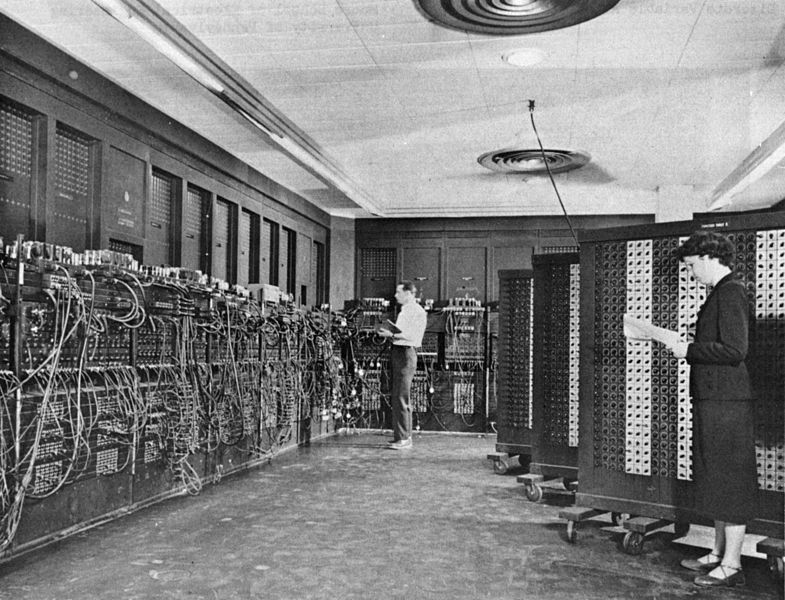
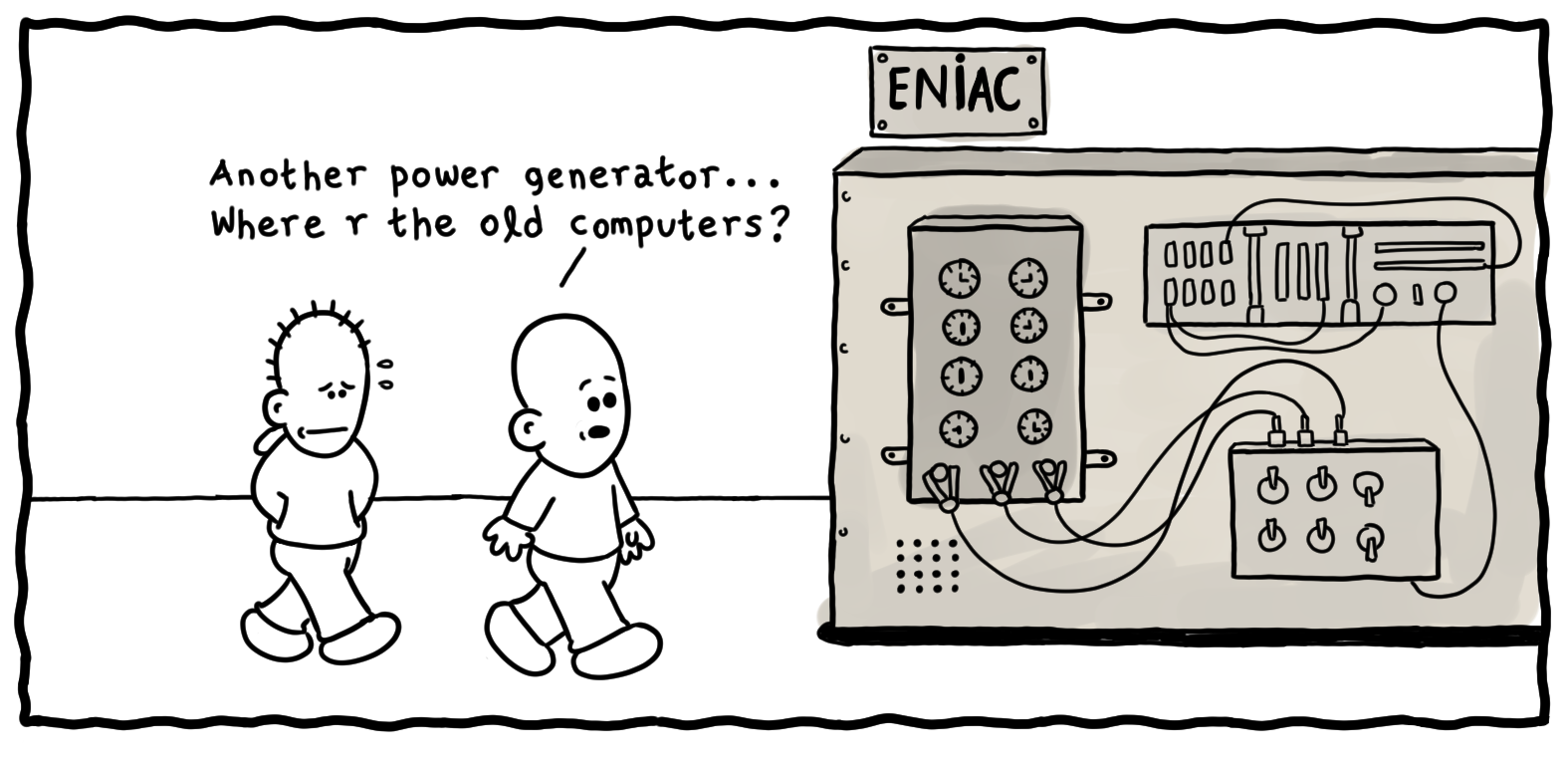
ENIAC
ENIAC

Remember when the ENTIRE COMPUTER was one huge modular unit! And the very first computers I worked on at U of Calgary, were either hidden from site and you presented your punched cards (FORTRAN!) and waited for  the output!

Then when I started taking ‘Computers in Education’ courses, I was handed the keys to The Vault! I had access to the ‘teletype’ room where I could code in BASIC and run the output on rolls of newsprint! Good times, good times!

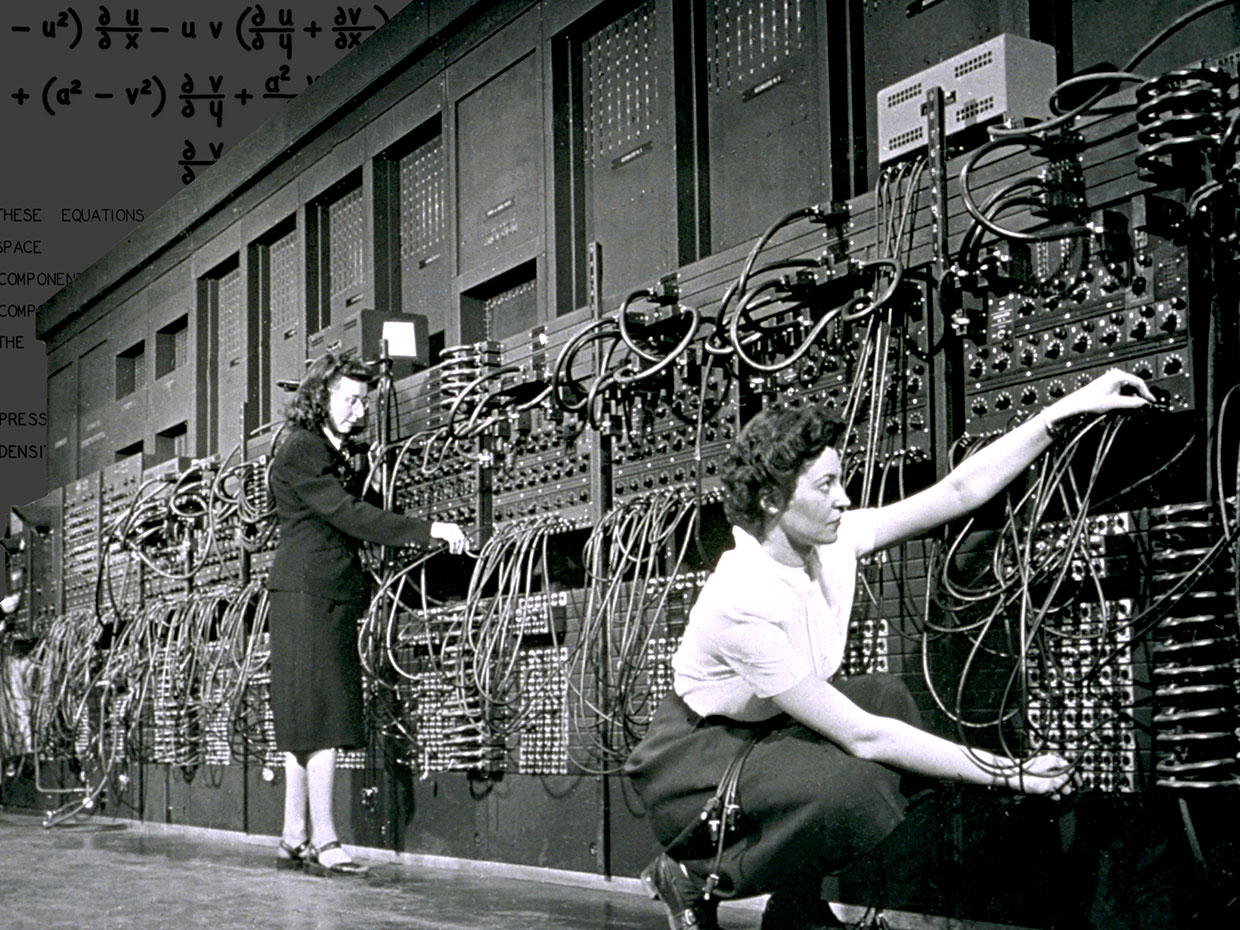
ENIAC
 ENIAC

The first program I worked on was for Probablity with a simulation of pulling coloured balls out of a ‘Greecian Urn’. And it even printed out an ASCII Greecian Urn! Yeah, I have a printout, somewhere in  ‘The Garage’ and will look for it one day! LOL!

I was fortunate enough to be invited to a lecture given by Grace Hopper. And you might rightly say … WHO? Well, she was a TITAN OF COMPUTER SCIENCE! And she gave us all a … NANOSECOND at the  end of her lecture! Wait, what?

She concluded her lecture (best lecture of all time!) with how  she explained to her Non-Techie Supervisor, how fast light travels and how that impacts any lag or delay with satellite communications! She brought out lengths of ROPE to demonstrate how far light travels in a second and working her way down to a NANOSECOND or a BILLIONTH OF A SECOND! Turns out, it is about a foot!

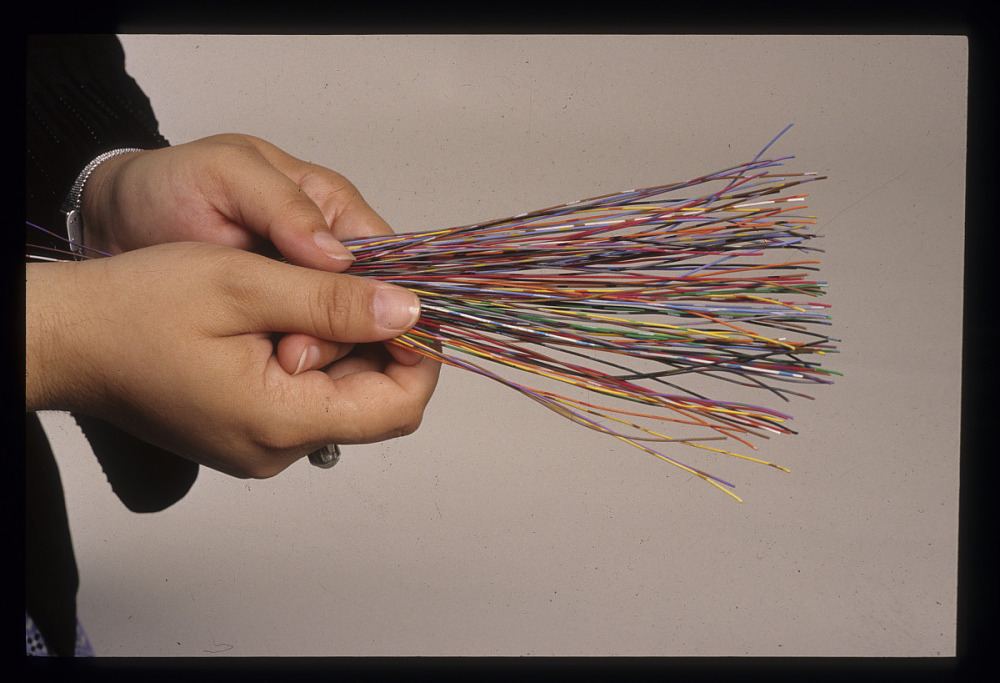
Grace Hopper Nanosecond
    Grace Hopper Nanosecond

And she pulled out about 100 small lengths of multi-coloured wire and spread them on the desk for us to take as we walked out. Well, I have never seen such a rush of people to get their ‘Grace Hopper Nanosecond‘! Fortunately I was able to get one for myself! Unfortunately, it has disappeared in my many moves over the years! But what a memory for me!

And I bet I can name a MASSIVE computer related piece of ‘software’ that almost everyone will have forgotten about … Y2K! And if you have NEVER  heard of that term … then you are probably not much older than 20 years old!

Y2K refers to a software ‘glitch’ that did not take into account the calendar year 2000 in most computer code developed between 1980-1999. Basically, EVERYTHING!

Typically, amongst other problems, only 2 digits were used to indicate the calendar year, thus ’89’ and ’99’ were used for ‘1989’ and ‘1999’ in databases, calculations, spreadsheets, banks .. YOU NAME IT! So when the decade ended and we entered the year 2000 … uh-oh! Right back to the year 1900!!!!

I remember staying up, hoisting a glass of champagne and welcoming … ‘The End of the World’!!! But, or more punny, ‘Byte‘ nothing happened! LOL!

So that brings up … Y3K! LOL! I sure hope I am still around to toast 3000!

Grace Hopper Bug
Grace Hooper Bug

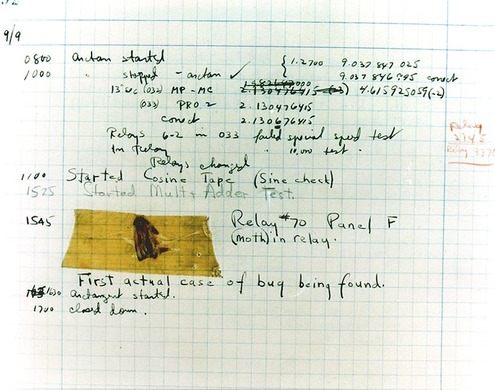
And this post quickly turned to Grace Hopper, didn’t it! I love telling people this story AND most people have never heard of Grace Hopper! AND an even BETTER Grace Hopper story! She is credited with the first EVER case of ‘debugging’ a computer …. LITERALLY!

She  crawled into a computer …  it  was that big! And she found a relay switch, an actual MOVING PART INSIDE A COMPUTER and a moth had become ‘trapped’ beneath the lever! She then proceeded to ….’debug’ the computer and documented it! That document, moth and all, are in the Smithsonian now!

I found SO many articles, images, cartoons and resources while doing my usual bit of research for my post, I have more links below than ever before!

Articles on ENIAC, UNIVAC, Personal Computers, COBOL and most especially, Grace Hopper. Take a trip through time, wax nostalgic, and think back to when a computer took up an entire room, if not an entire building!

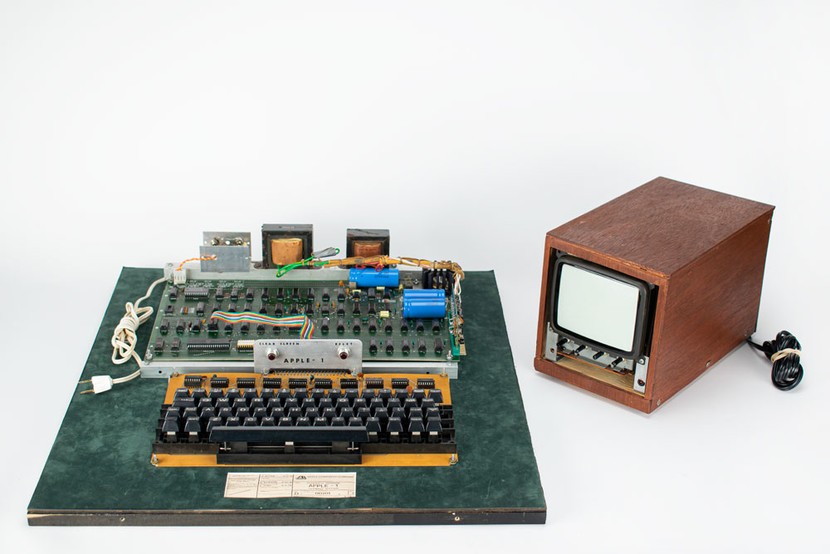
Oh, and if you see an old, really old, Apple Computer at a garage sale … maybe think about buying it! It could turn out to be this one! worth almost HALF A MILLION DOLLARS!

What you hold in your hands now is not just a phone – it is the FUTURE that visionaries like Grace Hopper could only DREAM of would eventually be possible!

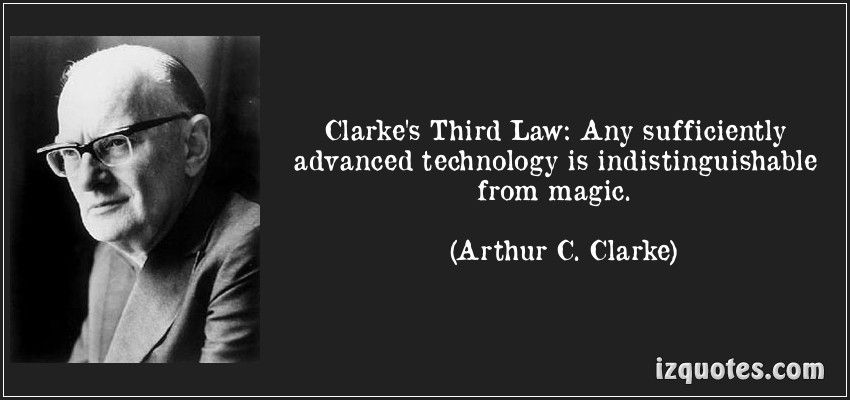
And as Arthur C. Clarke described in ‘Clarke’s Three Laws” at Wikipedia:

    1. When a distinguished but elderly scientist states that something is possible, he is almost certainly right. When he states that something is impossible, he is very probably wrong.
    2. The only way of discovering the limits of the possible is to venture a little way past them into the impossible.
    3. Any sufficiently advanced technology is indistinguishable from magic.
Clarke's 3rd Law
                                                     Clarke’s 3rd Law

We truly live in a Magical Time now!


Enjoy the Magic!

Grace Hopper
         Grace Hopper


  1. Personal Computer – Wikipedia
  2. Grace Hopper – Wikipedia
  3. Five Fast Facts About Technologist Grace Hopper
  4. Grace Murray Hopper (1906-1992): A legacy of innovation and service
  5. Grace Hopper To Programmers: Mind Your Nanoseconds!
  6. Nanoseconds Associated with Grace Hopper
  7. Untold History of AI: Invisible Women Programmed America’s First Electronic Computer

  8. 10 Oldest Computers in The World
  9. 10 Colossal Old Computers That Changed History
  10. Timeline of Computer History
  11. Computer History Museum – YouTube
  12. 11 Mind-Blowing Collectible Computers That Will Make You Nostalgic!
  13. Acorn, Sinclair, Amstrad and Epson: 10 computers that time forgot
  14. Rare Apple Macintosh prototype up for auction
  15. Ultra-rare Apple-1 sells for the price of 8 Mac Pro computers
  16. The Vintage Mac Museum – Rare Items
  17. Computer Collectibles
  18. Andrew Booth and the Forgotten Computers
  19. Forgotten PC history: The true origins of the personal computer
  20. The forgotten software that inspired our modern world
  21. PC Pioneers: The Forgotten World of S-100 Bus Computers
  22. The Lost Civilization of Dial-Up Bulletin Board Systems
  23. Alan Turing’s Forgotten Ideas in Computer Science
  24. 10 Ancient computers that are still in use today
  25. How Forgotten Legacy Systems Could Be Your Downfall
  26. If It Ain’t Broke, Don’t Fix It: Ancient Computers in Use Today
  27. Avoid the Trash Heap: 15 Great Uses for an Old PC
  28. I Wrote This on a 30-Year-Old Computer – And it was awesome!
  29. What Is the Oldest Computer Program Still in Use?
  30. COBOLed together: the oldest legacy systems still in use today
  31. Meet the world’s oldest computer program that’s still in use today
  32. Brush up your COBOL: Why is a 60 year old language suddenly in demand?
  33. 5 ancient software programs we refuse to give up
  34. The 10 oldest, significant open-source programs
  35. Legacy systems: Too old to die?
  36. How Government Agencies Walk the Line with Legacy Software
  37. We care about old computers
  38. Candorville – Comics

As long as I have ‘The Garage’ there will be forgotten and old computers stored there . . . and magical OAC posts!


ENJOY!

TTFN!


Computer Pioneers – Part 1

ENIAC – The First Computer

Apollo’s Forgotten Computer
The LVDC

Forgotten Fun
Texas Instruments TI-99/4A

Tano Dragon 64
Unboxing

Panasonic JR-200U

1983 Radio Shack TRS80
Color Computer 2

Tandy 1000

Sinclair ZX81 – British Computer

Why Apple Products
Use 30 Year Old Software

Evolution of Laptops
1975 – 2020

Top 10 Horribly Outdated
Technologies Still in Use Today

Quantum Computers
Animated


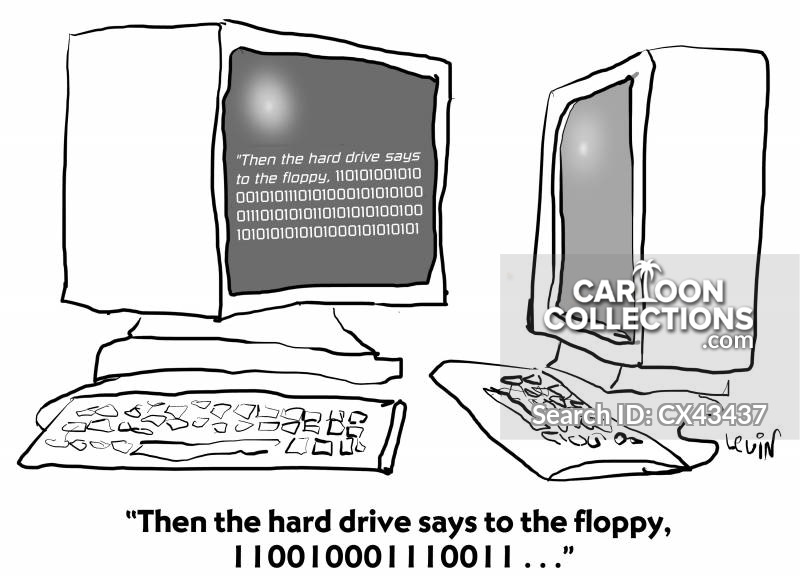
“Then the hard drive says to the floppy, 110010001110011…”
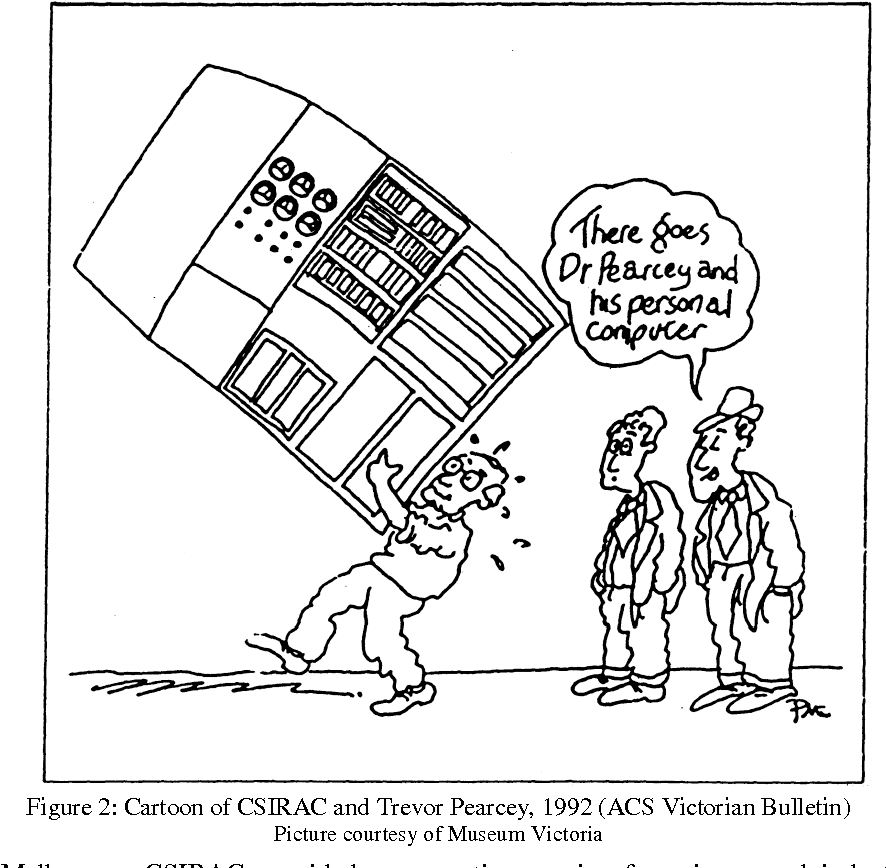
‘This is what people had to use before they got antennae.’


Pandemic


Throwback Thursday . . . or . . . Laughter and Chuckles!

Throwback Thursday
. . . or . . .
Laughter and Chuckles!

Why did the chicken cross the road? Error 404. Road can not be found.
ALMOST a … Dad Joke! Years ago, I once ‘collected’ cartoons from the comic section of newspapers or editorial pages, specifically looking for Math, Statistics or Numbers in general – for use as motivation in my classes! I probably still have them somewhere in ‘The Garage’ and will look for them one day and have a post dedicated to really old math cartoons!

Once, I included a funny math cartoon at the very END of a printed math test for my Grade 12 Math 31 (Advanced) class. This was during my Student Teaching year at U of Calgary.

I had the opportunity to teach ‘Probability’ to my highly motivated International Baccalaureat program at the school I was assigned! Well, this threw them for a loop! “Is this a question?“, “Is this for marks?“, “How do I answer this question?” and ‘What is this for?

And to his  credit,  my Supporting Teacher let me do all kinds of crazy things in all my classes! This will be a theme for another OAC post one day!

One small amazing Fun Fact: I ended up being paired with not one, but TWO of my OWN High School Math teachers from my high school years … just by chance! What are the odds on that !!! Well, that is what statistics are for! LOL!

So, some Throwback Thursday humour and  random images, YouTube videos and cartoons to maybe provide a chuckle or two!

And that is about it for today! A busy day with some meetings, documents and workshops at the speed of Self Pace too! I might throw new stuff in later! You just never know!   


Enjoy!

  1. Windows Vs Mac Vs Linux: 10 Funny Jokes In Pictures
  2. The 12 Most Ridiculous Windows Errors of All Time
  3. 21 Hilarious Microsoft Windows Fails
  4. Top 10 Programmer Jokes, Explained for the Rest of Us
  5. The 10 Funniest Computer Fails, Bugs and Errors
  6. Computer Memes

As long as I have stuff in ‘The Garage’ … and the “World Wide Web“, there will be Throwback Thursdays!


ENJOY!

TTFN!


Why Computer Engineering
is Like Standup Comedy

I’ve Got a Problem with My Apple
The One Ronnie – BBC

One Day, A Computer Will Fit …
… On A Desk – Arthur C. Clarke (1974)

Computer Joke of the Day
May 1, 2020

Modern Upgrades
for Classic Computers

15+ Funny MS Windows Jokes
That Will Make You Laugh

10 Funniest TED Talks
Compilation

Computer Predicts the
End of Civilization (1973)

Arthur C. Clark
Predicts the Internet (1964)

A Funny Look at the Unintended Consequences
of Technology (TED)

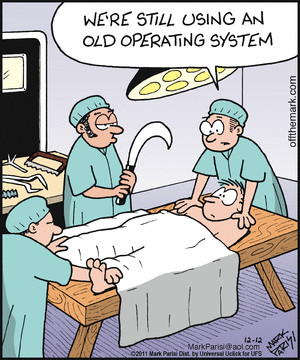
BYOD issues were an even bigger problem in the 1950s.
BYOD was not as much of a concern in the office as BYOG.

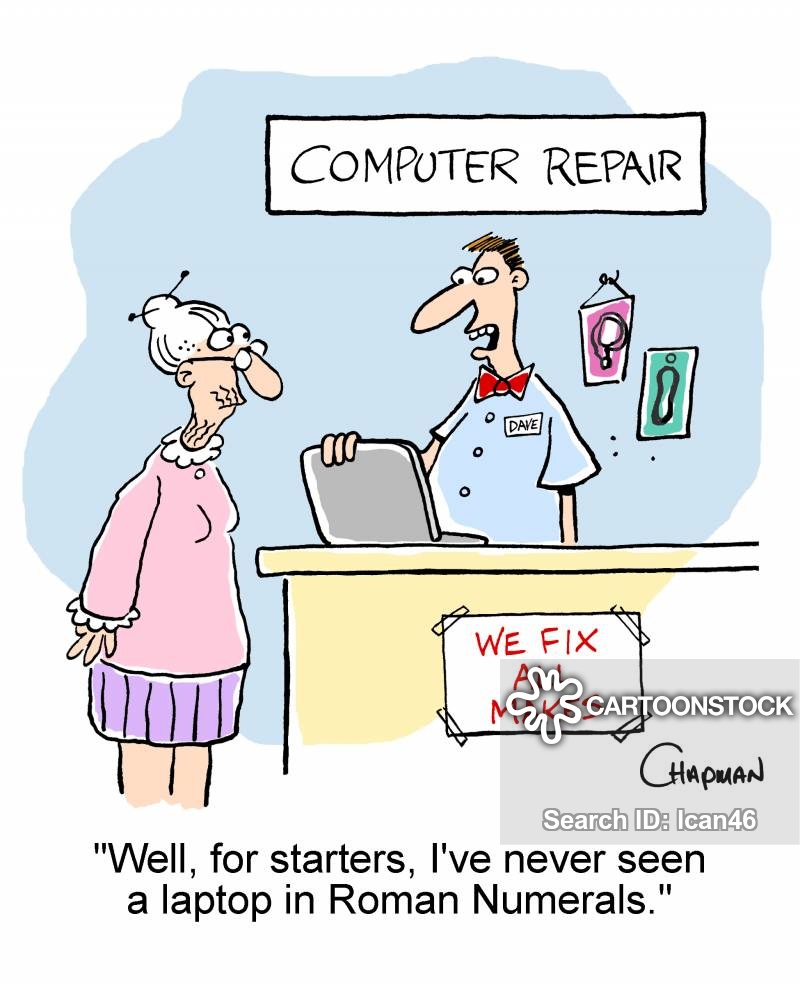
‘Well, for starters, I’ve never seen a laptop in Roman Numerals.’
“It’s a fantastic computer! It’s so old that none of today’s hackers know how to hack it!”
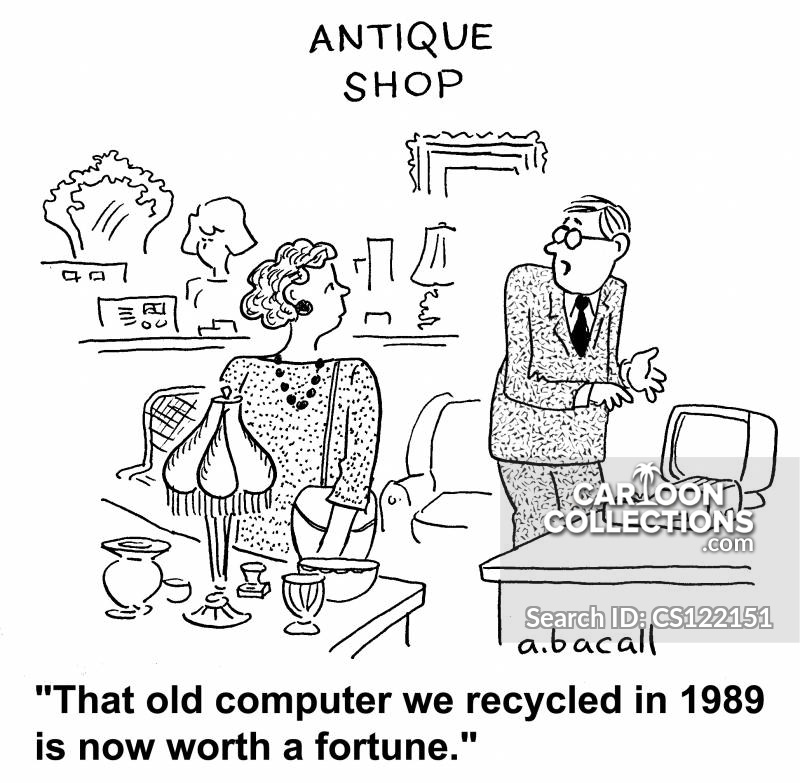
“That old computer we recycled in 1989 is now worth a fortune.”

Old-fashioned computer

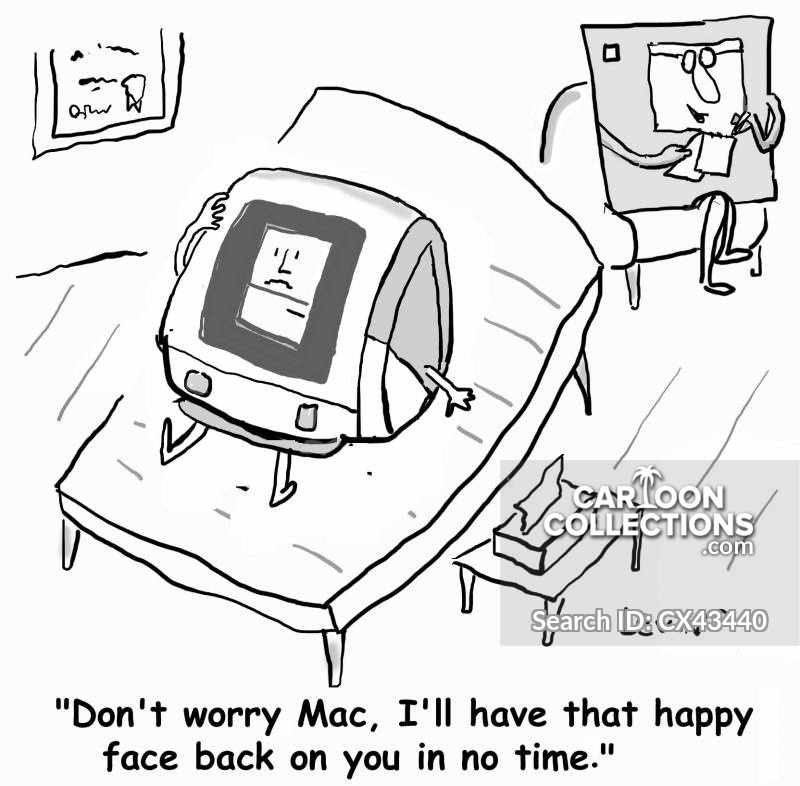
“Don’t worry Mac, I’ll have that happy face back in no time.”


Pandemic


Wonderful Wednesday . . . C64 Marketing

Wonderful Wednesday
. . . . .
Commodore 64 Marketing!

SX 64 Receipt 1985
SX 64 Receipt 1985

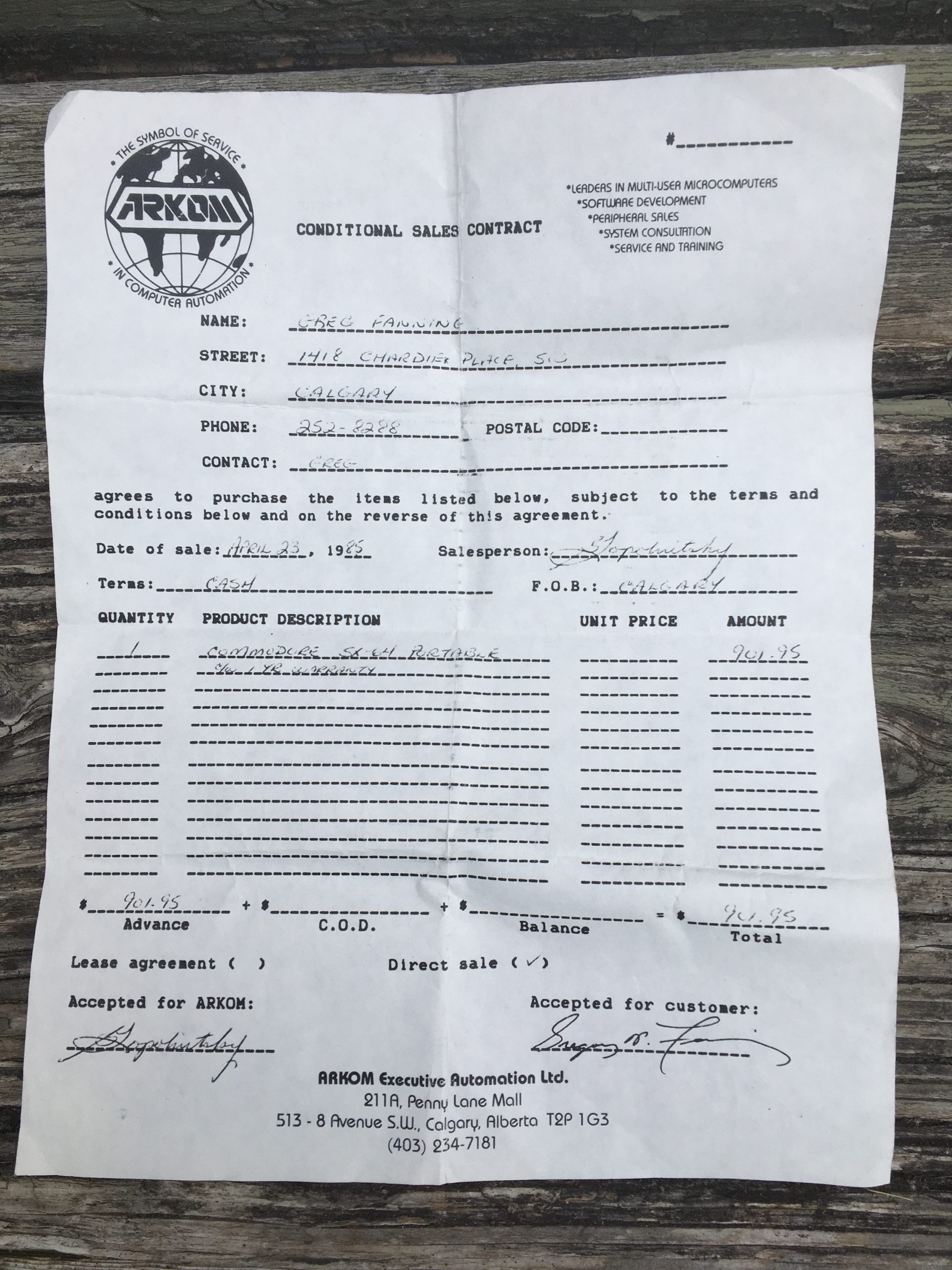
My first computer I EVER purchased! I think I might even have my original receipt! I will have to dig around my own computer archives aka ‘The Garage’ and see if I can come up with that papyrus document! And … drum roll …. I FOUND IT! Click on the image to see it in a bigger tab!

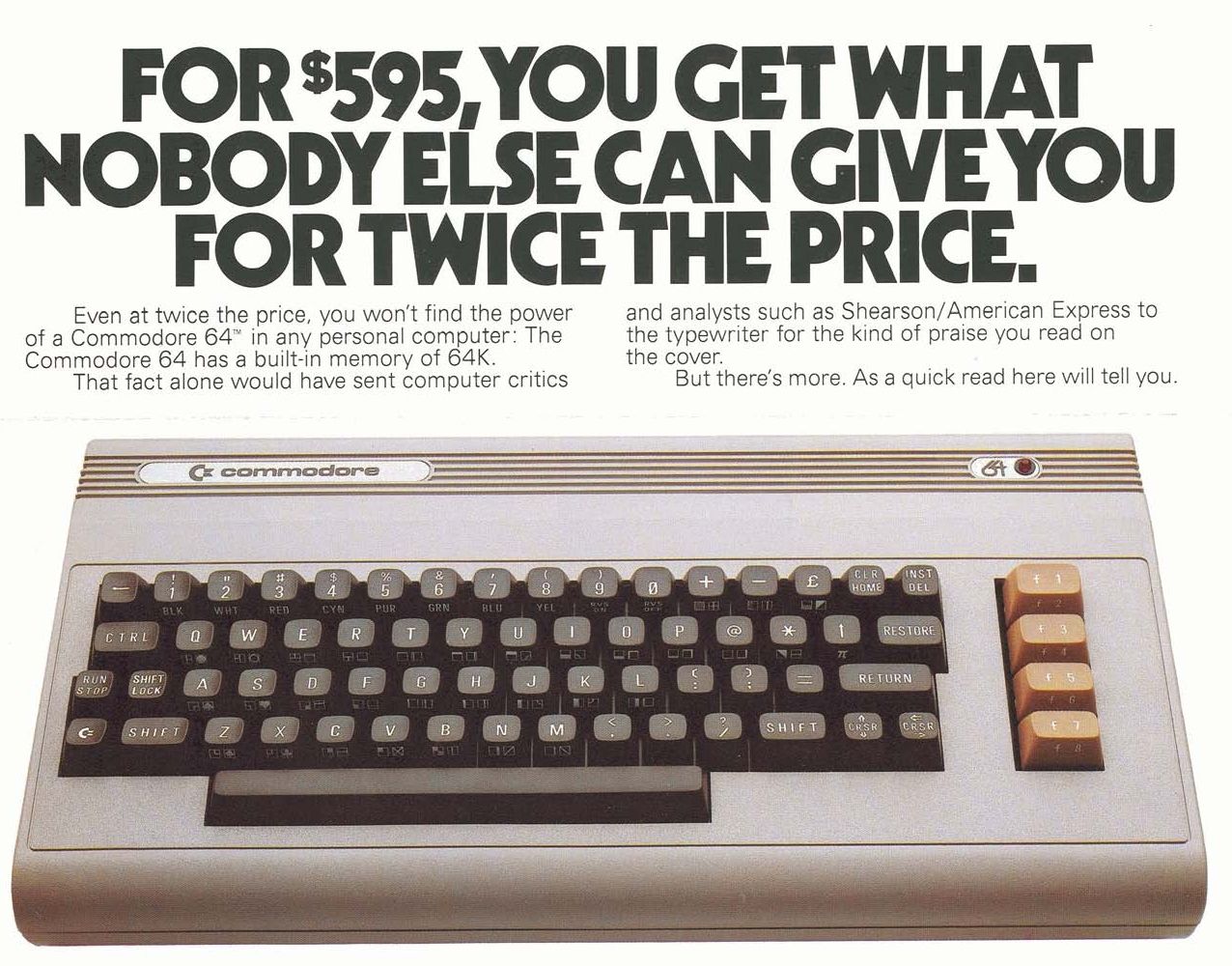
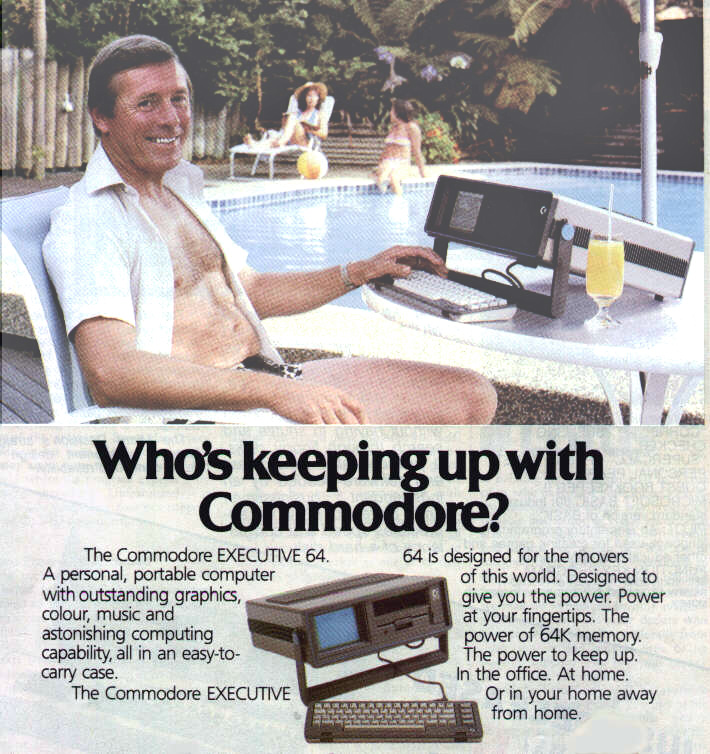
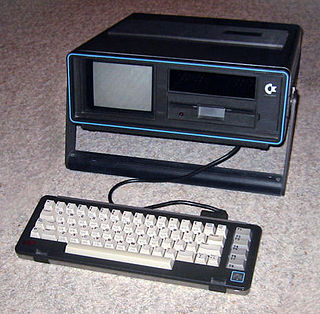
And why did I buy a C-64, specifically, the SX-64, the World’s First Luggable Computer? It cost me $901.95 (note there was no tax!) and that was a huge amount, in today’s dollars! Actually, it works out to be …. $1,962.18 in ‘today’s’ money! I used the Bank of Canada Inflation Calculator, which I did not know existed until this morning!

SX-64
      SX-64

There were a few reasons – I had just started to work in a classroom that was FILLED with Commodore-64 computers, I was taking a graduate course at the U of C about Technology/Computers in Education and … a buddy of mine could buy it through his company AT A DISCOUNT! But none of those beat out … THIS IS SUCH A  COOL COMPUTER! So had to buy the Commodore SX-64, which was also known as the Executive 64 or VIP-64 in Europe!

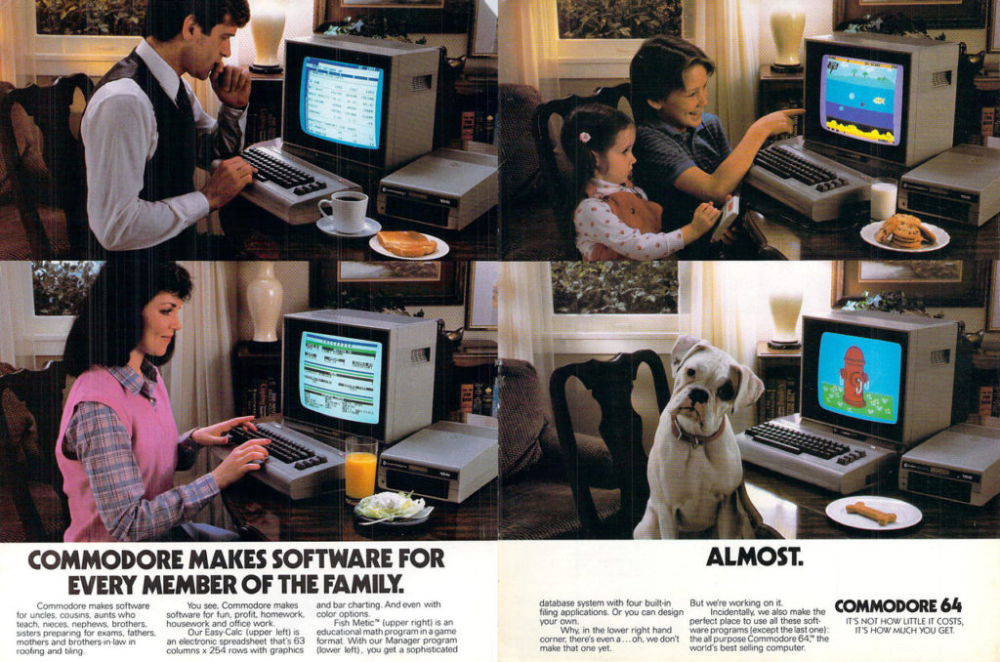
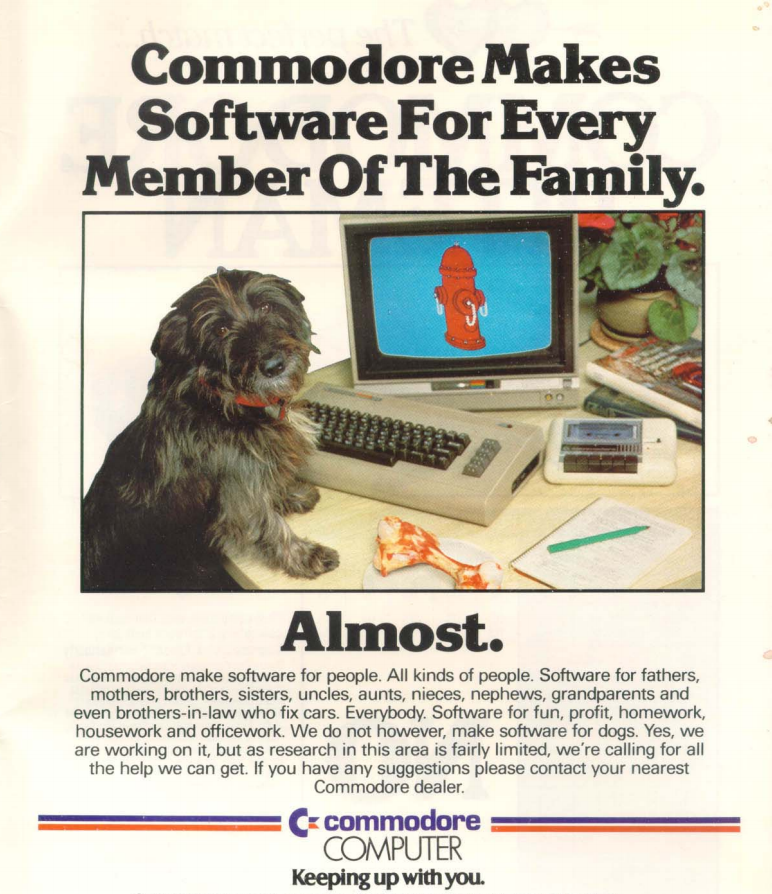
So  it got me to wondering about how the Commodore became, at the time, the single best home computer EVER SOLD! And I came to the conclusion that … I don’t know why! LOL! Oh, well, maybe marketing has alot to do  with it! Just look at Apple! I have posted about how Apple have made such fantastic ads before! (Yup, product placement!)

My ultimate, non-academic conclusion is that …. EVERYONE COULD OWN A HOME COMPUTER!!! And if Commodore could make it cheap, easy, small, available and FUN – then they found the magic recipe to sell MILLIONS OF THEIR COMPUTERS! And, literally: 

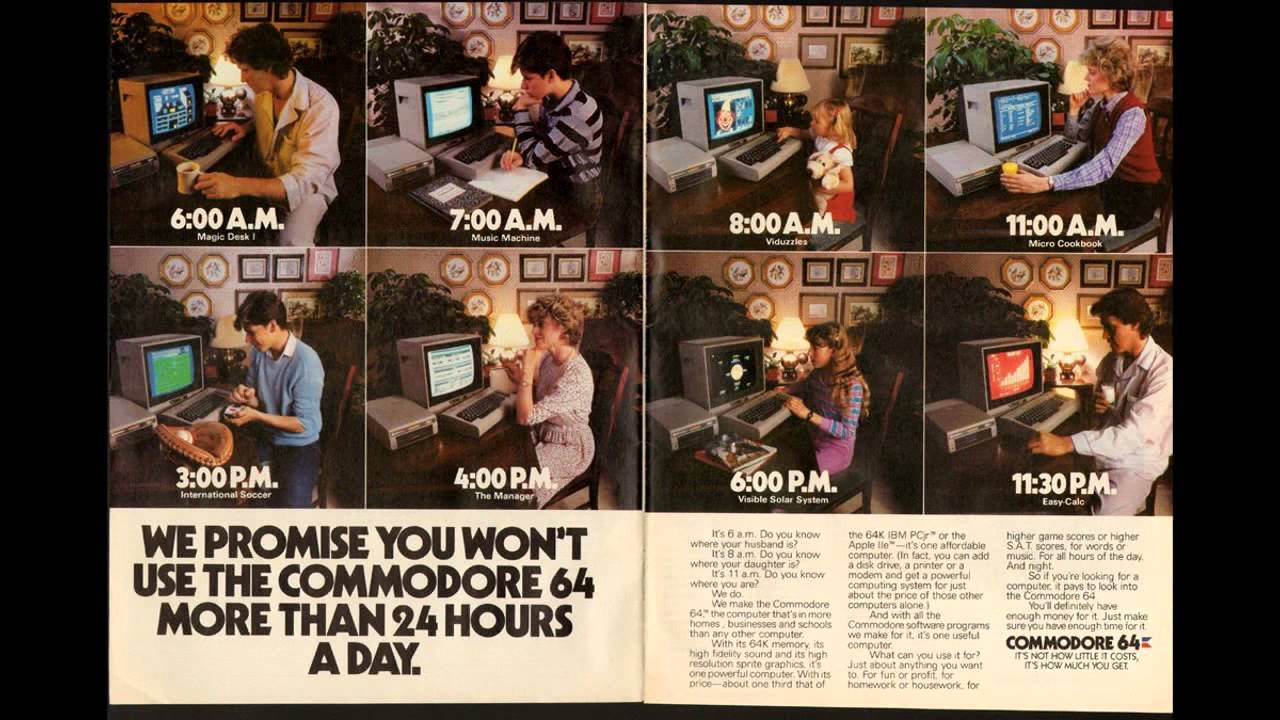
The Commodore 64, also known as the C64 or the CBM 64, is an 8-bit home computer introduced in January 1982 by Commodore International (first shown at the Consumer Electronics Show, in Las Vegas, January 7–10, 1982). It has been listed in the Guinness World Records as the highest-selling single computer model of all time, with independent estimates placing the number sold between 10 and 17 million units. (From Wikipedia)

And it is a bit unknown as to how many SX-64 computers were sold. There was a rumoured DX-64 with dual floppy drives, but that never appeared.

The exact number of SX-64 sold from 1984 to 1986, when it was discontinued, is unknown. The serial numbers of over 130 SX-64s from series GA1, GA2, GA4, GA5 and GA6, with serial numbers ranging over 49,000 for series GA1, 1,000 for GA2, 17,000 for GA4, 11,000 for GA5, and 7,000 for GA6 have been reported. (From Wikipedia)

I will have an SX-64 dedicated post in the future, showing how fast it booted, cartridges that I have and how I can connect it to my Toshiba large screen tv too!

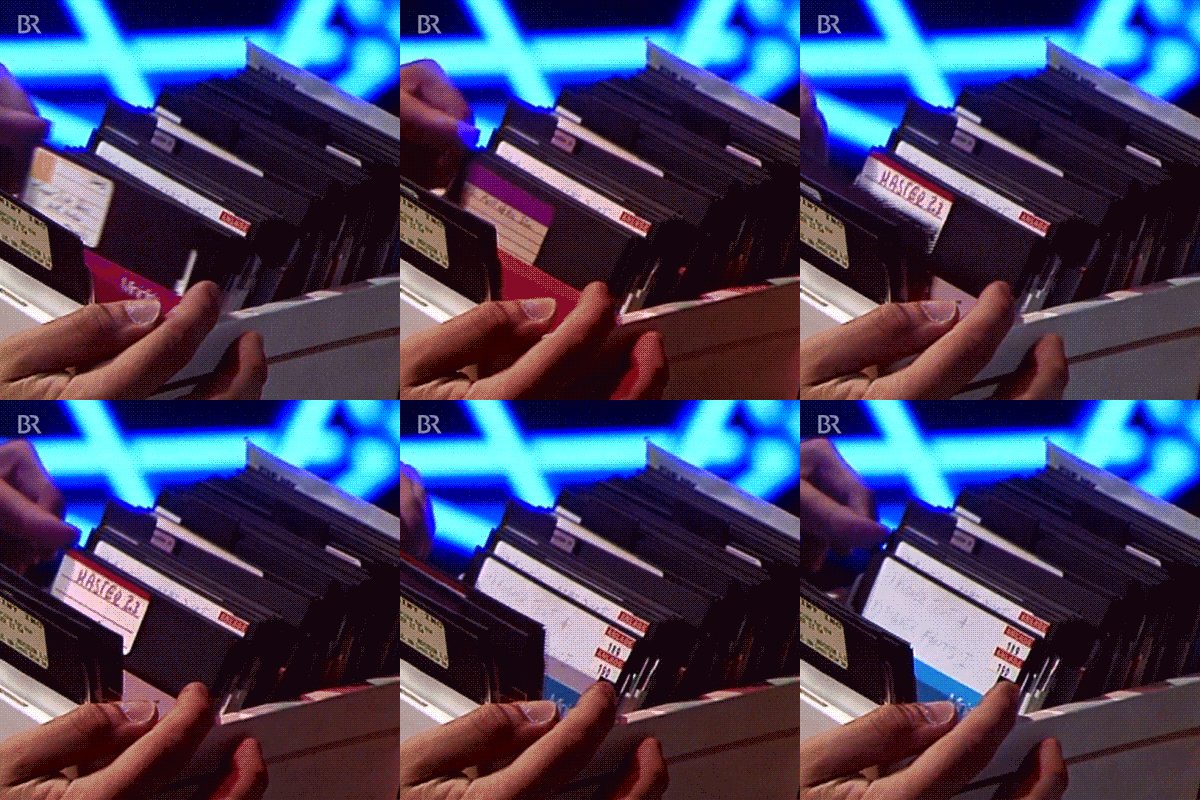
It really was an amazing computer! And speed – it boots up in about 5 seconds! And it only had the one floppy drive! Remember sorting through floppy disk banks! Good times, good times!

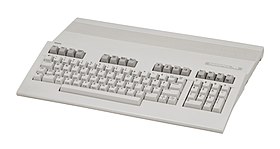
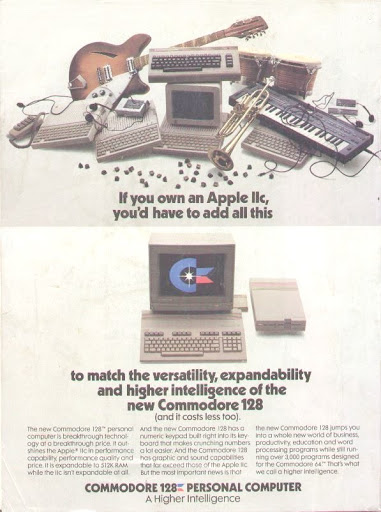
Commodore 128
         Commodore 128

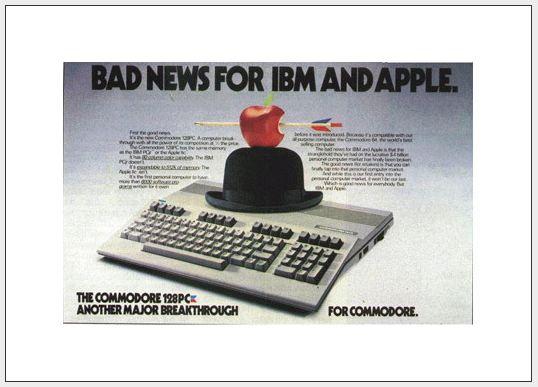
Fun Fact – did you know that  Commodore actually made other computers, including a Commodore PC compatible and another one called the Commodore 128? Fun Fact!

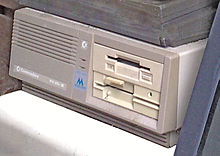
Commodore PC Compatible

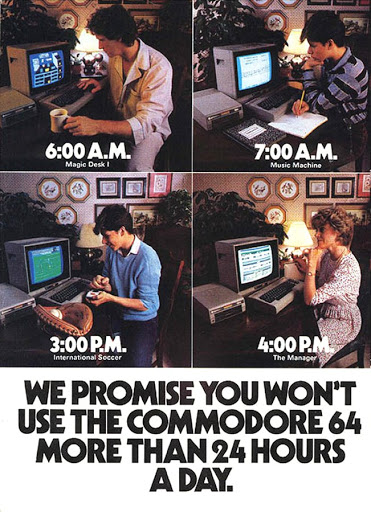
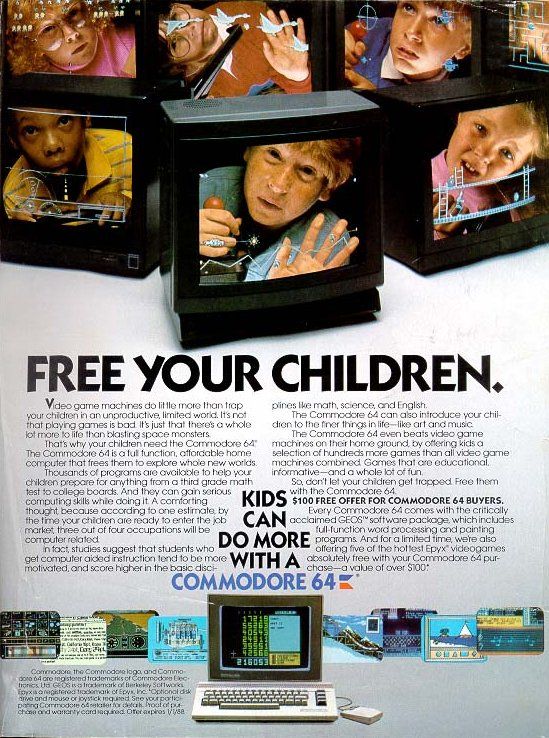
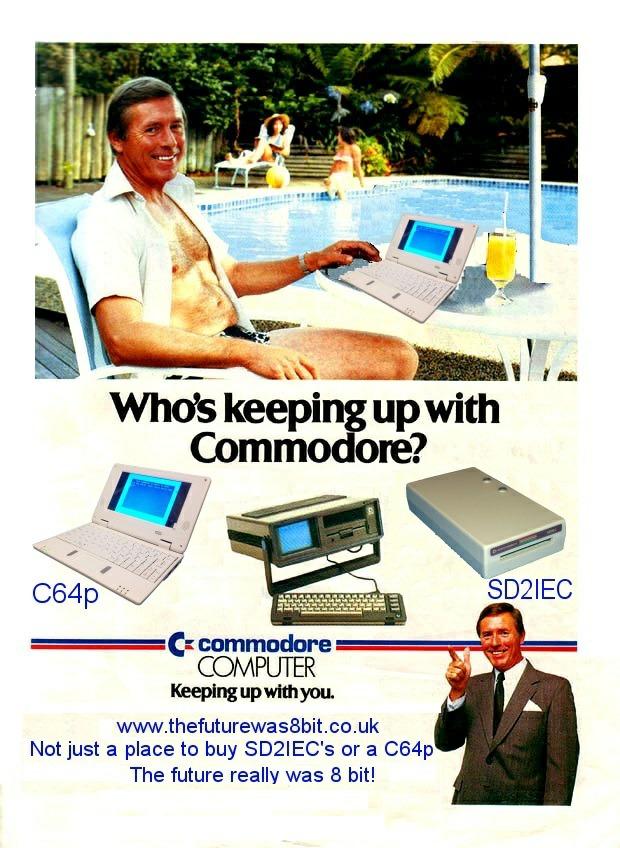
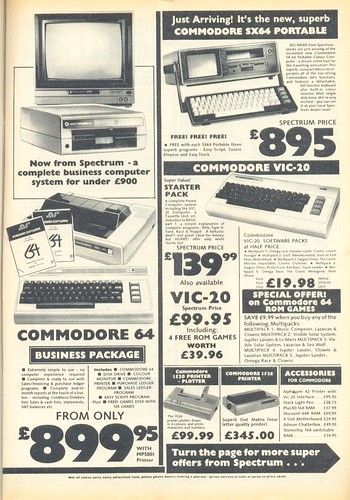
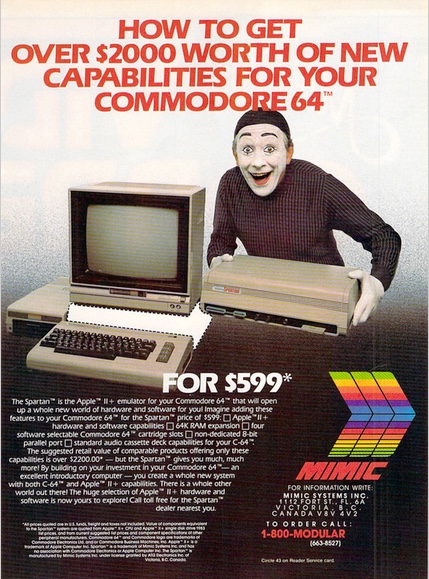
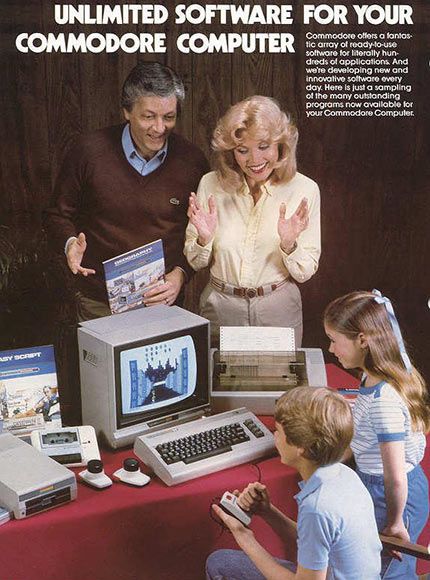
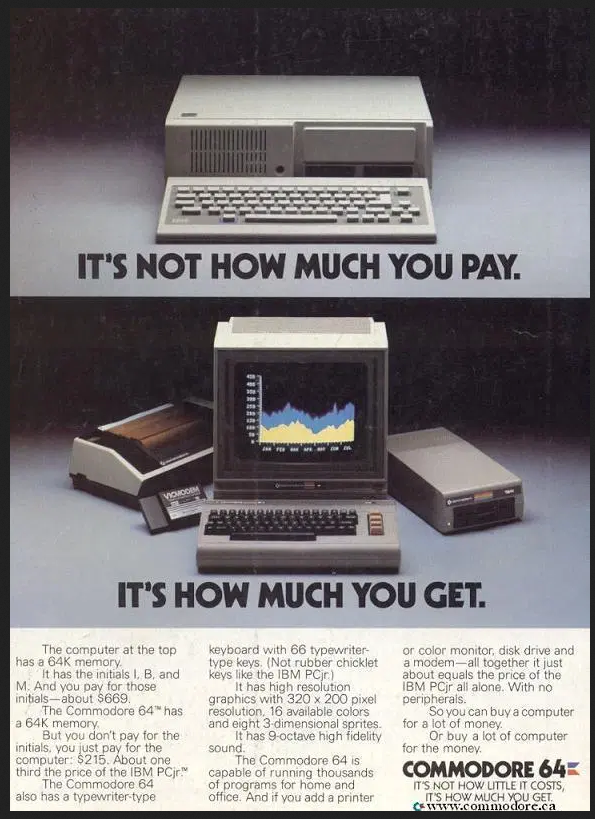
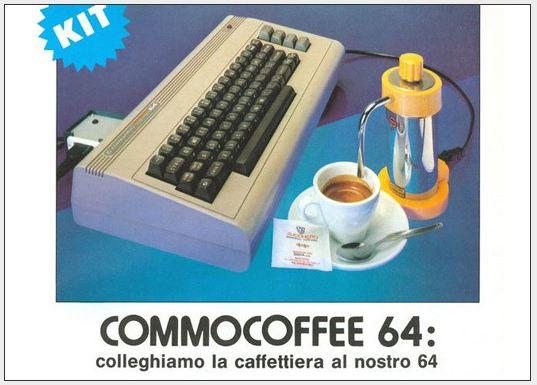
Be sure to look closely at some of the vintage print ads I included  after all of this! William Shatner HIMSELFCAPTAIN KIRK – was a spokesman for the Commodore VIC-20 – the computer that came out BEFORE the C-64!! I can legitimately say – I own an Official Star Fleet Computer!

And that is about it for today! Lots of meetings and workshops! I might throw new stuff in later! You just never know!   



Enjoy!

  1. Commodore History Part 1- The PET
  2. Commodore History Part 3 – The Commodore 64 (complete)
  3. Commodore History Parts 1-8 Compilation
  4. The best ever Commodore 64 music
  5. The Commodore 64 is rebooting the 1980s with a full-size re-release
  6. Commodore 64 : Memories of the Best Selling Computer Ever
  7. Commodore 64 Story & Review
  8. In Pictures: A look back at future tech – Vintage Commodore computer ads
  9. Commodore – Secret Conspiracy at Uncyclopedia – Content Free Encyclopedia (this is funny!)
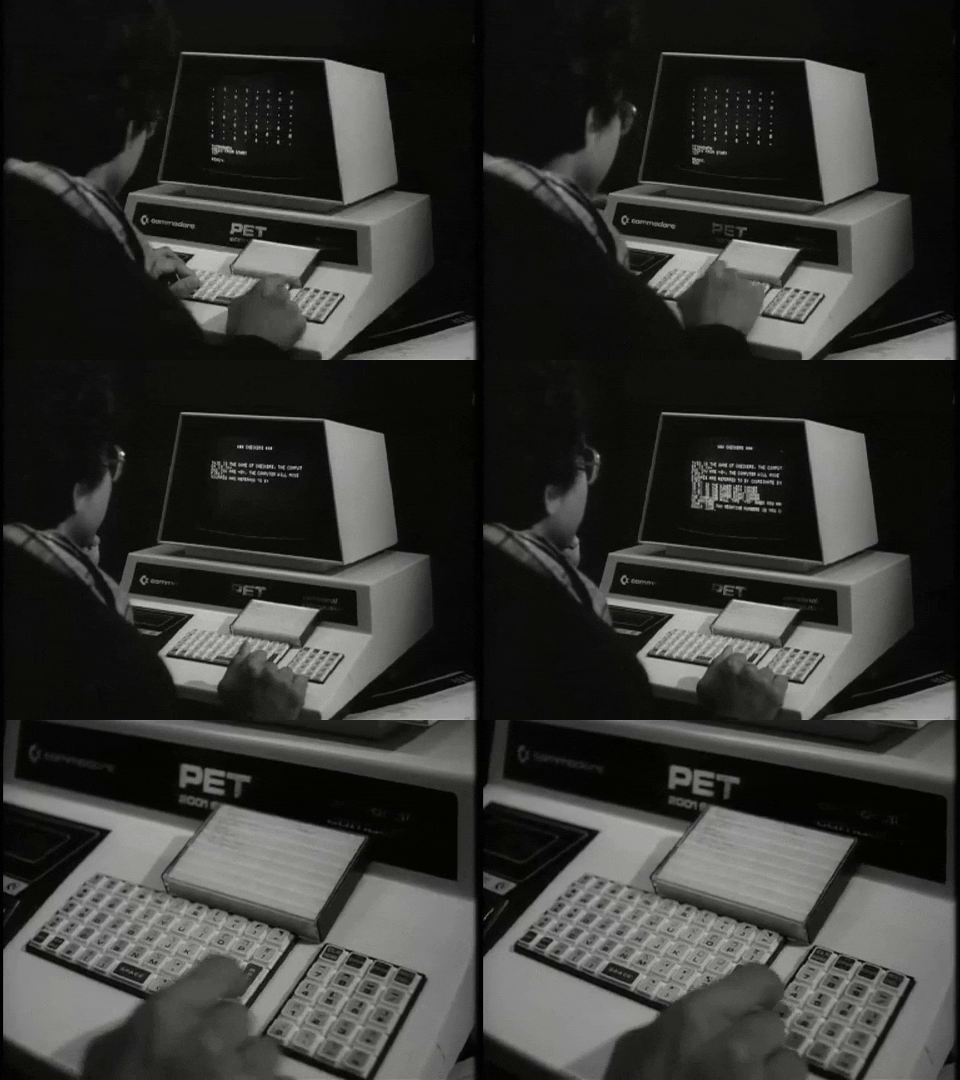
Commodore PET
               Commodore PET

As long as there are a bunch of old computers in my basement, there will be Wonderful Wednesdays!


ENJOY!

TTFN!


Commodore SX-64
TV Ad 1984

Commodore 64 US Adverts

Commodore History Part 1
The PET

Commodore History Compilation
Parts 1-8

C64 Accolade Comics

Games That Push the Limits
of the Commodore 64

World’s First All New
Commodore 64

So You Bought a C64
Modern Guide for Retro Buyers


Pandemic


Bold Italics Comic Sans . . . or Word Processors Through the Years

Bold Italics Comic Sans
. . . or . . .
Word Processors Through the Years

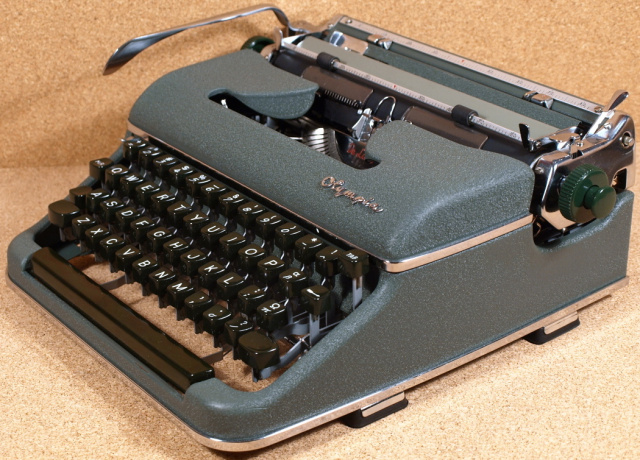
Typewriter! Whiteout! Ribbon! Carriage Return! That was MY technology when I was writing term papers back in 1975-1982 at the University of Calgary!

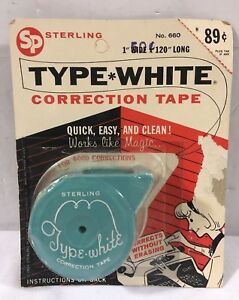
Those late nights AND early mornings, pounding away, literally, on my Smith Corona typewriter – trying to balance SPEED with ACCURACY! There was no such thing as DELETE or UNDO … unless you count going through gallons of whiteout! BUT, I had a very HI-TECH version of correcting mistakes!

Basically, it was a dry ‘tape’, with dryer white ‘chalk’ on one side, and a more inert opposite side. But first, you had to recognize that you did INDEED make a typo, AS YOU WERE TYPING! There were no spellcheckers back then! And then, backspace manually TO THE MISTAKE, insert the correction tape, powder side TOWARDS the error, TYPE THE ERROR AGAIN to literally WHITE OUT the mistake, backspace AGAIN, and manually type in the corrected letter! Good times, good times! All this with a single, ORIGINAL, piece of paper in the typewriter! ARGH! And no automatic page feeds so I often ran out of room on my PRISTINE and ORIGINAL PIECE OF PAPER! DOUBLE ARGH!

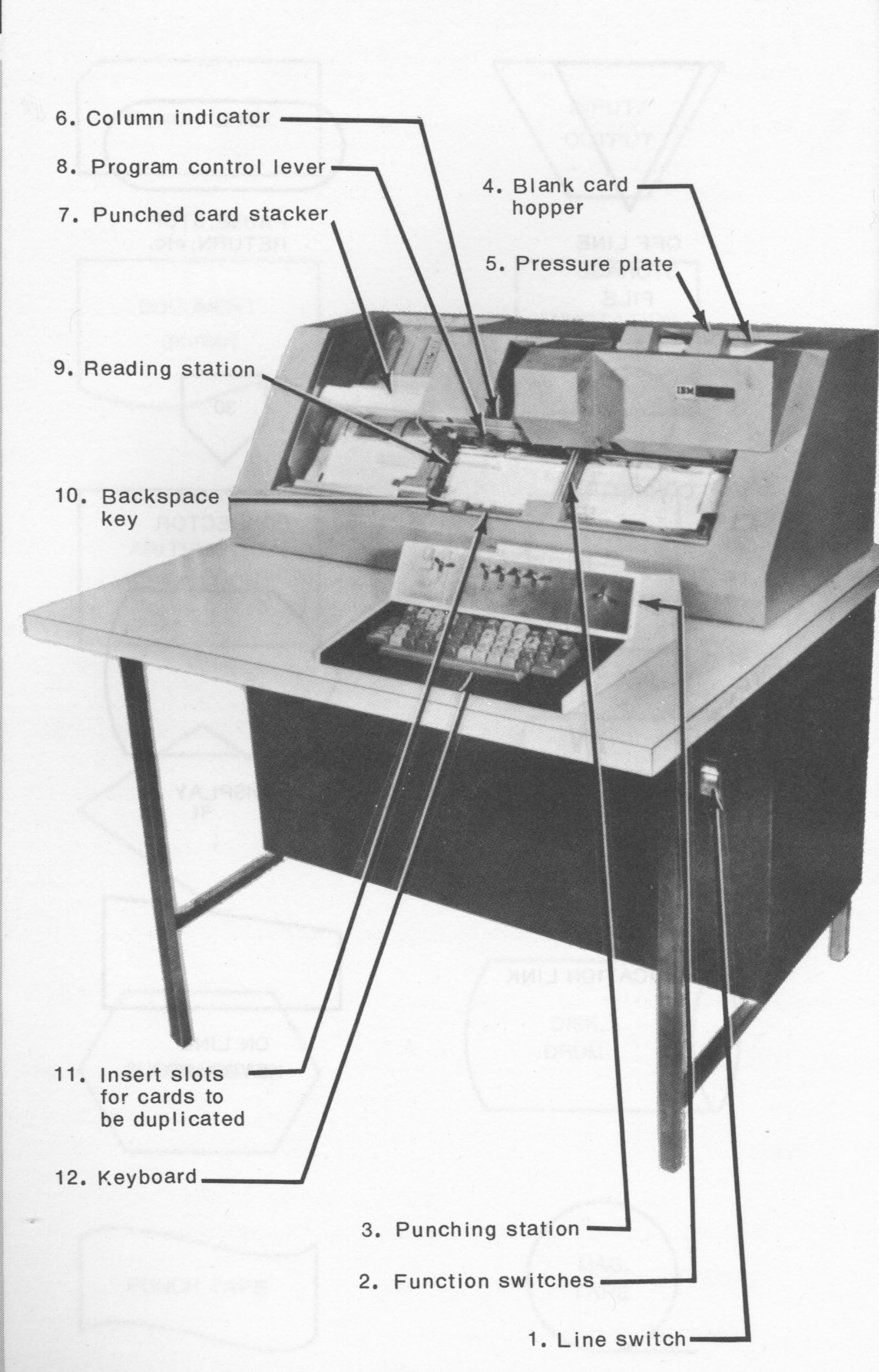
And then I took my first computer science course! Although technically NOT a word processor, a massive desk with a punched card reader could be consider an early form of a word processor! Every mistake in code (FORTRAN!) I made, took about 30 minutes to actually DISCOVER from the Punch Card Elders who took my deck and ran it into the giant Punched Card Monsters! Then I had to dig out the SINGLE CARD that had a typo or bad code, and type it in again!

The day I discovered the ‘Function Switches’ feature, which would mirror all the text was like a miracle! I would press the copy button, then STOP, type in the corrected command or typo, then continue with copy and the card would appear at the end! Reinsert, hand over the deck and … ANOTHER TYPO FURTHER INTO THE DECK! Repeat as many times as necessary! Good times, good times!

Commodore SX-64
Commodore SX-64

And then, I graduated, not only from U of C, but onto SUPERIOR TECHNOLOGY! Well, at least, at the time, it certainly WAS superior technology! My first teaching gig was not only teaching a Beginner Computer Science course, but DESIGNING IT AS WELL! I earlier posted about Desktop Publishing, but … it was really just basic Word Processing with Apple and Commodore Computers!

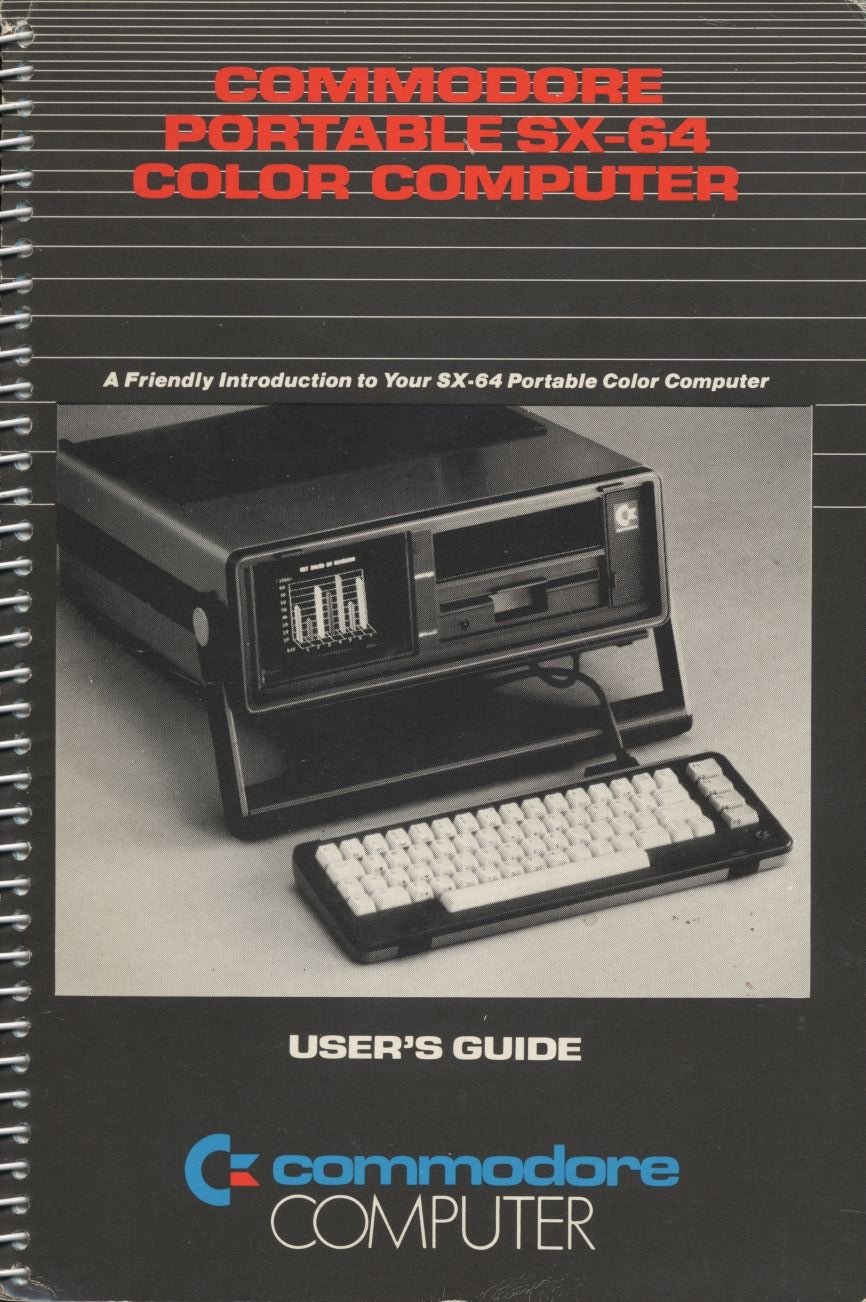
Yes, that is the manual for my own Commodore SX-64 that I used for some Grad courses at U of C! And I used the worlds best FREE word processor at the time … SPEEDSCRIPT! A future post will discuss just how amazing the SX-64 computer was! AND IT STILL WORKS!

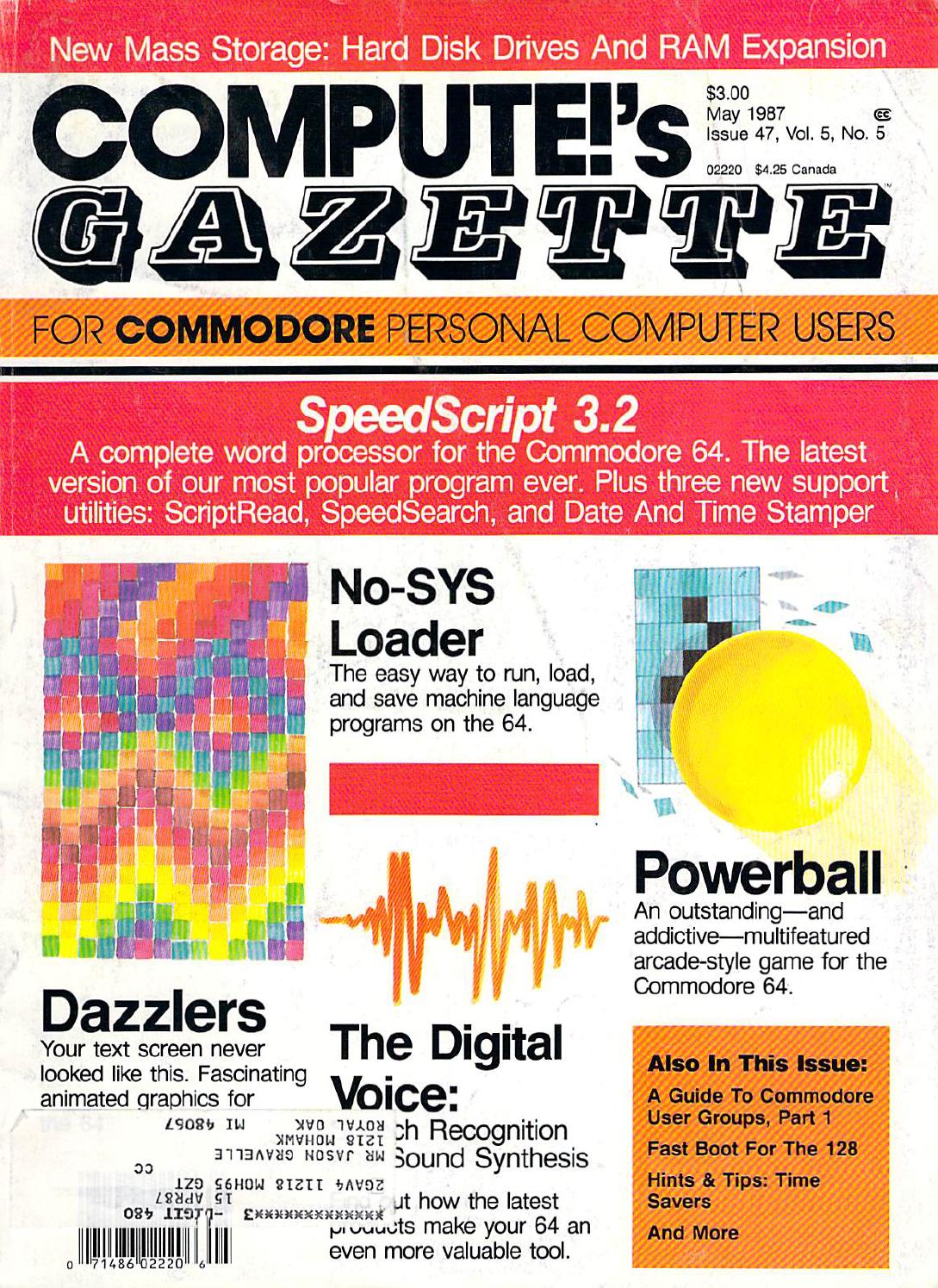
SpeedScript was free, had a spell checker and even had a PREVIEW of the final page, which was YEARS ahead of anything else out there! And did I mention it was … FREE! YES FREE! And amazingly, it used a markup language that is INCREDIBLY SIMILAR TO WHAT HTML IS NOW! Commodore computers were definitely ahead of their time!

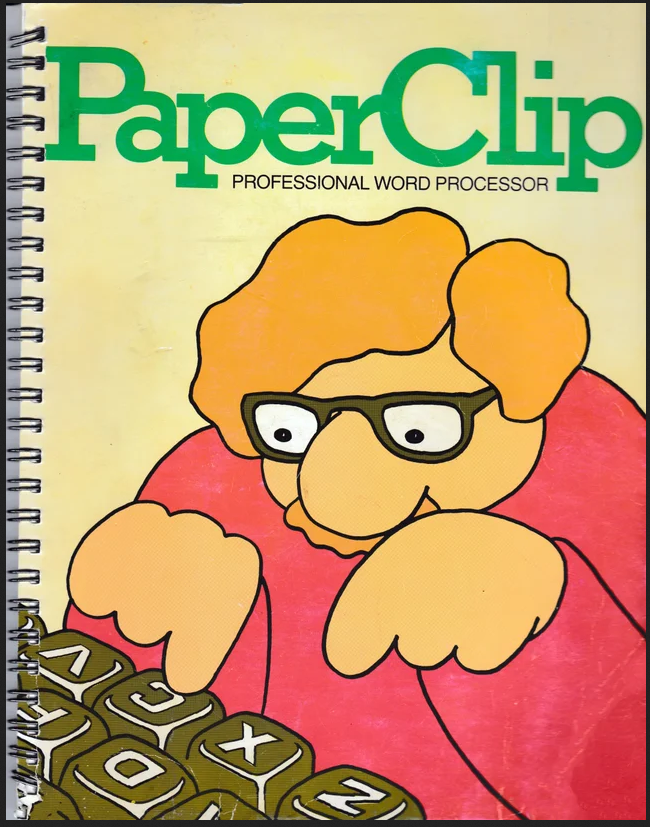
And then a commercial word processor – PaperClip came along and … well, due to budget cuts, only 1 copy was purchased for me! Free is free, right!

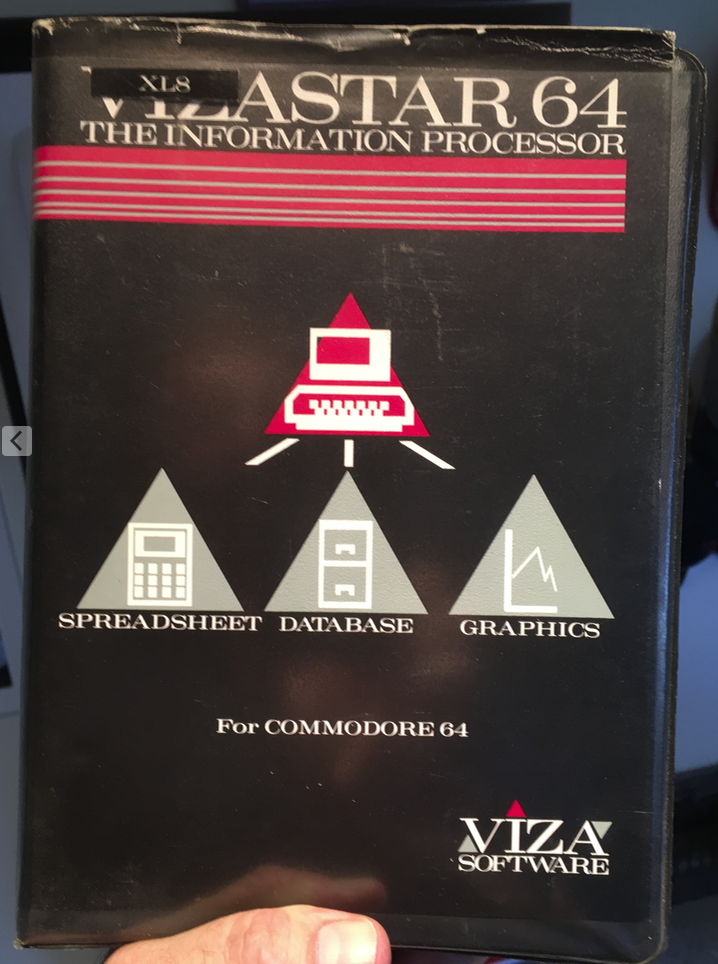
And the first ever ‘office suite’ was actually a cartridge based system for .. you guessed it … my SX-64! It was called VIZASTAR and had … EVERYTHING you ever needed for what is now considered an ‘Office Suite’ – Spreadsheet, Database and Graphics … but no word processor sadly!

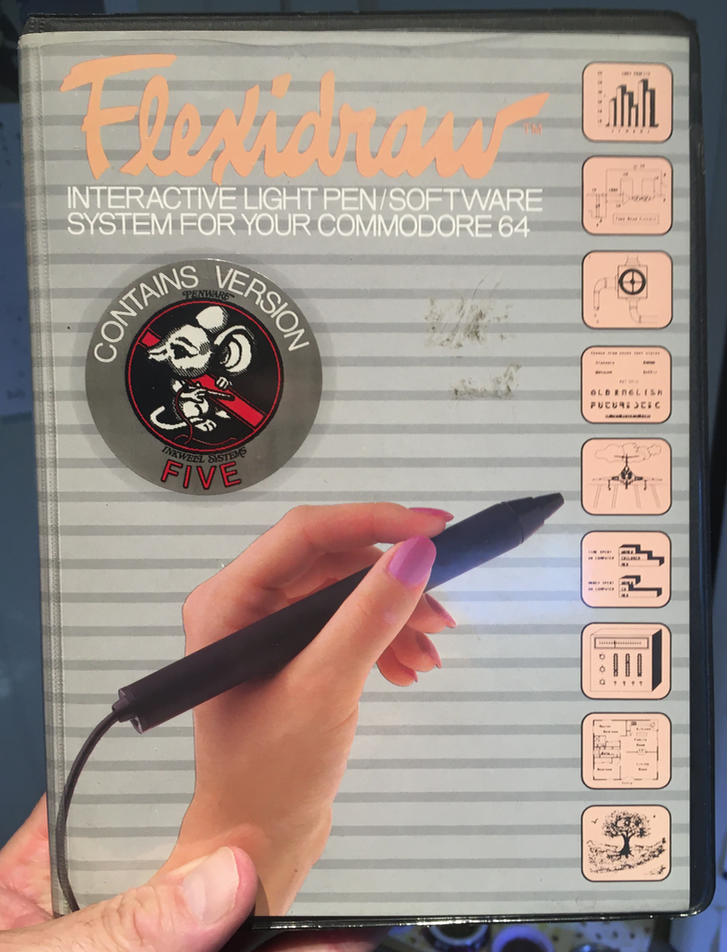
Why here? A future post will be about my SX-64 AND the cool software I still have, including one of he worlds first ever … LIGHT PEN called Flexidraw! VERY COOL even by today’s standards!

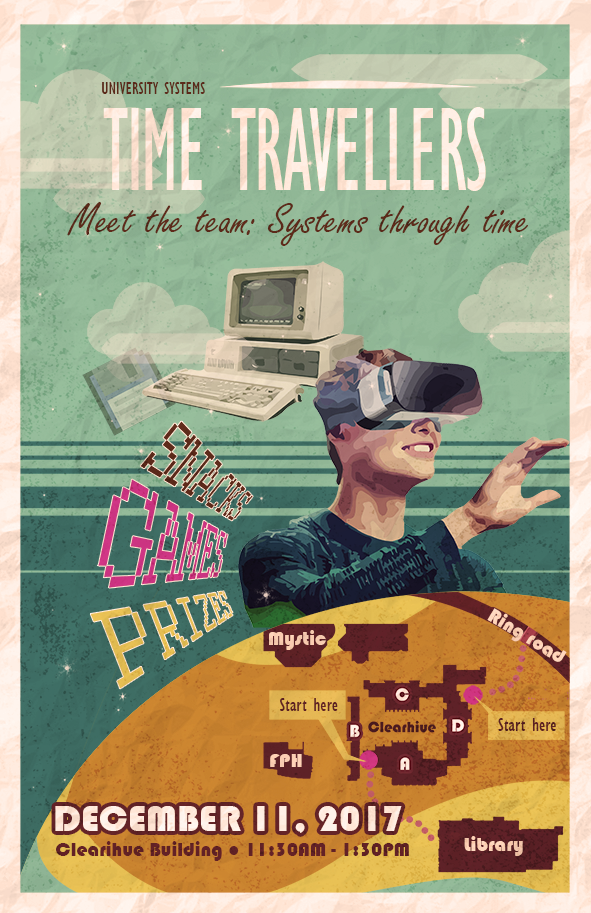
I brought up my Commodore SX-64 to our Systems Open House a few years ago! The theme was ‘Time Travellers – Meet the Team:Systems Through Time‘ Click here to see some photos from a previous post! (Yes, always, more Product Placement!)

And then .. progress marches on. The next generation of hardware and software was WordPerfect on a Commodore IBM clone. What? I bet you didn’t know that Commodore made IBM clones! THEY DID!

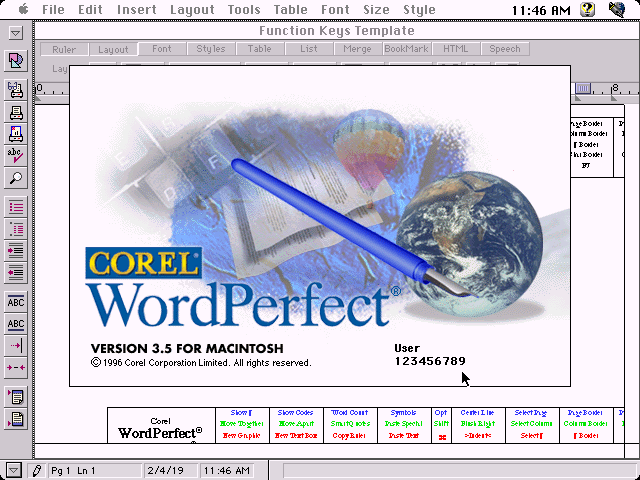
And I might start an argument, but I always preferred Corel WordPerfect (MAC) to pretty much any flavour of Word through the years! Okay, so maybe now Office 365 is better! But when I was helping to publish our CALL Proceedings, I made WordPerfect the recommended application. Of course, everyone ignored it, but WordPerfect did Word, BETTER THAN WORD back then! AND IT WAS CANADIAN TOO!

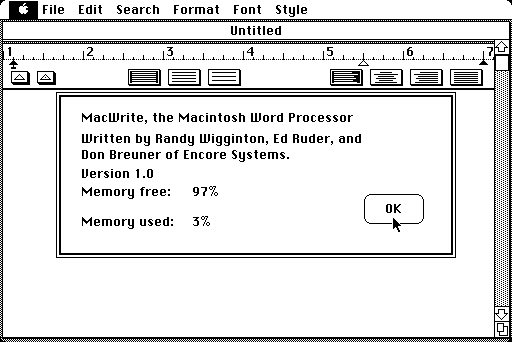
Apple even had their own versions of word processors, including Apple Writer, ClarisWorks, MacWrite, MacWrite Pro, AppleWorks, and now Pages. All good! Used them all for various reasons with great success! 

And then there is another package that I have briefly used, and is free for both current WIN and MAC platforms called Libre Office, which was once known as Open Office. I have only used it sparingly, basically enough to answer basic questions about it, and I am not sure it is installed on any computers at UVic anymore, with Office 365 kinda taking over … for free for students and staff! Which, by the way is a VERY GOOD THING!

And then there are now Text Editors – basically a blend of raw ASCII text with minimal word processing features. So, yeah … they are word processors! There are SO many of them, we all have our favourites and they are quick and dirty to see CONTENT as far as I am concerned. If you are using a text editor for word processing …. then let’s talk! LOL!

Soothsayer Cat
    Old School Cat

And if you think about it, creating a post here on OAC is a perfect blend of word processing AND text editor! I can switch to Text if I want to change some nuts and bolts thing with HTML, or just use the New Post and … see what happens! YAY FOR OAC! Many thanks to “mvh” for his patience whenever I have an OAC question for him!


Some interesting links to tickle your funny bone or perhaps feel compelled to put pen to paper – in a manner of speaking! Remember, I am old school! 

Enjoy!

  1. SpeedScript – Wikipedia
  2. Speedscript – C64 Wiki
  3. SpeedScript 3.2 for the Commodore 64
  4. Speedscript 3.0
  5. Computer GAZETTE for Commodore Personal
  6. PaperClip Professional Word Processor
  7. PaperClip – Wikipedia
  8. Commodore 64
  9. Commodore PC Compatible Systems
  10. WordPerfect 3.x (Mac)
  11. WordPerfect – Wikipedia
  12. Corel – Wikipedia
  13. Microsoft Word – Wikipedia
  14. On the Origin of the Word Processor
  15. The Evolution of Word Processing – Pencils to Wikis
  16. Vizastar – Wikipedia
  17. Flexidraw
  18. Light Pen – C64 Wiki
  19. Apple Writer – Wikipedia
  20. Everything About Punch Cards
  21. Punched Card – Wikipedia

As long as there are words … and Word Processors … out there, there will be interesting topics! 

ENJOY!
     
TTFN!

Commodore History – The PET
Part 1 of 8

Remember WordPerfect?
Where Are They Now?

WordPerfect Tutorial
VHS from 1987!

The Oldest Office
for Microsoft Windows

Medieval Help Desk

The History of
Word Processors

Computer Chronicles
Word Processing (1983)

MS-DOS Word Processors

1975 What is Word Processing?


I Excel at PowerPoint . . . or Computer Puns and Jokes

I Excel at PowerPoint
. . . or . . .
Computer Puns and Jokes

Taken
Taken

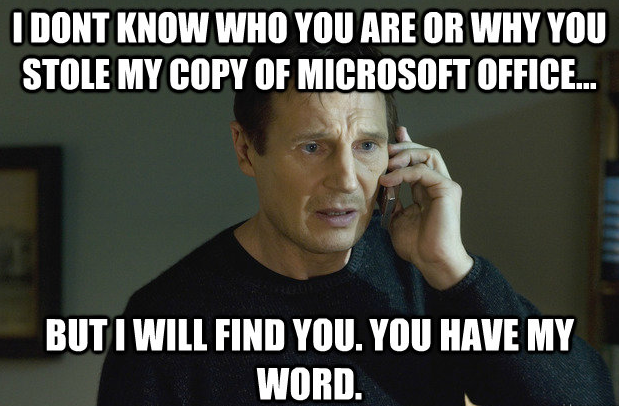
I don’t know who you are or why you stole my copy of Microsoft Office …. but I will find you. You have my .. WORD! I hope I have ‘Taken‘ your attention away from whatever you were doing! Just when you thought it was safe to blog again … COMPUTER PUNS AND JOKES!

CALL Facility Klingon & Sindarin
CALL Facility Klingon

I always try to sneak in jokes, puns or riddles into many of my CALL Facility orientations and handouts too! I once included ‘Klingon‘ in a handout of languages that The CALL Facility had resources for! And it is still at ZOHO!

Soothsayer Cat
Soothsayer Cat

And then UVic goes and offers a course in Alien Languages (Klingon & Sindarin!)! That makes me a soothsayer! I wonder if that means a pay raise or not! My guess …. NOT!

And more ‘Product Placement’ as I posted a previous Bog Blog about … Puns titled ‘When is a Door Not a Door? When it is a Jar“!!

The best part of puns are when they are impromptu and happen instantly! All too often, my eyes widen or roll about and that is an early warning system for colleagues … PUN ALERT! PUN ALERT! People know me all too well! I would be horrible at poker! LOL!

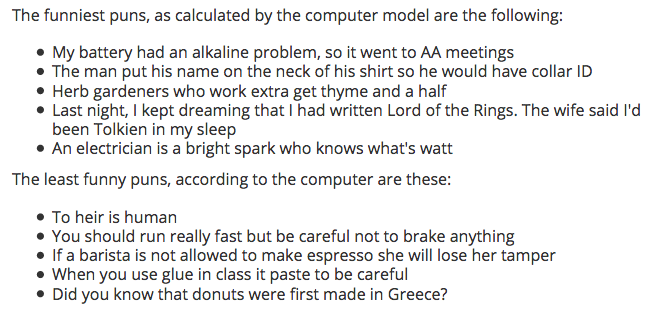
I found one site where a computer was programmed to CALCULATE the funniest puns and it came up with the following….. and …. yeah, NO! Even I have lines I do not cross … and they are often …  lines of code! LOL!

I often say that if I am having fun, then the students are having fun too! There is so much stress nowadays that humour IS good medicine! I won’t bother telling you my absolutely favourite jokes and puns other than …

… it is always my NEXT ONE!

Some interesting links to tickle your funny bone, or perhaps, seek medical attention afterwards!

Enjoy!

  1. XKCD – A Webcomic of Romance, Sarcasm, Math, and Language
  2. Explain XKCD Wiki
  3. 25 Computer Puns That Will LAN You In A Pool Of Laughter
  4. Computer Puns
  5. Com­puter Jokes
  6. Puns about Technology (Misc. Computer Puns)
  7. Fourteen Computer Puns That Only Tech Heads Will Understand
  8. 10 Computer Geek Jokes and Truisms
  9. A Computer Made a List of the 5 Funniest Puns it Knows
  10. Computer Programming Puns
  11. 55+ Best Computer Puns

As long as there are words out there, there will be interesting topics! 

ENJOY!
     
TTFN!

30 Awful Computer Puns
(in Less Than 2 Minutes)

31 Jokes for Nerds


XKCD Eternal Flame Explained

Think Different or . . . Apple Commercials Through the Years

Think Different . . . 
. . . or . . .
Apple Commercials
Through the Years

Think Different Albert Einstein
Think Different


Think Different.
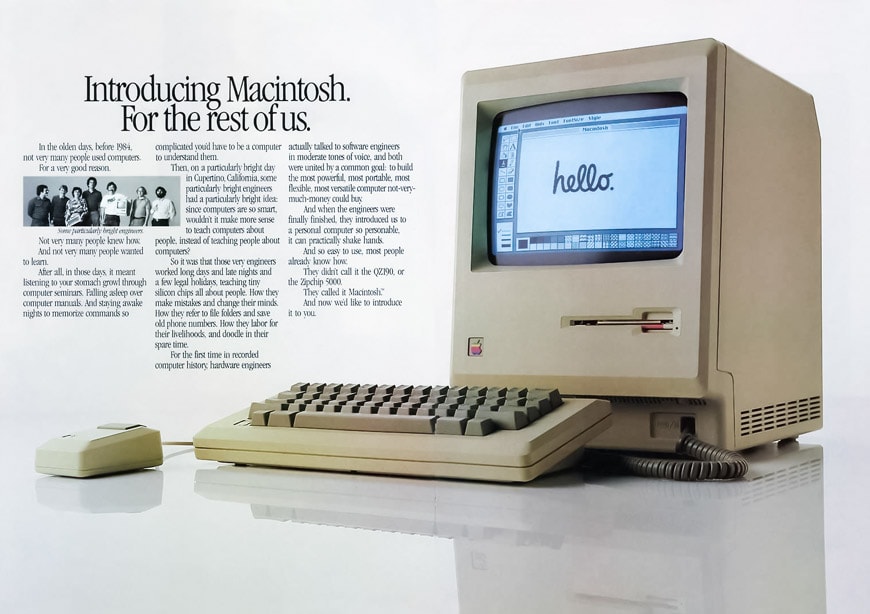
As iconic as the ‘1984’ Mac commercial is, this may be one of the most remembered Apple campaigns … EVER! Well, at least for me. I have this poster in my office at home. I uncovered a bunch of them years ago, doing an annual cleanse of some closets we once used as storage! Serendipitous for me!

There is no question that Apple has one of the best marketing programs … in history! This post is predominantly about their ads in video format, which range from poignant and dramatic, to humorous and sometimes silly! They truly do …. Think Different …. all the time!

Kevin Costner - Lisa
  Kevin Costner – Lisa

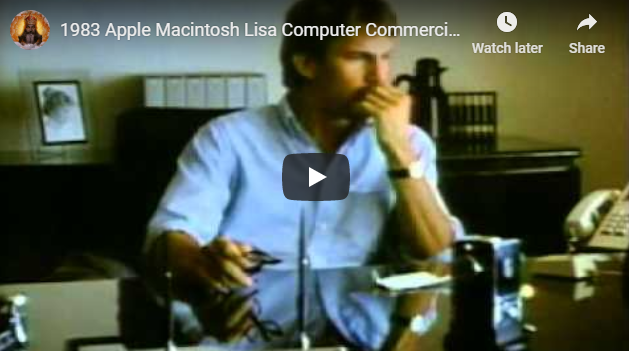
And at the time, obscure actors might have shown up too! Kevin Costner will forever be linked with the introduction of the Lisa computer, which is a whole different post too!

The BEST ads are cast with actors who don’t take themselves too seriously and actually parody their on-screen presence … and blend it with their off-screen personality!

The Rock x SIRI
     The Rock x SIRI

Dwayne ‘The Rock’ Johnson did this perfectly in his ad for Siri a few years ago. I doubt Apple could afford him now!
What Will Your Verse Be?
  What Will Your Verse Be?

My absolute favourite commerical of ALL TIME is probably not what you might think. Oh yes, I do like the 1984 commercial (Directed by Ridley Scott – Gladiator, The Martian, Thelma & Louise, Blade Runner, Alien .. yes THAT Ridley Scott!) but my favourite is for the iPad Air with Robin Williams narrating his poetry speech over some amazing world moments. Do you remember which movie this came from? HUDDLE UP!
As a summer project many years ago, I decided to find as many Apple Commercials on YouTube as I could and learn how to create movies and burn a DVD, dedicated to only Apple Commercials!

YouTube was relatively new and it might not have even been bought by Google yet! Still, I learned how to create and edit movies, burn DVDs and improve my knowledge of various video formats, editing techniques and making movies!

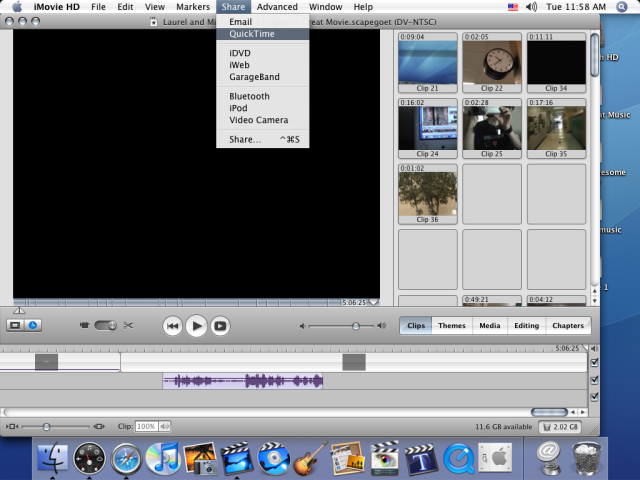
iMovie HD 2005
  iMovie HD 2005

A future post, once we return to UVic, will be about using iMovie HD! What? You have never heard of that version? That doesn’t surprise me!

iMovie HD was one of the very first versions (2005!) and can only

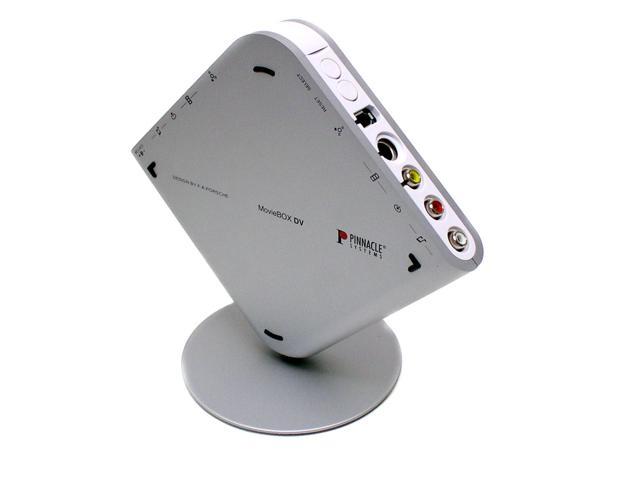
MovieBox DV
    MovieBox DV

run under a macOS that is named after a kitty! But it is surprisingly robust, has simple and intuitive editing controls and works with some old hardware called MovieBox DV (2003!) that can digitize VHS cassettes! Sometimes you can teach an old dog new tricks!

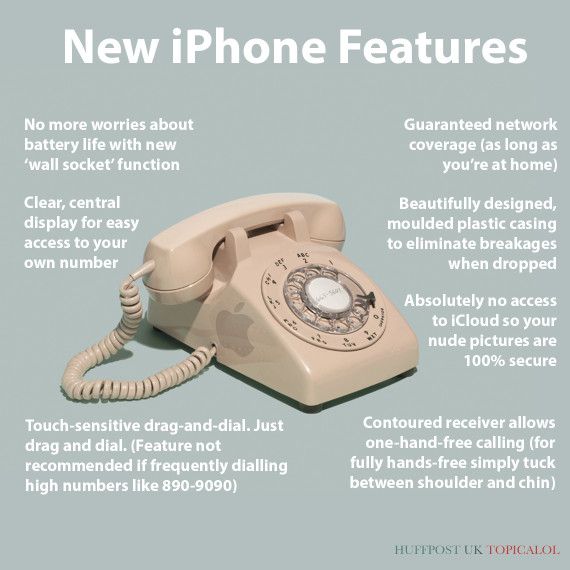
And one more thing … Apple has long been the target of parody ads! There is one for a new iPhone at the very end of the videos below. But the BEST one is called ‘The Power to Crush the Other Kids”. It is nowhere to be found on the internet and YouTube has pulled it due to copyright infringement concerns, by NBC’s ownership of Saturday Night Live. If you can find it, it is truly hilarious!
Some interesting links below with even more background to Apple’s numerous ads throughout the years!

As long as there are words out there, there will be a site that Google finds for each of us!

Enjoy!

  1. The most memorable Apple ads of all time
  2. 15 Best Apple Commercials of All Time
  3. The 14 best Apple ads of all time
  4. 10 Apple ads that show how the brand has evolved
  5. 289 Best Apple Ads – Pinterest
  6. The best 18 Apple commercials of all time
  7. The best ad Apple produced from each year since its 1984 Super Bowl hit
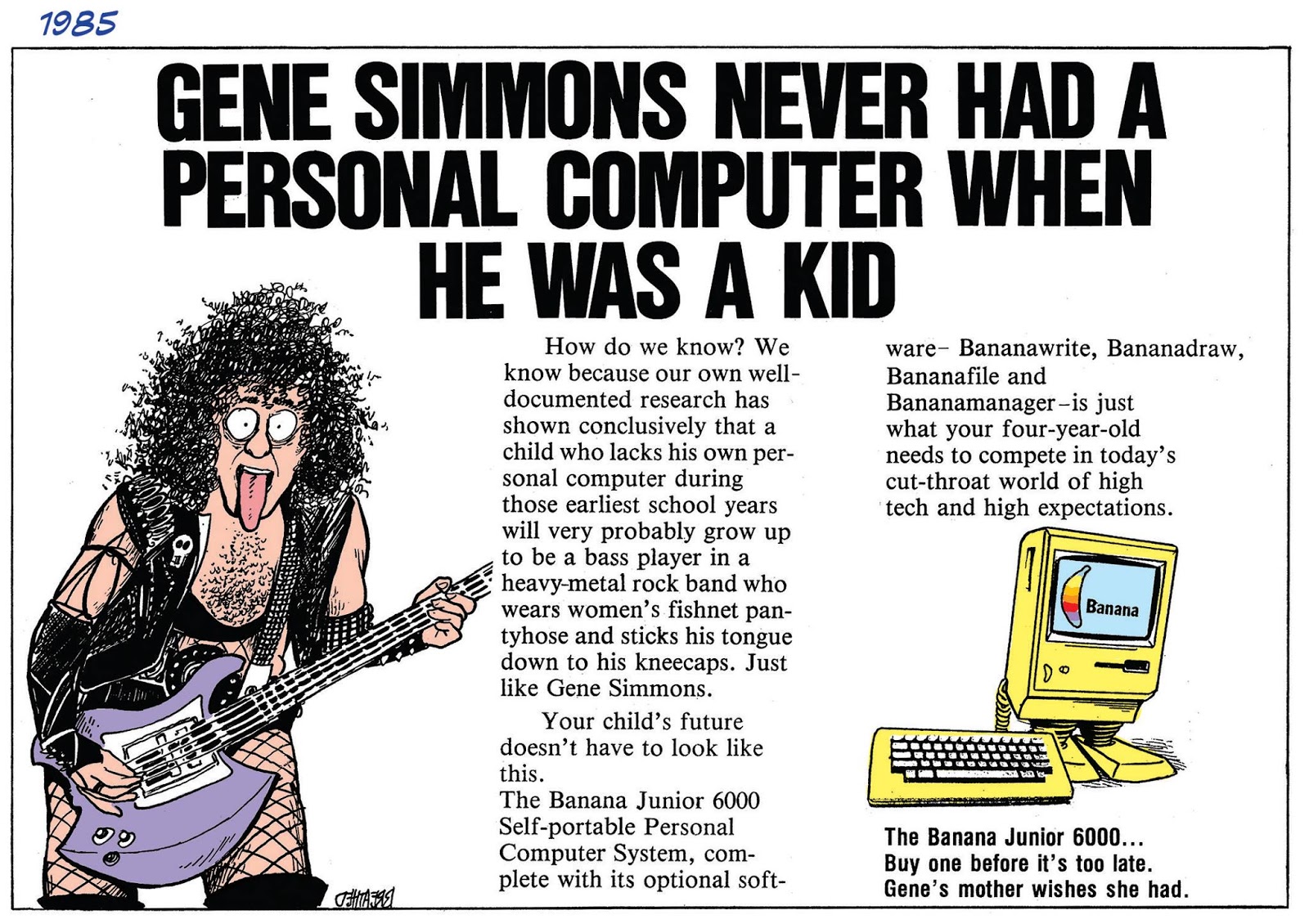
  8. THE BANANA JUNIOR 6000: COMPUTERS AND COMEDY
  9. The 10 Funniest Apple-Ad Parodies
  10. The 10 Funniest Mac Apple-Ad Parodies

As long as there are words out there, there will be interesting topics! 

ENJOY!
     
TTFN!

Think Different
Narrated by Steve Jobs

What Will Your Verse Be?
Apple iPad Air

1984 Super Bowl Ad

The Real Story Behind
Apple’s 1984 Commercial

Best Apple Commercials 2020

29 Best Apple Commercials
of All Time

Complete 66 Mac vs PC Ads

Best Apple Commercials

Every Apple Computer Ad

Top 10 Iconic Apple Ads

Best Apple Commercials

Best Apple Commercials

30 Years of Mac Ads
1984 – 2014

15 Funny Apple Ads

iPhone Parody
A Taller Change


New from Apple, the iCan.


Famous Computer Quotes … or What Could Go Wrong!

Famous Computer Quotes
. . . . or . . . .
What Could Go Wrong!

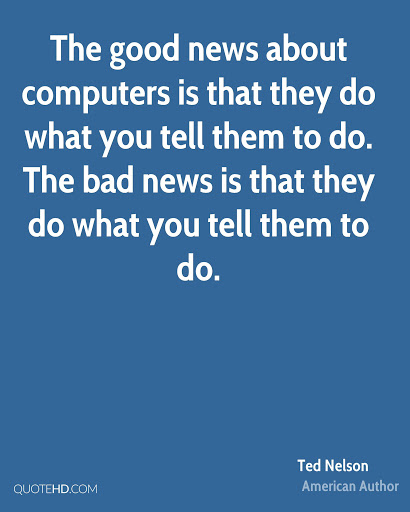
Since the advent of computers and digital technology, there have been some funny, outrageous, prophetic and downright WRONG quotes about computers and technology. Let’s go down that winding path this morning!

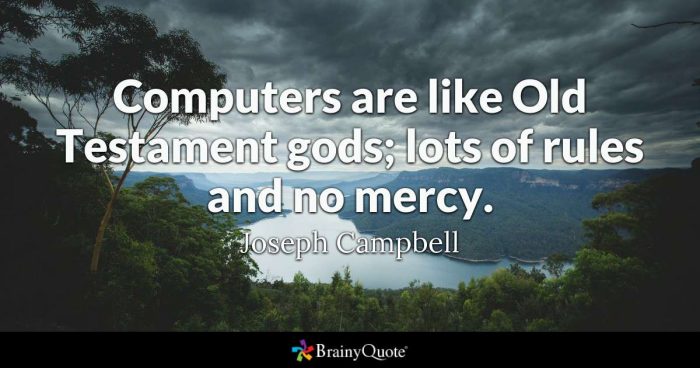
I will just intersperse quotes with some images of quotes too! A mishmash of data, graphics and historical perspectives!


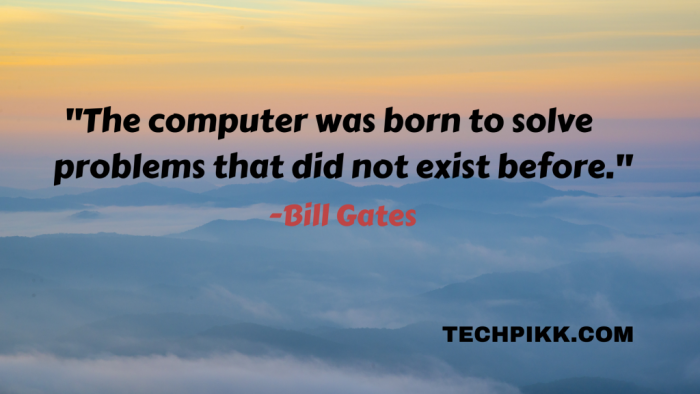
“Computers in the future may weigh no more than one-and-a-half tonnes.”

     – Popular Mechanics, 1949

“I can assure you that data processing is a fad that won’t last the year.”
     – Chief Business Editor, Prentice Hall, 1957

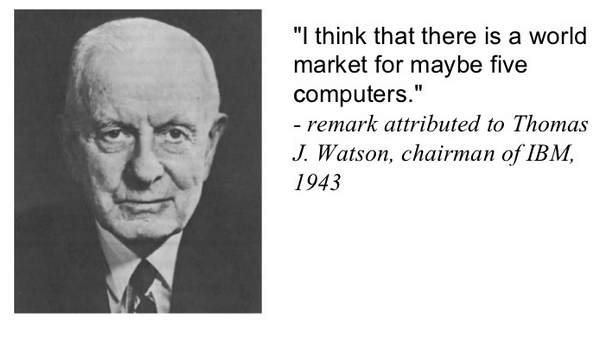
“I think there is a world market for maybe five computers.”
     – Thomas Watson, Chairman of IBM, 1943

“There is no reason anyone in the right state of mind will want a computer in their home.”
     – Ken Olson, President of Digital Equipment Corp, 1977.


“Loop, Endless: n., see Endless Loop.”

     – Random Shack Data Processing Dictionary

“Adding manpower to a late software project makes it later.”
     – Brook’s Law

“An elephant is a mouse with an operating system.”
     – Anonymous

“BUG, n.: An undesirable, poorly-understood undocumented feature.”
     – The Devil’s Dictionary to Computer Studies

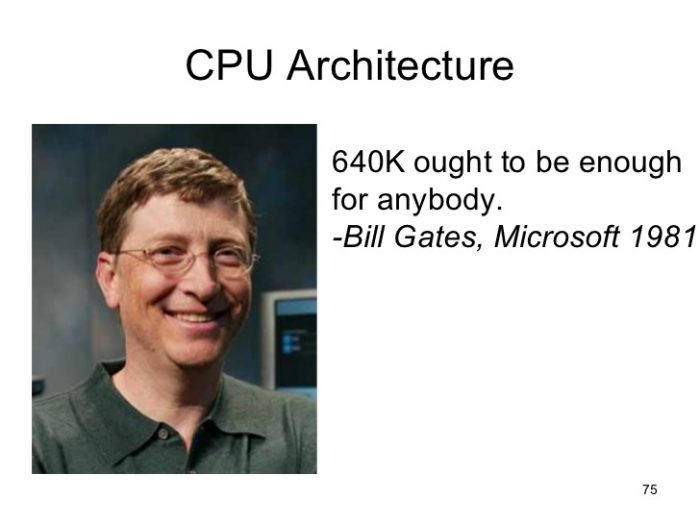
“640k is enough for anyone, and by the way, what’s a network?”
     – William Gates III, President of Microsoft Corporation, 1984.

“Microcomputers are the tool of the 80’s. BASIC is the language that all of them use. So the sooner you learn BASIC, the sooner you will understand the microcomputer revolution.”
     – 30 Hour BASIC Standard, 1981.

I want to change the world but they don’t give me root access.
     – Unknown

And these are just a few of my favourite ones! There are literally hundreds of amazing quotes out there, and I as usual, have put a bunch of links below for you to search, should you need that perfect quote about computers!

The single best quote, ever, and ever so true even now, came from John F. Kennedy …..


Enjoy!

  1. Computer Quotes
  2. Top 10 Computer Quotes
  3. 101 More Great Computer Quotes
  4. Top 20 Computer Quotes
  5. Ted Nelson Computer Quotes
  6. 776 Computer Quotes
  7. Computer Quotes – Good Reads
  8. 21 of the Greatest Computer Quotes Ever
  9. 11 Best Computer Quotes
  10. History of CPU Architecture


As long as there are words out there, there will be interesting topics! 


And videos too!

ENJOY!
     
TTFN!

Top 20 Quotes
About Computers

Top 10 Computer Quotes

Top 15 Quotes
About Computers

Computer Quotes

Top 10 Computer Quotes

Best Famous Quotes
on Life and Computer

Top 20 Quotes About
Computers and Technology

10 Quotes About
Computers and Technology

Open Book Exams … or My Favourite Textbooks

Open Book Exams
. . . . or . . . .
My Favourite Textbooks

This may be the FIRST and ONLY blog post on the internet about … Favourite Textbooks! Textbooks are usually the bane of most students! LOL!

But I really enjoyed getting new textbooks, especially in Grade 12! For the first time, we had to venture to DOWNTOWN CALGARY to actually BUY AND OWN our textbooks! Previously, we were issued them, had to guard them throughout the semester and RETURN THEM at the end! But now, we could OWN THEM!

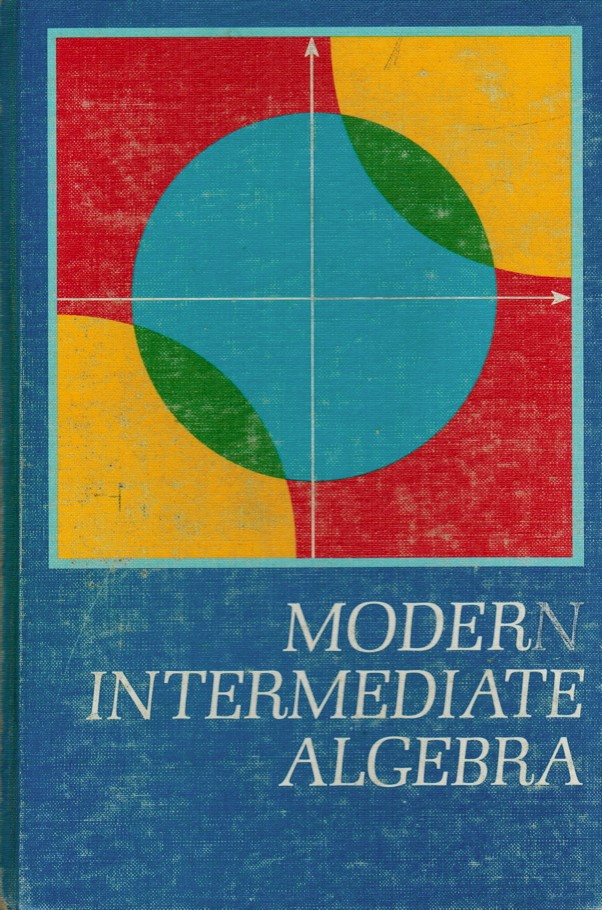
And what a great textbook for Grade 12 Math – ‘Modern Intermediate Algebra‘! And the trick was, to buy the book that had the ANSWERS IN THE BACK! Only a few of them DID have the answers, and I was lucky enough to get one of those! Quite an adventure for me at the time! 

And if you haven’t figured it out by now, I still have these textbooks! Yup, weird, but … I collect books of all kinds! A future post will be on REALLY OLD TEXTBOOKS that I have! 

The next 4 textbooks are all from when I attended the University of Calgary from 1975-1982. Yup, some gap years in there to travel, live and work in Banff and explore the world! Might sneak an old photo of me in there somewhere too! LOL!

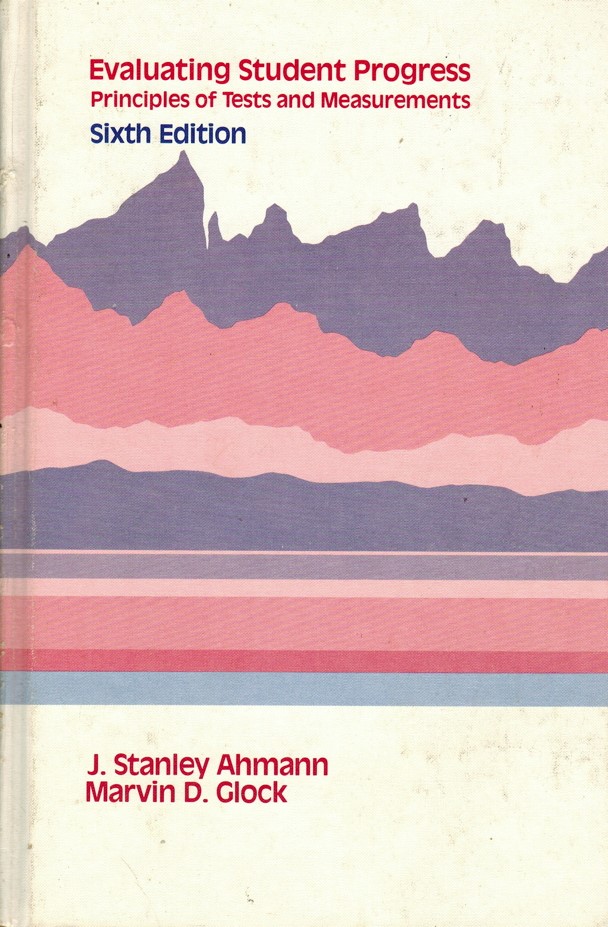
And how boring – a book on .. evaluating student progress? And even more boring, THAT IS THE TITLE TOO – ‘Evaluating Student Progress’!

And here I thought I would finally find out all the tricks and secrets of passing exams … and for the most part, I did pick up some ideas, especially when my first job out of university was evaluating exams, something called Item Analysis! And it was fun! Basically, how does an exam actually MEASURE student knowledge! Yeah, boring, but at the time, I actually USED this textbook in a real life setting!

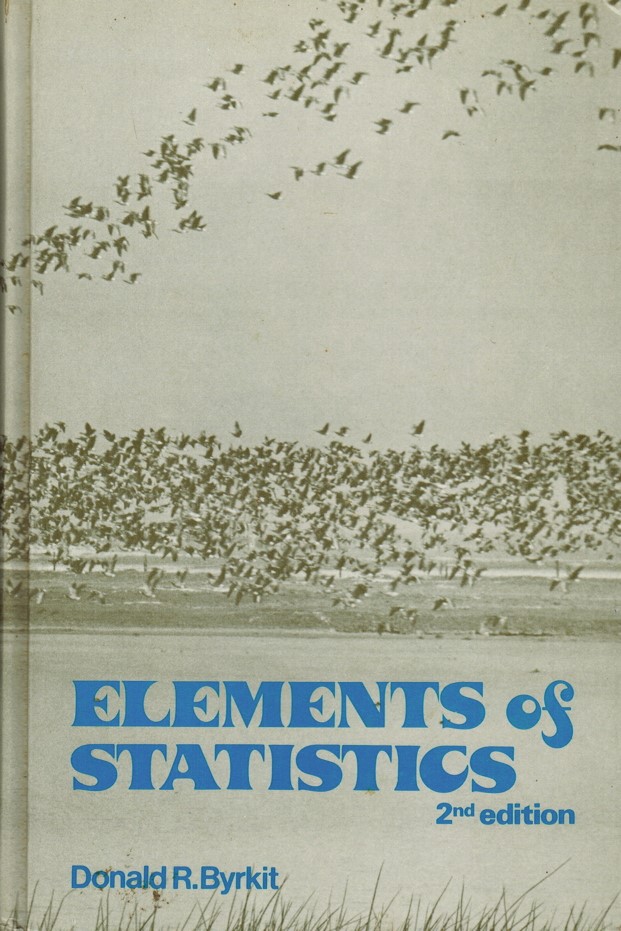
And then one of my All Time Favourite themes – STATISTICS titled ‘Elements of Statistics‘! All kinds of neat formulas, algorithms and magical numbers with REAL WORLD RESULTS! And for the first time – a new studying technique! We were allowed to bring in a small 4×6 recipe card with ANYTHING WE WANT WRITTEN ON IT! This was such a great learning tool, that I used it in all my future classes! This forces you to actually STUDY and WRITE DOWN anything you were not as confident with, thus FORCING YOU TO RECOGNIZE AND STUDY YOUR WEAK POINTS! And it worked flawlessly! (At least, for me!)

This has been a bit of a ‘Top 10 Favourite Textbooks‘ countdown, except only a ‘Top 5‘ of them! My bad! And the next 2 textbooks bring back fond memories … and some not so fond …. of courses I took … sometimes twice and three times! How about them apples!

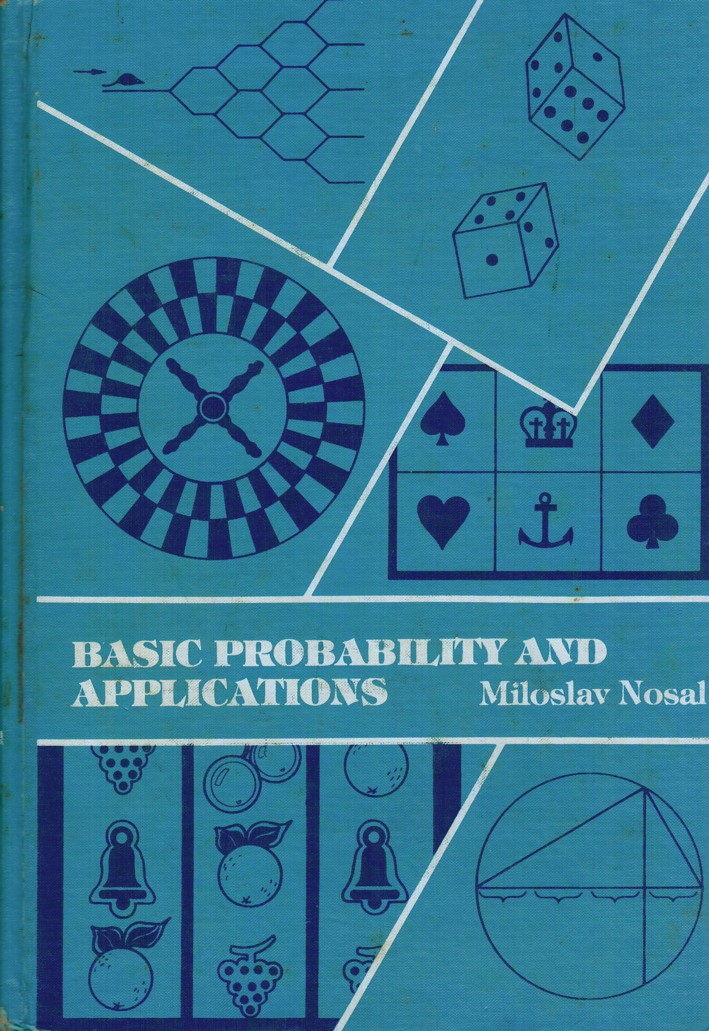
The BEST stat course EVER was on games of chance! And the Instructor LIVED HIS TEXTBOOK – ‘Basic Probability and Applications‘! When introducing himself, he said he might be late for some Monday morning classes as he would be enroute BACK FROM LAS VEGAS as he spent most weekends there …. GAMBLING! That is one amazing course intro! And he had his own TEXTBOOK TOO!
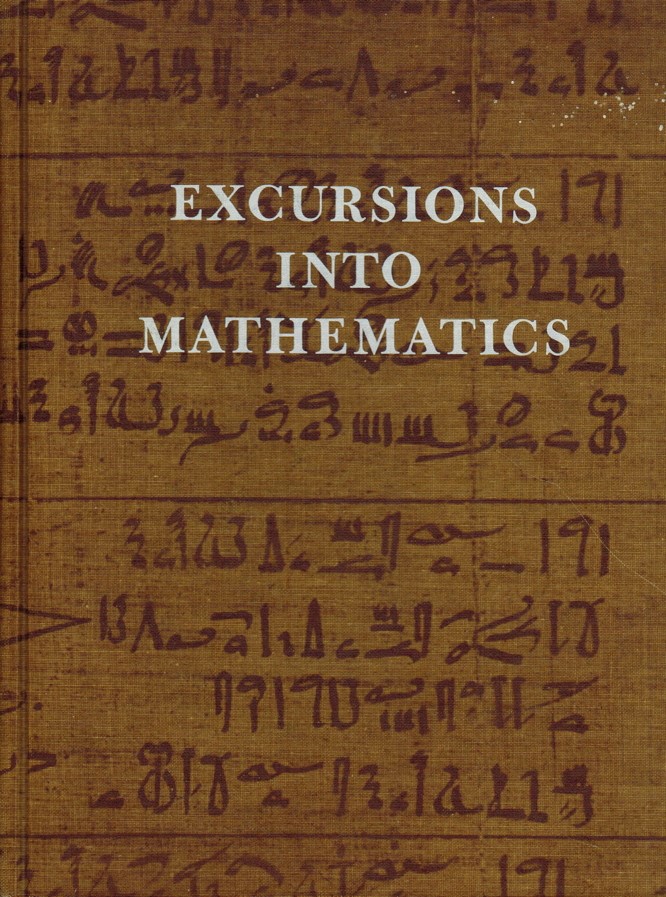
And my FAVOURITE TEXTBOOK OF ALL TIME is entitled ‘Excursions Into Mathematics‘ for the exceedingly misnamed course ‘Elementary Mathematics From and Advanced Viewpoint‘!!!

I took this course
… THREE TIMES …
before I passed it!

HARDEST.COURSE.EVER!

First time was with a friend and BOTH of us dropped it at Christmas as it was just too freaking hard! Second time was with my entire Education Year colleagues (9 of us!) and the 10th student in the class dropped it too – and he was in Honours Math at the time! Why did HE drop it? It was lowering his GPA!

Finally, passed the course in the summer, and all I did was Math for a solid month, literally every day, and got a B+ on it! YAY! The Instructor apologized to me .. I was literally ONE POINT AWAY FROM AN A- …. but I did not care. I HAD PASSED THE COURSE and could now graduate! WHEW!


Still, the textbook is awesome and even though I may have ONCE understood many classical concepts – it is like Quantum Physics, another favourite topic! I may not understand ANY of it … but it is as close to MAGIC as we will ever get in this crazy world/universe/multi-verse we live in! LOL!


Oh, and whenever there was a so-called ‘Open Book Exam‘ – they were the toughest exams in the history of education. You better KNOW YOUR STUFF, because if you spent the time looking for the answer in your ‘textbook’, you wasted so much time, you never finished the exam!

And as Steve Jobs liked to say … ‘… one more thing….’!

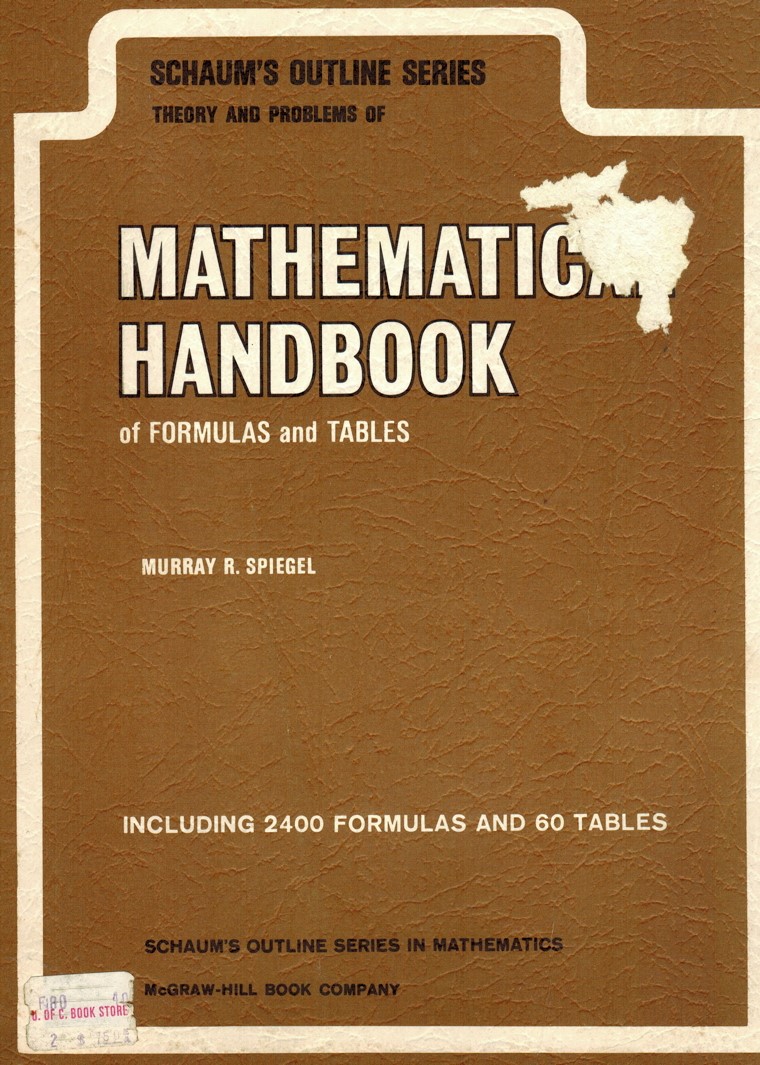
My favourite math book was my ‘Mathematical Handbook‘ that had all kinds of formulas and simplified explanations of my favourite theorems and numbers! Served me well all through High School and University!

And one more …. one more thing! If I didn’t include a dictionary … ANY DICTIONARY in this list, then I would be remiss! I had ve saved many of my old dictionaries, including my pocket French/English dictionary, but I now tend to use dictionary.com and thesaurus.com on an almost daily basis! Big thumbs up to both of those sites!


Enjoy!

  1. 20+ Funny Textbook Doodles That Are So Clever, Teachers Won’t Be Mad

And not that many funny extra sites out there. I found most of them quite rude and in bad taste and many offensive. The only funny one is above. And just doodles on existing images in each book. Sometimes you win. Sometimes you lose. Sometimes … it rains! (Ask me about THAT quote, which literally comes out of … right field!)

And same with videos. Lots of bad taste ones out there, sand offensive ones, so today, only a compilation of Steve Jobs One More Thing‘ below, to wax nostalgic today!

As long as there are words out there, there will be a site that Google finds!! 

    ENJOY!
       
     
  TTFN!

Steve Jobs …..
History of One More Thing